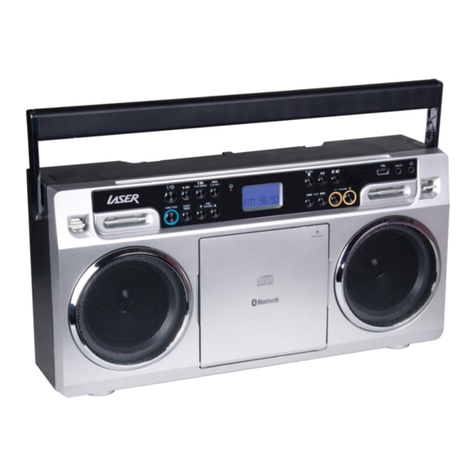
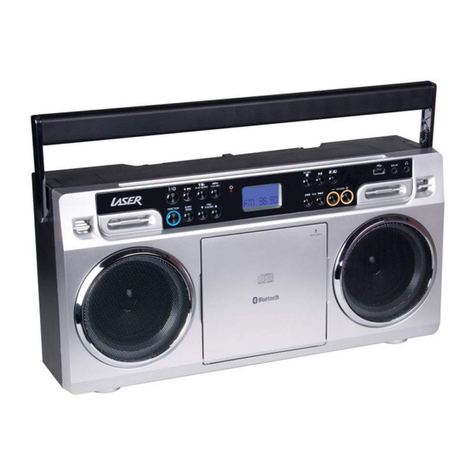
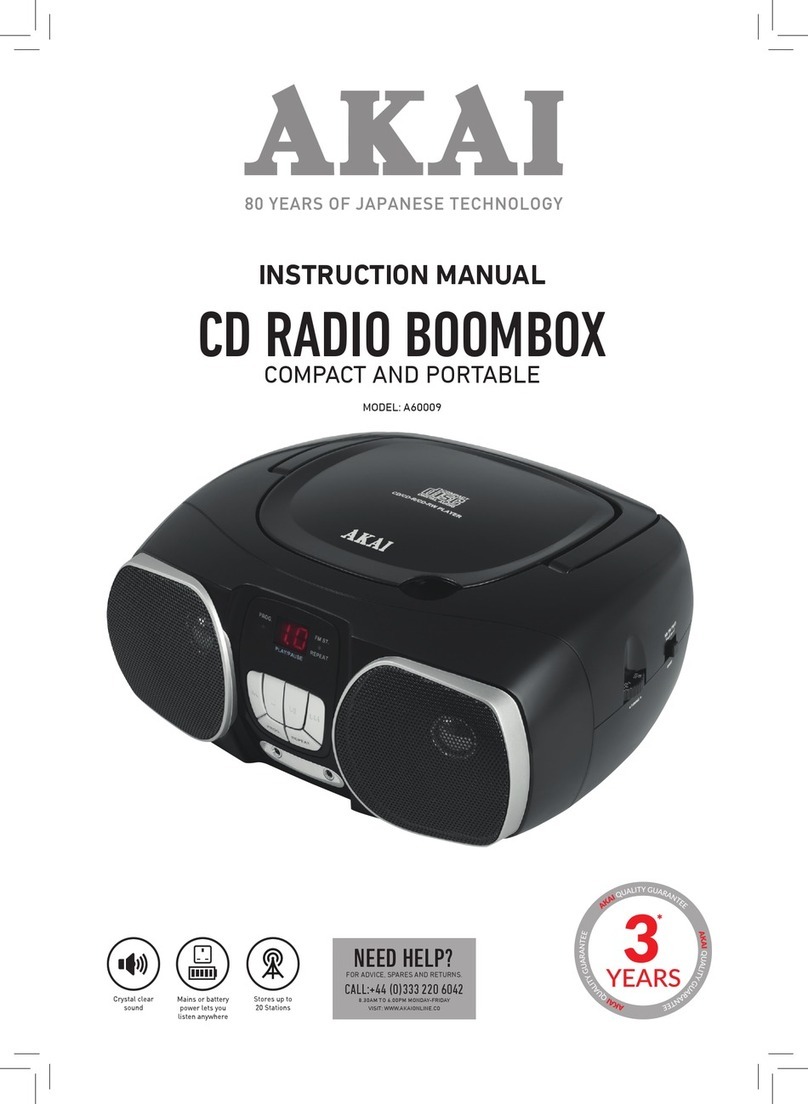
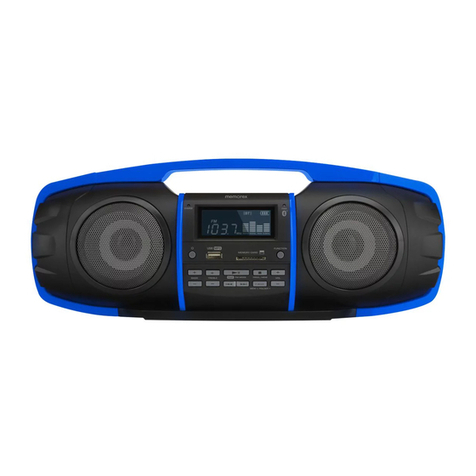
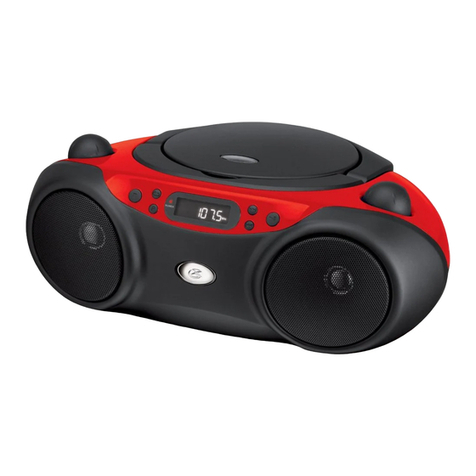
QUICK OPERATION GUIDE CDBB-100-BLK
MP3/AUX IN CONNECTION
* A 3.5mm to 3.5mm audio jack cable is required (not supplied)
Insert one side of the audio cable into theAUX line-out jack of your audio device and the other end
into the BoomBox. Turn on the BoomBox and slide the function selector to AUX/OFF position. Turn on
yourAudio device and begin playback.
SPECIFICATIONS
Frequency Range: AM 530 - 1600 KHz, FM 88 - 108 MHz
PowerSupply: AC 240V~ 50Hz, or 6 x C size batteries
For further product information and instructions please visit our product web page at
www.laserco.com.au or email www.laserco.com.au/supports/email.php
Please note: As continuous improvements are made to this product, slight operational
differences may occur. For the mostup-to-date user manual, please visit our web site.
Warranty Against Defects
Laser Corporation Pty Ltd (“Laser”) warrants your newproductto be free from defects in materials and workmanship for 12 months,
from the date of purchase, provided that the product is used in accordance with accompanying recommendations or instructions where
provided. The benefit of this warranty is in additionto your rights under the Australian Consumer Lawand to other rights and remedies
of the consumer under a law in relation to the goods or services to which the warranty relates.
Through a network of retailers and resellers, Laser will provide you with your choice of a repair, exchange (where possible) or refund
(within Deadon Arrival period) for this product if it becomes defective within the warranty period.
This warranty will no longer apply where the defect is a result of alteration, accident, misuse,abuse, normal wear andtear, neglect or
improperstorage.
Please retain your receipt as proof of purchase.
How to make a product warranty claim:
Step 1: Find your receipt which proves the date of purchase. Where the date of purchase cannot be verified, your place of purchase or
Laser will make an assessment based on the date of manufacture, the condition of the Laser product and the type of defect.
Step 2a): Contact your place of purchase. Theywill assess the nature of the fault and repair, replace or refund the product as per their
store refund orwarranty policy.
Step 2b): If your place of purchase cannot be contacted, then you can contact Laser Customer Service with details of your defective
Laser Product Phone (02) 9870 3355;or Email: service@laserco.com.au or online www.laserco.com.au/warranty (click on “Consumers
(End Users)”). Ourbusiness addressis:Unit 1/6-8Byfield Street,North Ryde,NSW 2113
Step 3: Laser will issue you with a Return Authorisation (RA) number within 48 hours. When requested, send us the defective product
and a copy of your receipt. Laser will cover the cost of the return delivery.
Step 4: Wait for us to contact you. Once we have received your defective Laser product for inspection, we will informyou of our
assessment of your claim within 7 days. When we contact you, we will firstly let you know whether you have a valid claim under this
Warranty, and if so, we will informyou whether yourdefective Laser product will be replaced or repaired, together with the number of
days you can expect to wait to receive your replaced orrepaired Laser product.
Step 5: For further details on warranty cover and returns, please check Terms and Conditions forWarranty Returns section at
www.laserco.com.au/warranty (Consumers Section).
Our goods come with guarantees that cannot be excluded under the Australian Consumer Law. You are entitled to a replacement or
refund for a major failure and compensation for any other reasonably foreseeable loss or damage. You are also entitledto have the
goods repaired or replaced if the goods fail to be of acceptable quality and the failure does not amount to a major failure.