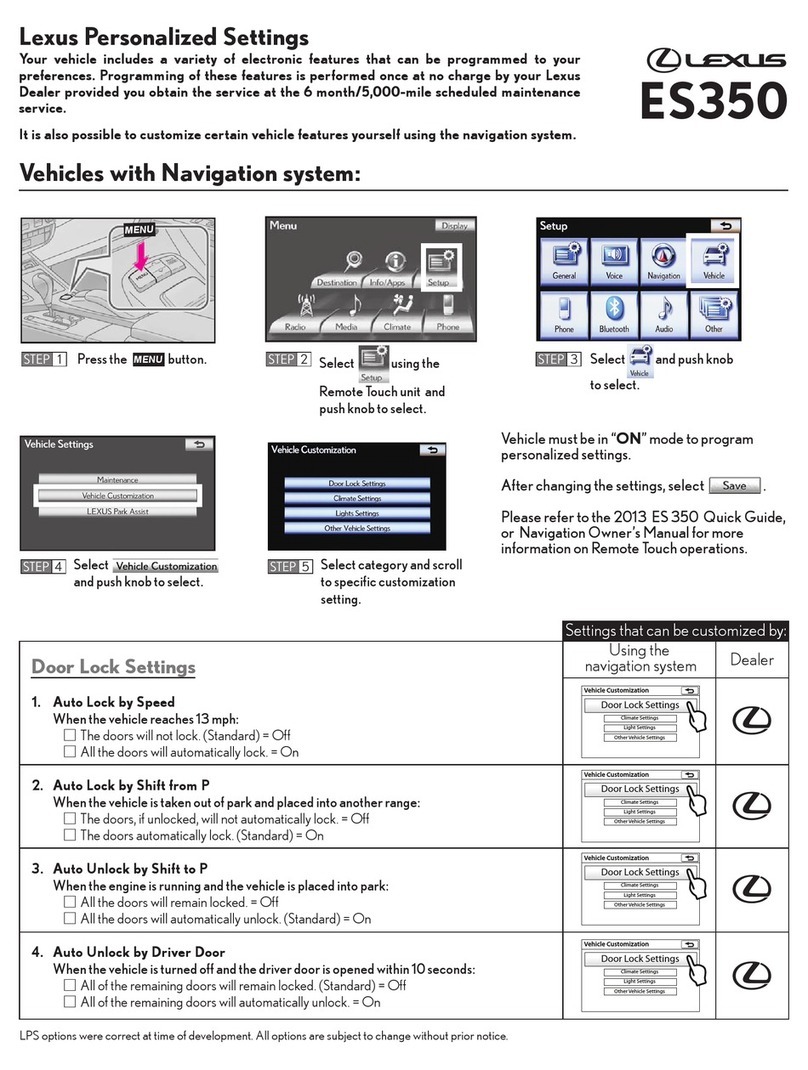
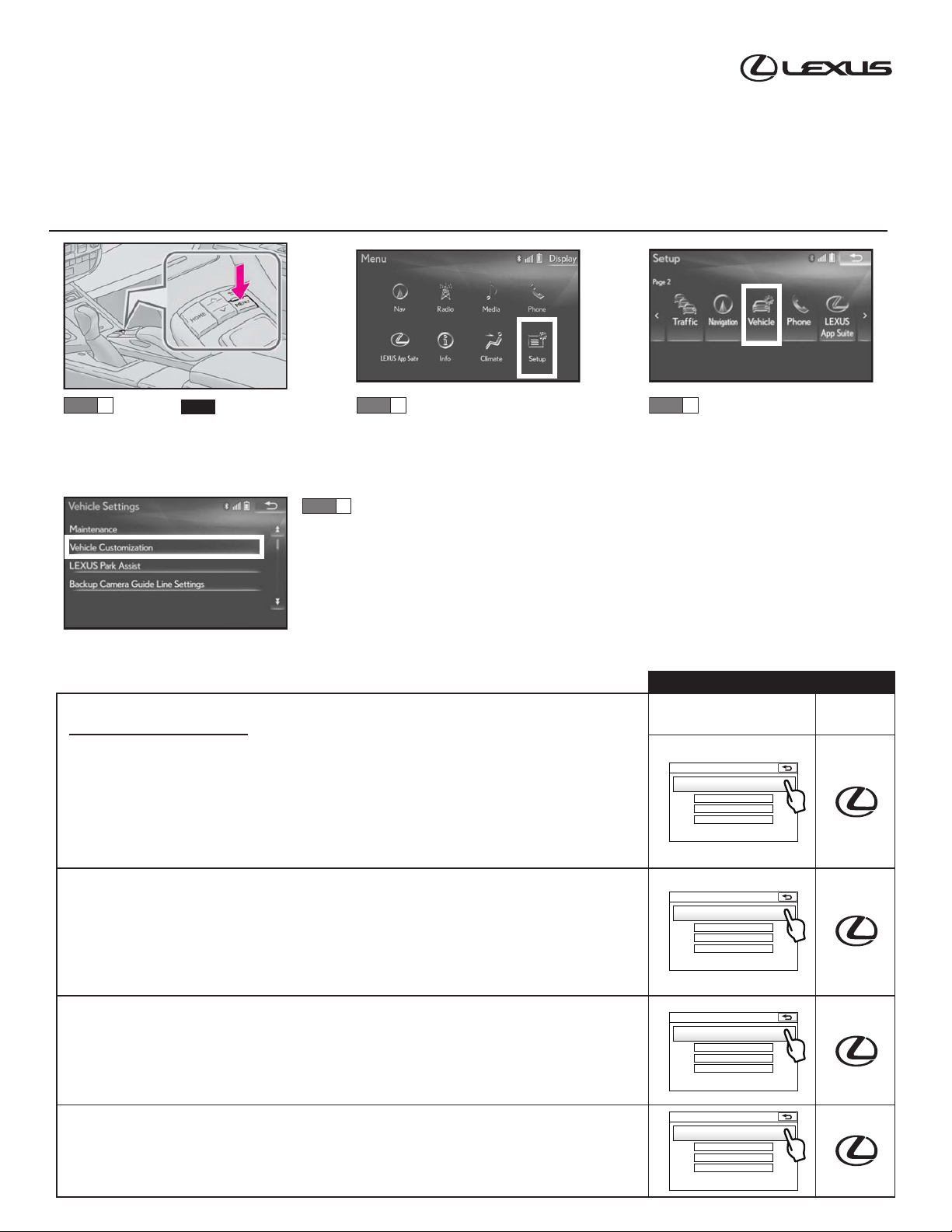
Settings that can be customized by:
Using the
Navigation System Dealer
4
23. Close Windows and Moon Roof with Mechanical Key
When using the mechanical key to operate windows and moon roof:
□Turning the key right and holding the position for 2 seconds will not close the windows
and moon roof (Standard) = Off
□Turning the key right and holding the position for 2 seconds will close the windows
and moon roof = On
25. Open Windows and Moon Roof with Electronic Key
When pressing the unlock button on the electronic key for 3 seconds:
□The windows and moon roof will not open (Standard) = Off
□All the windows and moon roof will open = On
27. Slide/Tilt Moon Roof with Electronic Key
When option #25 is on, the moon roof can be programmed to:
□Slide (Standard)
□Tilt
Dealer
only
Dealer
only
Dealer
only
24. Open Windows and Moon Roof with Mechanical Key
When using the mechanical key to operate windows and moon roof:
□Turning the key left and holding the position for 2 seconds will not open the windows and
moon roof (Standard) = Off
□Turning the key left and holding the position for 2 seconds will open the windows and
moon roof = On
26. Slide/Tilt Moon Roof with Mechanical Key
When option #24 is on, the moon roof can be programmed to:
□Slide (Standard)
□Tilt
21. Wireless Remote Window Operation Buzzer
When option #25 is on, and the wireless remote is used to open windows:
□The buzzer will not sound = Off
□The buzzer will sound (Standard) = On
Dealer
only
Dealer
only
22. Open Moon Roof Buzzer
When the lock button on the electronic key is pressed and the moon roof is not fully closed:
□The buzzer will not sound = Off
□The buzzer will sound (Standard) = On
28. Moon Roof Switch - Auto Operation
Pressing the open/close switch will automatically open or close the moon roof in one motion:
□Off
□On (Standard) Dealer
only
20. Opening the Trunk
Pressing the trunk release button on the electronic key will open the trunk. The release button
can be programmed as follows:
□Press button one time to release the trunk (No delay)
□Press button two times to release the trunk
□Press and hold button for 0.8 seconds to release the trunk (Standard)
□Press and hold button for 2 seconds to release the trunk
□The button can be turned off so the trunk cannot be opened using the electronic key
Programmable by Dealer Only (cont’d)
Dealer
only
Dealer
only
Dealer
only