manuals.online logo
Brands
  1. Home
  2. •
  3. Brands
  4. •
  5. Lightstuff
  6. •
  7. Blood Pressure Monitor
  8. •
  9. Lightstuff BSP-22 User manual

Lightstuff BSP-22 User manual

Popular Blood Pressure Monitor manuals by other brands

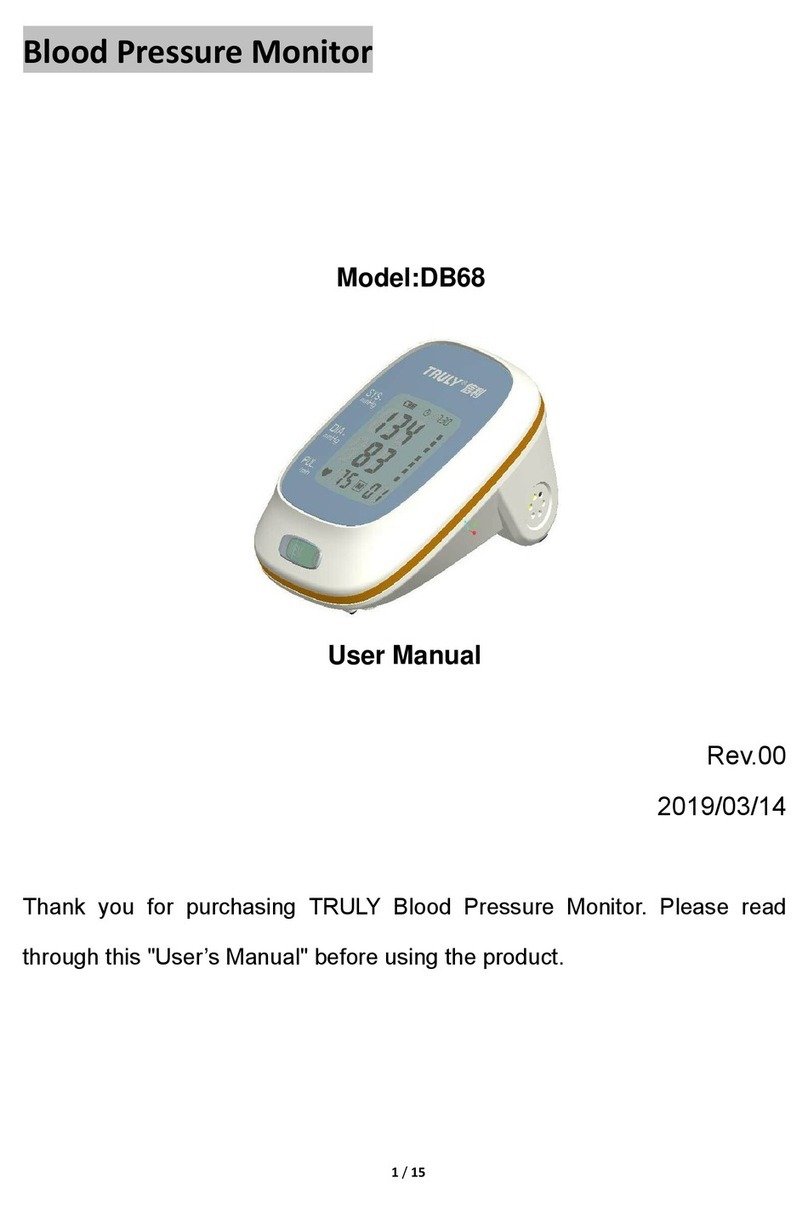
Truly DB68 user manual

Truly

Truly DB68 user manual

ReliOn HEM-412CREL instruction manual

ReliOn

ReliOn HEM-412CREL instruction manual

Omron BP654 instruction manual

Omron

Omron BP654 instruction manual

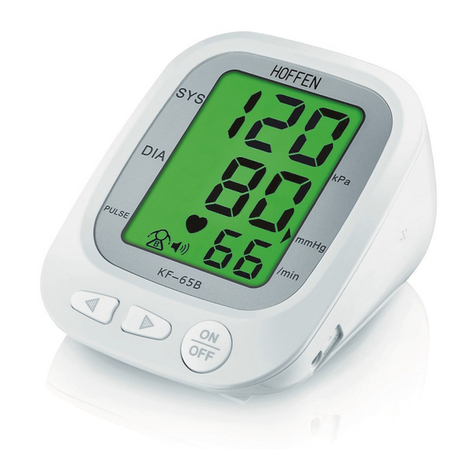
HOFFEN KF-65B manual

HOFFEN

HOFFEN KF-65B manual

Omron HBP-1100 instruction manual

Omron

Omron HBP-1100 instruction manual

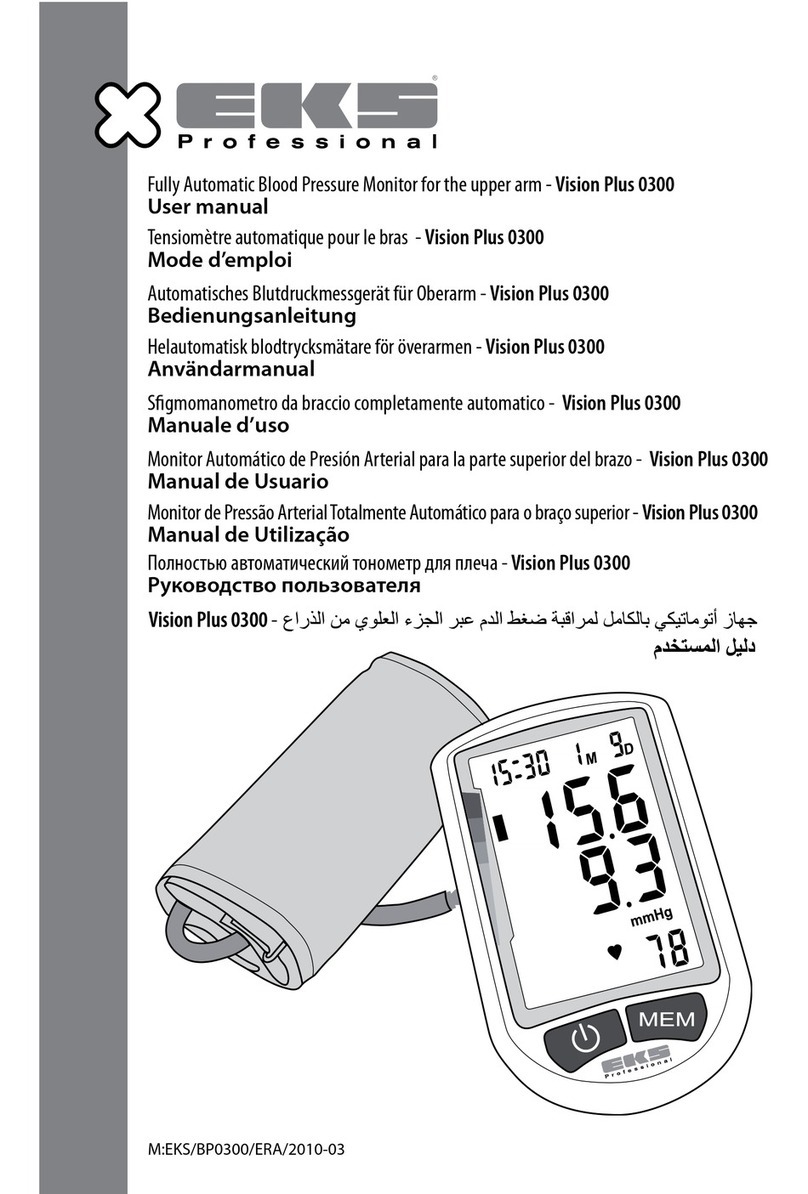
eks Vision Plus 0300 user manual

eks

eks Vision Plus 0300 user manual

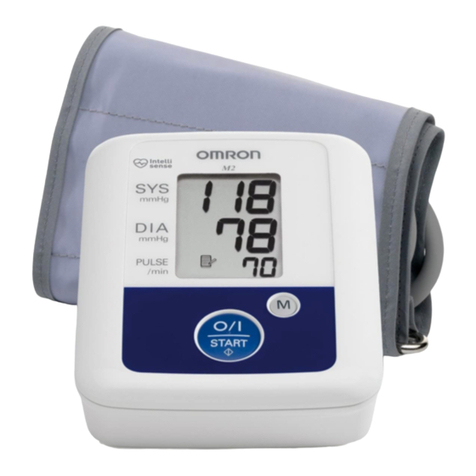
Omron M2 Compact instruction manual

Omron

Omron M2 Compact instruction manual

Beurer medical BM 16 Instructions for use

Beurer medical

Beurer medical BM 16 Instructions for use

Nellcor SYMPHONY N-3100 Service manual

Nellcor

Nellcor SYMPHONY N-3100 Service manual

Terraillon TENSIOSMART user manual

Terraillon

Terraillon TENSIOSMART user manual

Braun ActivScan 9 quick start guide

Braun

Braun ActivScan 9 quick start guide

A&D UA-767S-W instruction manual

A&D

A&D UA-767S-W instruction manual

AEG BMG 4922 user guide

AEG

AEG BMG 4922 user guide

Yuwell YE660D user manual

Yuwell

Yuwell YE660D user manual

Microlife BP A1 Easy instructions

Microlife

Microlife BP A1 Easy instructions

A&D AccuFit manual

A&D

A&D AccuFit manual

AND UA-1020-W instruction manual

AND

AND UA-1020-W instruction manual

Medline MDS3002 Operation guide

Medline

Medline MDS3002 Operation guide

manuals.online logo
manuals.online logoBrands
  • About & Mission
  • Contact us
  • Privacy Policy
  • Terms and Conditions

Copyright 2025 Manuals.Online. All Rights Reserved.

Easy Digital Blood Pressure Monitor
BSP-22
QUICK START GUIDE
We strongly recommend users go through “Safety
Noce” (Pages 2-5) and “Important Tesng Guidelines”
(Page 9) in Owner’s Manual at least once before using
the product for the rst me.
Inial Setup
Step 1: Install two AAA baeries as shown
MONTH
Press SET and choose the current month by
pressing M.
DAY
Press SET and select the current day by
pressing M.
DATE/TIME FORMAT
Press SET again and toggle between EU
and US by pressing M.
EU seng displays the date as DAY/
MONTH and the me in 24-hour format.
US seng shows the date as MONTH/
DAY and the me in 12-hour format.
Measuring Blood Pressure
Step 1: Preparaons
Cu should directly contact your wrist. Roll back shirt sleeve if
necessary.
Apply the monitor as shown. Cu should not feel too ght, but it
should t rm enough not to wiggle easily.
Sit in a comfortable posion for several minutes.
Test results will be automacally stored in selected Memory Group.
To delete the results due to improper tesng condions or for any other
reason, simply press SET while the results are on display.
Press START/STOP to turn the monitor o.
Step 2: Set Year, Date and Time
Press “SET” buon twice to begin the process.
YEAR
Press “M” buon repeatedly as needed to call
up the last two digits of the current year.
HOUR/MINUTE
Press SET again and choose the correct hour by pressing M.
Repeat the process to set the minute.
Before First Use
Step 2: Select Memory Group
Press SET then press M to toggle between Memory Group 1 and
Memory Group 2.
Step 3: Take measurement
Place wrist level with heart. Press and hold
START/STOP unl a beep sounds.
Cu will automacally inate and stop at proper level. Remain
sll and refrain from speaking.
To abort inaon, press START/STOP.
Pressure will fall as air will slowly subside. Three short beeps
indicate tesng is complete.
Aer Measurement
Owner’s Manual Quick Reference
Consult corresponding pages in Owner’s Manual for
following informaon.
Subject Page No.
Irregular Heartbeat Indicator 22
WHO Blood Pressure Classicaon Indicator 32
Low Baery Indicator 28
Trouble Shoong
Blood pressure results are not within typical range 30
“Err” displayed 30
Blood Pressure Informaon
Blood pressure 31
Health reminder 33
Note about test results
Blood pressure Q&A
Memory Funcons
Memory check 25
Viewing average results from last 3 tests
Deleng stored results from memory 27
Maintenance
35-36
34
25-26
37-40
Lightstu
www.lightstuproducts.com
support@lightstuproducts.com