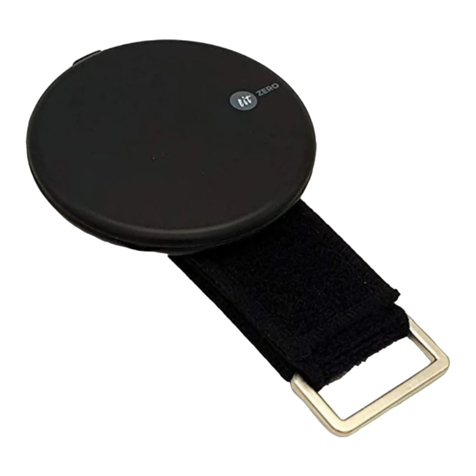
It supports various shortcut key depending on the application.
Launch the application and find and use convenient and compatible
modes.
Easy To Use Tip
By connecting LitZERO X to a smart device, you can conveniently utili
ze various contents as follows:
Enter mouse mode and run the app and content that you want.
1. When content is executed, control the content in mouse mode or
change the mode to a more convenient gesture mode.
(Multimedia mode, e-BOOK mode, Page mode, Laboratory mode)
2. When content is completed, change to mouse mode to find other
contents.
You can use content such as e-BOOKs, webtoon, web novels, online
lectures, web browsers, documents, YouTube, and Netflix without
touching it directly.
Page flipping, page scrolling, forwarding, backwarding, Play, pause,
volume control, forward wind, backward wind, next title, previous
title, 10 seconds forward, 10 seconds backward, etc.
Click repeatedly where you set the cursor stop.
Using in Mouse Mode Using in Multimedia Mode