manuals.online logo
Brands
  1. Home
  2. •
  3. Brands
  4. •
  5. Little Labs
  6. •
  7. Air Compressor
  8. •
  9. Little Labs LL2A User manual

Little Labs LL2A User manual

Popular Air Compressor manuals by other brands

Craftsman 919.724591 owner's manual

Craftsman

Craftsman 919.724591 owner's manual

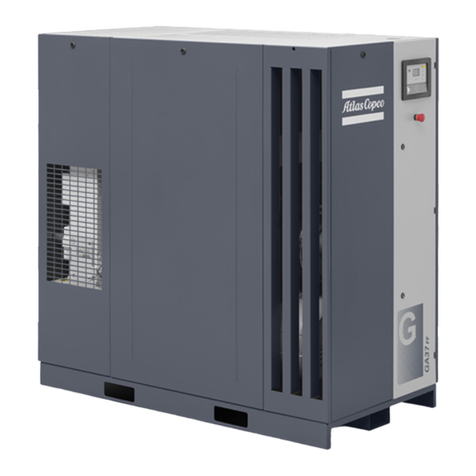
Atlas Copco GA 30+ Instruction book

Atlas Copco

Atlas Copco GA 30+ Instruction book

Hitachi Highly WHP11500VSDPC9EQ installation manual

Hitachi

Hitachi Highly WHP11500VSDPC9EQ installation manual

Craftsman 919.167810 owner's manual

Craftsman

Craftsman 919.167810 owner's manual

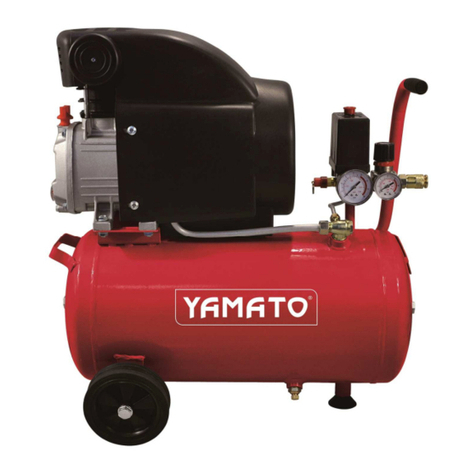
Yamato 24/2 M1CD instruction manual

Yamato

Yamato 24/2 M1CD instruction manual

Clarke 2242117 Operation & maintenance instructions

Clarke

Clarke 2242117 Operation & maintenance instructions

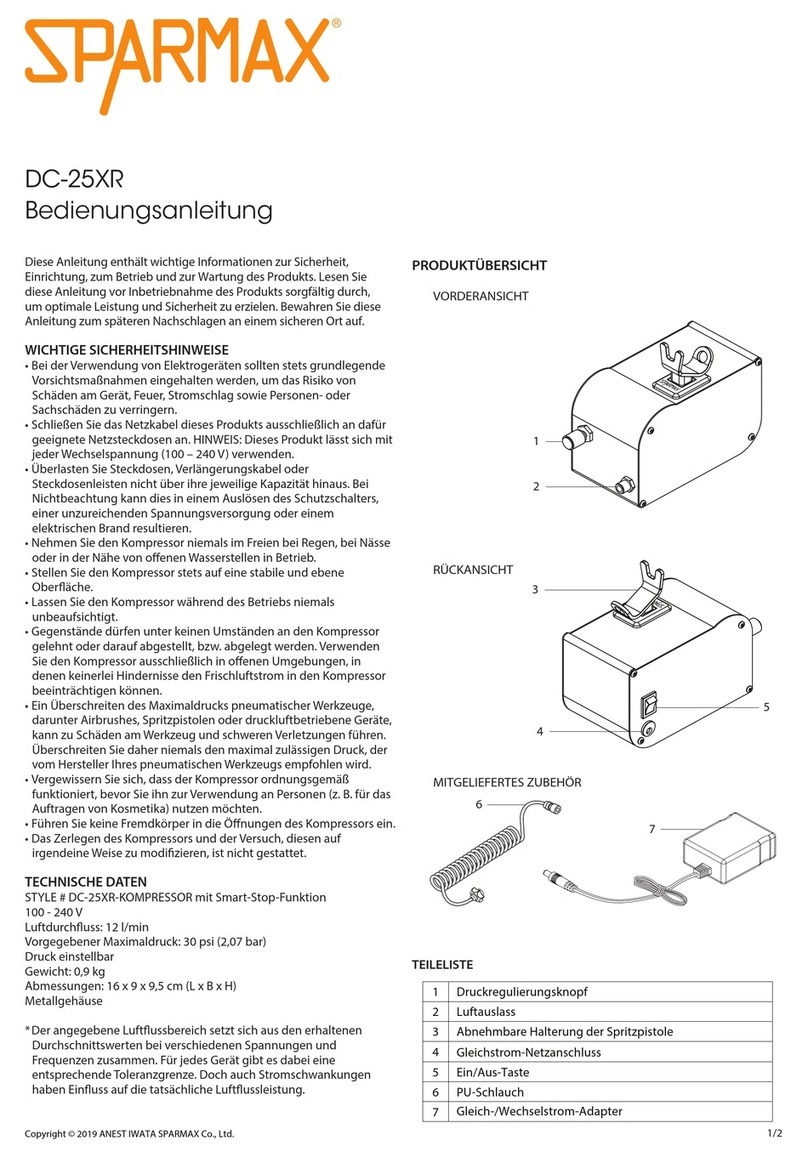
Sparmax DC-25XR user manual

Sparmax

Sparmax DC-25XR user manual

Briggs & Stratton Air Compressor Operator's manual

Briggs & Stratton

Briggs & Stratton Air Compressor Operator's manual

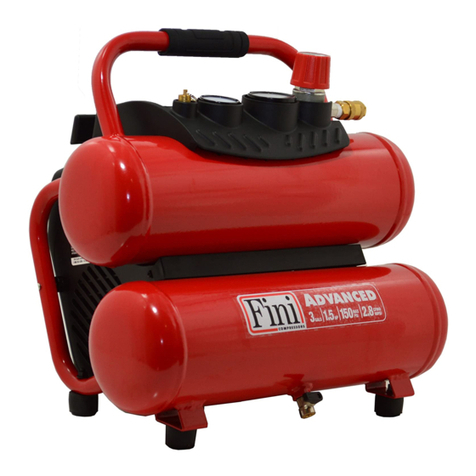
Fini F3GST2TK Operator's manual

Fini

Fini F3GST2TK Operator's manual

Campbell Hausfeld RP3300 Easy setup guide

Campbell Hausfeld

Campbell Hausfeld RP3300 Easy setup guide

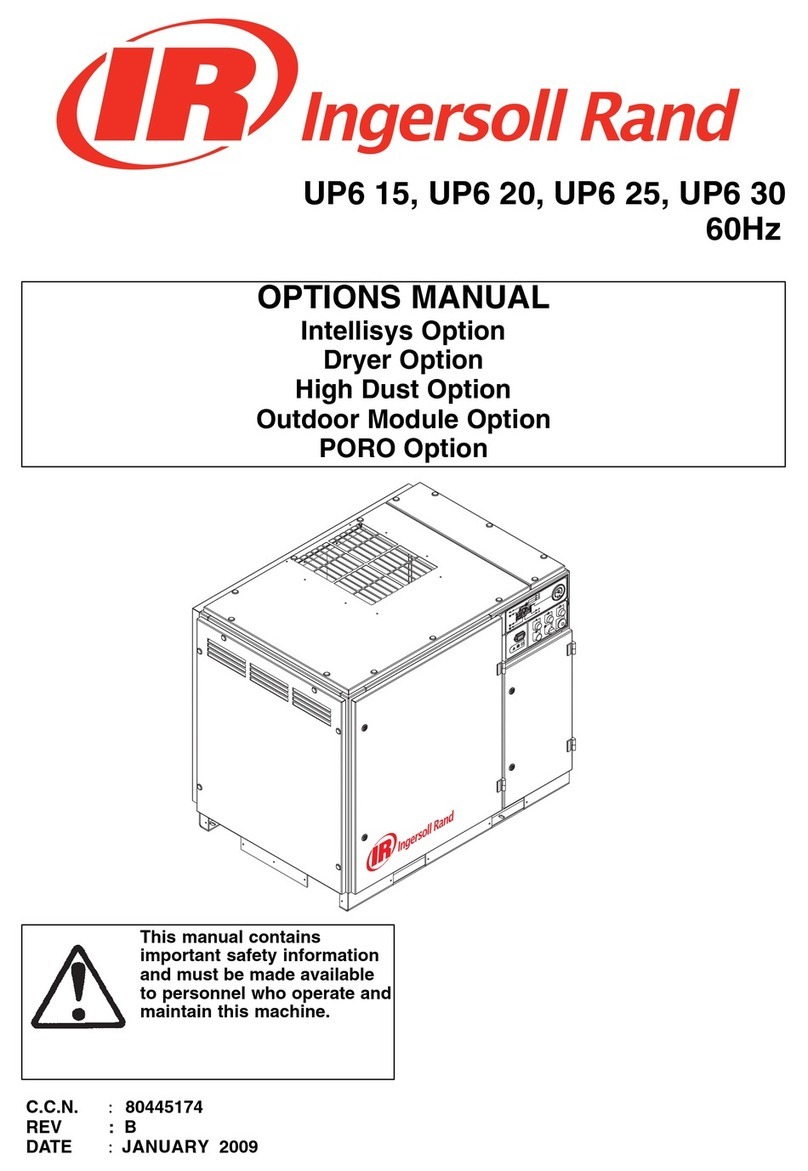
Ingersoll-Rand UP6 20 HP Option manual

Ingersoll-Rand

Ingersoll-Rand UP6 20 HP Option manual

Parkside PKO 270 A1 operating instructions

Parkside

Parkside PKO 270 A1 operating instructions

Clas Ohlson QIE-ZTH-15 manual

Clas Ohlson

Clas Ohlson QIE-ZTH-15 manual

Ferm CRM1046 Original instructions

Ferm

Ferm CRM1046 Original instructions

BE AC153 Operation manual

BE

BE AC153 Operation manual

RIDGID OF25150A Operator's manual

RIDGID

RIDGID OF25150A Operator's manual

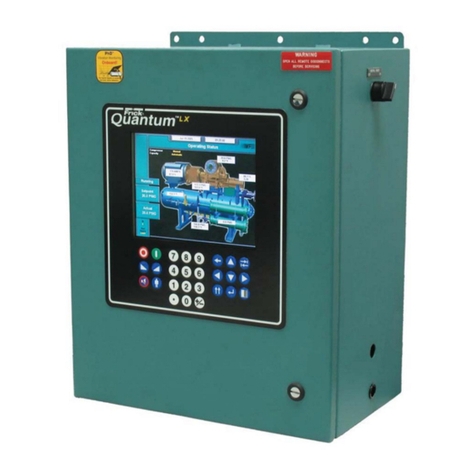
Johnson Controls QUANTUM LX Setup

Johnson Controls

Johnson Controls QUANTUM LX Setup

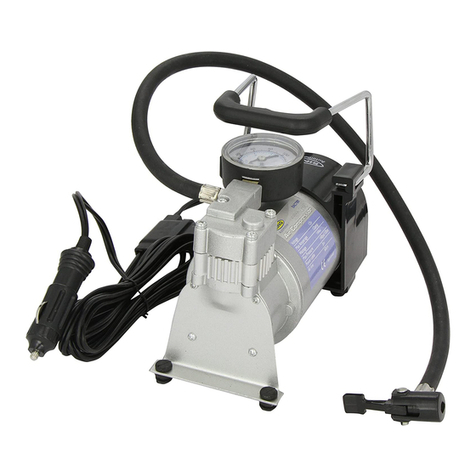
Ring Automotive RAC700 instructions

Ring Automotive

Ring Automotive RAC700 instructions

manuals.online logo
manuals.online logoBrands
  • About & Mission
  • Contact us
  • Privacy Policy
  • Terms and Conditions

Copyright 2025 Manuals.Online. All Rights Reserved.

preliminary
Operators Manual
manual printing & pdf formatting 04/2020.
using this manual or any part of it without
permission is a violation of copyright laws.
LL2a™ is a registered trademark of little
labs.
read this first
before using the LL2A
There is a lot more in this manual, but please read this even if you
don’t read manuals.
To power the LL2A, you must use the supplied In Phase Engineering
16 volt 0.3 amp, dc regulated, bipolar, switch mode power supply.
This supply, designed in house, is specifically for use with Little Labs
high-end pro audio electronics. You can plug it in any AC outlet in the
world 100-240 volts 50 or 60Hz.
The dc power connector jack used on the LL2A looks like a CB micro-
phone connector. Although difficult to misalign because it has a key,
take care to align the plug and jack properly when inserting.
If you open the LL2A, use the tools provided, one for the knob remov-
al (1.5mm Allen hex L-key) and one for the panel (3/32” Allen hex
L-key). If rack mounting using the LL2A rack kit, please remember to
disconnect the power beforehand. There are internal high voltages on
the PCB traces and wires next to the Nixie tube. Please contact Little
Labs for any service issues.
The I/O of the LL2A is unique. It is balanced mono, but in a unique
differential way, when fed a balanced signal, it remains balanced
throughout the LL2A. It is two single-ended (unbalanced) audio
paths, one for the positive, pin 2 of the XLR (tip of the TRS), and one
for the negative, pin 3 of the XLR (ring on the TRS).
So with the right cabling, you can run the LL2A unbalanced stereo.
See more about running in stereo further in the manual.
Happy compression sound soldiers!

background on the ll2a development
󰀛󰀄
󰀛
󰀛
󰀛󰀚󰀙󰀙󰁭



















󰀛






󰀛







󰀛







basic info
Threshold knob, Output knob, and Bypass button
The threshold knob, output knob, and bypass button are
self-explanatory. Set up your threshold for the amount of com-
pression, and then go between bypass on and o while setting the
output so the level sounds the same.
Link button and jack
When you have two LL2As, use a TS cable (tip sleeve, short
guitar cable) and stick in each LL2A’s link jack. The output will
be controlled independently. The threshold will aect both, and
whichever compressors threshold is set higher will be the domi-
nant master.
As a standalone compressor, meaning nothing plugged into the
link jack, pushing the link button in slows down the compressor.
Too fast of an attack /release in any compressor on bass will make
the bass sound distorted; this will alleviate that.
Meter button
Selects whether you want the NIXIE meter to indicate gain reduc-
tion or VU ballistic characteristic output level.
Sidechain insert jack
This TRS (tip-ring-sleeve) jack, when you insert a balanced
line-level signal (it must be a balanced signal here, more about
that later in the less basic info section), allows another audio
source to trigger the compression. Commonly used by DJs in
radio, so the music is automatically lowered in level (called duck-
.
ing) just when they speak. Also useful for things where you don’t
want the compressor to react to, for example, a kick drum, but you
do on a loud snare. You can split the signal and use a high pass lter
on the signal feeding the side chain insert so the compressor won’t
react to the kick, only the higher frequency snare.
Input and Output TRS jacks
The TRS jacks are wired in parallel with the XLR jacks for your
convenience. As an example, to make it easy to tap o to feed a high
pass lter, then to feed the sidechain insert.
Stereo unbalanced operation
For unbalanced stereo use, you will need a special cable wired TRS
(tip-le, ring-right, sleeve earth), or XLR (pin 2-le pin 3-right pin
1-earth). There are pre-wired cables called “insert cables” that will
work, they are TRS (tip-ring-sleeve) to two TS (tip-sleeve). Do an
“insert cables” search, quite a few are available.
Here is a link to a decent quality one:
https://tinyurl.com/yxygjvrv
The Inputs, the Outputs, and the unique LL2A circuit topology
The I/O circuit topology of the LL2A is unique. Most audio devic-
es have transformers or active circuits to convert a balanced signal
to single-ended signals where they then are internally processed
then converted back to balanced on the output using more trans-
formers or an active circuit. The LL2A is fully dierential, so what
you feed it is what comes out, avoiding those input and output
stages of audio degradation. To make it clear, what is fed to the +
input is processed 100% separately from what is fed to the - out-
put throughout the whole LL2A. Most Little Labs products use
that topology ( don’t tell anyone but that’s part of the reason they
sound so good.
This circuit topology allows you to use the LL2A stereo unbal-
anced or mono balanced as you know, but in this conguration,
keep in mind some rules for hooking up apply. You don’t want to
feed a mono balanced signal to the input and then feed a mono
unbalanced input from the LL2A output, for example. Doing this
would be driving the - audio signal into ground and cause overall
weirdness. If you have no interest in running unbalanced stereo,
keep all cabling balanced, and all will be well.
This cabling includes the sidechain insert in mono; there must be
a balanced signal feeding it.
In unbalanced stereo mode to have the side chain work properly,
you need to feed it either balanced mono or TRS wired mono, so
the tip and sleeve are wired with the same signal on the tip and
ring. Label this cable special, it’s a weird one.
less basic info
The LL2A output
For the output of the LL2A to have a title of its own, it must be
unique, and it is.
What is used on the output is part of what inspired me to create the
LL2A. The Monotor headphone amp has been an enormous suc-
cess for Little Labs, utilizing top-notch passive components and a
single very low output impedance simple current driver. The LL2A
uses this same driver and passive components, and the only other
active device in the audio signal path is the linear analog multiplier
on the input. This allows the LL2A to have a 0.5-ohm output im-
pedance. Why is that good? Well, if you happen to be feeding aer
the LL2A vintage transformer gear, transformers love a super low
output impedance.
As an analogy, it’s like the dierence between driving a V6 car and a
V8 supercharged. Sonically it is pure, eortless acceleration.
Also, get this; if you are using the LL2A stereo unbalanced, you can
plug your headphone into the TRS output to monitor the purest of
the pure post limiter audio, and it sounds killer!
Very handy when demoing!
LL2A Compression ratio
The LL2A does not have a xed ratio; it is a so knee compressor limiter. Here is a graph of
the input level vs. output level knee.