9
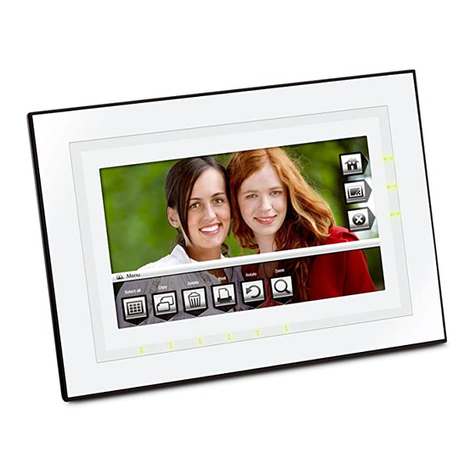
Copy and Delete function
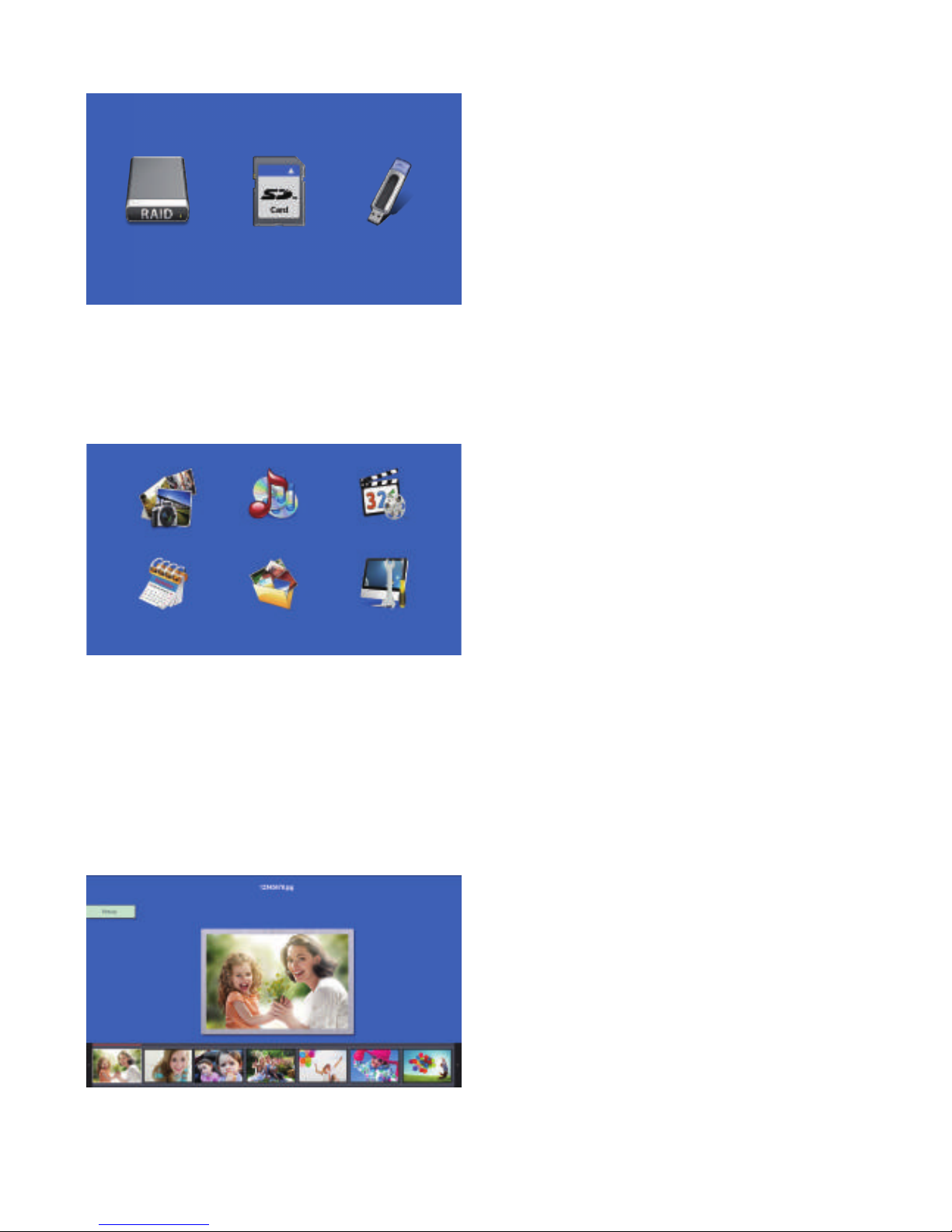
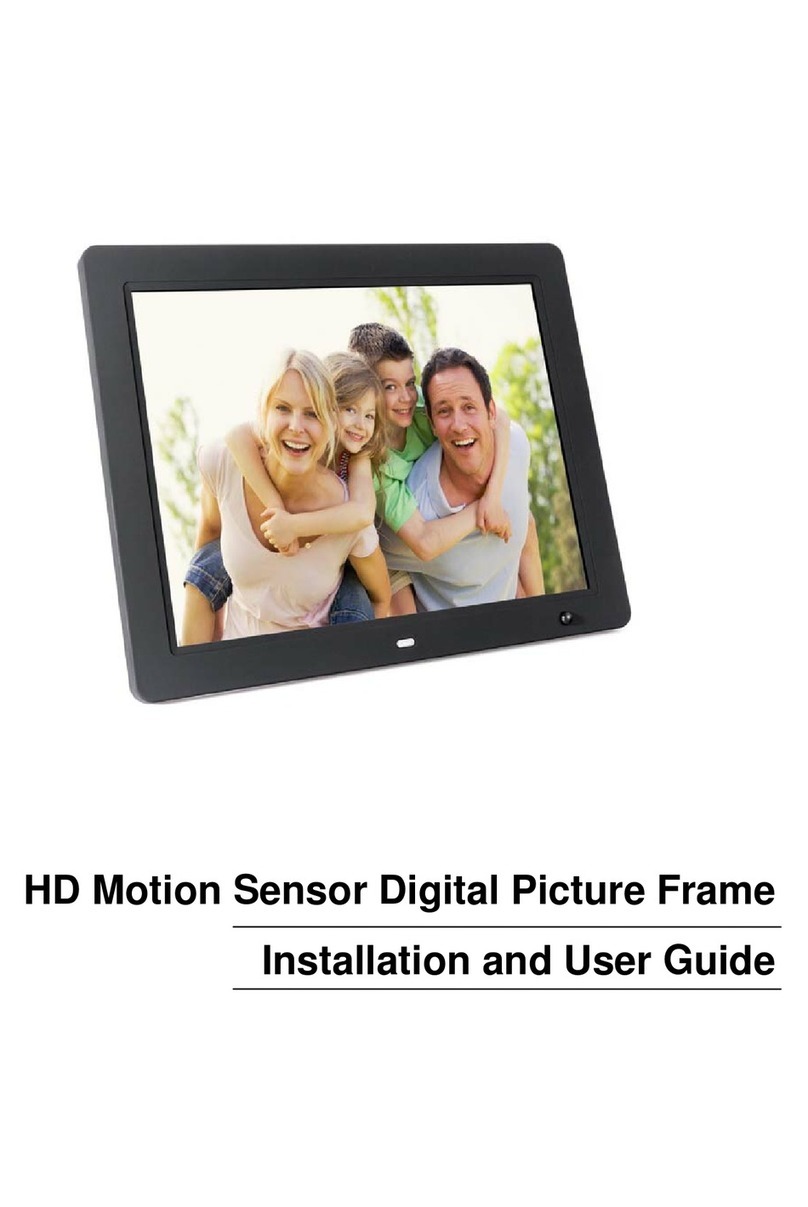
In thumbnail mode of Card/USB, use
to highlight the picture you want to copy
to built-in memory, press ENETER to enter
Copy interface, useto select Copy
to internal, press OK to confirm.
In thumbnail mode of Built-in memory,
useto highlight the picture you want
to delete, press COPY DEL to enter Delete
interface, useto select Delete files,
press OK to confirm.
Note: Support Copy files from Card/USB to memory and delete files in the built in
memory and cards.
8. Music Mode
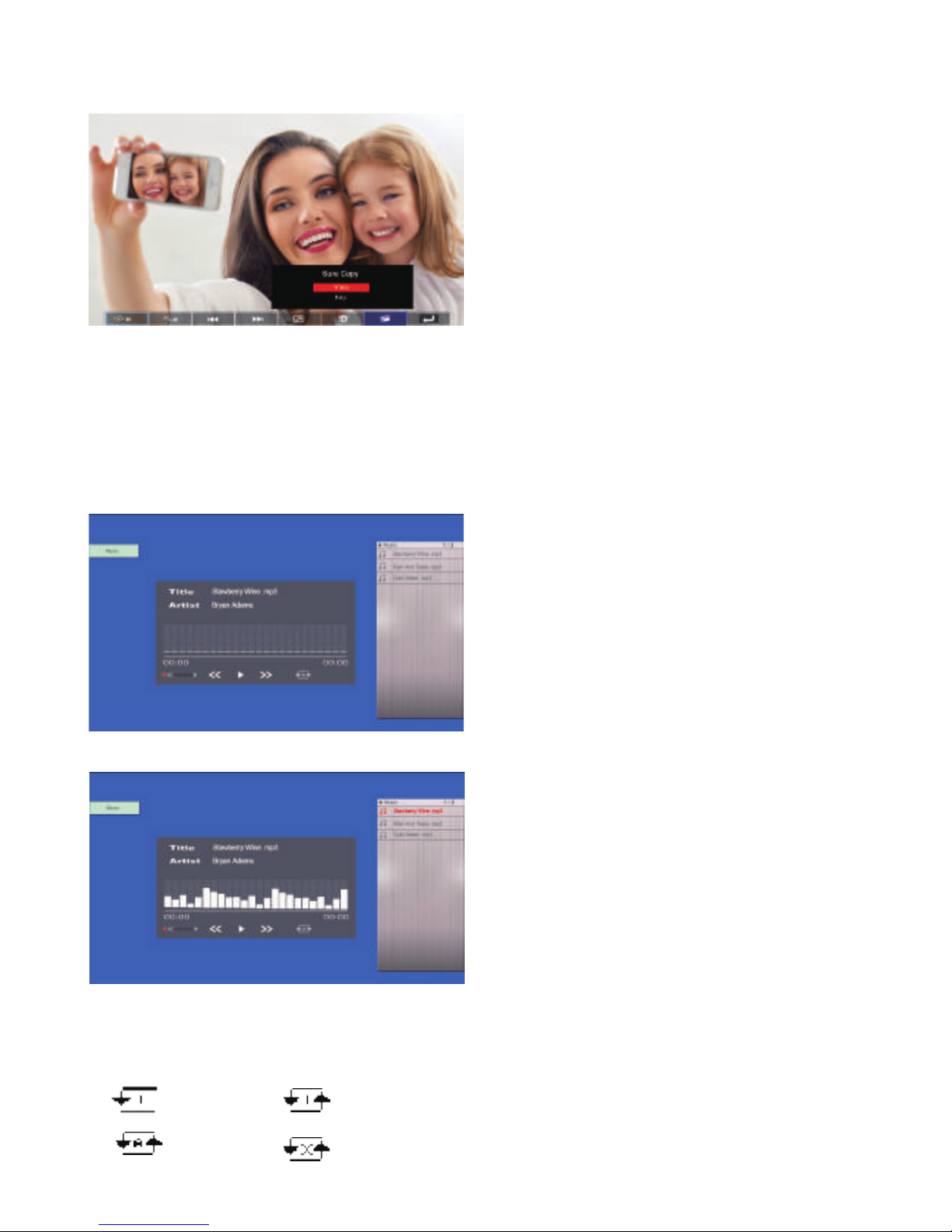
In the main menu, Highlight Music, press
OK to access the music mode, or press
MUSIC directly on the remote control,The
first music will play automatically. Press
RETURN to enter the playlist, then Press
to select the music from the playlist,
press OK to confirm. Press VOL+/- to turn
up/ down the volume.
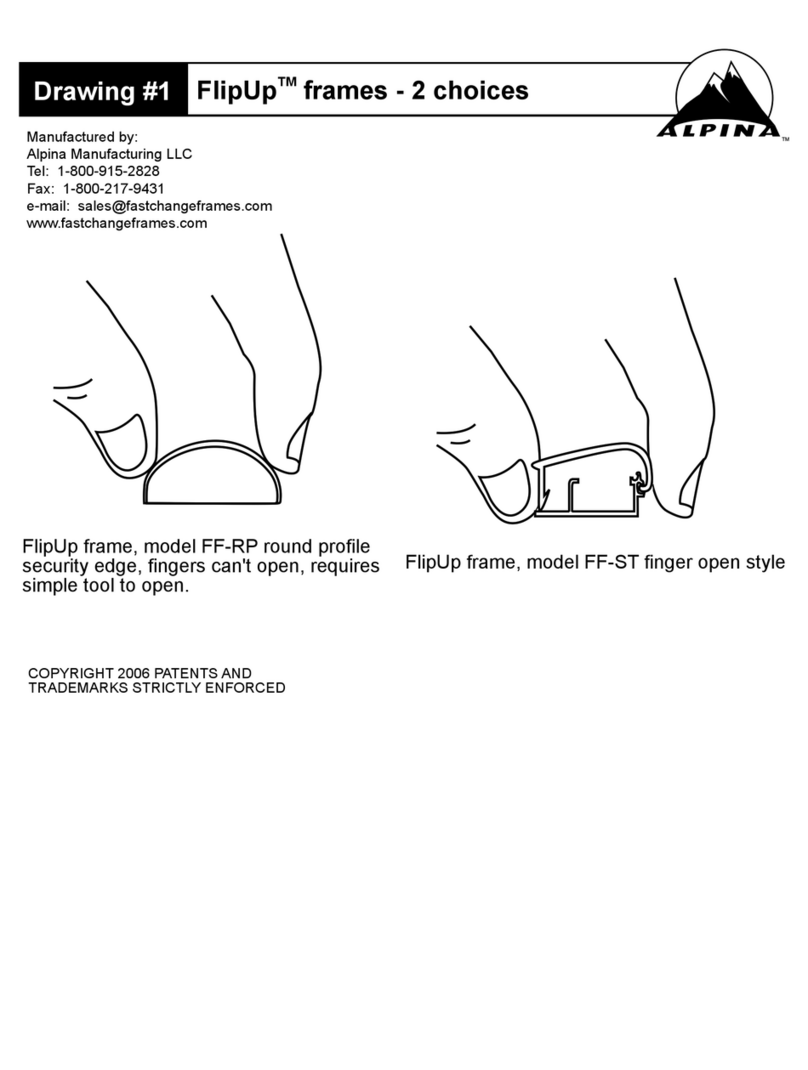
During the music playing ,there is music
information bar, select with, press OK
to operate.
The functions on the bar are as folows from left to right:
a. VOL b. VOL+ c.
<<
Fast Backward d./|| Play/ Pause e.
>>
Fast Forward
f. Play Mode Setting :
1. Single, 2. Single repeat,
3. Circular, 4. Random