Lutron®|3www.lutron.com
product specifications 06.28.12
369539b
LutronRComfort Controls
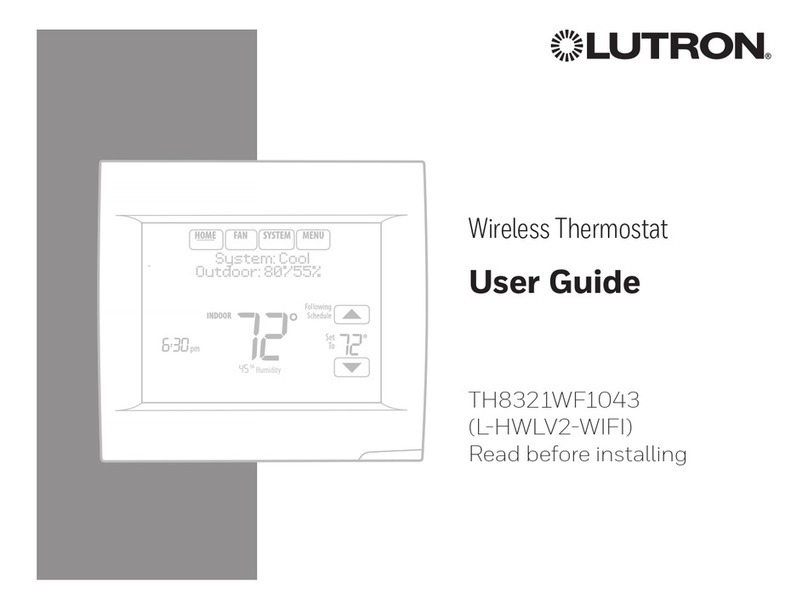
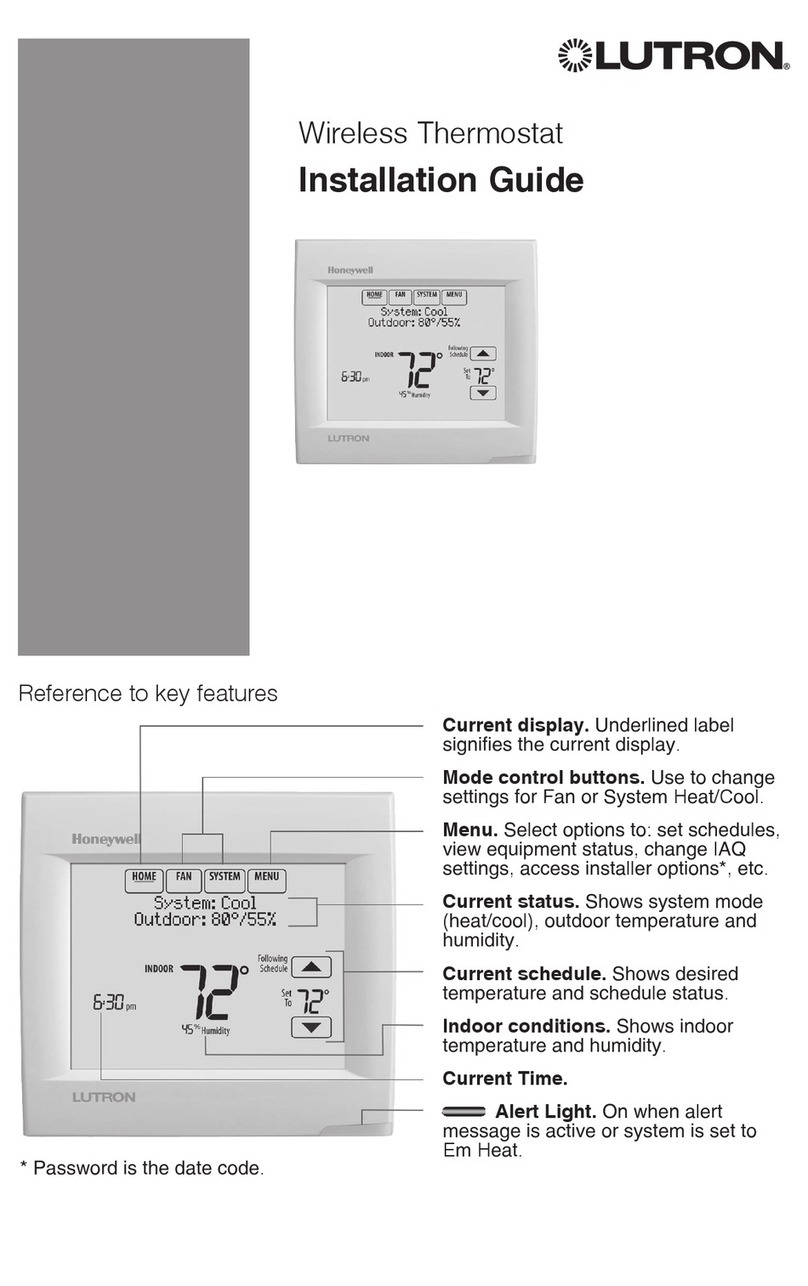
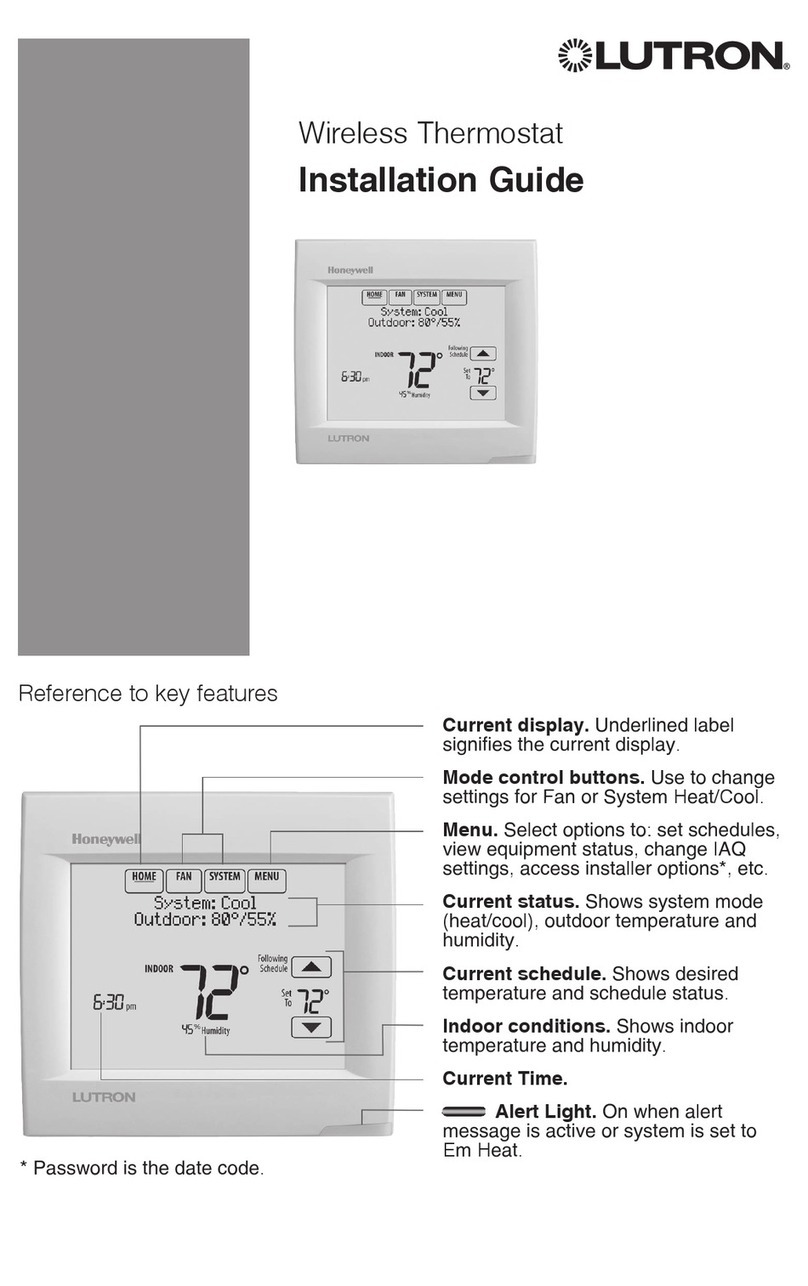
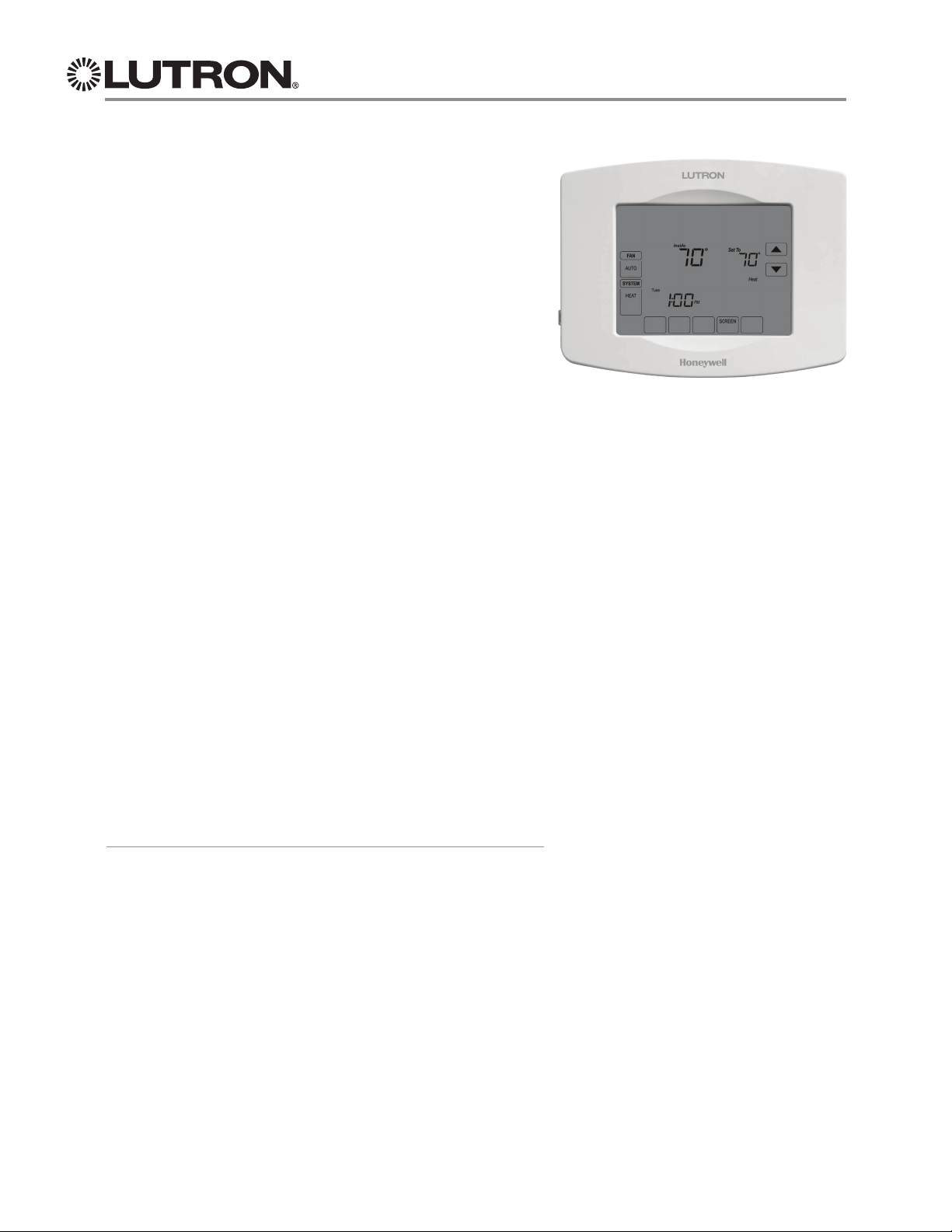
TouchPRO WirelessTM Thermostat
TouchPRO WirelessTM Thermostat
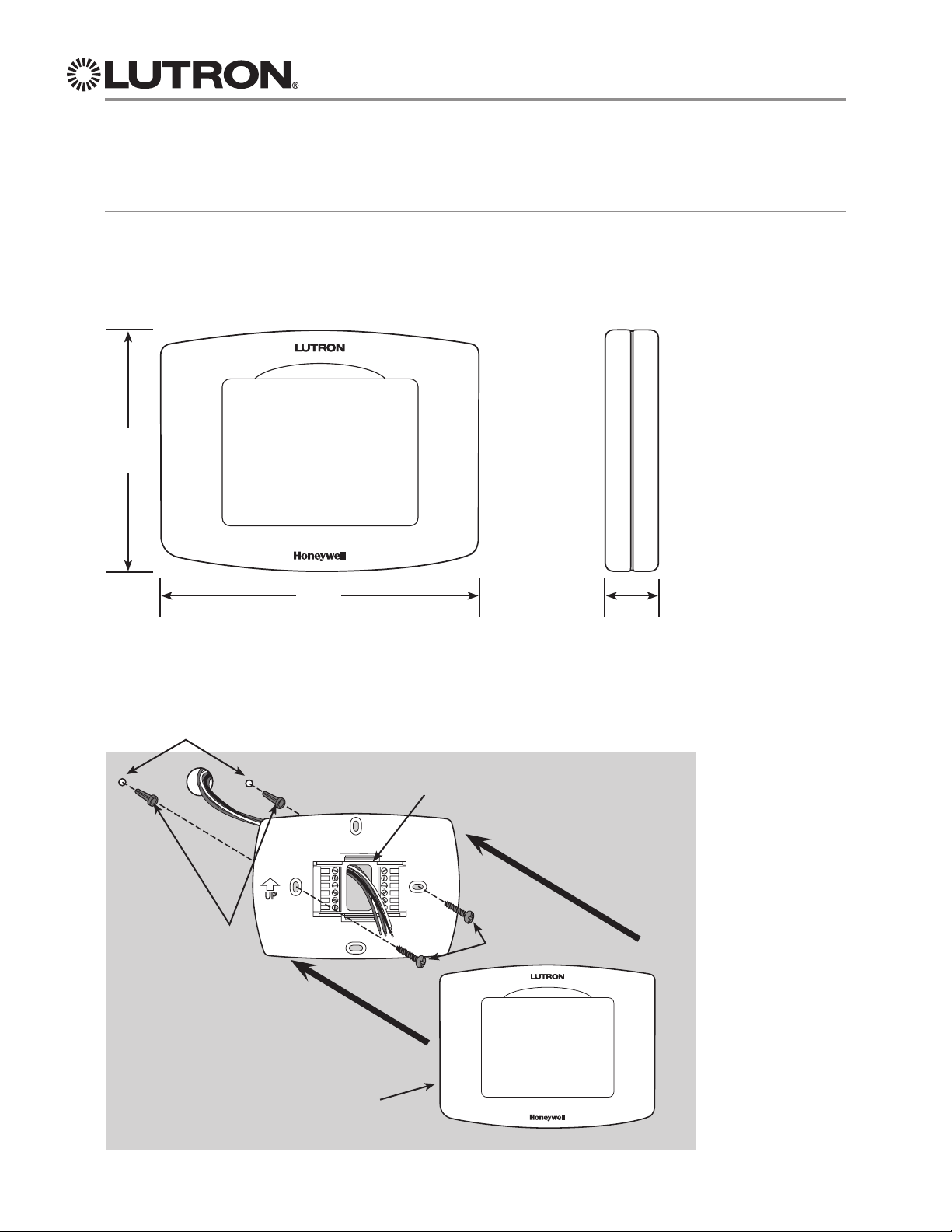
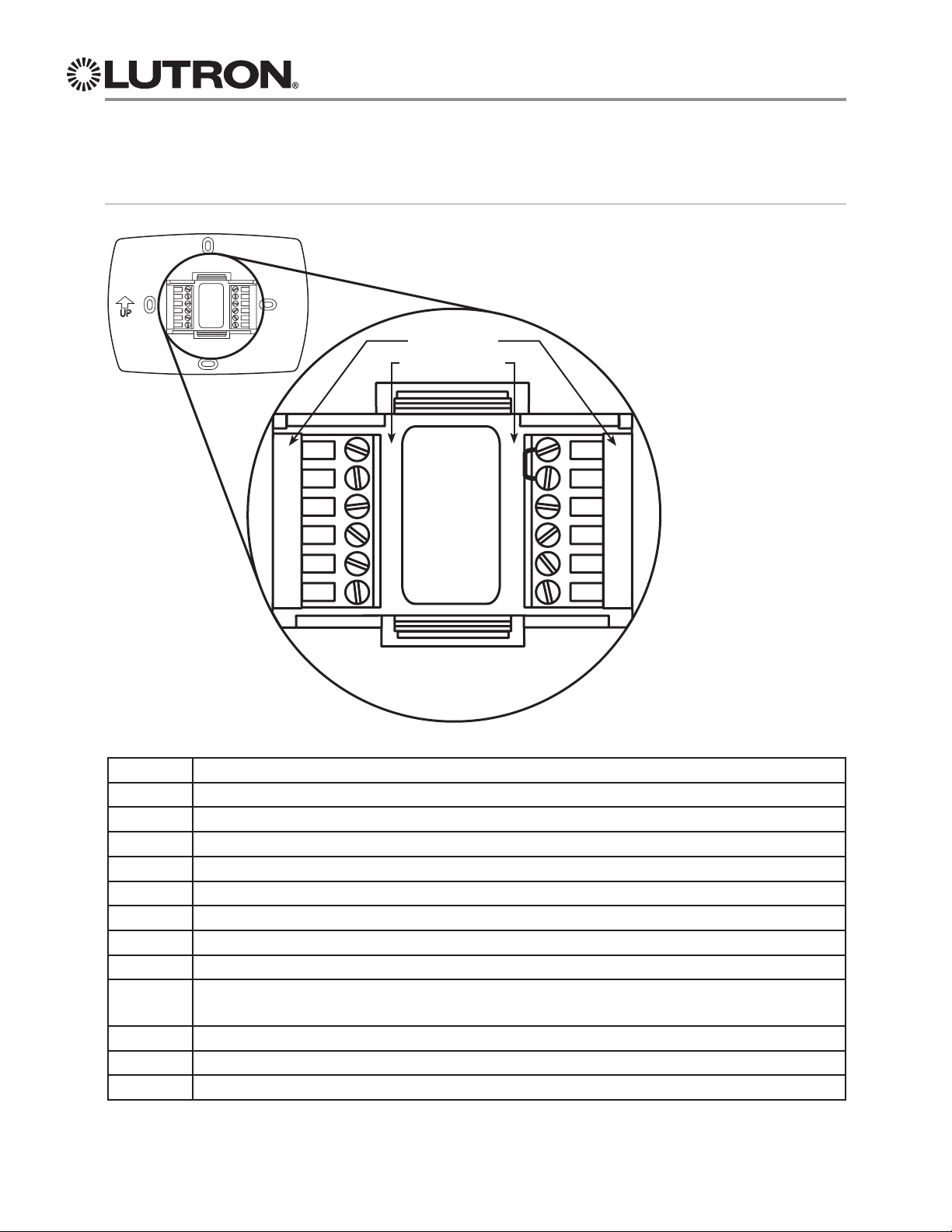
•Wires to HVAC equipment.
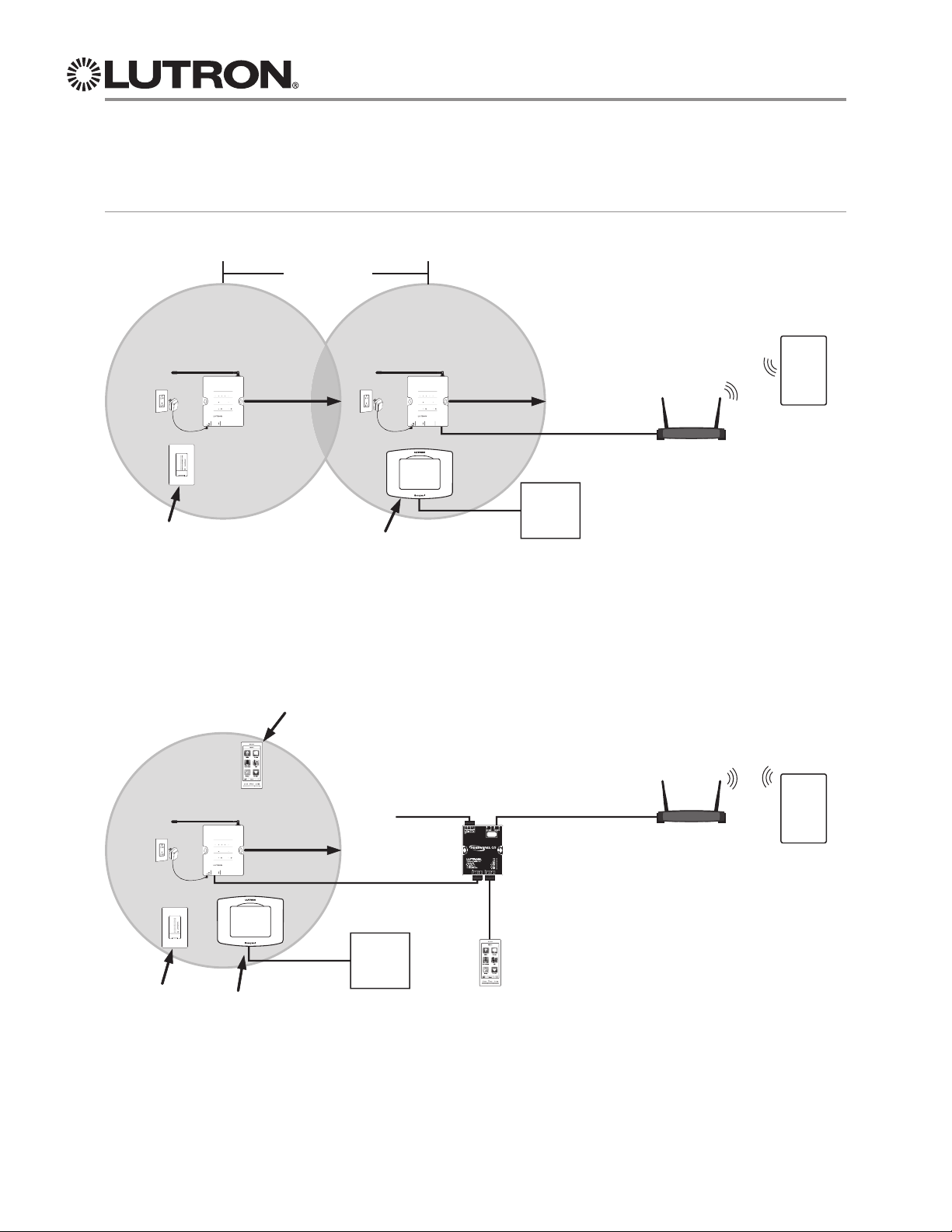
•Uses RF to communicate with seeTempTWall
Displays, and other LutronRwireless devices.
•Requires 24 V~common connection from
the HVAC equipment or use of the included
wiring module. The wiring module can be
mounted easily on or near HVAC equipment
and is to be used when a 24 V~ common
connection is not available. For more
information, refer to the instructions included
with the wiring module.
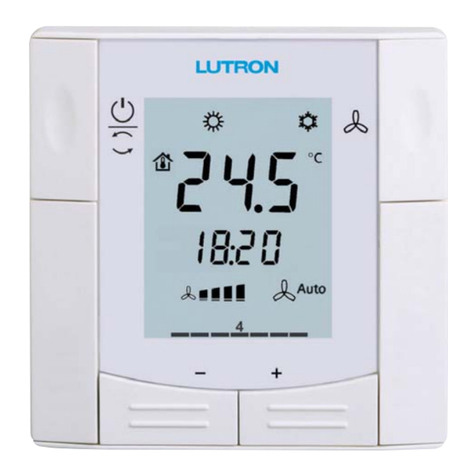
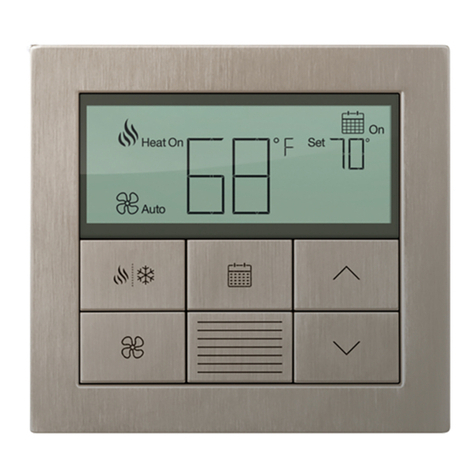
seeTempTWall Display
•Designer style opening that can be ganged
with other devices like dimmers and keypads.
•Installs in a standard wallbox for low-profile
appearance.
•Celsius and Fahrenheit models available.
•Multiple seeTempTWall Displays can be
used to control one TouchPRO WirelessT
Thermostat from multiple locations.
•Pressing the “eco” button saves energy by
trimming the temperature a programmed
amount. Default is +/- 2 °F (1 °C).
•120 V~wiring requires hot and neutral wiring.
•24 V~wiring requires 24 V~and common
wiring from HVAC equipment transformer
or other 24 V~IEC PELV / NECRClass 2
transformer.
Design Features
Lutron®System Features
•7-day programmable schedule.
•Select alternate set points to save energy
when on vacation or away from home.
•System features are programmed in the
PC tool.
Control from Dynamic Keypads in
HomeWorks®QS systems
•Control temperature from Dynamic Keypads.
•The Dynamic Keypad provides full control of
multiple TouchPRO WirelessTThermostats
from a single location without the need for
seeTempTWall Displays.
•Multiple Dynamic Keypads can be used to
control one TouchPRO WirelessTThermostat
from multiple locations.
Control from Mobile Devices
•Control temperature from LutronRHome
Control+ mobile device applications.
•Set and edit up to seven different daily
schedules from your mobile device.