Buttons
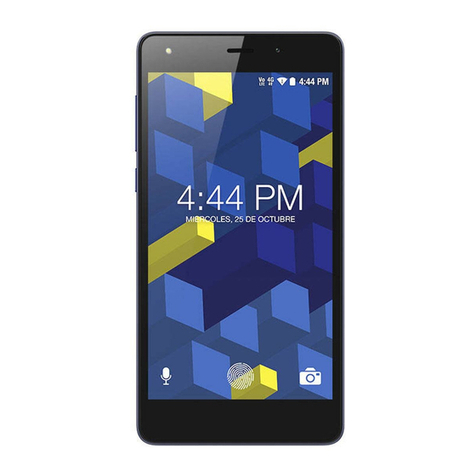
Power key: To power off M4 R3 Light, press and hold
power key for a f ew seconds, then tap the options to
confirm. W hen M 4 R3 LIGHT is on, pr ess t he p ower
key once to activate or deactivate the screen.
Home key ( ): Touch the key to r eturn to the home
screen. In idle screen, touch and hold the key recently
accessed features.
Menu key ( ): In id le sc reen, to uch t he ke y to vi ew
recently accessed features.
Back key ( ): Touch to go back to the previous menu.