manuals.online logo
Brands
  1. Home
  2. •
  3. Brands
  4. •
  5. Macally
  6. •
  7. Home Lighting
  8. •
  9. Macally LamUSBCMAW User manual

Macally LamUSBCMAW User manual

This manual suits for next models

1

Other Macally Home Lighting manuals

Macally LampChargeQi User manual

Macally

Macally LampChargeQi User manual

Macally LampChargeQi User manual

Macally

Macally LampChargeQi User manual

Macally LAMPUSBCMAW User manual

Macally

Macally LAMPUSBCMAW User manual

Popular Home Lighting manuals by other brands

Philips LivingColors Iris user manual

Philips

Philips LivingColors Iris user manual

Safavieh Lighting TBL4385A Assembly instructions

Safavieh Lighting

Safavieh Lighting TBL4385A Assembly instructions

MOB MO6816 user manual

MOB

MOB MO6816 user manual

Schuller ALIVE operating manual

Schuller

Schuller ALIVE operating manual

Safavieh Lighting SADE FLL4015A manual

Safavieh Lighting

Safavieh Lighting SADE FLL4015A manual

JONATHAN Y JYL5019A manual

JONATHAN Y

JONATHAN Y JYL5019A manual

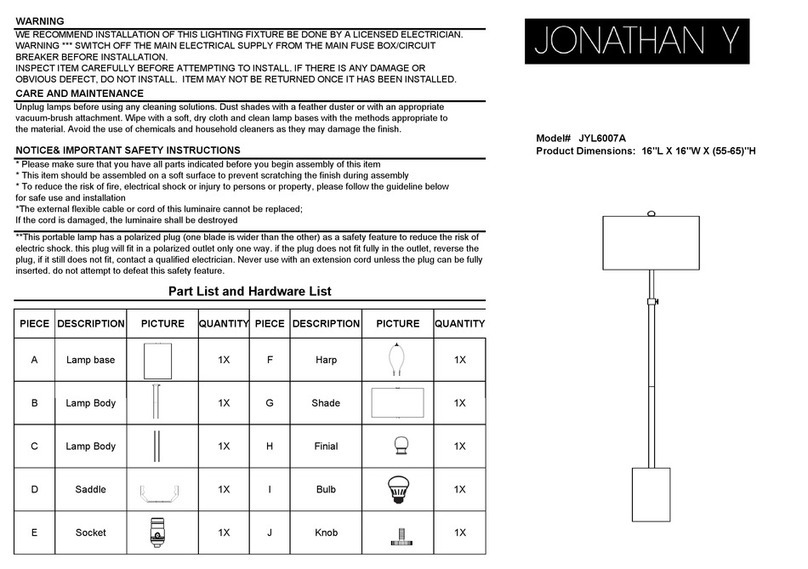
JONATHAN Y JYL6007A quick start guide

JONATHAN Y

JONATHAN Y JYL6007A quick start guide

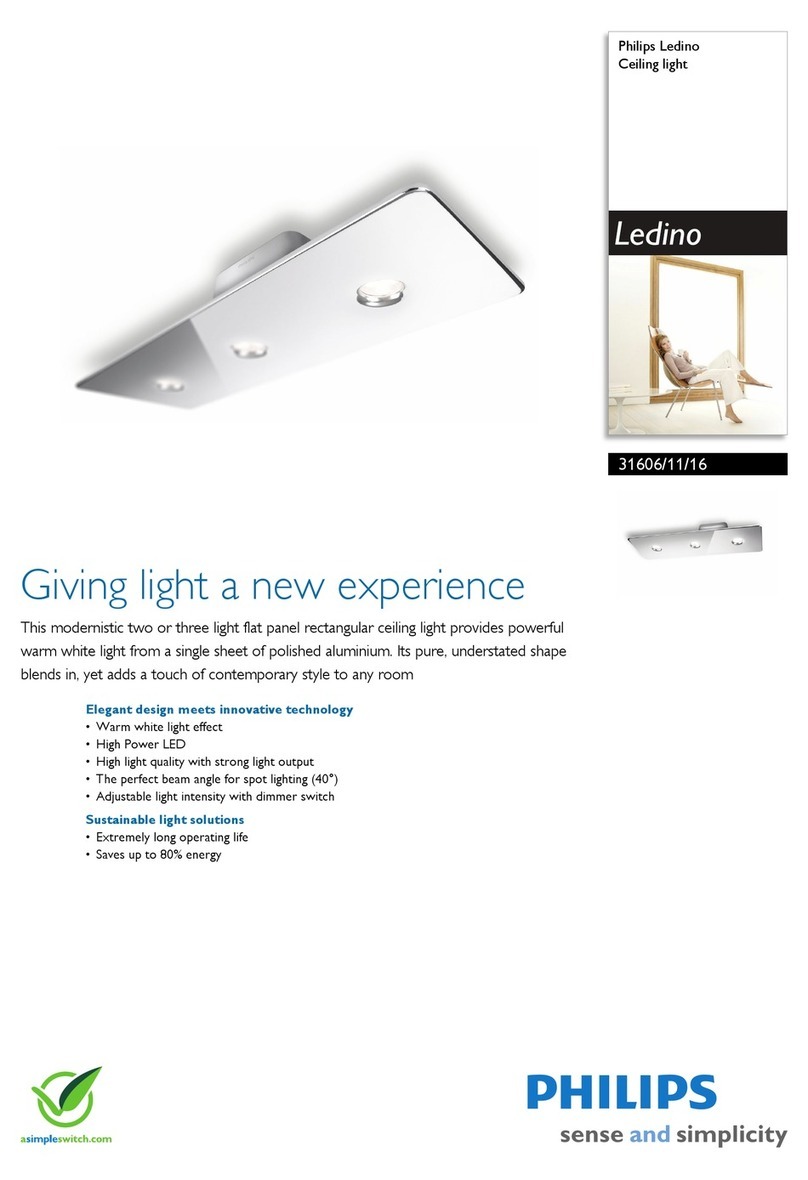
Philips Ledino 31606/11/16 Specifications

Philips

Philips Ledino 31606/11/16 Specifications

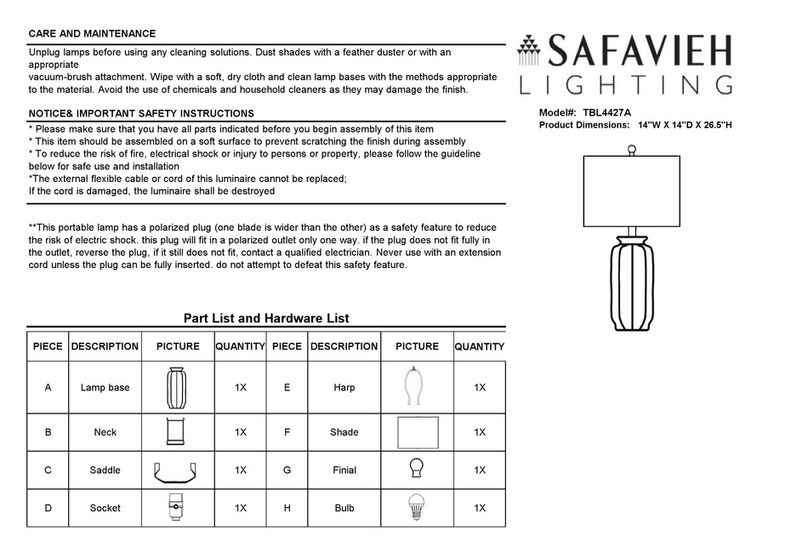
Safavieh Lighting CANDRI TBL4427A manual

Safavieh Lighting

Safavieh Lighting CANDRI TBL4427A manual

Hunter Bullet Spotlight Kit Owner's guide and installation manual

Hunter

Hunter Bullet Spotlight Kit Owner's guide and installation manual

Philips 405441213 user manual

Philips

Philips 405441213 user manual

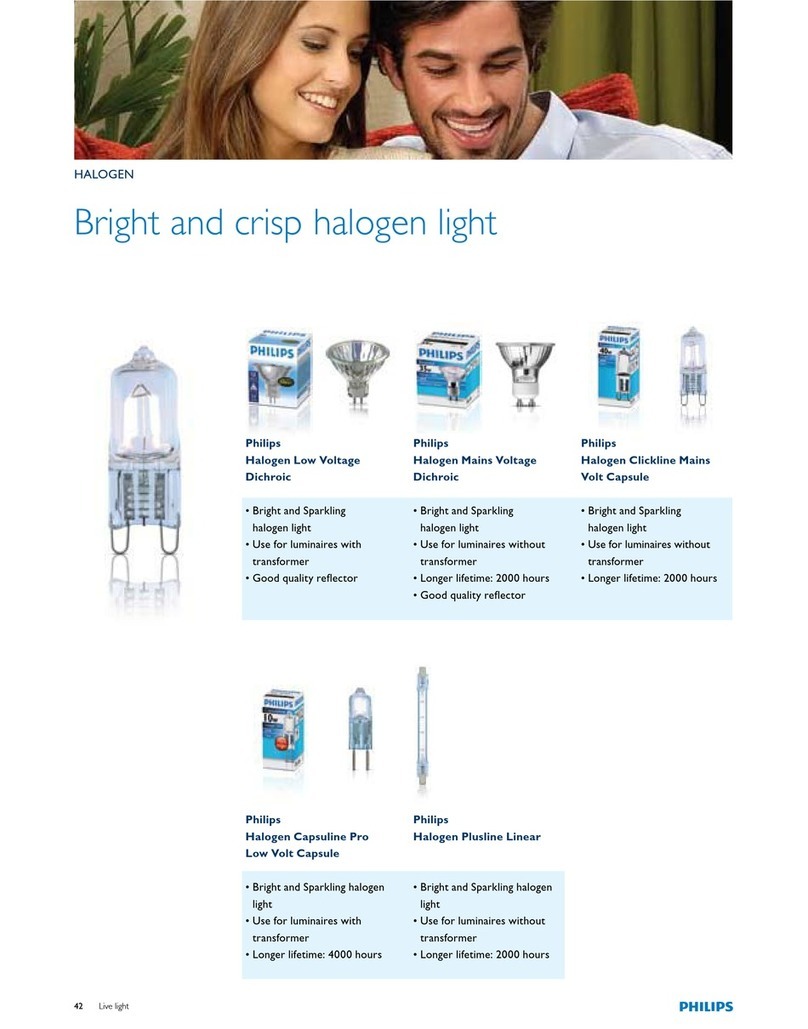
Philips Halogen Light Brochure & specs

Philips

Philips Halogen Light Brochure & specs

Philips 40736-11-16 user manual

Philips

Philips 40736-11-16 user manual

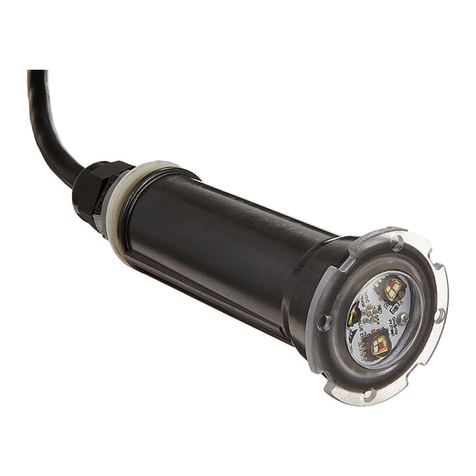
Pentair GLOBRITE Installation and user guide

Pentair

Pentair GLOBRITE Installation and user guide

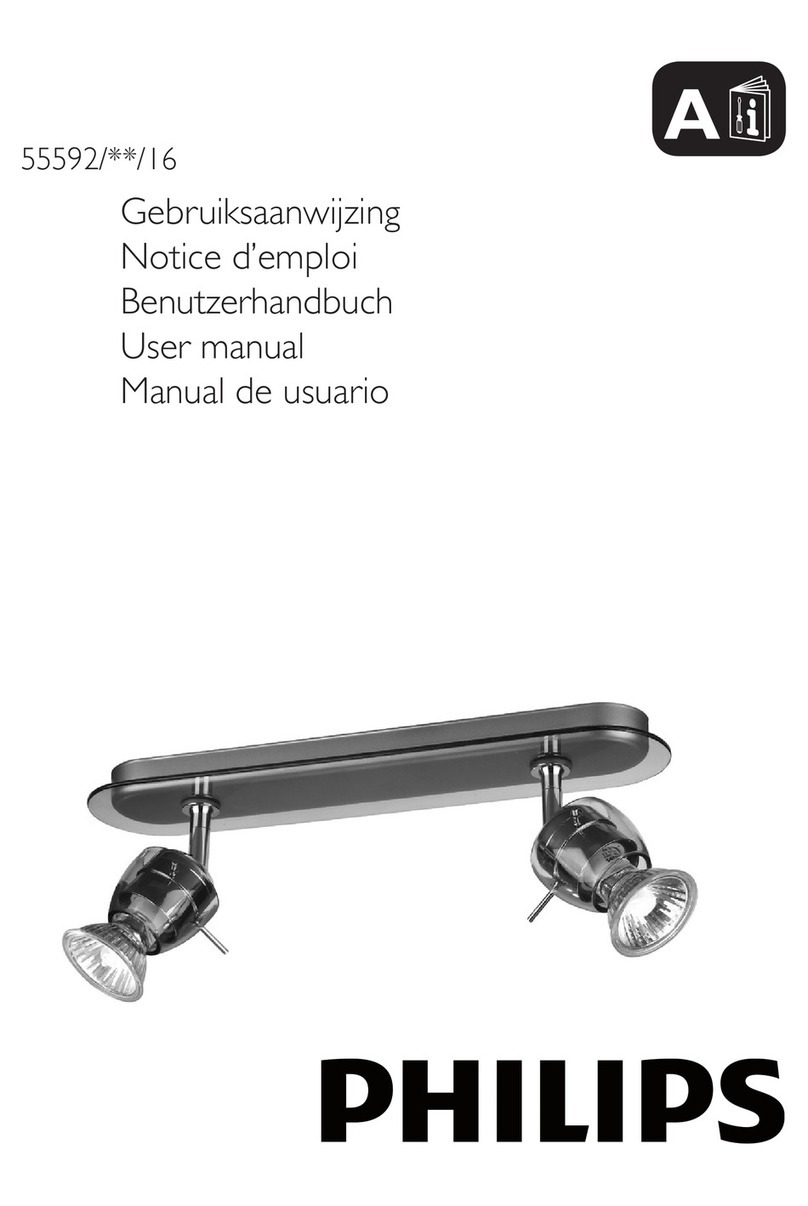
Philips 55592-30-16 user manual

Philips

Philips 55592-30-16 user manual

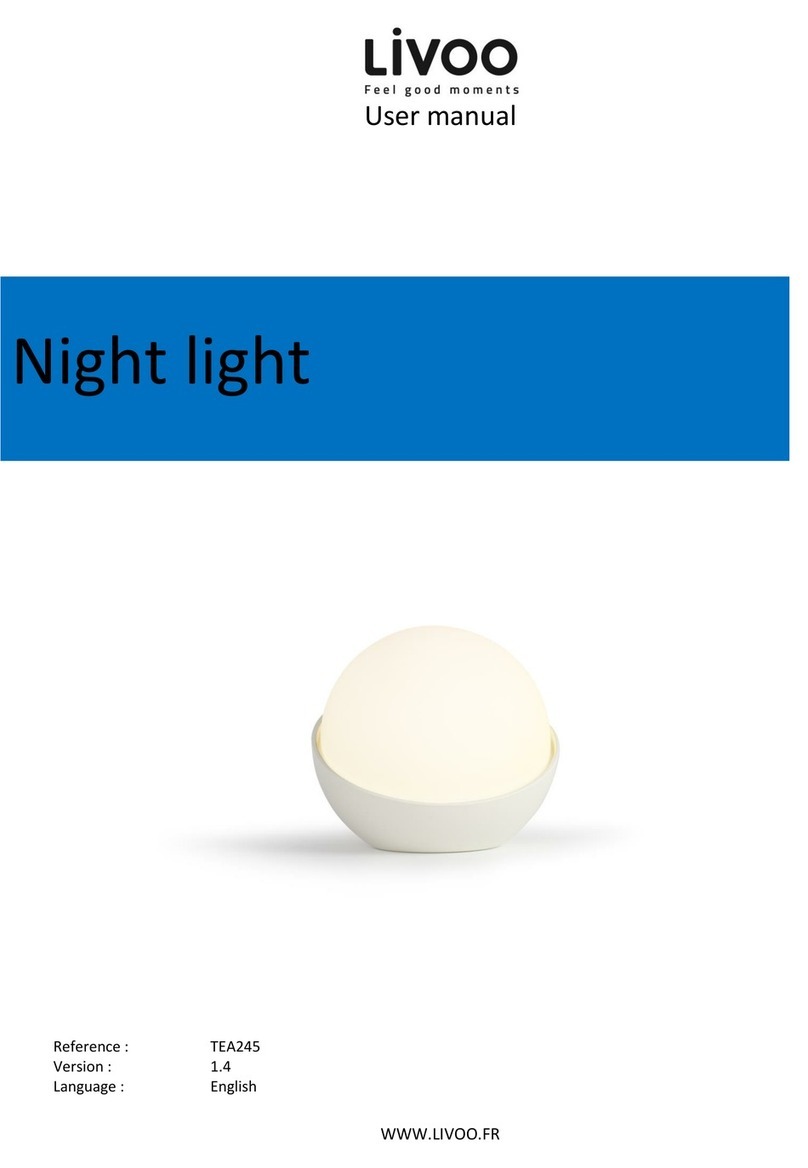
Livoo Night light user manual

Livoo

Livoo Night light user manual

Schwaiger NFL45 user guide

Schwaiger

Schwaiger NFL45 user guide

FRITZ HANSEN AQ01 PLUG-IN manual

FRITZ HANSEN

FRITZ HANSEN AQ01 PLUG-IN manual

manuals.online logo
manuals.online logoBrands
  • About & Mission
  • Contact us
  • Privacy Policy
  • Terms and Conditions

Copyright 2025 Manuals.Online. All Rights Reserved.

LamUSBCMAW/M
User guide
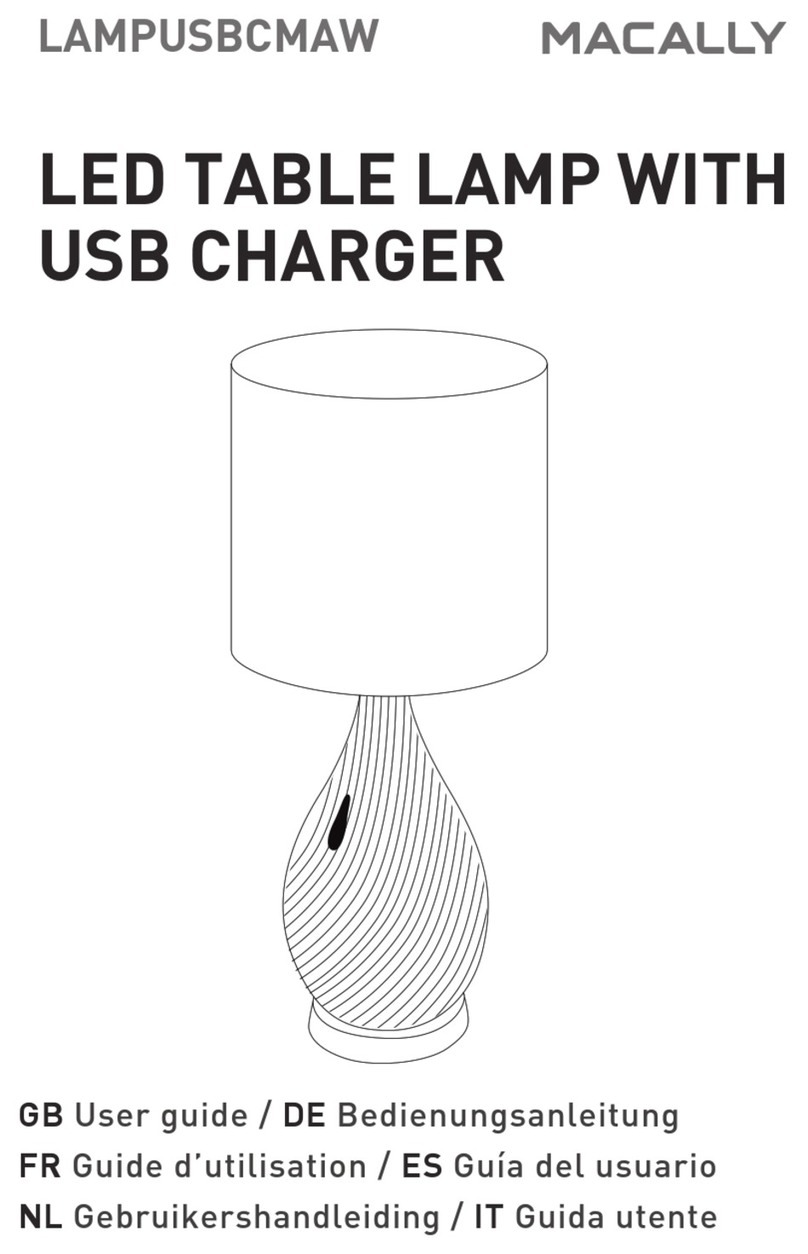
LED TABLE LAMP WITH
USB CHARGER
USER GUIDE
About this guide
Before you start using the Macally LAMPUSBCMAW,
be sure to read this guide in its entirety.
Package contents
• Lamp base
• Lamp shade
• AC adapter (5ft 12V)
• User guide
LED light bulb
Heat sink
CAUTION: Gets
hot when the LED is
on for a long
period of time!
Lamp shade
fastener
Hardware basics
Safety intructions
The Macally LampUSBCMAW LED table lamp is
designed to provide light at your table, desk and
nightstand while keeping your mobile devices fully
charged.
This clever lamp doubles as a charging station and
features 2 USB ports with smart IC to charge
smartphones, tablets, and all other USB powered
devices at its fastest possible speed* (up to 2.4A).
The lamp has a built-in LED (3000K) with a long
lifespan and better LED energy efficiency compared
to traditional lighting solutions. This is important as
we continue to become increasingly conscious of
our ecological footprint.
Fully certified, this LED table lamp charging station
keeps your light and devices safe with surge
protection, temperature control, short-circuit
protection and over-current protection.
Functional and stylish, the Macally
LampUSBCMAW fits on any table, desk, nightstand,
sideboard, etc. in any interior.
*Does not support Qualcomm Quick Charge.
Please read the following carefully before using this
Macally product. Incorrect use of this product may
result in reduced performance, permanent
damage and void warranty:
1. Do not place this product near a heat source.
2. Operating temperature of -5°C to 40°C. Storage
temperature of -5°C to 40°C.
3. Do not place this product near moisture nor
liquids.
4. Operate and store at humidity of 5% to 90%
(non-condensing)
5. Do not drop this product.
6. Do not dispose this product in the garbage. Take
it to your local recycling centre.
Touch Sensor
Switches between
the 3 brightness
levels and off.
Base
Power port
USB Ports (5V/2.4A)
BACK SIDE OF BASE
Lamp shade
AC adapter

How to setup the LampUSBCMAW
Before installing the LampUSBCMAW make sure
to remove the plastic film from the lamp shade.
1. Unscrew the lamp shade fastener, attach the
lamp shade and screw the fastener back into place.
Controlling the LED lighting
To turn the lamp on, simply tap on the touch sensor
once to turn it on at the dimmest level. Then tap on
it again to cycle through the next 2 brightness levels
and off.
• 1st tap: On/Dimmest
• 2nd tap: Medium brightness
• 3rd tap: Highest brightness
• 4th tap: Off
USB charging
Connect your smartphone, tablet and any other
USB powered device into either of the 2 USB ports
(5V/2.4A) with a USB-Lightning or USB-Micro USB
cable (not included).
2. Plug the power cable into the power port of
LampUSBCMAW and the AC adapter into a wall
outlet.
Copyright © 2020 Macally Peripherals
Warranty
Macally Peripherals warrants that this product will be free from defects
in title, materials and manufacturing workmanship for one year in
North America from the date of the purchase. If the product is found to
be defective then, as your sole remedy and as the manufacturer’s only
obligation, Macally will repair or replace the product. This warranty is
exclusive and is limited to the Macally LampUSBCMAW. This warranty
shall not apply to products that have been subjected to abuse, misuse,
abnormalelectricalorenvironmentalconditions,oranyconditionother
than what can be considered normal use. The liability of Macally
Peripherals arising from this warranty and sale shall be limited to a
refund of the purchase price. In no event shall Macally Peripherals be
liable for costs of procurement of substitute products or services, or for
any lost prots, or for any consequential, incidental, direct or indirect
damages, however caused and on any theory of liability, arising from
this warranty and sale. These limitations shall apply notwithstanding
any failure of essential purpose of any limited remedy.
Technical support
For tech support please call (909) 230-6888 or
e-mail us at [email protected]. Tech
support hours are from 8:30 AM to 5:30 PM
Monday through Friday (Pacific Standard Time).
FAQ & help - https://help.macally.com/help
Manual and driver download
-
https://us.macally.com/pages/drivers-and-downlo
ads