MOBILE VR STATION INSTRUCTION GUIDE
Setting Up Stand
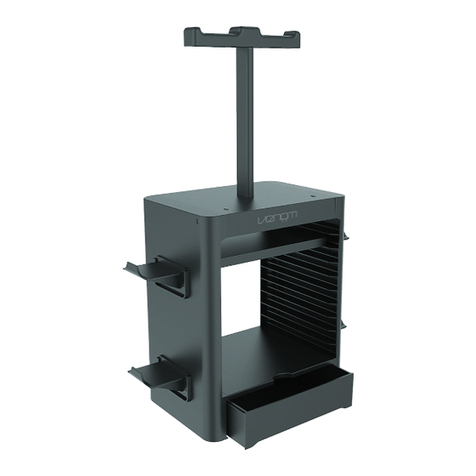
Place computer on tray ➀and insert both sensor arms ➁
into arm support ➂with sensors ➃facing towards user.
Loosen knobs ➄and slide bar up to the top of
blue tape ➅on side and re-tighten.
*Directed towards user
Sensor face*
Connecting VR Equipment
Remove cords from basket ➆and connect to
appropriate ports and power strip ➇matching colors.
Getting Started
Once equipment is connected, turn on computer and enter login information:
Double click the Oculus icon located on the desktop to start
selecting games from the library.
2
USB ports
HDMI port
Power port
4
3
Blue dots
Grey dot
2
5
4
7
8
6
1
3
10
Computer tray
Sensor arm
Arm support
Sensor
Height
adjustment
knobs
Blue tape
Basket
Power strip
Velcro strips
UV cube
9
White dot