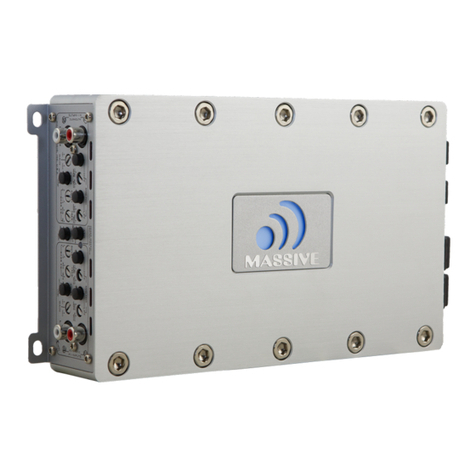
1. Speaker connection
•Never connect the speaker cables with the chassis ground. This could destroy
your amplifier.
•Check that your speakers are connected correctly which means plus to plus and minus
to minus
We recommend speaker cable from 16 gauge and up. Other connection variations are shown
attached.
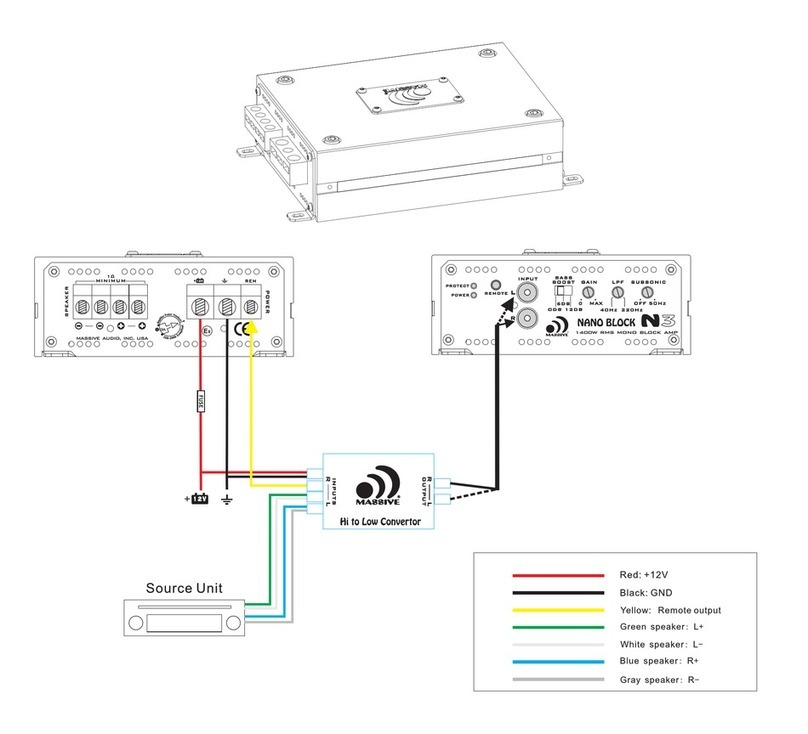
2. BATT+
Battery + (plus) terminal. The + (plus) 12 Volt power cable must be connected with a fuse on
the battery + (plus) terminal. We recommend a fuse listed on page 5 and a copper cable with a
thickness of 8 gauge and up for cable length up to 12 feet (5 meters).
3. REM
Remote terminal. The remote cable must be connected with the radio automatic antenna
terminal so that the amplifier will switch on and off automatically with the radio. If there are
2 or more amplifiers connected to this antenna terminal it might be necessary to add an
additional relay. Please consult your dealer.
4. GND
Chassis ground-terminal. The chassis ground cable must be connected very tight on a
nearby electric conductive place.
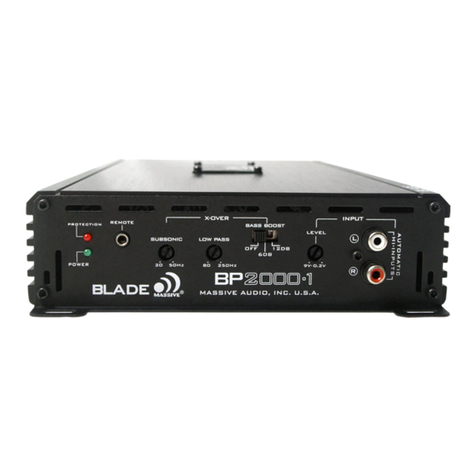
5. Gain
Gain control regulates the sensitivity of the amplifier to match the signal output voltage of
your source unit.
The Gain control is not intended for volume adjustment.
Use high quality CD music and increase the volume of your source unit to 75%.
Position the Gain at the minimum and then slowly increase Gain (clockwise).
Stop at the first sign of distortion, then lower the Gain a little ( counter clockwise) to achieve
clear undistorted music at the maximum level.
6. RCA audio-input
These RCA inputs are to be connected with your radio preamp RCAoutputs. Please use
RCA cables made for car audio, otherwise there could be disturbances. Keep these cables
as short as possible. To avoid distortion from your car electrical system, install the RCA
cables away from existing wiring. If your radio has only one preamp output please use
a suitable Y-RCA adaptor, and press the 4ch+sub button. If your radio has only speaker
outputs you must use a HIGH-LOW-LEVEL adaptor.
7. CROSSOVER
These knobs control the Low Pass Filter, High Pass Filter and Full pass function. When set to
LPF and HPF/SUBSONIC, the cut off frequency can be adjusted by the frequency knobs.
Amplifier Functions
4
8. Power LED
The LED lights when the amplifier is switched on. When the amplifier has problems, this LED will shut down
while the protection LED lighting.
9. Protection LED
This LED lights up in case of any malfunction or internal damages. It also shows if the amplifier is short-
circuit, overload, over-heat or low voltage protection as activated.
Note: Please check the wiring connections and trouble shoot the source of malfunction when the LED is lit. t
Prolonged incorrect operation or overload can damage the amplifier.
10. 4CH/4CH+SUB button
This press-button is for 4ch / 4ch+sub input selection, when pressed down, the amplifier works as 4-ch
separate input. When not pressed, CH-SUB input will be paralleled to CH-A/B, CH-SUB input jack will be
dummy at same time.
A B
L
R
SUB GAIN HPF
LPFSUBSONICGAIN
4CH
MIN MAX
OFF 200HZ
MIN MAX
OFF 200HZ
MIN MAX
OFF 50HZ
50HZ200HZ
REMOTE
POWER
PROTECTION
INPUT
GAIN HPF
4+SUB
SUB
A B
950.5
950.5
L R
L R
B
A
BRI DGED
BRI DGED
SUB
REM GND
POWER
SPEAKER
1234
57
8
10
67
9