manuals.online logo
Brands
  1. Home
  2. •
  3. Brands
  4. •
  5. Maxxair
  6. •
  7. Fan
  8. •
  9. Maxxair MAXXFAN Guide

Maxxair MAXXFAN Guide

Other Maxxair Fan manuals
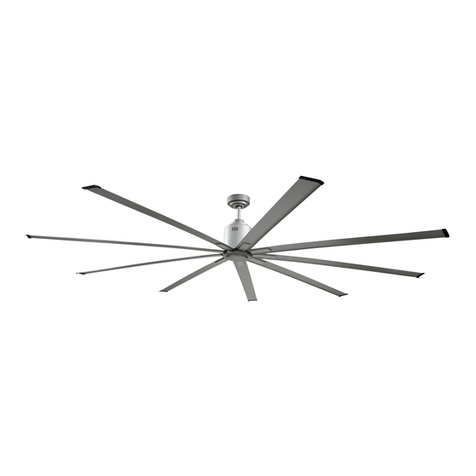
Maxxair ICF72 Installation guide

Maxxair

Maxxair ICF72 Installation guide
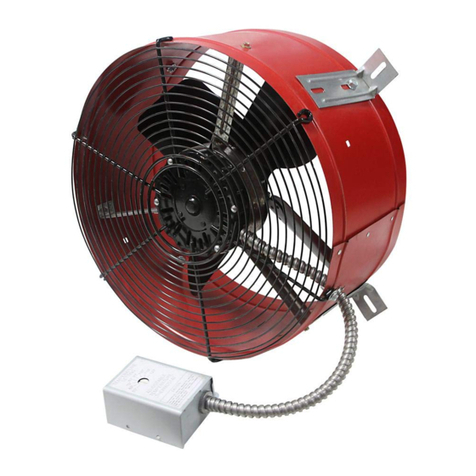
Maxxair CX1500 RED User manual

Maxxair

Maxxair CX1500 RED User manual

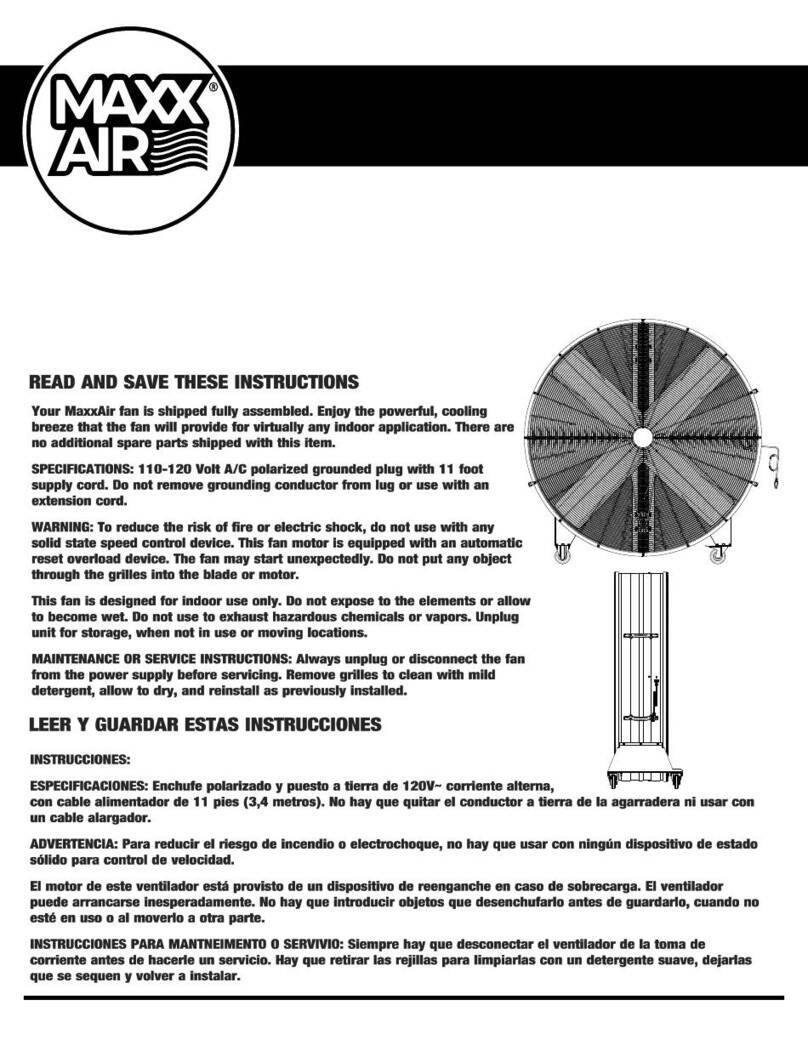
Maxxair MAXXFAN Plus 4500KI User manual
Maxxair

Maxxair MAXXFAN Plus 4500KI User manual

Maxxair BF60BDBLKP4 User manual

Maxxair

Maxxair BF60BDBLKP4 User manual
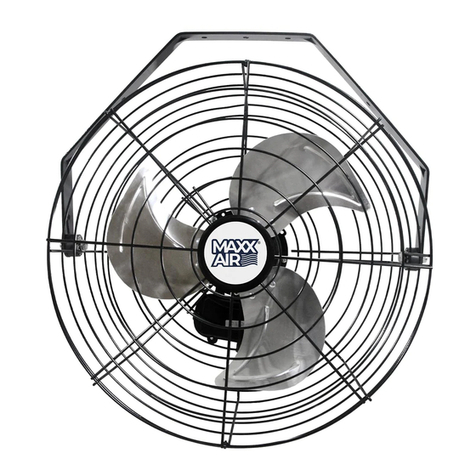
Maxxair HVWM 18PF User manual

Maxxair

Maxxair HVWM 18PF User manual

Maxxair Maxxfan Mini 4301M User manual

Maxxair

Maxxair Maxxfan Mini 4301M User manual

Maxxair MAXXFAN 4401K User manual

Maxxair

Maxxair MAXXFAN 4401K User manual

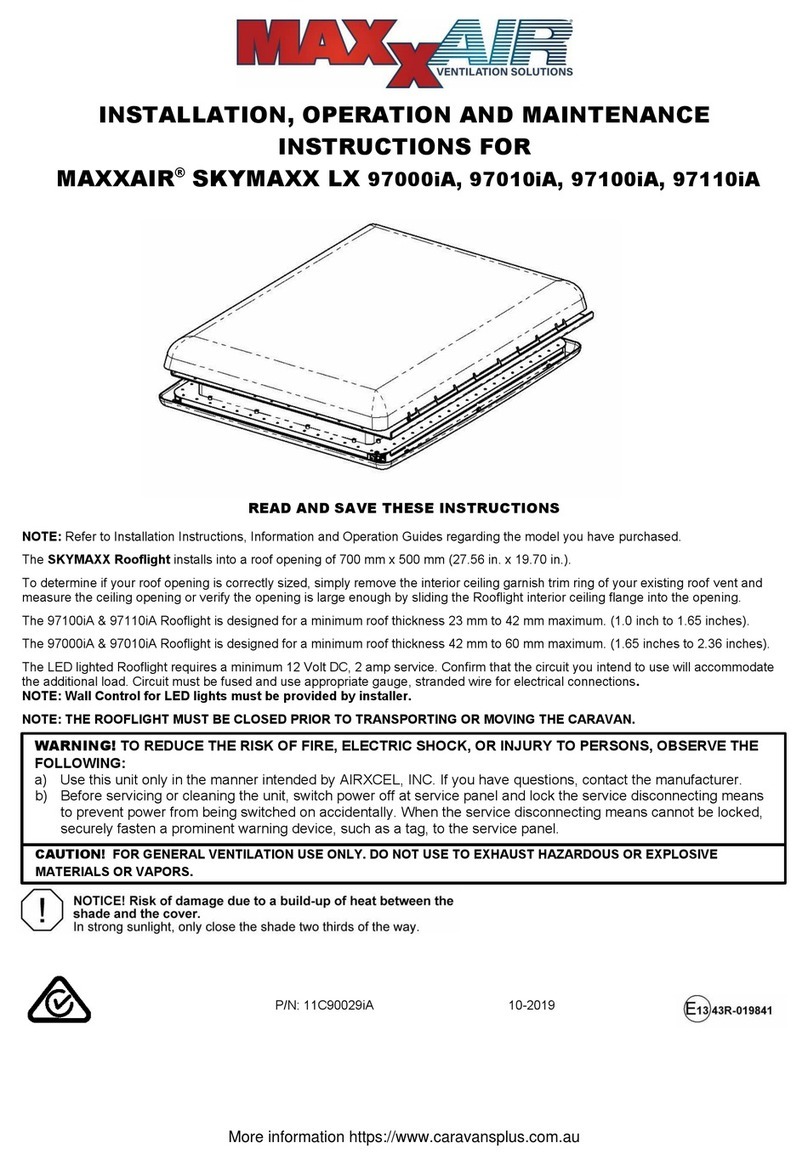
Maxxair HVPF16 Installation instructions
Maxxair

Maxxair HVPF16 Installation instructions

Maxxair SKYMAXX LX 97000iA Manual

Maxxair

Maxxair SKYMAXX LX 97000iA Manual
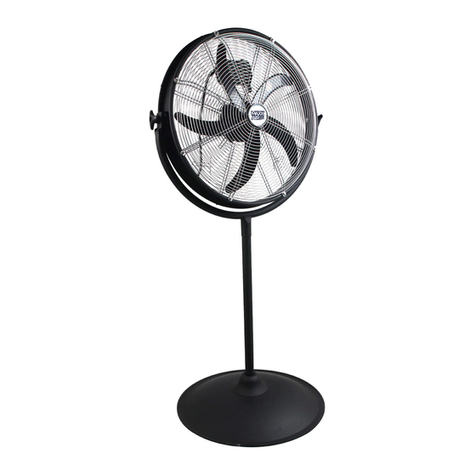
Maxxair HVPF 20 OR User manual

Maxxair

Maxxair HVPF 20 OR User manual
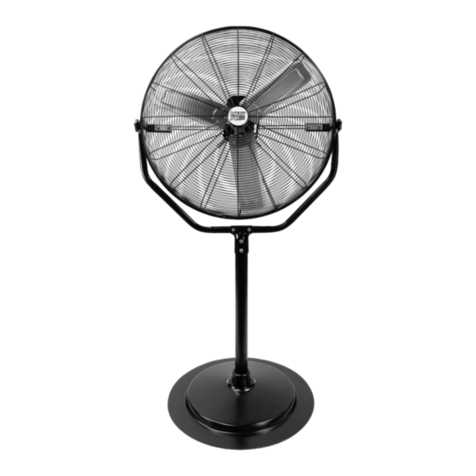
Maxxair HVPF 30 YOKE User manual

Maxxair

Maxxair HVPF 30 YOKE User manual
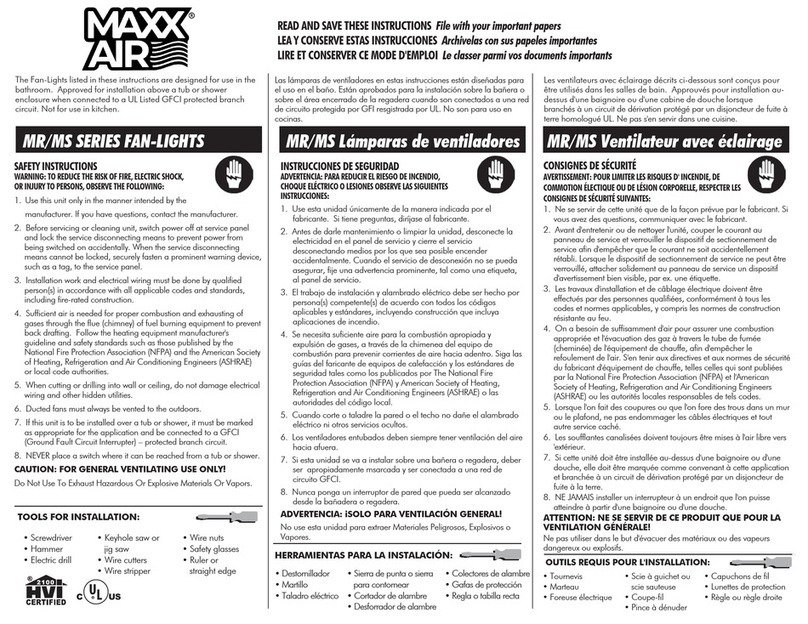
Maxxair MR Series User manual

Maxxair

Maxxair MR Series User manual

Maxxair MAXXFAN Deluxe Series User manual

Maxxair

Maxxair MAXXFAN Deluxe Series User manual

Maxxair HVCF2800 User manual

Maxxair

Maxxair HVCF2800 User manual
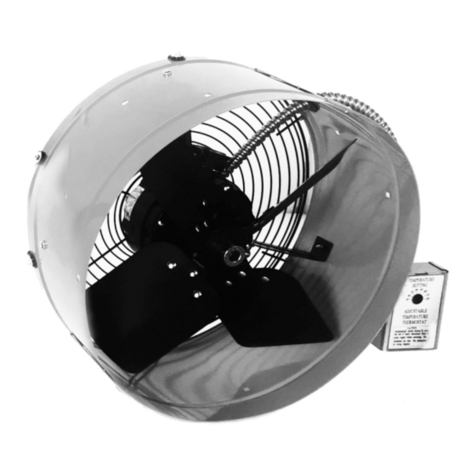
Maxxair CX1500 RED User manual

Maxxair

Maxxair CX1500 RED User manual
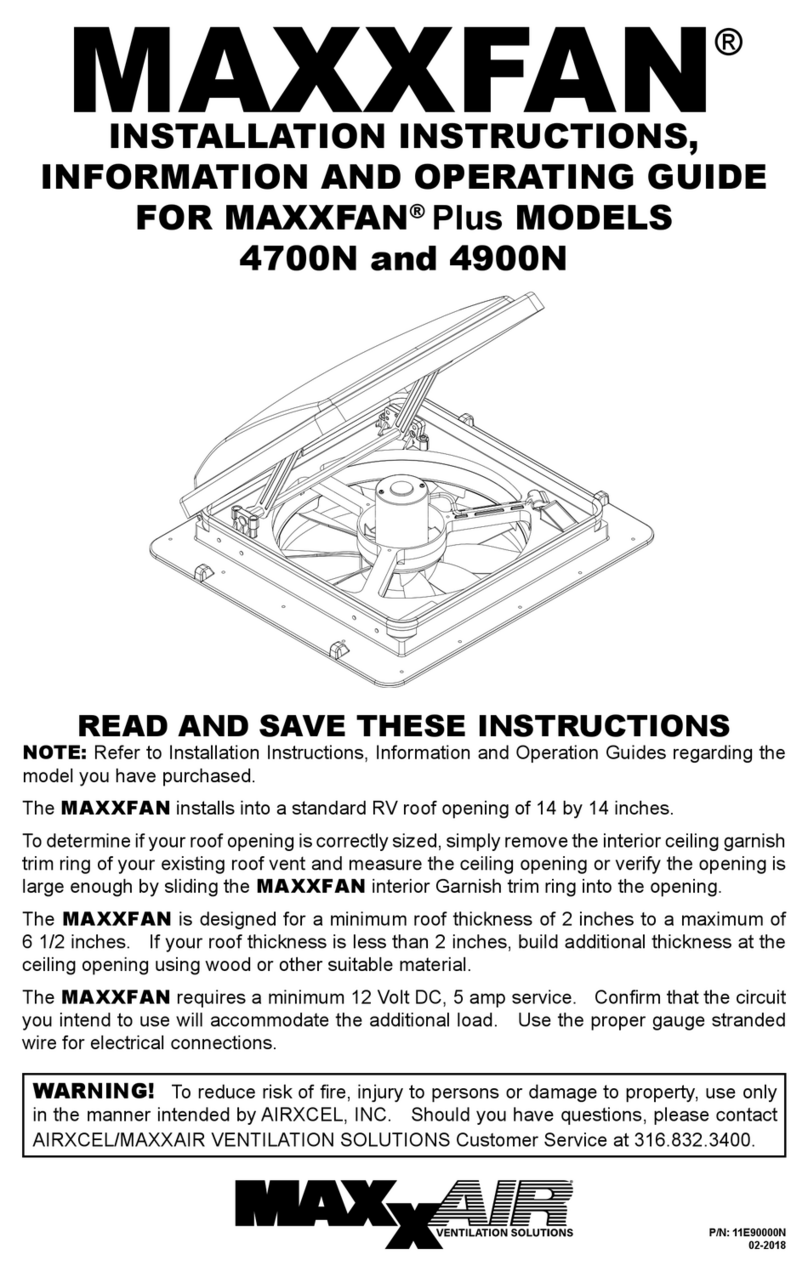
Maxxair MAXXFAN Plus 4700N User manual
Maxxair

Maxxair MAXXFAN Plus 4700N User manual

Maxxair CDMPl1 840GRY User manual

Maxxair

Maxxair CDMPl1 840GRY User manual

Maxxair HVCF1600 User manual

Maxxair

Maxxair HVCF1600 User manual
Maxxair HVWM 18CDHUB User manual

Maxxair

Maxxair HVWM 18CDHUB User manual

Maxxair 4000K User manual

Maxxair

Maxxair 4000K User manual
Maxxair HVPF 22 OSC User manual

Maxxair

Maxxair HVPF 22 OSC User manual

Maxxair HVWM 18 User manual

Maxxair

Maxxair HVWM 18 User manual

Maxxair SKYMAXX LX 97000 Manual

Maxxair

Maxxair SKYMAXX LX 97000 Manual

Maxxair CX1401 User manual

Maxxair

Maxxair CX1401 User manual

Popular Fan manuals by other brands

Minka Group minkaAire Wave F843 instruction manual

Minka Group

Minka Group minkaAire Wave F843 instruction manual

Airflow Adroit DV50 instruction manual

Airflow

Airflow Adroit DV50 instruction manual

Vornado 270 Series owner's guide

Vornado

Vornado 270 Series owner's guide

comfort air TH-10D instruction manual

comfort air

comfort air TH-10D instruction manual

Livoo DOM386 instruction manual

Livoo

Livoo DOM386 instruction manual

Holmes BLIZZARD HAOF-90 owner's guide

Holmes

Holmes BLIZZARD HAOF-90 owner's guide

Taurus GRECO 16 ELEGANCE manual

Taurus

Taurus GRECO 16 ELEGANCE manual

Quorum PINNACLE installation instructions

Quorum

Quorum PINNACLE installation instructions

Monte Carlo Fan Company 3DIR58RBD-V1 Owner's guide and installation manual

Monte Carlo Fan Company

Monte Carlo Fan Company 3DIR58RBD-V1 Owner's guide and installation manual

Craftmade UH52 installation guide

Craftmade

Craftmade UH52 installation guide

Jocel JVA030658 instruction manual

Jocel

Jocel JVA030658 instruction manual

MIKA MFB1211/GR user manual

MIKA

MIKA MFB1211/GR user manual

Harbor Breeze RLG52NWZ5L manual

Harbor Breeze

Harbor Breeze RLG52NWZ5L manual
Allen + Roth L1405 instruction manual

Allen + Roth

Allen + Roth L1405 instruction manual
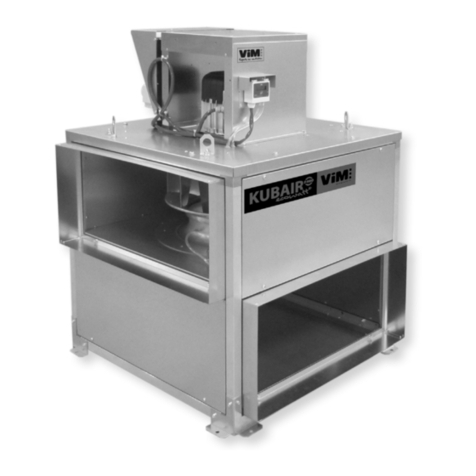
ViM KUBAIR F400 ECOWATT Technical manual
ViM

ViM KUBAIR F400 ECOWATT Technical manual

HIDRIA R10R-56LPS-ES50B-04C10 user guide
HIDRIA

HIDRIA R10R-56LPS-ES50B-04C10 user guide

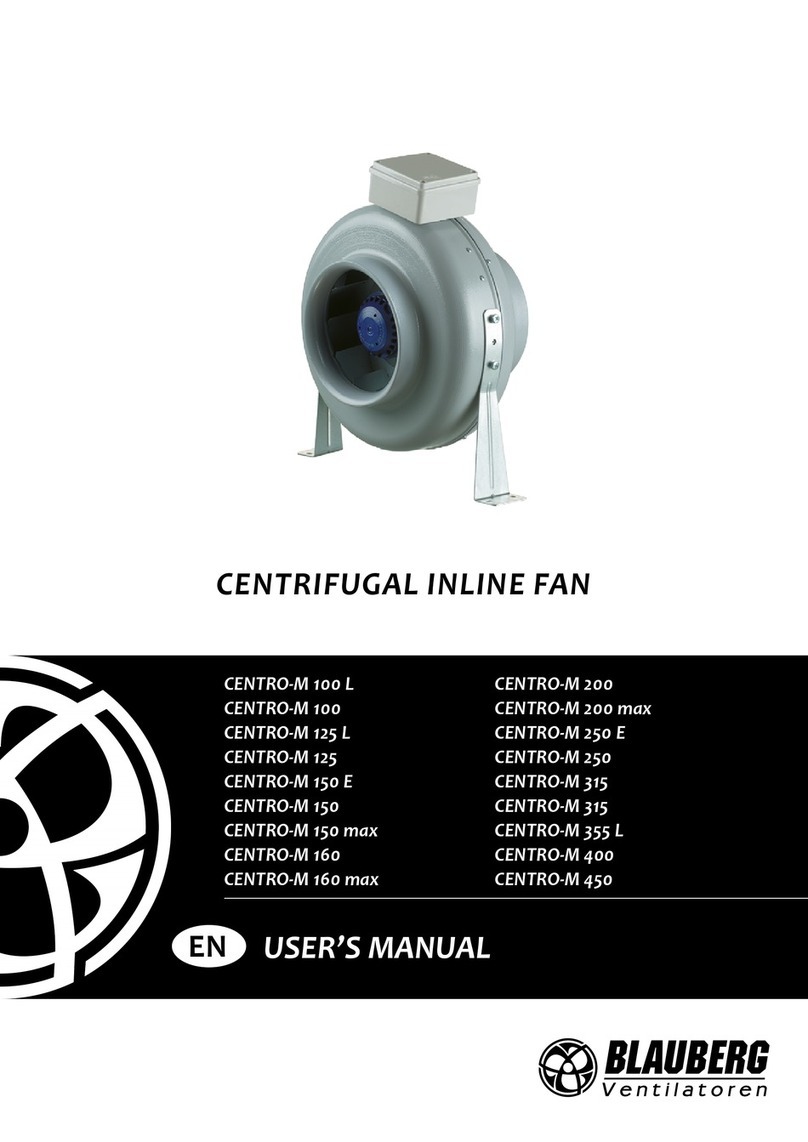
BLAUBERG Ventilatoren CENTRO-M 100 L user manual
BLAUBERG Ventilatoren

BLAUBERG Ventilatoren CENTRO-M 100 L user manual

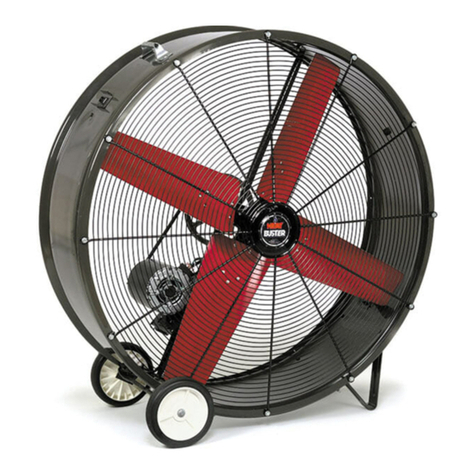
Triangle Engineering HEAT BUSTER SPL Series owner's manual

Triangle Engineering

Triangle Engineering HEAT BUSTER SPL Series owner's manual

manuals.online logo
manuals.online logoBrands
  • About & Mission
  • Contact us
  • Privacy Policy
  • Terms and Conditions

Copyright 2025 Manuals.Online. All Rights Reserved.

Page 1 of 3
MAXXFAN
FAN BLADE REPLACEMENT INSTRUCTIONS
Parts Provided:
Fan Blade Washer, Motor Shaft
1. CAUTION: Turn off 12volt power to MaxxFan.
2. Remove insect screen by turning
(4) locking tabs to release, See photo A.
photo A photo B
3. CAUTION:The fan blade may have sharp edges!
Using a ½” wrench or an adjustable
wrench, remove locknut that holds the fan
blade to the motor shaft. Using a cloth or
paper towel to avoid sharp edges, hold the
fan blade with one hand to prevent the
motor from rotating while loosening the
nut. Turn the nut counter-clockwise to
loosen, See photo C.
photo C
4. Locate the small flat on the motor shaft, See photo D. Using an adjustable
wrench or a 9/32” open end wrench, hold the motor shaft. Tighten the adjustable
wrench on the small flat as needed. With your other hand, protected by a cloth or
paper towel, turn the fan counter-clockwise slightly to align the flat on the fan
blade hub with the flat on the motor shaft. You will feel a slight amount of play
between the fan blade and the motor shaft when the flats are properly aligned, See
photo E.
Locking
Tab
Locknut
Hold fan
b
lade Loosen
nu
t
Page 2 of 3
Photo D photo E
5. Grasp the fan blade at the center hub and gently pull it straight off of the motor
shaft, See photo F. The fan blade will be tight and there will be some resistance.
You may find it helpful to wrap your fingers around the fan blade hub, pulling,
while pressing on the end of the motor shaft with your thumbs, See photo G. Do
not apply excessive downward force on the motor mounts, See photo F.
photo F photo G
When the fan blade is removed, make sure
the small washer on the motor shaft
underneath the fan does not come off. If it
does, slide it back onto the motor shaft
before installing the new fan blade, See
photo H.
photo H
6. Locate the small metal ring on the boss of the new fan blade, See photo I. The
fan blade must be placed onto the motor shaft with the metal ring towards the
motor. Locate the small flat on the inside of the hole in the fan blade boss. This
flat must be aligned with the flat on the motor shaft to properly install the fan
blade, See photo I. Align the two flats and press the fan blade straight onto the
motor shaft until it bottoms out on the shaft washer. The fan blade will be tight
going on, make sure the flats are properly aligned before pressing the fan blade
onto the motor shaft, See photo J.
Flat on motor shaf
t
Washer must
stay on shaft
Hold
wrench
Turn fan
blade
Fan blade
hub
Motor mounts
Page 3 of 3
photo I photo J
7. Place the provided washer onto the shaft, and replace the nut onto the end of the
motor shaft, See photo K. Using a cloth or paper towel, hold the fan from turning
while tightening the nut with the ½” wrench or an adjustable wrench. Tighten the
nut fully, the end of the motor shaft should just stick through the plastic on the
end of the nut, See photo L.
photo K photo L
8. Replace the insect screen and secure with
the (4) locking tabs, See photo M.
photo M
9. Reapply the 12volt power to the MaxxFan. Turn the MaxxFan on and verify that
the fan does not wobble excessively. If the fan wobbles, the flats on the fan hub
and the motor shaft may not be properly aligned.
Metal ring, place this end
of fan on motor shaft first.
Flat in fan hole
End of shaft
just sticks
through nut
Align flats & press
fan blade straight
onto motor shaft
Place washer &
nut onto shaft.
Locking
Tab