manuals.online logo
Brands
  1. Home
  2. •
  3. Brands
  4. •
  5. mbt Lighting
  6. •
  7. Spotlight
  8. •
  9. mbt Lighting LEDWPAR64 User manual

mbt Lighting LEDWPAR64 User manual

Popular Spotlight manuals by other brands
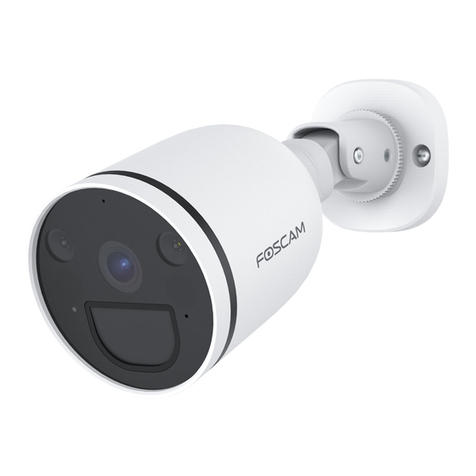
Foscam S41/SPC user manual

Foscam

Foscam S41/SPC user manual

EuroLite LED SLS-144 UV Floor Spot user manual

EuroLite

EuroLite LED SLS-144 UV Floor Spot user manual

Guangzhou Yinhe Lighting&Sound Equipment Factory NE-204 user manual

Guangzhou Yinhe Lighting&Sound Equipment Factory

Guangzhou Yinhe Lighting&Sound Equipment Factory NE-204 user manual

LIVARNO home 375304 2101 Installation, operating and safety information
LIVARNO home

LIVARNO home 375304 2101 Installation, operating and safety information

Leviton Ellipsoid 5/50 user guide

Leviton

Leviton Ellipsoid 5/50 user guide

Vector SL3AKV instruction manual

Vector

Vector SL3AKV instruction manual
Quantum Q262 Product data sheet

Quantum

Quantum Q262 Product data sheet
EUROSPOT C51 instruction manual

EUROSPOT

EUROSPOT C51 instruction manual
DTS MINI BRICK ARC user manual

DTS

DTS MINI BRICK ARC user manual
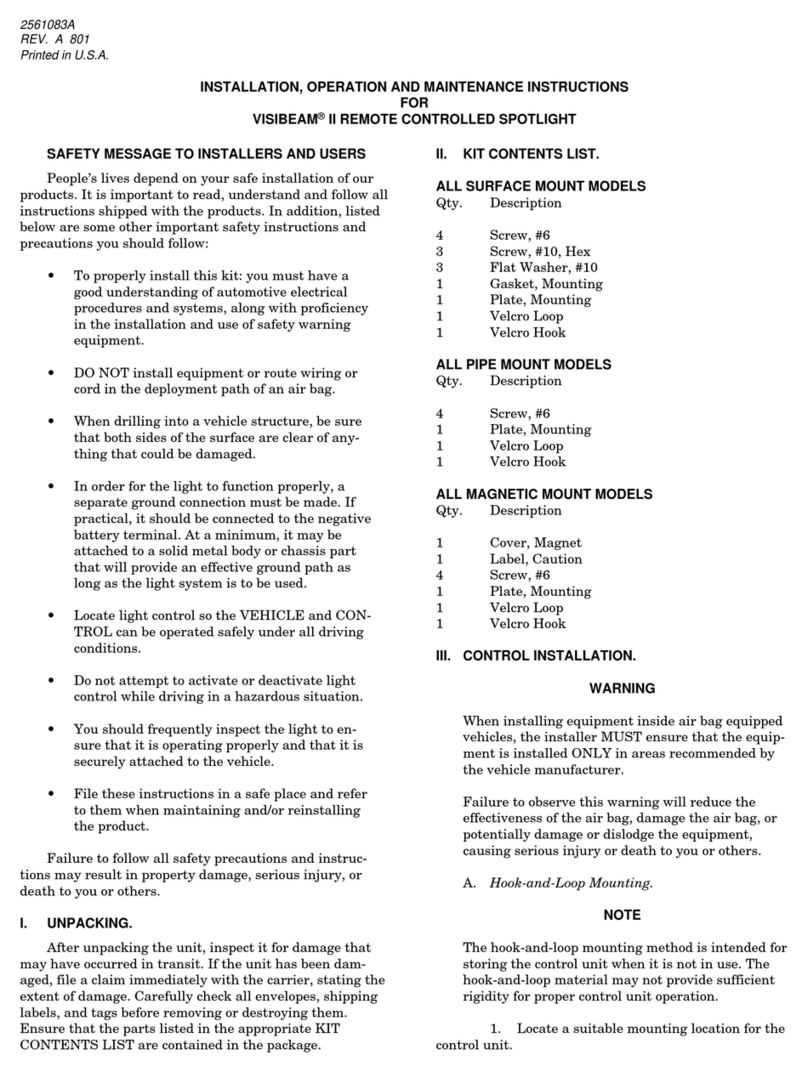
Federal Signal Corporation VISIBEAM II Installation, operation and maintenance instructions

Federal Signal Corporation

Federal Signal Corporation VISIBEAM II Installation, operation and maintenance instructions

ACME LED-MS350B user manual

ACME

ACME LED-MS350B user manual

EuroLite Akku flat light 1 user manual

EuroLite

EuroLite Akku flat light 1 user manual
Commercial Electric SPTM-1401 Use and care guide

Commercial Electric

Commercial Electric SPTM-1401 Use and care guide

Vision & Control SLB-500-W5K7-P-SL Instructions for use

Vision & Control

Vision & Control SLB-500-W5K7-P-SL Instructions for use

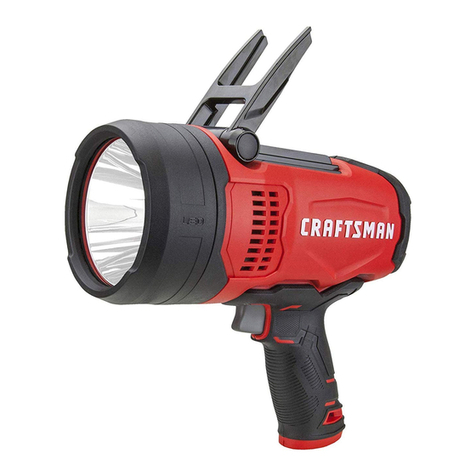
Craftsman CMXLSB10 instruction manual

Craftsman

Craftsman CMXLSB10 instruction manual

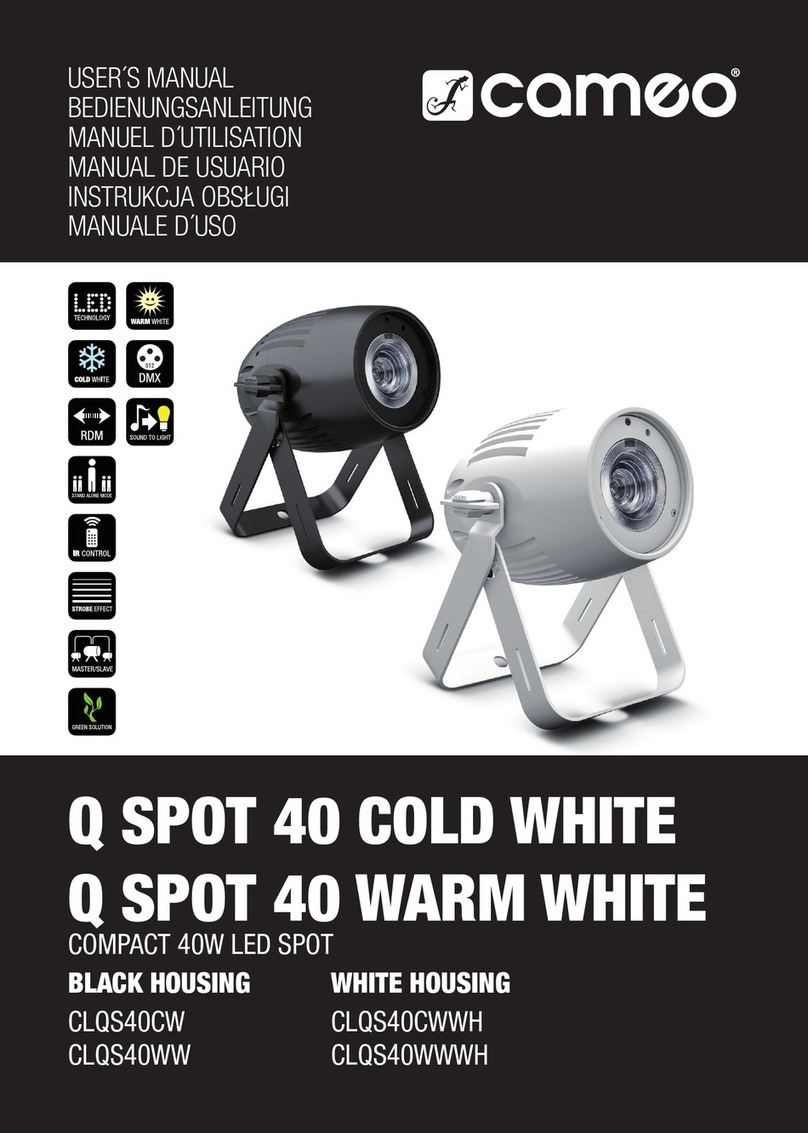
Cameo CLQS40WW user manual

Cameo

Cameo CLQS40WW user manual

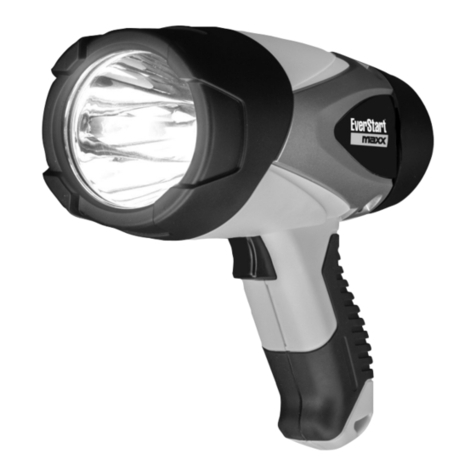
EverStart maxx SL5W09E quick start guide

EverStart

EverStart maxx SL5W09E quick start guide

Philips 6919114PH brochure

Philips

Philips 6919114PH brochure

manuals.online logo
manuals.online logoBrands
  • About & Mission
  • Contact us
  • Privacy Policy
  • Terms and Conditions

Copyright 2025 Manuals.Online. All Rights Reserved.

mbtlighting.com
LEDWPAR64 User Manual
Introduction
Thank you for using high power PAR light. This light has 4 working modes: DMX, Auto,
Sound, Master-slave and uses operating panel of dial switch. For the easy operation and
good figuration, it is applicable to all kinds of amenities and housing party.
Please read manual carefully before using the fixture and keep it in your hand for your
reference in future.
NOTE
Caustic or deliquescent chemical can cause damage to the housing.
The operation temperature must be below +40℃and humidity is 0~95%, it will shorten
life of fixture if beyond the range.
All manuals and user guides at all-guides.com
all-guides.com
2
Indoor Use only
Warning
Please not connect fixture to the power when it is in the package box, except
presentation.
Please not connect high power before installation and make sure it is grounded.
Don’t dismantle the fixture and please contact technician to repair if having any problem.
Input Power should be matched with fixture requested.
Specification
1、Voltage:AC120V
2、Power:20W
3、light resource:200 pcs Ф5 white LED
4、Function:DMX, Auto, Sound, Master-slave
5、DMX Channel:2
6、Fuse:Φ5X20MM 2A/125V
7、Dimensions:277x258x319mm
8、Net weight:2.2 KG
Panel Instruction
1、Sensitivity 2、DMX Intput 3、DIP SWITCH 4、DMX Output 5、MIC
Multi-fixtures connection
……
The definition of Pin for DMX connector: Pin1 = Gnd Pin2 = Dmx- Pin3 = Dmx+
controller
fixture1
fixture2
fixture3
Fixture n
IN OUT
IN OUT
IN OUT
IN OUT
All manuals and user guides at all-guides.com
3
Function Introduction
1. DMX Mode;
2. Master- slave mode
3. Auto mode;
4. Sound mode;
Operation Instruction:
1 2 3 4 5 6 7 8 9 10 OFF ON
Dipswitch instruction
As above figure of dipswitch showed, 1 is “on”and other is “OFF”. “#1”~“#10”stand
for “dipswitch1” ~“dipswitch10”. “1”means “on”and “0”means “off”and “*”means “on”or
“off” is ok( there is no function for dipswitch). X means it can set to 1 or 0 according to
designing needs.
Brief function chart
Mode
#1
#2
#3
#4
#5
#6
#7
#8
#9
#10
Description
DMX
Set DMX address
0
Enter DMX mode
S0
S0
S0
S0
S0
S0
S0
0
0
1
Strobe
Auto
S0
S0
S0
S0
S0
S0
S0
1
1
1
Gradation
Manual
C
C
C
C
S1
S1
S1
1
0
1
“S1”select speed of
strobe
“C”select color
brightness
Sound
*
*
*
*
*
*
M
0
1
1
“M=0”mode 1
“M=1”mode 2
NOTE!Important
1. Sound:
①no FADE;②run to sound;
2. Connect DMX controller with the fixture through 3-pin XLR signal cord。
3. In master/slave mode, one of them was set to Auto mode or sound mode and others
was set to submachine, so fixtures can run at same time.
4. DMX address settings :
All manuals and user guides at all-guides.com
4
On Off
1 2 3 4 5 6 7 8 9
Switch #1 =0;Switch #2 =2;Switch #3 =4;Switch #4 = 0; Switch #5 =0;Switch #6 = 0;Switch
#7 = 0;Switch #8 = 0; Switch #9 = 0;so value for address:0+2+4+0+0+0+0+0+0 = 6, so
address is 6.
5 Auto mode :6.Manuel mode:
S0 speed selection
#1
#2
#3
#4
#5
#6
#7
Des
1
0
0
0
0
0
0
0
1
0
0
0
0
0
0
0
1
0
0
0
0
0
0
0
1
0
0
0
0
0
0
0
1
0
0
0
0
0
0
0
1
0
0
0
0
0
0
0
1
slow
fast
others
on
DMX channel setting:
NO.
DMX value
function
CH1
000~255
LED brightness dimmer
000~015
Dimmer mode ,LED no strobe
016~130
strobe,CH1>15 adjust brightness,CH2 adjust speed
131~240
dimmer,CH1>15 dimmer ,CH2 adjust speed
CH2
241~255
240<CH2<250 sound mode 1
250<CH2<255 sound mode 2
C color selection
S1 speed selection
#1
#2
#3
#4
Des
value
#5
#6
#7
Des
0
0
0
0
off
0
0
0
0
on
快
1
0
0
0
1
1
0
0
0
1
0
0
2
0
1
0
1
1
0
0
3
1
1
0
0
0
1
1
4
0
0
1
1
0
1
0
5
1
0
1
0
1
1
0
6
0
1
1
1
1
1
0
7
1
1
1
slow
fast
0
0
0
1
8
1
0
0
1
9
0
1
0
1
10
1
1
0
1
11
0
0
1
1
12
1
0
1
1
13
0
1
1
1
14
1
1
1
1
dark
light
15
1
2
4
8
16
32
64
128
256
All manuals and user guides at all-guides.com
5
Master/slave mode
The fixtures can run at M/S mode when there are more than one par lights, which can
work simultaneously
The way of setting dipswitch is as follow:
1.Master:Dipswitch 1 is ON
2.slave:Dipswitch 1 is OFF
NOTE:In M/S mode, only one was set to master and other should be set to slave, or they
can’t work normally.
Sound mode
In this mode, the fixture run as same as in Auto mode, just activated by sound you can
adjust sensibility by potentiometer on panel.
Trouble Shooting
Troubles
Reason
Trouble shooting
No power
Check if power switch is on and cable is
connected well
One or more fixtures can
work
Fuse is burned
Change new fuse when power is off.
If it is burnt again, circuits maybe have
some problem, please contact technician
Data cables can’t be
connected correctly
Check, repair or change the data cable
and make sure good connection.
While please connect the first fixture
and controller.
Set a wrong address
code
Check if address code is set
correctly(Pleas note that it can’t set
Master when connect DMX controller)
Fixture is no problem, but
can’t work when it is
connected to controller or
other fixtures.
Some trouble in signal
connector of one
fixture
Please connect signal IN and OUT
directly for one fixture and check if it can
work normally. As per this way, please
find trouble fixture and let technician
repair
All manuals and user guides at all-guides.com
6
Address code chart
All manuals and user guides at all-guides.com
all-guides.com