3.SAWCUTOUT
Carefullycuttherectangularopeningontheinsideof
thepencilledrectangle.
4.SECUREMOUNTINGSTRIPS
Installthemountingstrips(suppliedinthehardware
package)ontheinsideofthecabinetpanel.Insert
twoscrews(suppliedinthehardwarepackage)into
thecenterholes("B"holesonthetemplate).Usethe
¾-inchlongscrewsforpanelsunder½-inchthickor
1¼-inchscrewsforpanels½-inchthickorover.Place
amountingstriponthebackofthecabinetpanel.
Alignitwiththethreeholesinthepanelandtighten
thescrew.Thescrewheadshouldpullslightlyintothe
woodpanel.Attachtheothermountingstripbyrepeat-
ingtheprocedure.
5.MOUNTTHEPANLOCBRACKETS
AttachthePANLOCbracketstothecabinetpanel
usingfourscrewsoftheproperlength.Placethetem-
plateoverthemountingscrews.Thescrewsshould
becenteredonthe"A"and"B"holesinthetemplate.
Ifnecessary,loosenthescrewsandpushthemounting
bracketsintoalignmentthenretighten.
6.INSTALLTHEUNIT
Threadthepowercordthroughtheopeninginthe
cabinetpanel.Carefullyslidetheinstrumentintothe
openingsotherailsonthebottomoftheinstrument
engagethetrackonthemountingbrackets.Slidethe
instrumentinuntilitstopsatthead|ustposition
latches.Pressthelatchesinandcontinuetoslidethe
instrumentuntilitsfrontpanelisflushwiththecabi-
netpanel.AtthebottomfrontcornersarethePANLOC
buttons.DepressingthePANLOCbuttonswilllockthe
instrumentfirmlyinthecabinetpanel.Pressingthe
PANLOCbuttonsa secondtimewillreleasetheinstru-
mentYoucanthenslidetheinstrumentforwardtothe
adjustposition.Pressingtheadjustpositionlatches
willallowtheinstrumenttoberemovedfromthe
cabinet.
Howtoconnect
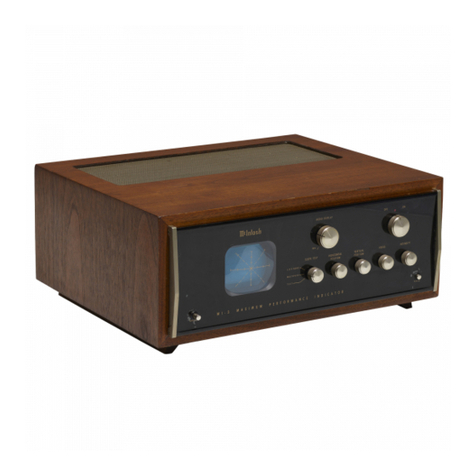
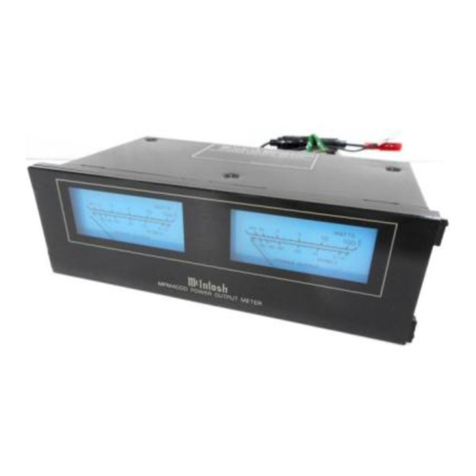
TheMPI4 maybeconnectedtoa stereoreceiver(Fig.
1)ortoa componentsystemwitha separatepreampli-
fierandpoweramplifier(Fig.2).Choosewhichmost
closelyresemblesyoursystem.
AUDIOINPUTS
LowLevelAudioInput
Useoneofthe6-footshieldedcablessupplied,tocon-
necttheleftchanneloutputonyourpreamplifiertothe
LEFTAUDIOINPUTontheMPI4 backpanel.Similarly,
connecttherightchannelpreamplifieroutputtothe
RIGHTAUDIOINPUT.
SPEAKERINPUT
Therearefourcolor-codedpushconnectorsontheback
paneloftheMPI4.Connectthesewithtwopairsofspeaker
cablestotheleftandrightoutputonthepowerampli-
fier.
BlackLeftspeakercommonterminal
GreenLeftspeakerhighterminal
WhiteRightspeakercommonterminal
RedRightspeakerhighterminal
SettheSPEAKERIMPEDANCEswitchontheMPI4 back
paneltoagreewiththespeakersystemimpedance:4W,
8W,or
16W.
TUNERINPUTS
SignalStrengthInput
Mclntoshtunersandreceiversprovidesignalforthe
SIGNALSTRENGTHINPUTata connectormarkedTP1
onthebackofeachtuner.Usingthe3-footlow-capacity
shieldedcablesupplied,connecttheTP1 outputtothe
SIGNALSTRENGTHINPUT.
TOPREVENTHIGHFREQUENCYLOSSES,THESPECIAL
3-FOOTCABLESSUPPLIEDMUSTBEUSED.DONOT
SUBSTITUTEORDINARYAUDIOCABLE.
Forothertunersorreceiverswhichdonotprovidea
signalstrengthoutput,consultthemanufacturerortheir
authorizedserviceagency.
DeviationInput
Mclntoshtunersandreceiversprovidesignalforthe
DEVIATIONINPUTata connectormarkedTP2 ontheback
ofeachtuner.Usingthe3-footlow-capacityshielded
cablesupplied,connecttheTP2 outputtotheDEVIA-
TIONINPUT.
TOPREVENTHIGHFREQUENCYLOSSES,THESPECIAL
3-FOOTCABLESSUPPLIEDMUSTBEUSED.DONOT
SUBSTITUTEORDINARYAUDIOCABLE.
Fortunersorreceiverswhichdonotprovidea devia-
tionoutput,consultthemanufactureortheirauthorized
serviceagency.
3