Features
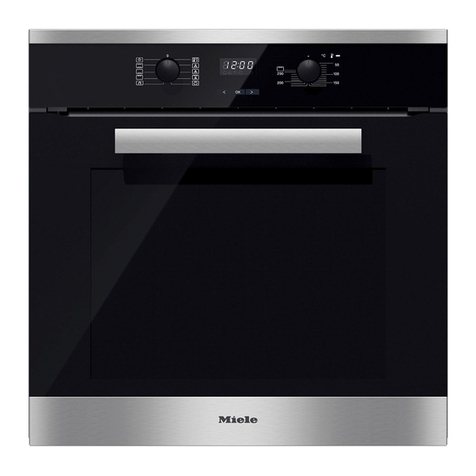
Electronic controls
In addition to operating the various
cooking programmes to bake, roast
and grill, the electronic controls also
offer the following features:
–Clock display
–Minute minder
–Timer to automatically switch cooking
programmes off, or on and off
–User programmes
– Automatic programmes
– Settings can be customised.
Safety features
You can activate a system lock, to
prevent the appliance being used
unintentionally. See "Changing settings
- Safety" for details.
Safety switch-off is triggered
automatically if the oven is operated for
an unusually long period of time.
The period of time will depend on the
particular oven function being used.
The oven will switch off automatically
and "Fault 55" will appear in the display.
The oven can be used again immedi-
ately after switching it off and back on.
Cooling system
As soon as the oven is switched on a
cooling fan is automatically engaged.
The cooling fan mixes hot air from the
oven cavity with cool room air before
venting it out into the kitchen through
vents located between the appliance
door and the control panel.
The cooling fan will continue to run for a
while after the oven has been switched
off to prevent any humidity building up
in the oven, on the control panel or in
the oven housing unit.
PerfectClean treated surfaces
The following surfaces are all treated
with PerfectClean enamelling.
–Oven interior
–Runners
–Baking tray
–Grill pan
–Rack
PerfectClean enamelled surfaces have
very good anti-stick properties and are
much easier to keep clean than
conventional enamel, if cleaned
regularly.
See "Cleaning and care" for more
information.
Catalytic enamelled surfaces
The back panel, roof liner and side
panels (if fitted) are coated with dark
grey catalytic enamel. Soiling from oil
and fat is burnt off these surfaces when
very high temperatures are used in the
oven.
This makes it easier to keep
inaccessible areas of the oven clean.
See "Cleaning and care" for more
information.
Description of the appliance
6