manuals.online logo
Brands
  1. Home
  2. •
  3. Brands
  4. •
  5. Millennia
  6. •
  7. Amplifier
  8. •
  9. Millennia HV-35P User manual

Millennia HV-35P User manual

Other Millennia Amplifier manuals

Millennia TCL-2 User manual

Millennia

Millennia TCL-2 User manual

Millennia HV-316 Series User manual

Millennia

Millennia HV-316 Series User manual

Millennia HV-3R User manual

Millennia

Millennia HV-3R User manual

Millennia LPE-2 User manual

Millennia

Millennia LPE-2 User manual

Millennia M-2B User manual

Millennia

Millennia M-2B User manual

Millennia HV-37 User manual

Millennia

Millennia HV-37 User manual

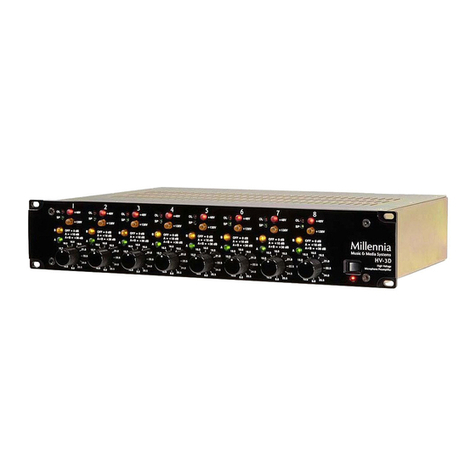
Millennia HV-3D User manual

Millennia

Millennia HV-3D User manual

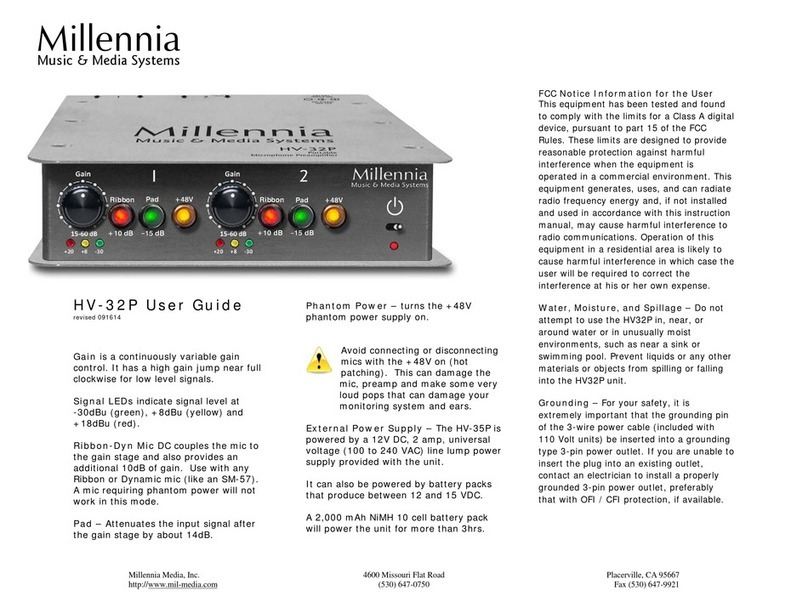
Millennia HV-32P User manual

Millennia

Millennia HV-32P User manual

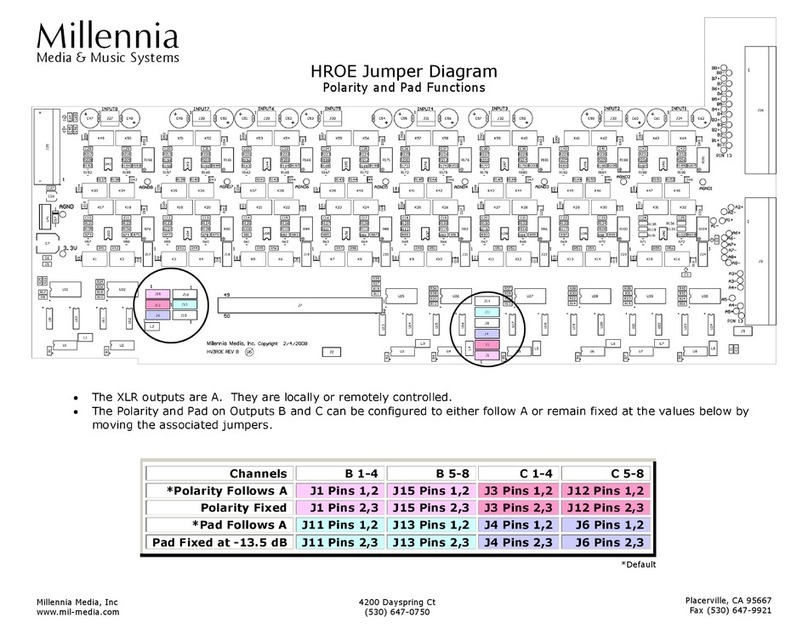
Millennia HROE Quick start guide

Millennia

Millennia HROE Quick start guide

Millennia HV32P User manual

Millennia

Millennia HV32P User manual

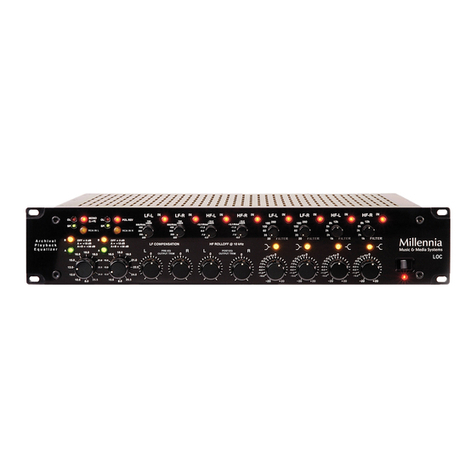
Millennia LOC Analog Legacy User manual

Millennia

Millennia LOC Analog Legacy User manual

Millennia HV-3B User manual

Millennia

Millennia HV-3B User manual

Millennia NSEQ-2 User manual

Millennia

Millennia NSEQ-2 User manual

Millennia HV-3C User manual

Millennia

Millennia HV-3C User manual

Millennia HV-3R User manual

Millennia

Millennia HV-3R User manual

Millennia STT-1 User manual

Millennia

Millennia STT-1 User manual

Millennia HV-3C User manual

Millennia

Millennia HV-3C User manual

Millennia HV-3R User manual

Millennia

Millennia HV-3R User manual

Millennia M-2B User manual

Millennia

Millennia M-2B User manual

Millennia HV-32P User manual

Millennia

Millennia HV-32P User manual

Popular Amplifier manuals by other brands

Magnat Audio EDITION FOUR Owner's manual/warranty document

Magnat Audio

Magnat Audio EDITION FOUR Owner's manual/warranty document

Inter-m PA-2000A Operation manual

Inter-m

Inter-m PA-2000A Operation manual

Yamaha TX6n owner's manual

Yamaha

Yamaha TX6n owner's manual

Peavey TNT 150 user guide

Peavey

Peavey TNT 150 user guide

Bosch LBB 1903/10 Installation and user instructions

Bosch

Bosch LBB 1903/10 Installation and user instructions

Avocent Emerge DA1200D Installer/user guide

Avocent

Avocent Emerge DA1200D Installer/user guide

Redgum RGi35 operating instructions

Redgum

Redgum RGi35 operating instructions

Cambridge Audio AXA25 user manual

Cambridge Audio

Cambridge Audio AXA25 user manual

Alpine MRP-M200 owner's manual

Alpine

Alpine MRP-M200 owner's manual

Technical Pro H1502UrBT user manual

Technical Pro

Technical Pro H1502UrBT user manual

FMS EMGZ307 operating manual

FMS

FMS EMGZ307 operating manual

Racal Instruments 5601 user manual

Racal Instruments

Racal Instruments 5601 user manual

Valcom V-1094A Technical specifications

Valcom

Valcom V-1094A Technical specifications

Cambridge Audio 851D user manual

Cambridge Audio

Cambridge Audio 851D user manual

QSC 3800 Specifications

QSC

QSC 3800 Specifications

NAD C300 owner's manual

NAD

NAD C300 owner's manual

Rotel RMB-1077 owner's manual

Rotel

Rotel RMB-1077 owner's manual

Peavey Monitor 300 Series operating guide

Peavey

Peavey Monitor 300 Series operating guide

manuals.online logo
manuals.online logoBrands
  • About & Mission
  • Contact us
  • Privacy Policy
  • Terms and Conditions

Copyright 2025 Manuals.Online. All Rights Reserved.

Millennia
Millennia Media, SPC
6411 Capitol Avenue
Diamond Springs, CA 95619
http://www.mil-media.com
(530) 647-0750
Music & Media Systems
HV-35P User Guide
revised 0303223js
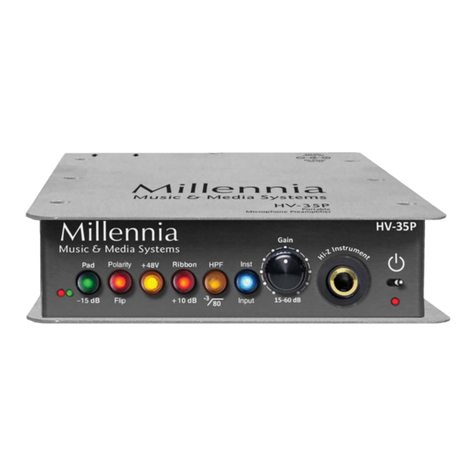
Signal Present (green) and Peak
(red) LEDs indicate signal present at
-46dB and peaks at +22dB.
Pad –Attenuates the input signal after
the gain stage by about 14dB.
Pol Flip (Polarity Flip) inverts the
signal’s polarity. This can be useful in
multiple mic setups to change the
interaction between them.
+48V turns the phantom power supply on.
Avoid connecting or disconnecting
mics with the +48V on (hot
patching). This can damage the
mic, preamp and make some very
loud pops that can damage your
monitoring system and ears.
Ribbon Mic DC couples the mic to the
gain stage and also provides an additional
10dB of gain. Use with any Ribbon or
Dynamic mic (like an SM-57). A mic
requiring phantom power will not work in
this mode.
HPF (High Pass Filter) rolls off low
frequencies below 80 Hz at 6 dB per
octave.
Inst Input (Instrument Input) is for
high impedance sources such as bass
guitars. It makes the Hi-Z Instrument
input active.
Gain is a continuously variable gain
control. It has a high gain jump near full
clockwise for low level signals.
External Power Supply –The HV-35P is
powered by a 12V DC, 5 amp, universal
voltage (100 to 240 VAC) line lump power
supply provided with the unit.
It can also be powered by Li-Ion battery packs
that produce 14.8V DC and automatically cut off
at 12V DC. If it doesn’t have a cut-off circuit, it
may damage the unit.
Rack Tray Mounting –Maximum Mid-
Atlantic screw length is 3/16" (flathead 6-
32). If you use a longer screw it will damage
the circuit board.
FCC Notice Information for the User
This equipment has been tested and found to
comply with the limits for a Class A digital
device, pursuant to part 15 of the FCC Rules.
These limits are designed to provide reasonable
protection against harmful interference when
the equipment is operated in a commercial
environment. This equipment generates, uses,
and can radiate radio frequency energy and, if
not installed and used in accordance with this
instruction manual, may cause harmful
interference to radio communications. Operation
of this equipment in a residential area is likely
to cause harmful interference in which case the
user will be required to correct the interference
at his or her own expense.
Water, Moisture, and Spillage –Do not
attempt to use the HV-35P in, near, or around
water or in unusually moist environments, such
as near a sink or swimming pool. Prevent liquids
or any other materials or objects from spilling or
falling into the HV-35P unit.
Grounding –For your safety, it is extremely
important that the grounding pin of the 3-wire
power cable (included with 110 Volt units) be
inserted into a grounding type 3-pin power
outlet. If you are unable to insert the plug into
an existing outlet, contact an electrician to
install a properly grounded 3-pin power outlet,
preferably that with OFI / CFI protection, if
available.
Millennia Media, SPC
6411 Capitol Avenue
Diamond Springs, CA 95619
http://www.mil-media.com
(530) 647-0750
World Wide Warranty
We will repair our products, free of
charge, in the event of defect of
materials or workmanship for two (2)
years following date of purchase.
This limited warranty covers failures
due only to defects in materials and
workmanship which occur during
normal, intended use and does not
cover damage which occurs in
shipment or failures which are caused
by products not supplied by Millennia
Media.
This limited warranty does not cover
failures which arise from accident,
misuse, abuse, neglect, mishandling,
misapplication, faulty installation,
improper adjustment, alteration or
modification of product,
incompatibilities, line-power surges,
acts of God, or service performed by
anyone other than Millennia Media or
its authorized agent.
Limits and Exclusions –There are no
express warranties except as listed
above. Millennia shall not be liable for
special, subsequent, incidental,
consequential, or punitive damages,
including, but not limited to: damage
to recordings, broadcasts,
microphones, mixing consoles, or any
associated equipment, downtime
costs, loss of goodwill, or claims of
any party dealing with purchaser for
such damages resulting from the use
of this product. All warranties express
and implied, including the warranties
of merchantability and fitness for a
particular purpose are limited to the
applicable warranty period set forth
above.
Vacuum tube and bulb failures are
not covered under warranty. Shipping
costs to/from factory are not covered
under this warranty. International
warranty law may vary from country
to country, and Millennia will abide by
the law of each country from which
the product was initially sold.
For North American repairs and
service, contact Millennia (tech@mil-
media.com) to obtain a Return
Authorization number. Please include
your shipping address, daytime
phone number and description of the
problem. Outside of North America,
please contact your local Millennia
Distributor.
Discarding Units
In the event that any Millennia
equipment manufactured after July 1,
2006 needs to be discarded, you
must return it to Millennia, at our
headquarters in California, USA.
Please contact the distributor in your
country or Millennia directly for
instructions. We will make
arrangements to have the equipment
shipped to us at no cost to you, and
we will dispose of it in a manner that
complies with whatever regulations
are in existence at that time.