manuals.online logo
Brands
  1. Home
  2. •
  3. Brands
  4. •
  5. MINOURA
  6. •
  7. Accessories
  8. •
  9. MINOURA POWERMATIC - REPLACE BELT User manual

MINOURA POWERMATIC - REPLACE BELT User manual

This manual suits for next models

3

Other MINOURA Accessories manuals

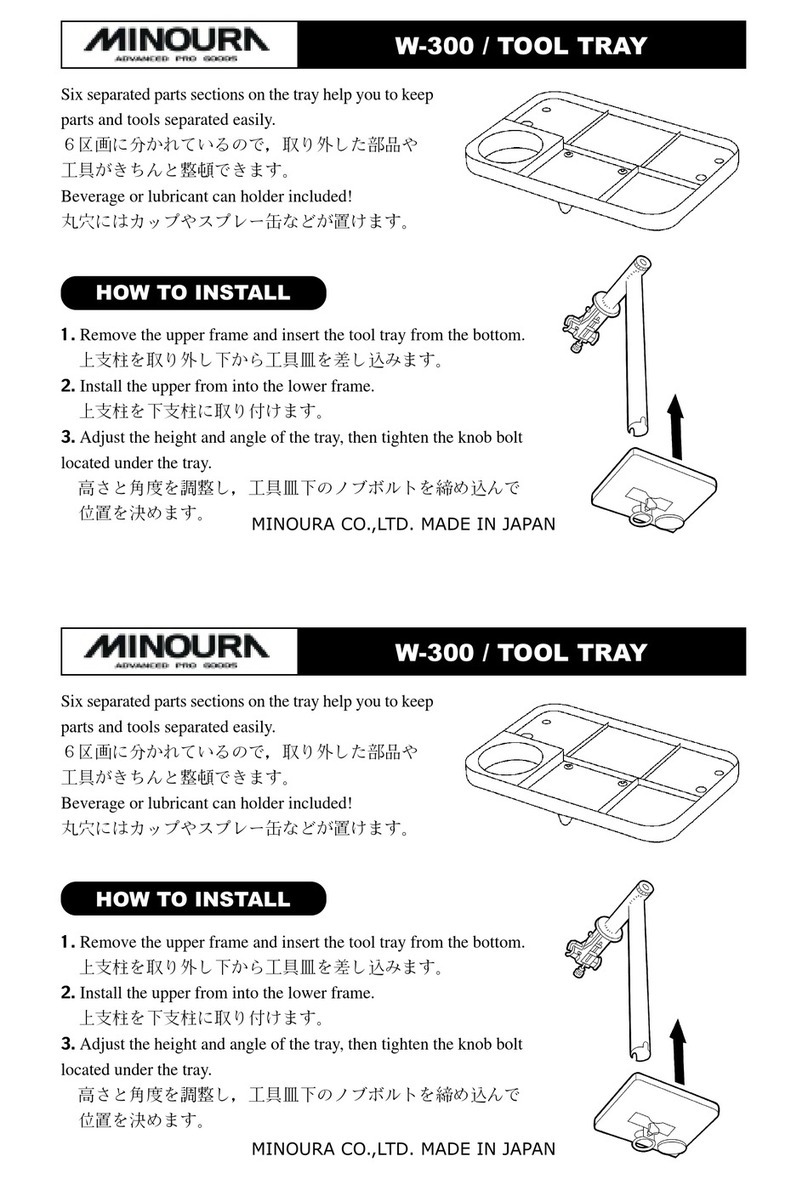
MINOURA W-300 TOOL TRAY User manual

MINOURA

MINOURA W-300 TOOL TRAY User manual

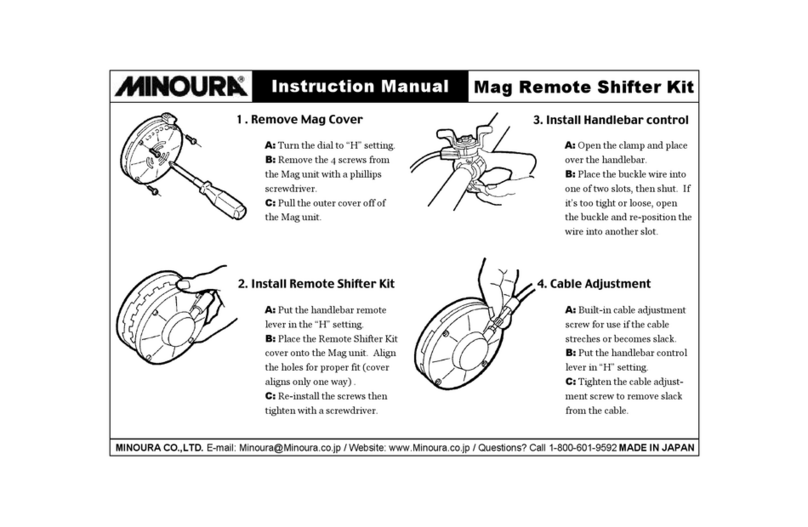
MINOURA REMOTE SHIFTER KIT User manual

MINOURA

MINOURA REMOTE SHIFTER KIT User manual

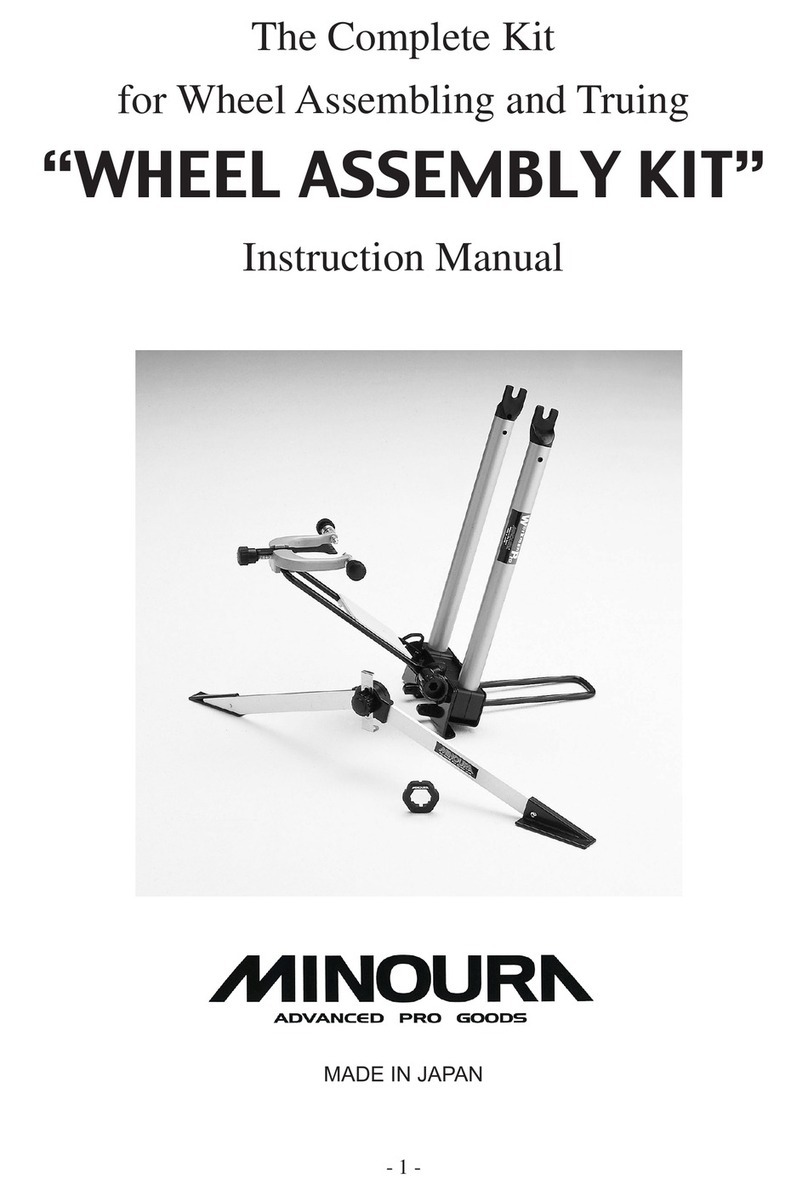
MINOURA WHEEL ASSEMBLY KIT User manual

MINOURA

MINOURA WHEEL ASSEMBLY KIT User manual

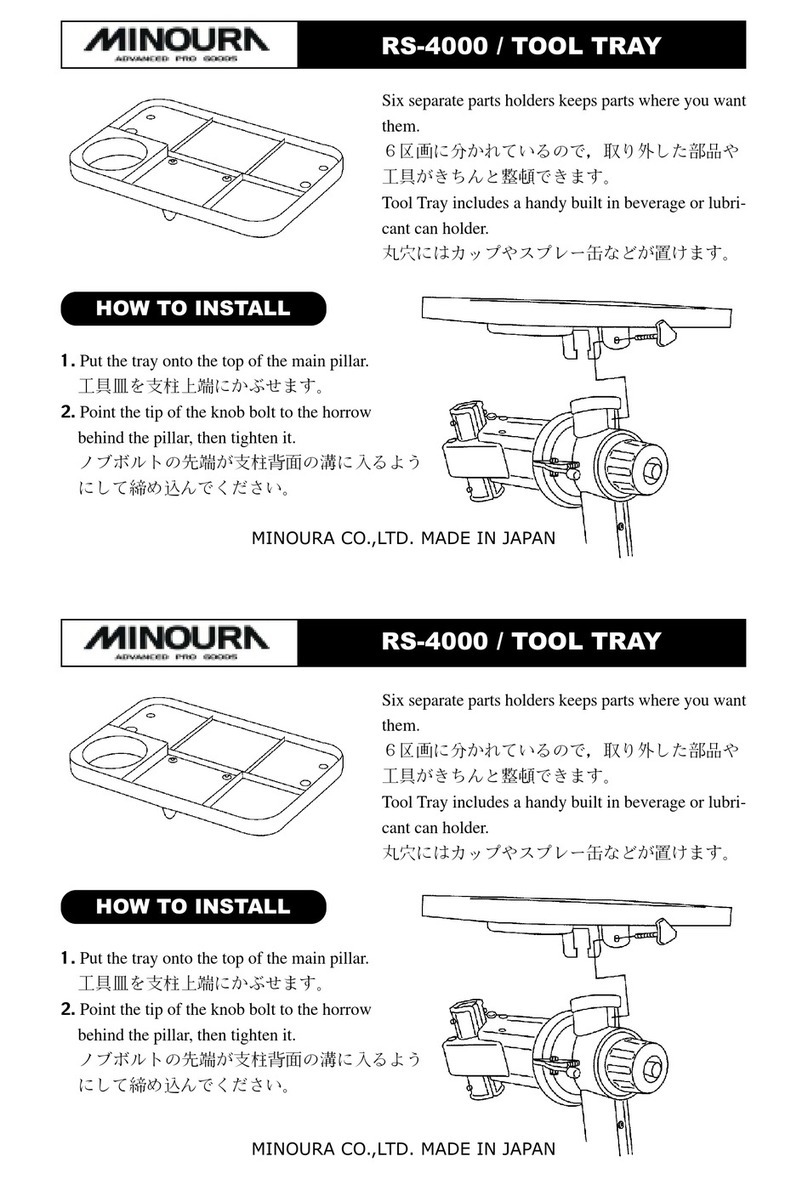
MINOURA RS-4000 TOOL TRAY User manual

MINOURA

MINOURA RS-4000 TOOL TRAY User manual

MINOURA BH60 - ASSEMBLY User manual

MINOURA

MINOURA BH60 - ASSEMBLY User manual

Popular Accessories manuals by other brands

Quincy lab 140AE-1 operating manual

Quincy lab

Quincy lab 140AE-1 operating manual

HomePro ZIR000 user manual

HomePro

HomePro ZIR000 user manual

DOL 20SCR Technical user guide

DOL

DOL 20SCR Technical user guide

RAB Smart Task installation manual

RAB

RAB Smart Task installation manual

Kemppi KMS 300 quick guide

Kemppi

Kemppi KMS 300 quick guide

Stearns 57,500 Series Installation and service instructions

Stearns

Stearns 57,500 Series Installation and service instructions

iGuzzini TWILIGHT COPENAGHEN manual

iGuzzini

iGuzzini TWILIGHT COPENAGHEN manual

Adelaide Annexe & Canvas Avan Deluxe installation guide

Adelaide Annexe & Canvas

Adelaide Annexe & Canvas Avan Deluxe installation guide

OHAUS 5000 instruction manual

OHAUS

OHAUS 5000 instruction manual

HOME8 WLS1300 quick start guide

HOME8

HOME8 WLS1300 quick start guide

MAXBOTIX MaxSonar quick start guide

MAXBOTIX

MAXBOTIX MaxSonar quick start guide

ioSmart iSmart56 Installation and user guide

ioSmart

ioSmart iSmart56 Installation and user guide

Focusrite Scarlett 18i8 user guide

Focusrite

Focusrite Scarlett 18i8 user guide

Velleman ED38105 user manual

Velleman

Velleman ED38105 user manual

JumpSport SkyBounce user manual

JumpSport

JumpSport SkyBounce user manual

Prima-Temp PRIYA Instructions for use

Prima-Temp

Prima-Temp PRIYA Instructions for use

Tefcold BC85I-BC85I W user manual

Tefcold

Tefcold BC85I-BC85I W user manual

Vaisala WMS302 user guide

Vaisala

Vaisala WMS302 user guide

manuals.online logo
manuals.online logoBrands
  • About & Mission
  • Contact us
  • Privacy Policy
  • Terms and Conditions

Copyright 2025 Manuals.Online. All Rights Reserved.

1
2
3
4
5
6
7
8
Remove the bolt and oval washer from both upper and
bottom sides.
Push the Pulley Arm to come off the V-Belt.
Pull out the Pulley Arm from the Mag unit.
Flip over the Mag unit.
Remove 3 screws from the outer edge and 2 screws
from the Main Arm.
Come off the backside cover.
Be careful not to bend the metal Joint Pin.
Loosen the Nylon nut to remove the Alloy Rotor.
Remove the Mag unit from the frame and place on a
table.
How To Replace V-Belt – RDA80 & PowerMatic
!
Do NOT loosen
the center screws.
9
10
11
12
13
14
15
16
Flip over the Mag unit again.
Remove the Top Cover.
Now the Main Arm can be removed to replace the
V-Belt.
Assemble the Mag unit.
Hook the belt to the pulley.
Turn the pulley to t the belt.
To adjust the belt tension properly, put a screwdriver
between the metal Joint Pin and the Main Arm, then
cam out to widen the clearance.
While keeping this position, tighten the bolts to keep
the tension.
There are two types of Pulley Arm. The older one has
just one hole, and the latest one has two holes.
Use the upper hole in the beginning, then switch to the
lower hole when the belt tension comes loose.
2-hole Type (New)
Use the upper hole
1-hole Type (Old)
If the belt has been loosened,
both V-Belt and the plastic
pulley will be worn out quickly.
If the tension is too tight, the
initial resistance must gain too
much.

!