manuals.online logo
Brands
  1. Home
  2. •
  3. Brands
  4. •
  5. Mission
  6. •
  7. Music Pedal
  8. •
  9. Mission EP1-KP User manual

Mission EP1-KP User manual

Other Mission Music Pedal manuals

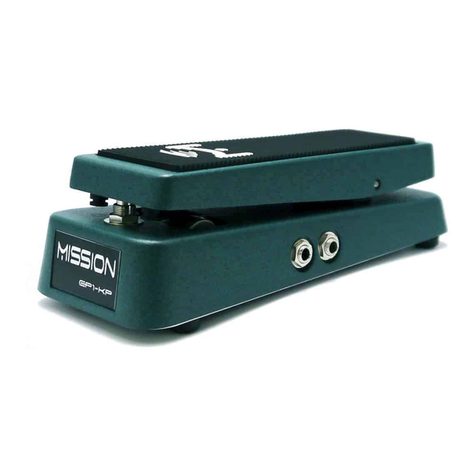
Mission Ep1-KP User manual

Mission

Mission Ep1-KP User manual

Mission SP1-L6H User manual

Mission

Mission SP1-L6H User manual

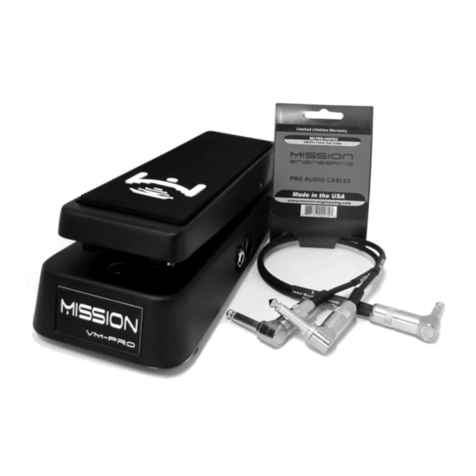
Mission VM-PRO User manual

Mission

Mission VM-PRO User manual

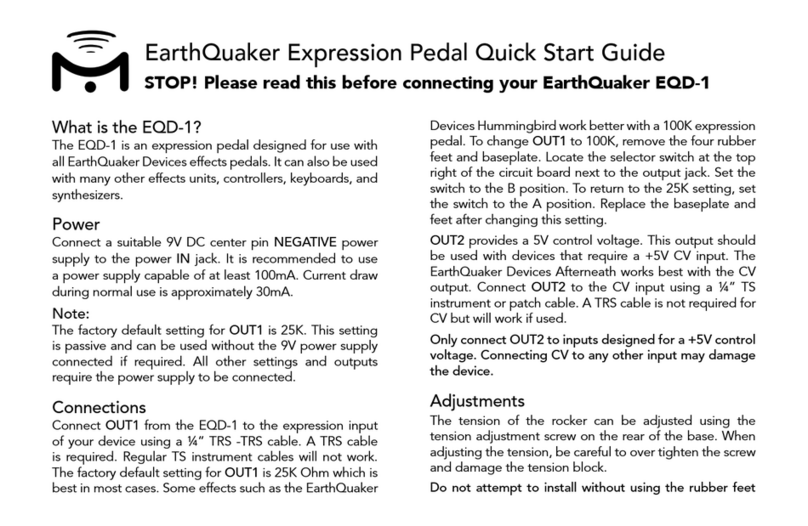
Mission EarthQuaker EQD-1 User manual

Mission

Mission EarthQuaker EQD-1 User manual

Mission VM-1 User manual

Mission

Mission VM-1 User manual

Mission RewAh PRO User manual

Mission

Mission RewAh PRO User manual

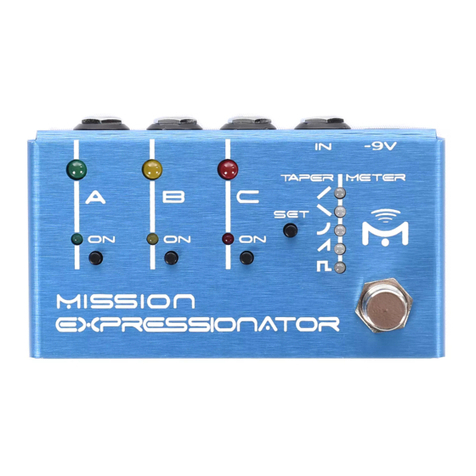
Mission Expressionator User manual

Mission

Mission Expressionator User manual

Mission EP-11S User manual

Mission

Mission EP-11S User manual

Mission VM-PRO User manual

Mission

Mission VM-PRO User manual

Mission EP1-KP User manual

Mission

Mission EP1-KP User manual

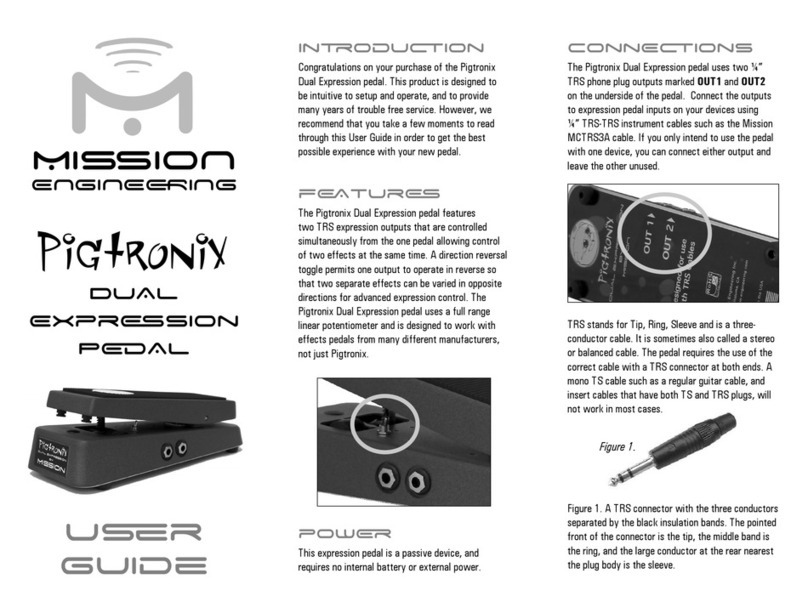
Mission Pigtronix User manual

Mission

Mission Pigtronix User manual

Mission VM-PRO User manual

Mission

Mission VM-PRO User manual

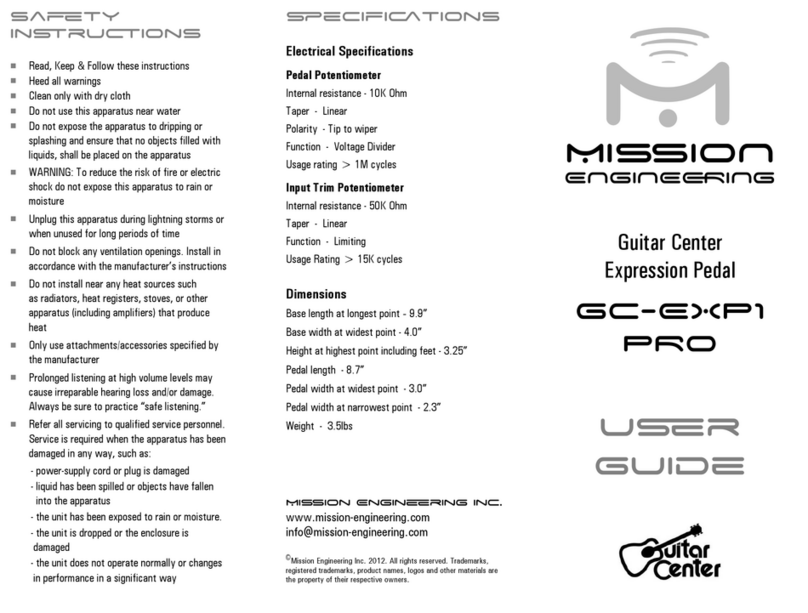
Mission GC-EXP1 PRO User manual

Mission

Mission GC-EXP1 PRO User manual

Popular Music Pedal manuals by other brands

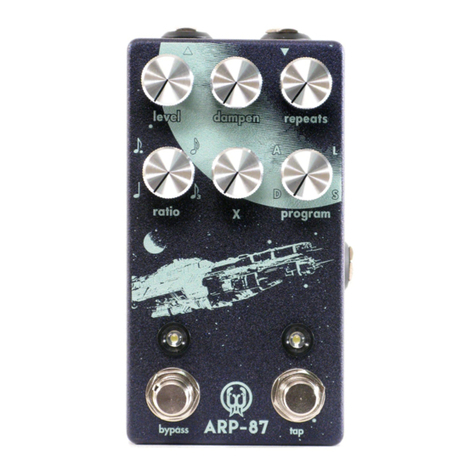
Walrus Audio ARP-87 instruction manual

Walrus Audio

Walrus Audio ARP-87 instruction manual

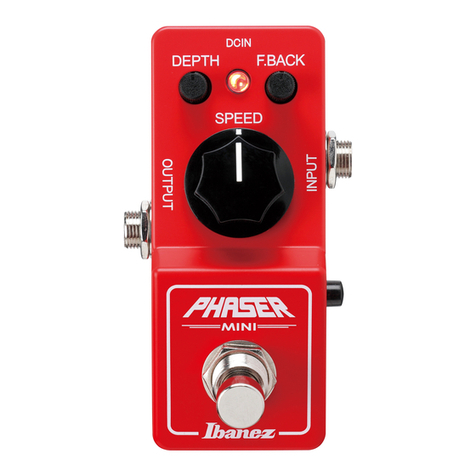
Ibanez Phaser Mini owner's manual

Ibanez

Ibanez Phaser Mini owner's manual

Ashdown GEEZER BUTLER PEDAL OF DOOM user guide

Ashdown

Ashdown GEEZER BUTLER PEDAL OF DOOM user guide

TC Electronic G-Natural user manual

TC Electronic

TC Electronic G-Natural user manual

Pro-MIDI G25 user manual

Pro-MIDI

Pro-MIDI G25 user manual

Whirlwind oc-bass quick start guide

Whirlwind

Whirlwind oc-bass quick start guide

Strymon Lex-rotary user manual

Strymon

Strymon Lex-rotary user manual

Behringer PB600 manual

Behringer

Behringer PB600 manual

Lexicon MX200 user guide

Lexicon

Lexicon MX200 user guide

Dunlop Hendrix 68 Shrine Octavio Fuzz Series quick start guide

Dunlop

Dunlop Hendrix 68 Shrine Octavio Fuzz Series quick start guide

Matthews Effects Whaler V2 manual

Matthews Effects

Matthews Effects Whaler V2 manual

Grid 1 Pedal Jeanie user manual

Grid 1

Grid 1 Pedal Jeanie user manual

Amptweaker tightboost user manual

Amptweaker

Amptweaker tightboost user manual

Ibanez TS-808 Tube Screamer Overdrive Pro owner's manual

Ibanez

Ibanez TS-808 Tube Screamer Overdrive Pro owner's manual

DW 7000 owner's manual

DW

DW 7000 owner's manual

FAMC Liquid-Foot Jr. Series user manual

FAMC

FAMC Liquid-Foot Jr. Series user manual

Dimavery EPVP-50 manual

Dimavery

Dimavery EPVP-50 manual

Tefi Vintage Lab GEGÈ operating manual

Tefi Vintage Lab

Tefi Vintage Lab GEGÈ operating manual

manuals.online logo
manuals.online logoBrands
  • About & Mission
  • Contact us
  • Privacy Policy
  • Terms and Conditions

Copyright 2025 Manuals.Online. All Rights Reserved.

Mission EP1-KP Expression Pedal Quick Start Guide
STOP! Please read this before connecting your Mission EP1-KP
What is the EP1-KP?
The EP1-KP is an expression pedal designed for use with all
versions of the Kemper Profiler. It features Mission’s unique
switching function that allows effects to be turned on and
off at the pedal, just like a conventional analog effect. The
pedal is matched to the amplifier to utilize the full sweep
and provide a smooth response with no dead spots. The
EP1-KP is a passive device and requires no battery or
external power source.
Connections
The EP1-KP uses one or two ¼” phone plug outputs marked
OUT1 and OUT2. OUT1 is the expression pedal and OUT2
is the footswitch. The footswitch is not installed on the
spring-loaded version. Connect OUT1 to a pedal input on
the amplifier using a ¼” TRS-TRS cable. Connect OUT2 to
a second pedal input on the amplifier using a regular ¼” TS
instrument cable. Connecting OUT2 is optional and maybe
omitted if the footswitch will not be used.
Note:
OUT1 requires the use of a cable with a single TRS cable at
both ends. A mono TS cable or insert cable that has both
TS and TRS plugs will not work. The footswitch is a quiet,
momentary type. The switch will still be operating even
though no audible click will be heard. The Profiler requires
a momentary switch for correct operation.
Programming
After making the connections, it is necessary to program
the Profiler to assign the expression pedal and switch
to the required features. Programming instructions are
provided in the Kemper User Manual. Scan the QR code
on the reverse side of this card for further information and
tutorials.
Adjustments
The tension of the rocker can be adjusted using the
tension adjustment screw on the rear of the base. When
adjusting the tension, be careful not to over tighten the
screw and damage the tension block.
Do not attempt to install without using the rubber feet
as damage may occur. The Mission PR-1 pedal riser kit is
recommended for pedalboard installation.

Specifications
Electrical/Mechanical
Internal resistance – 10K Ohm
Taper – Linear
Polarity –TRS, Tip to wiper
Function – Voltage divider
Usage rating > 1M cycles
Switch type – Momentary, normally open
Dimensions
Base length at longest point – 9.9”
Base width at widest point – 4.0”
Height at highest point including feet – 3.25”
Pedal length – 8.7”
Pedal width at widest point – 3.0”
Weight 3.5lbs
Scan QR Code for more information
https://missionengineering.com/support/ep1kp-electronic-user-guide/
Only use attachments/accessories specified by the
manufacturer
Prolonged listening at high volume levels may cause
irreparable hearing loss and/or damage. Always be
sure to practice safe listening.
Refer all servicing to qualified service personnel. Service
may be required if :
Liquid has been spilled or objects have fallen into the
apparatus
Exposure to rain or moisture
The unit has been dropped or damaged
The unit does not operate normally or changes in
performance in a significant way
For warranty and service information visit
https://missionengineering.com/returns
©Mission Engineering Inc. EP1-KP is a trademark of Mission Engineering Inc.
Trademarks, registered trademarks, product names, logos and other materials
are the property of their respective owners.
Safety Instructions
Clean only with a dry cloth
Do not use near water
Unplug during lightning storms or when unused for
long periods of time
Do not block any openings
Do not install near any heat sources such as radiators,
heat registers, stoves, or other apparatus (including
amplifiers) that produce heat