7 8
LET’S CHARGE YOUR DEVICE
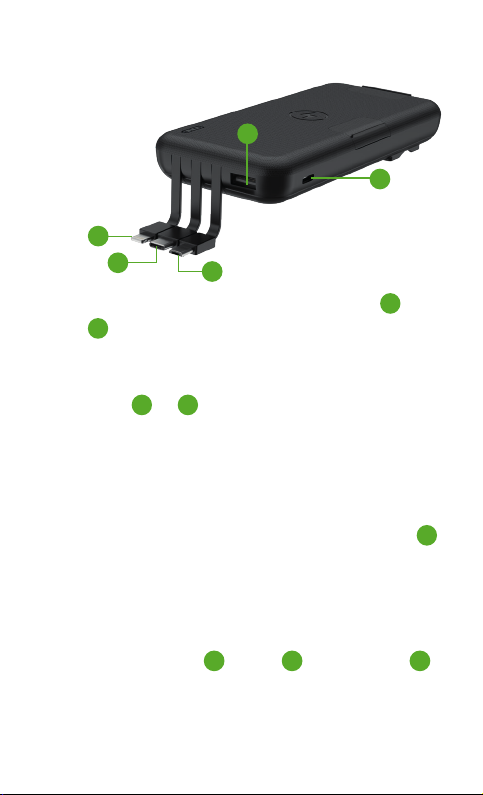
There are two USB Power Output ports, a USB A and
USB C , to charge one or two devices.
Using the charging cable that came with your phone or
the specific device to charge, connect to the USB Power
Output Ports or and the other end of the cable to
your phone or specific device.
Your device should begin to charge automatically, and
you should see your device’s usual battery screen or
icon as confirmation.
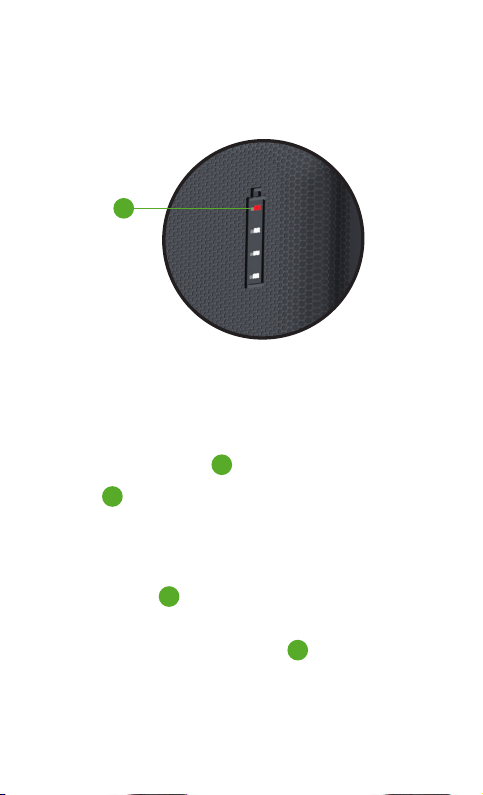
If it does not begin to charge, press the Power Button
to turn on the power bank.
1
1
5
8
1
5
5
32
4
LET'S USE THE BUILT IN CABLES
You can charge your mobile devices and accessories
using the built in micro , USB C and Lightning
cables. Simply plug your device into the powerbank using
the correct connector and it should start to charge, and
23 4