LET’S INSTALL THE APP
Please follow the instructions as numbered:
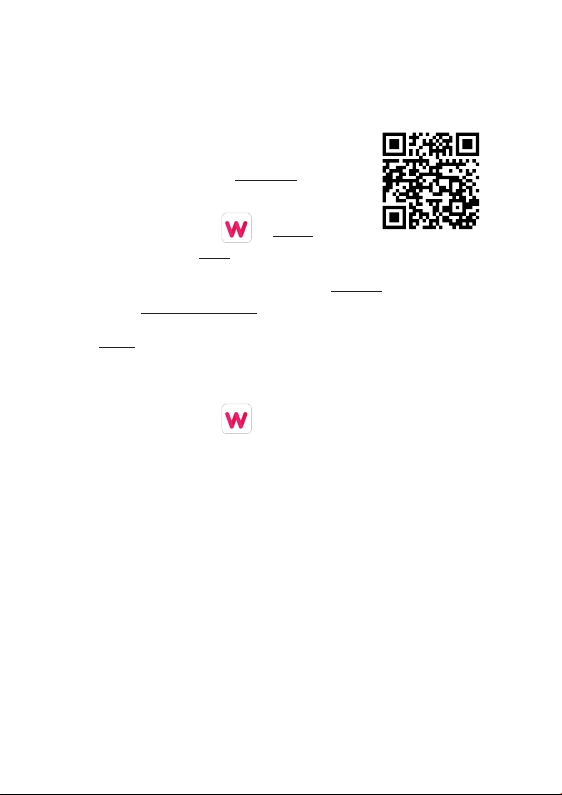
1. Scan the QR Code to download the free
WoFit App on to your smartphone.
2. Tap the WoFit icon to install the App
and then tap to open.
3. Follow the on-screen instructions to register
and to set-up an account.
4. Login to the App and follow the on-screen instructions.
You should see the home screen.
Note: The WoFit APP supports iOS 9.0 or later,
Android 4.4 or later and Bluetooth 5.0.
3 4
You require Android 4.4 or Apple iOS 9.0 and later to pair
with this App. Only one smartphone can be paired to the
Watch2. To pair other mobile phones, please unbind the
current phone before pairing.
LET’S PAIR THE APP TO YOUR WATCH
IMPORTANT!
Please install the App and follow the instructions as
numbered:
1. Tap the device icon to activate the device screen.
2. Tap ‘Add new device’ to find the Watch2in device list.
3. Accept the App instructions for location permission.
4. Select ‘MIXX Watch2’on your phone. You should see a
‘Please confirm on the device’ message on your screen.
5. Once paired you will see an infinity symbol
on your Watch2screen. You should now be
successfully paired with your Watch2.
NOTE: Please DO NOT try to pair your MIXX Watch2using the
Bluetooth settings on your phone.Unpair with your phone’s
Bluetooth settings and start from the ‘IMPORTANT!’ message
above.
To UNBIND, tap the device icon, select your device and choose
Cancel pairing from the bottom of the list of options.