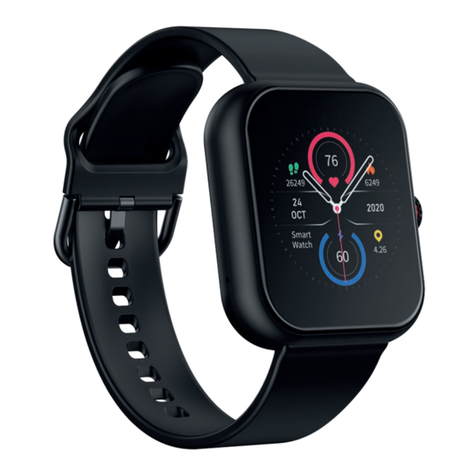
Mixx F2 Administrator Guide
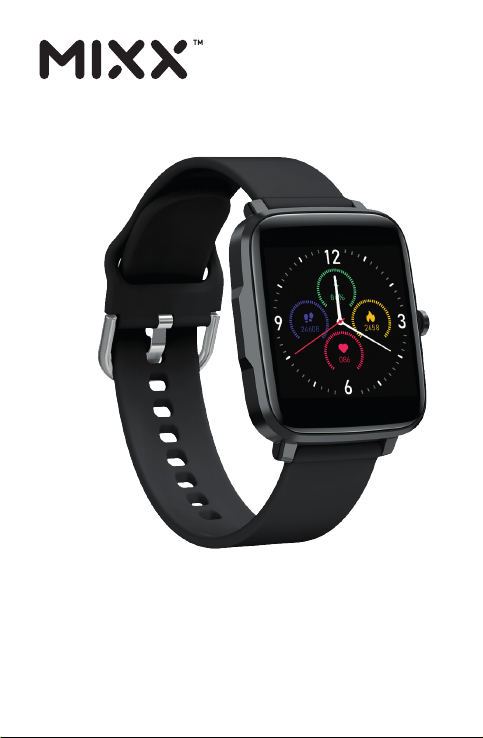
FITNESS TRACKER
F2
Colour Multi Touch
SmartWatch
HOW TO GUIDE

LET’S CHECK
What’s in the box?
MIXX F2 Smart Watch
Multi Touch Screen
Watch Strap
Magnetic USB charge cable
Dial
LET’S DOWNLOAD THE APP
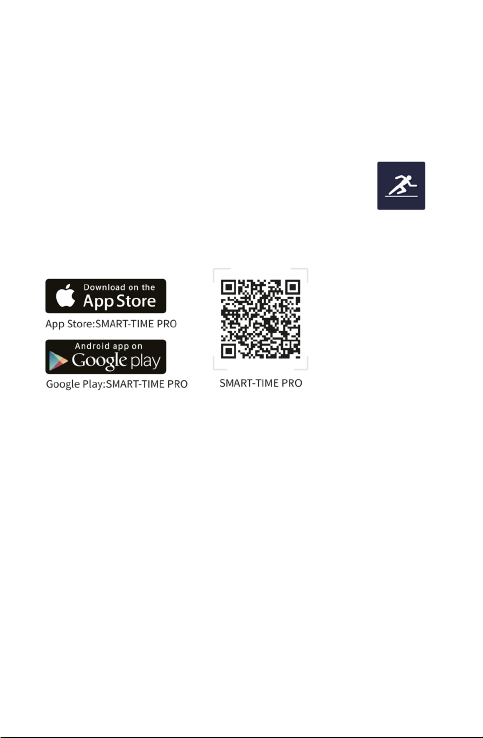
The SMART-TIME PRO APP supports iOS 11.0 or later,
Android 5.0 or later as well as Bluetooth 4.0.
1. Turn on your Bluetooth on your mobile smartphone,
tablet or computer.
2. Download and install the App SMART-TIME PRO
on to your smartphone.
The App can be download from:
3. After installing the App, follow the on-screen instructions
to sign up for an account.
Creating an account enables you to transfer (or synchronize)
data back and forth from your mobile device and the F2
SmartWatch. Use the App to set up and analyse your goals,
view historical trends and so much more.
4. Continue to follow the onscreen instructions to connect
or pair your F2 SmartWatch to your mobile device. When
pairing, make sure that Bluetooth is turned on so that the
watch and mobile device can communicate with each other
i.e., sync their data.

LET’S CONNECT
1. Open the SMART-TIME PRO App on your phone, select
‘Device’ and then choose ‘Add Device’.
IMPORTANT! DO NOT PAIR WITH THE WATCH IN YOUR
BLUEOOTH SETTINGS - if you have already done this, please
go to your Bluetooth settings and choose ‘unpair’ or ‘forget’
the connection to your F2 watch. It is important to pair with the
F2 watch through the SMART-TIME PRO App otherwise you
may not be able to synchronise your data with the watch.
2. Select ‘F2’ from the Bluetooth list on the App. The watch
will show a paring notification. Click to confirm pairing – you
will then see the Bluetooth icon on the top right of the watch
or in the quick setting page (slide down page) turns to Blue,
then Bluetooth is connected.
You need to use 5.0 or iOS 11.0 and above. The watch can only
be paired with one mobile phone. To pair other mobile phones,
please unbind the current phone before pairing.
LET’S STAY CHARGED
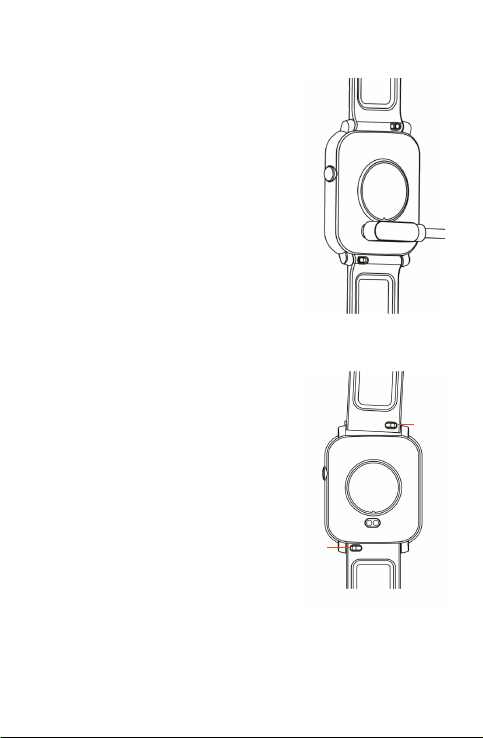
Connect the magnetic USB charge
cable supplied to the charge contact
points at the back of the watch.
You will see the charging icon on
the watch screen after 5 seconds.
It will take up to 2 hours to fully
charge this watch and then a battery
icon will show.
Regular cleaning of the charge
contact points will ensure there are
no problems charging your watch.
LET’S SWAP OUT THE
WATCH STRAP
You can replace the watch strap with
any regular 20mm straps and attach it
to the watch body. Just slide the pins
to remove the straps and replace with
the new ones.
Pins
Pins

LET’S PLAY
1. Adjust the watchstrap so that it is a snug fit (not too tight
or loose) on your wrist and where there is no green light
coming through from the LED light under the body or back
of the watch.
Anytime you need to return to your
F2 SmartWatch home page push in
the ‘dial’ on the side of your F2 watch.
1. SPORTS
The F2 watch supports up to 11 sports modes including running,
walking, cycling, climbing, treadmills, spinning, yoga, swimming,
basketball, football and badminton.

2. HEART RATE
Tap the ‘Heart rate’ icon.
Tap the and the F2 will start
measuring your heart rate manually.
Set automatic monitoring time
intervals in the App (monitoring once
every 15 / 30 / 60 / 120 minutes).
3. BLOOD PRESSURE
Tap the ‘Blood pressure icon.
Tap the and the F2 will start
measuring your blood pressure
manually.
4. BODY TEMPERATURE
This measure both your body surface
and core body temperature. Tap the
‘Temperature gauge’ icon. After 1
second your body temperature will
show. For an accurate measurement
wait for 20 seconds. There will be two
temperatures displayed on the screen -
the smaller number is your body surface
temperature, the bigger number is your
core body temperature.

5. ALARM CLOCK
Set the alarms in the APP,
synchronize to the F2 SmartWatch.
You have a maximum of 8 alarm
to customise.
6. MUSIC CONTROL
Tap the ‘music’ icon to control the music
player on your mobile phone.
Tap either play, pause, change tracks
and adjust the volume of your music.
8. COUNTDOWN
Tap the ‘countdown icon to set your
countdown time using the + / - icons and
then press play to start the countdown.
7. STOPWATCH
Timer with multiple split times which
can be reviewed after timing has finished.
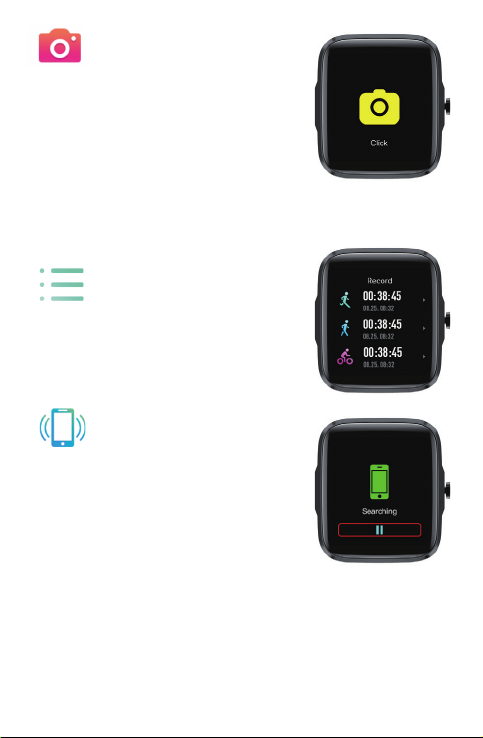
9. REMOTE CAPTURE
You can take pictures using this remote
camera feature.
Tap the ‘Remote capture’ icon and then
‘click’ on the icon when you need to take
a photo remotely from your phone. Launch
the App on your phone to view the photos.
Exit from your App to return you to your
F2 home page on your watch.
10. SPORTS RECORDS
This records the last 10 workouts
performed using the watch.
11. FIND PHONE
Under Bluetooth connection, tap
“Find phone” icon on the watch. Your
phone will sound an alarm so that you
can locate it. Tap ‘pause symbol’ to stop.
Swipe left on the F2 to turn off the
alarm once you have found your phone.
This feature is only available on
Android phones.

12.SETTINGS
Tap on ‘Settings’ icon to set the watch’s
brightness, language, power off and
factory reset. You can also view an About
screen that will give you the name of
your watch, Mac address and software
version.
13. OTHER FUNCTIONS
A. CHANGE THE WATCH FACE
Press and hold the touch screen or power button to view the
variety of home screens available. Swipe to the right to choose
your home screen display and then ‘tap’ on the screen to confirm.
B. PEDOMETER
The pedometer tracks your steps,
the distance you have covered, calories
and heart rate on a daily basis.
Use the App on your phone to see an
overview of your exercise workout.
Table of contents
Other Mixx Watch manuals