LET’S PAIR THE APP TO YOUR WATCH
IMPORTANT!
Please install the App and follow the instructions as numbered:
1. Tap to activate the device screen. The ‘Device’ icon
should turn orange.
2. Tap ‘Add device’ at the top of your screen.
3. Accept the App instructions for location permission.
4. Select ‘SMA-R4’ on your phone then, you should see a
‘Please confirm on the device’ message on your screen.
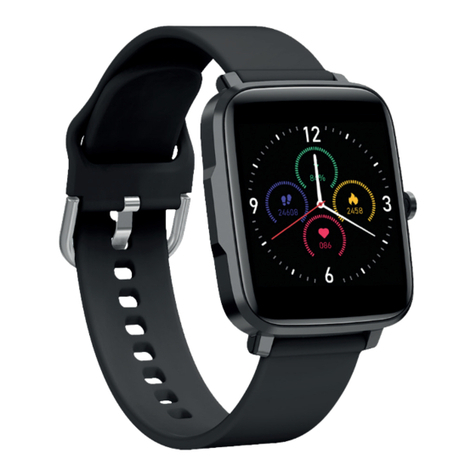
5. From your F3 SmartWatch screen you should
see same circle shaped ‘Pair’ screen.
Tap the on your watch to confirm.
6. You should now be successfully paired
with your F3 SmartWatch.
5
Tap the F3 Multi-touch Screen and swipe down to view
Quick Setting Menu. A blue icon confirms pairing was
successful. A grey icon means there was no connection,
please start again.
ou require Android 5.0 or Apple iOS 11.0 and later to pair
y one smartphone can be paired to the
atch. To pair other mobile phones, please unbind
ent phone before pairing.
o UNBIND, tap the ‘Device’ screen and scroll to the
om until you see the UNBIND icon. Select and confirm.
B
D
E
F
1
NOTE: Please DO NOT try to pair your MIXX F3 SmartWatch
using the Bluetooth settings on your phone.Unpair with your
phone’s Bluetooth settings and start from the ‘IMPORTANT!’
message above.