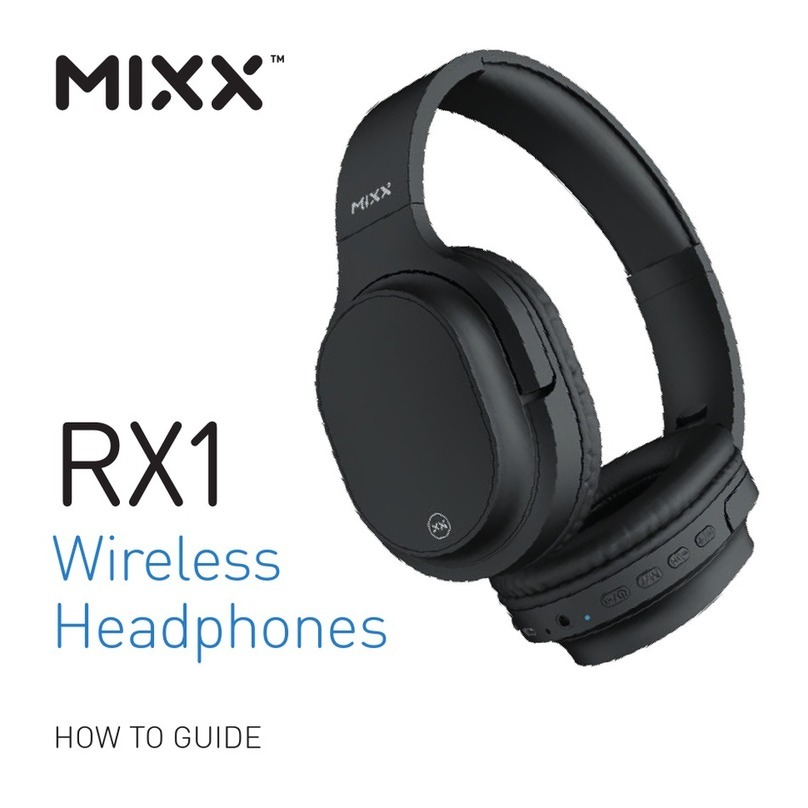
Mixx AX1 Administrator Guide

AX1
On-Ear
Noise Cancelling
Wireless Headphones
HOW TO GUIDE

LET’S CHECK 1
LET’S START 2
LET’S CONNECT 3
LET’S USE ACTIVE NOISE
CANCELLING (ANC) 4
LET’S STAY CHARGED 5
LET’S GO WIRED 5
LET’S PLAY 6
NEED EXTRA HELP? 7
CONTACT MIXX 7
LET’S VIEW TECHNICAL SPECS 8
LET’S BE SAFE 9
LET’S RECYCLE 10
SAFE USAGE INFO 11
CONTENTS

What’s in the box?
Travel Friendly
LET’S CHECK
MIXX AX1 On-Ear Noise Cancelling Wireless Headphones
Micro USB Charging Cable
3.5mm Audio Cable
For ease of storage while travelling, swing the MIXX AX1
ear pads up towards the headband. Then you can just pop
them in your bag.
1

ANC LED Indicator Light
ANC Switch
Multi-function Button
Volume Up / Previous Track Button
Volume Down / Skip Track Button
Micro USB Charging Port
LED Indicator Light
3.5mm Audio Port
Microphone
Tilt Arm
LET’S START
1
2
3
4
5
6
7
8
9
10
9
8
2
1
3
4
5
6
7
2
10

First time pairing
Press and hold the Multi-function Button to power on your MIXX AX1
wireless headphones until you hear ‘Power on’.
The headphones will enter pairing mode this will be confirmed with
‘Pairing’ and the LED Indicator Light will flash WHITE.
Go to the Bluetooth settings on your audio device to select ‘MIXX AX1’
from the list.
The headphones have paired successfully once you hear the word
‘Connected’ and the LED Indicator Light remains a solid WHITE.
You can now enjoy your music, watch a video or take a call hands free.
Once the initial pairing is complete, your AX1 headphones will automatically
reconnect to the last audio device it was paired to and will confirm with
‘Power on, connected’.
If there is no Bluetooth connection after 5 minutes the headphones
will automatically turn off and then confirms with ‘Power off’.
LET’S CONNECT
3
7
7
3

How ANC works?
Using ANC
Slide up the ANC Switch to tune out any unwanted sounds or ambient
noise while making your music or video sound better.
The ANC LED Indicator Light will glow GREEN when the ANC is on.
You can use ANC to reduce the sound of an engine on a plane, train or in
a noisy office or home environment.
The ANC LED Indicator Light will turn off when you slide down the
ANC Switch to power it off. Remember, to switch off the ANC when
you are no longer using your headphones.
2
2
1
1
LET’S USE ACTIVE NOISE
CANCELLING (ANC)
Ambient Noise Wave
Anti-Noise Wave
Noise
Cancellation
The innovative technology inside
these noise cancelling wireless
headphones monitors the ambient
background noise around you
and reverses the sound wave
to cancel out that surrounding
noise. This creates a much
quieter listening environment.
4

Connect the headphones to a suitable USB wall charger, a computer USB
port or a power bank using the micro USB charging cable supplied.
The Micro USB Charging Port can be found at the bottom of the right
ear pad. Connect the micro USB charging cable to this port and the other
cable end to a suitable power source.
While charging, the LED Indicator Light will shine RED.
Once the headphones are fully charged, the LED Indicator Light
will turn BLUE. This can take between 1 and 2 hours.
The MIXX AX1 headphones are suitable for devices with a 3.5mm audio
socket. The 3.5mm audio cable supplied provides the flexibility to convert
from wireless headphones to wired use. Convenient when watching movies
on a plane or when there is no Bluetooth connection.
Insert the 3.5mm audio cable into the 3.5mm Audio Port of your
AX1 headphones and the other end into your phone or plane’s 3.5mm
audio socket to start listening to your music or movie.
LET’S STAY CHARGED
LET’S GO WIRED
6
7
7
8
5

LET’S PLAY
First Time Pairing
Press and hold the Button until you hear the words ‘Power on’
and ‘Pairing’.
Go to the Bluetooth settings on your phone and select ‘MIXX AX1’ from the list.
Once paired successfully with your device, you will hear ‘Connected’.
ANC On / Off Slide up / down the Switch
Play / Pause Short press the Button
Volume Up / Down Short Press the Buttons
Previous / Skip Track Press and hold the Buttons
to change tracks
Activate Siri / Google Assistant Triple press the Button
Answer / End a call Short Press the Button
Decline an incoming call Press and hold the Button
Re-dial last phone number Double press the Button
Power On / Off Press and hold the Button until
you hear ‘Power on’ or ‘Power off’
ANC
6

NEED EXTRA HELP?
Questions and Answers
CONTACT MIXX
Common solutions
If you are experiencing problems with your headphones:
• Power on the headphones (see Let’s play section).
• Check the status on the LED Indicator Light (see Let’s stay charged section).
• Charge the headphones (see Let’s stay charged section).
• Move your device closer to the headphones and away from any
obstructions or interference.
• Unpair or “forget” the headphones from your current device
and pair to another Bluetooth audio device.
Q. How do I know if the ANC is working?
A. Ensure the Switch is on (see Let’s play section) and the ANC LED
Indicator Light is GREEN. You should notice more emphasis and clarity
in your sound and less background noise.
or visit mixxaudio.com for more information.
ANC
7

Bluetooth: 5.0
Wireless range: 10m
Dynamic driver: 40mm
Frequency: 20Hz – 20KHz
Battery capacity: 600mAh
Charging time: Approx. 3 hours
Play time (via Bluetooth): Up to 20 hours
Play time (via Bluetooth & ANC): Up to 15 hours
Weight: 241g
LET’S VIEW TECHNICAL SPECS
Compatibility
Suitable for most smartphones, tablets, notebooks or laptops with
Bluetooth audio support or a 3.5mm socket.
8
Table of contents
Other Mixx Wireless Headphones manuals

Mixx
Mixx StreamBuds Mini Administrator Guide
Mixx
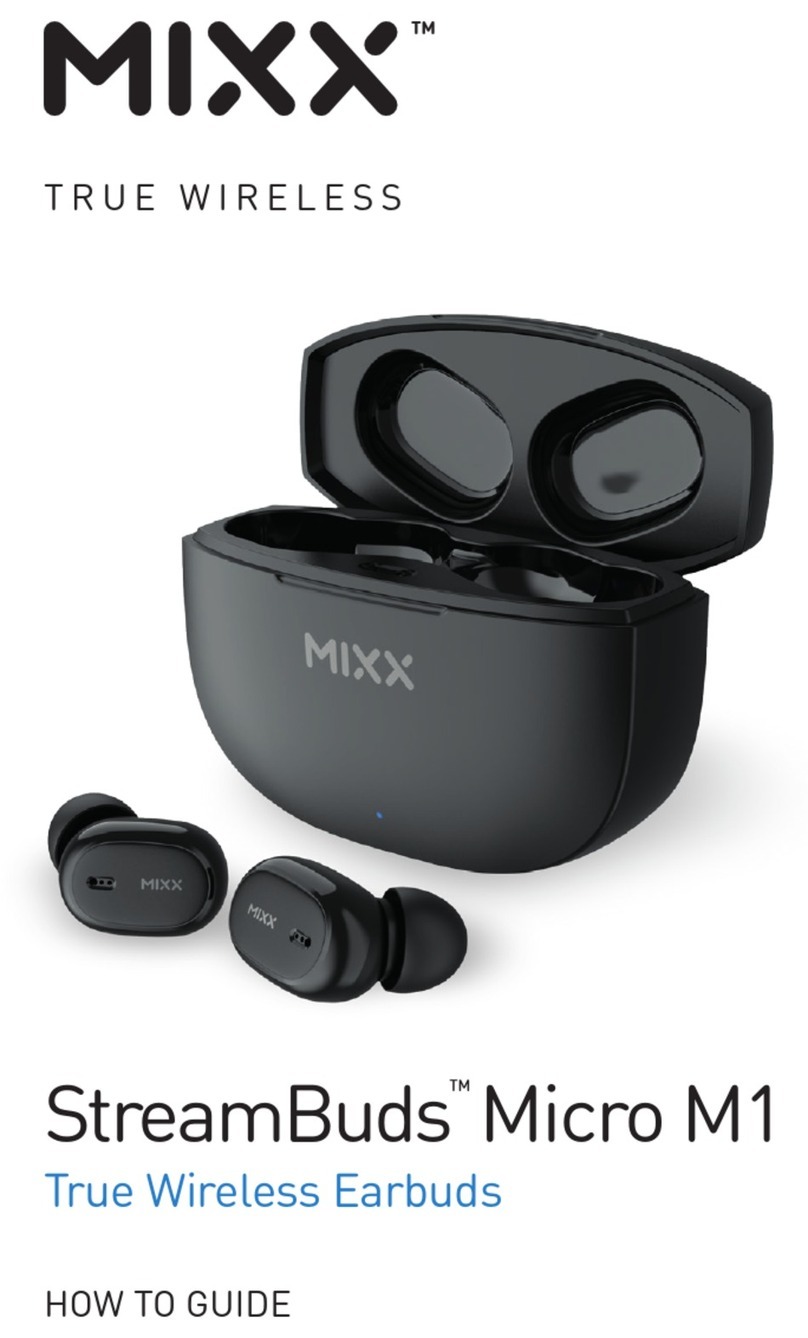
Mixx StreamBuds Micro M1 Administrator Guide
Mixx
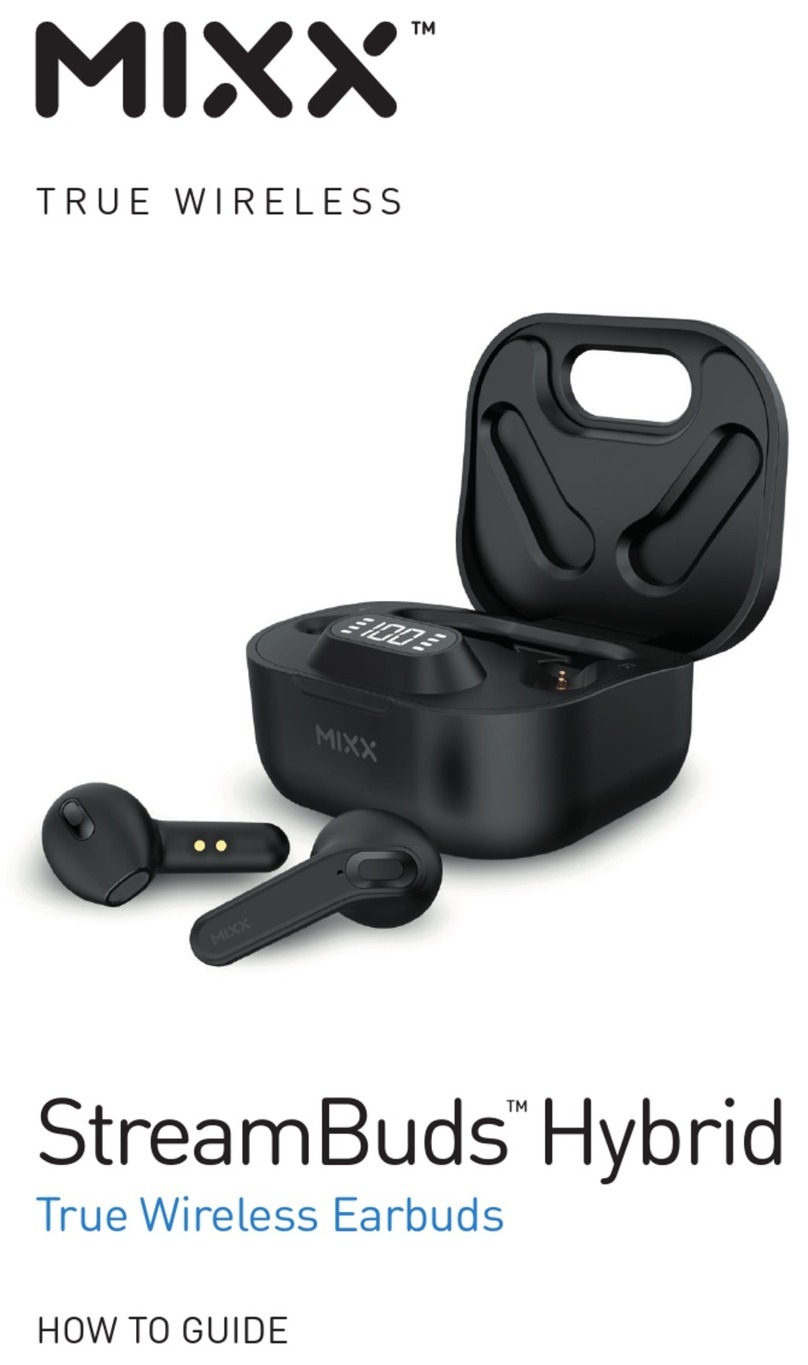
Mixx StreamBuds Hybrid Administrator Guide
Mixx
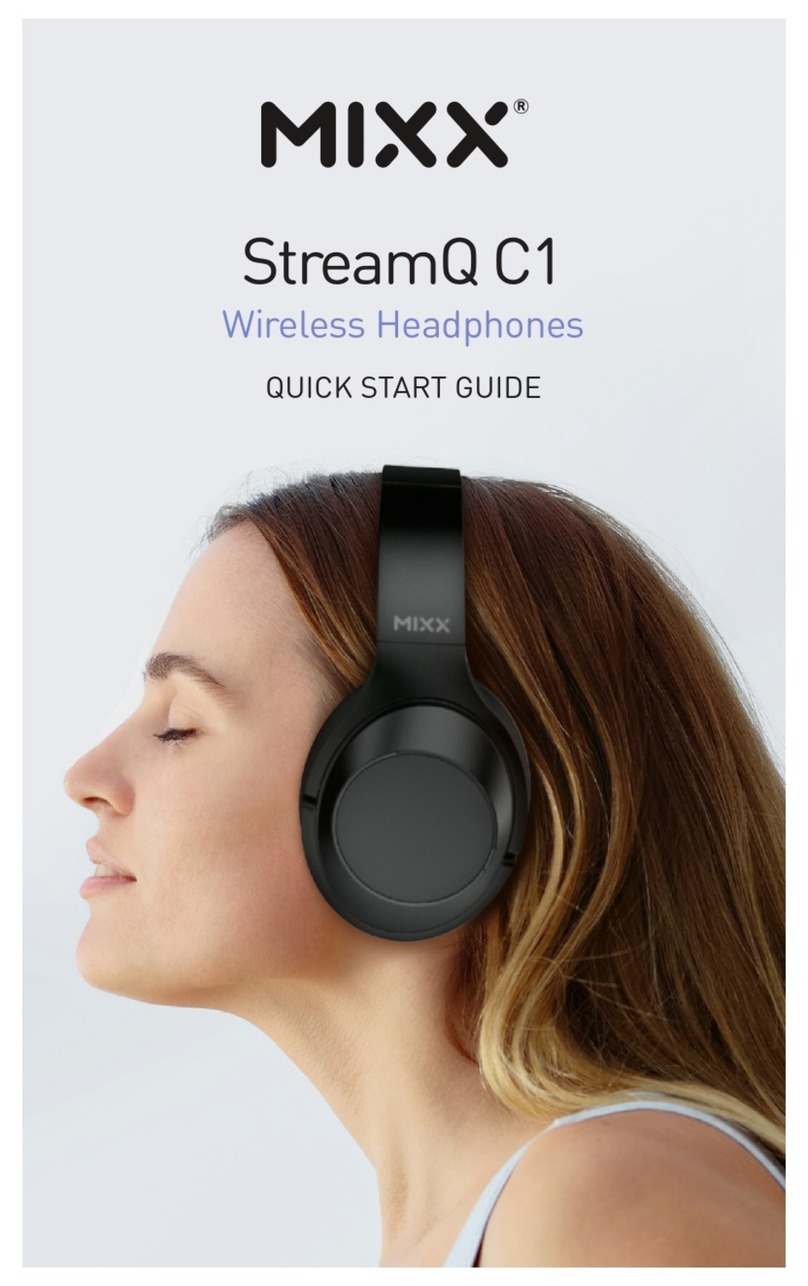
Mixx StreamQ C1 User manual
Mixx
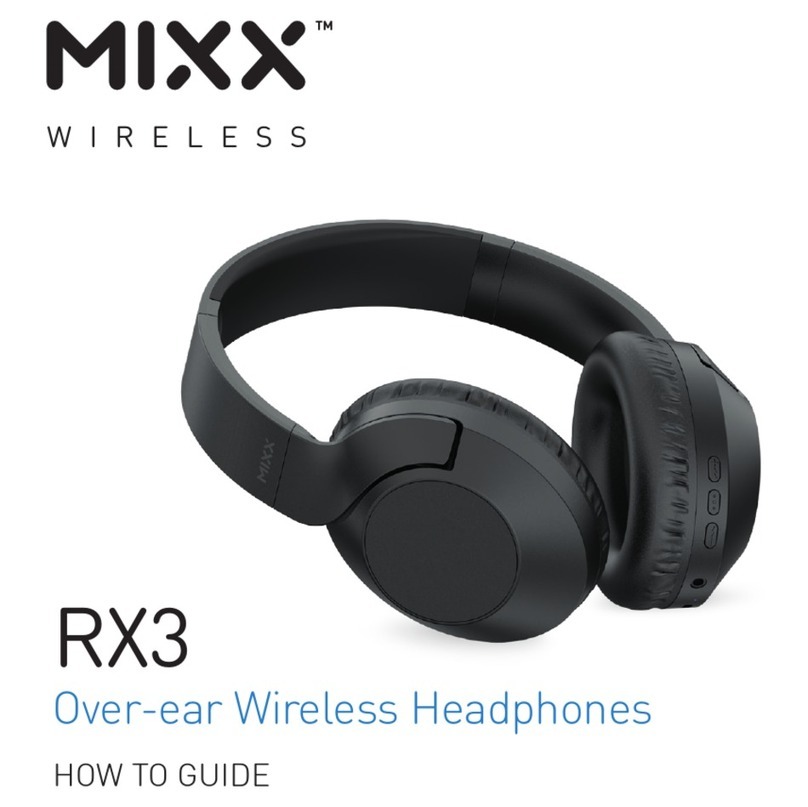
Mixx RX3 Administrator Guide
Mixx
Mixx StreamBuds Dots Administrator Guide
Mixx
Mixx RX5 Administrator Guide
Mixx
Mixx OX3 Administrator Guide

Mixx
Mixx EX1 Administrator Guide
Mixx
Mixx StreamBuds Mini Charge Administrator Guide