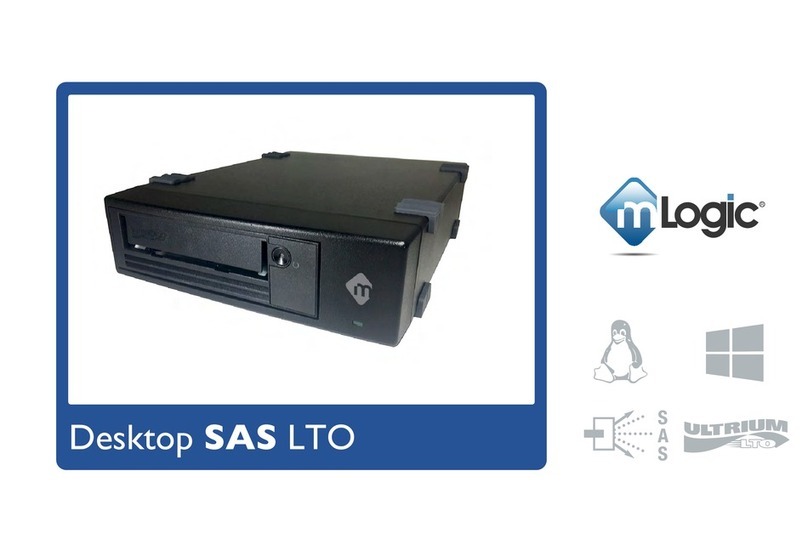
Powering on mTape
Note:
Before powering on mTape, ensure that the cooling holes located on the bottom of the unit are not blocked
1) Press the power button located on the back of the unit down to the “I” position
2) Wait for the Green Ready Light on front of mTape to illuminate
3) Power on your computer
Note: When initially powered on, mTape will perform a hardware Power On Self-Test (POST). The POST
checks to make sure that the LTO drive is functioning properly. During POST, the Single Character Display (SCD)
flashes several segmented characters. Each character represents a test performed during POST. When POST finishes,
the SCD will momentarily light all segmented characters and will then go blank. POST takes approximately 12 seconds.
Note: If mTape is powered on with a tape cartridge installed, the system will perform a much more intensive POST
while the system verifies the integrity of the data on the tape. Never leave a tape in mTape with the unit powered off!
Note: The mTape power button located on the rear panel turns the LTO tape drive inside of mTape on and off.
Power to the Thunderbolt electronics inside mTape are control by the host computer. When mTape is attached
to a computer that is powered on the mTape electronics are on. When the computer is powered off the electronics
in mTape also power off.
Note: Never remove power from mTape during read, write, load and unload activities.
7