manuals.online logo
Brands
  1. Home
  2. •
  3. Brands
  4. •
  5. Molnar
  6. •
  7. Scissor Lift
  8. •
  9. Molnar SM300 User manual

Molnar SM300 User manual

Other manuals for SM300

1

Other Molnar Scissor Lift manuals

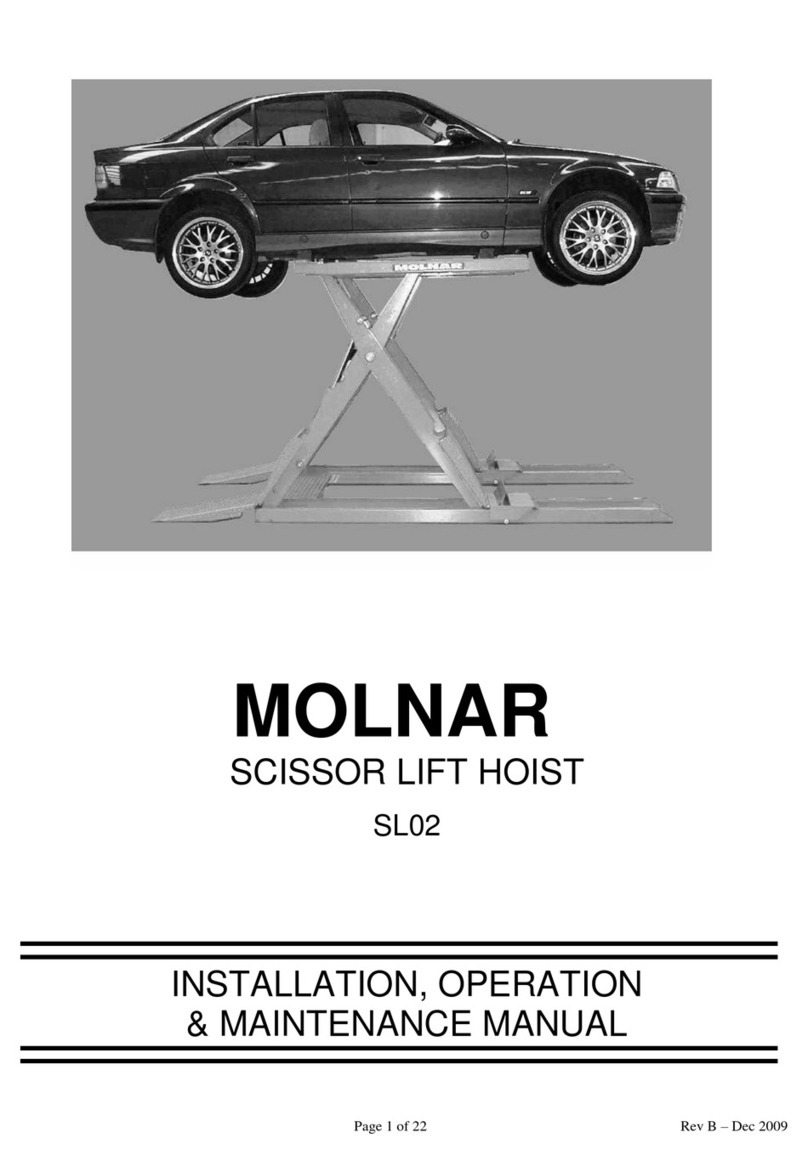
Molnar SL02 Owner's manual

Molnar

Molnar SL02 Owner's manual

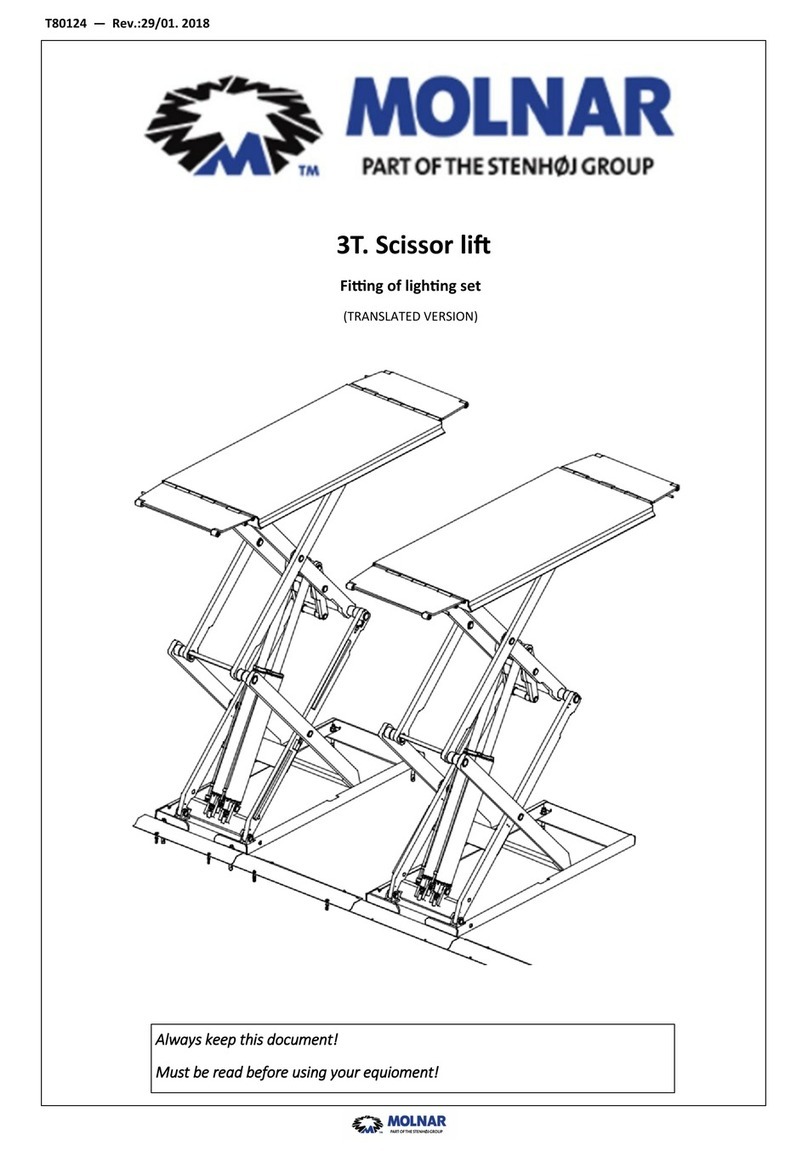
Molnar SM300 User manual

Molnar

Molnar SM300 User manual

Popular Scissor Lift manuals by other brands

SolidHub SBE900 instruction manual

SolidHub

SolidHub SBE900 instruction manual

Mec 4069RT Service and parts manual

Mec

Mec 4069RT Service and parts manual

JLG ES2632 Operation & safety manual

JLG

JLG ES2632 Operation & safety manual

Happ Happ10 Installation and operation manual

Happ

Happ Happ10 Installation and operation manual

Snorkel S3219E Operator's manual

Snorkel

Snorkel S3219E Operator's manual

Still HPT 10 XE Original instructions

Still

Still HPT 10 XE Original instructions

Kleton MJ523 instruction manual

Kleton

Kleton MJ523 instruction manual

Plafolift PHD 26 Operator's manual

Plafolift

Plafolift PHD 26 Operator's manual

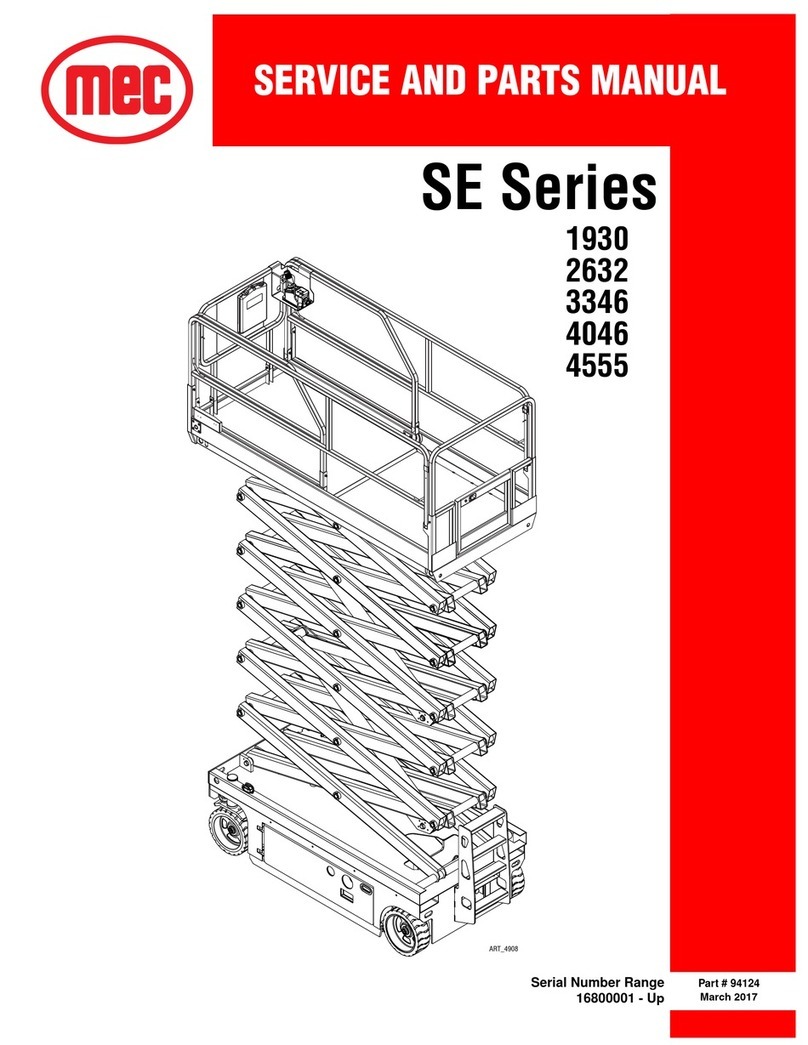
Mec SE Series Service and parts manual

Mec

Mec SE Series Service and parts manual

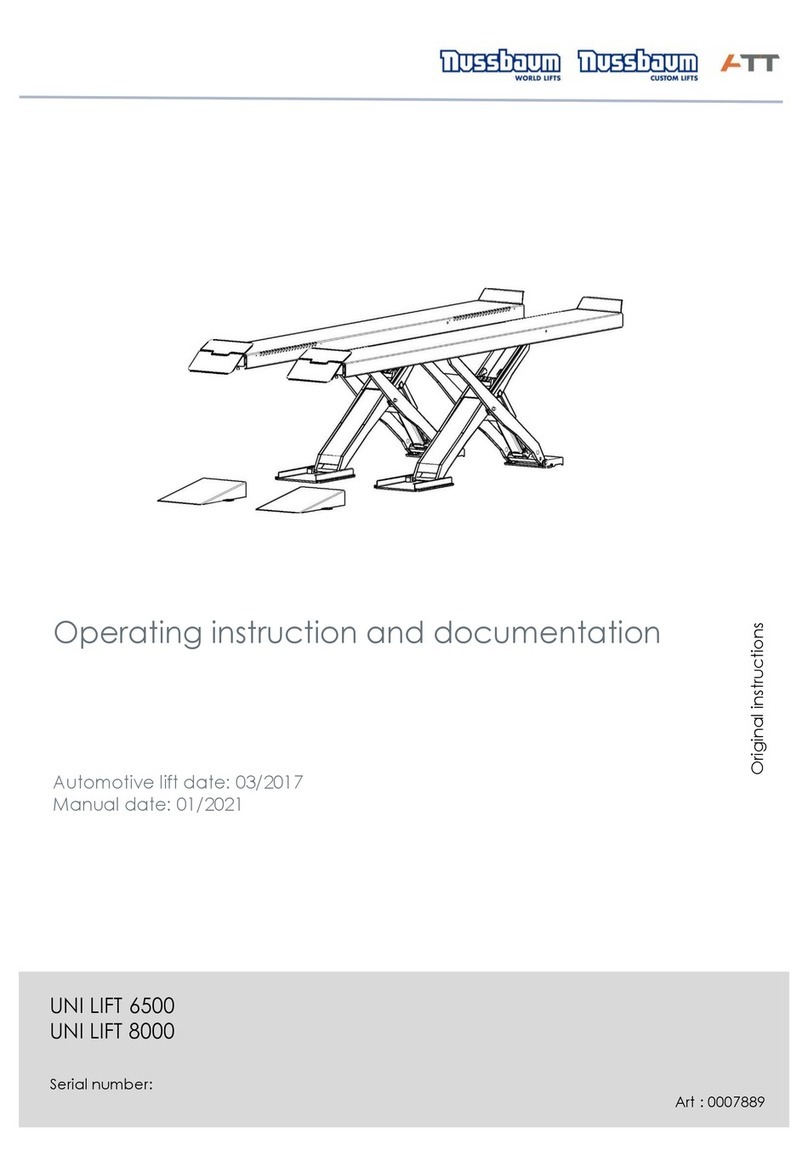
ATT Nussbaum UNI LIFT 6500 Operating Instruction and Documentation

ATT

ATT Nussbaum UNI LIFT 6500 Operating Instruction and Documentation

Skyjack SJ 6826RT Service manual

Skyjack

Skyjack SJ 6826RT Service manual

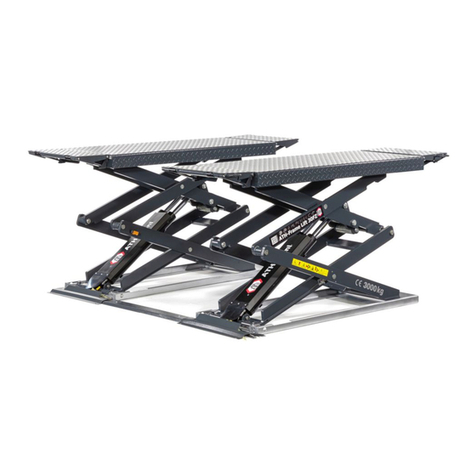
ATH Frame Lift 30FZ operating instructions

ATH

ATH Frame Lift 30FZ operating instructions

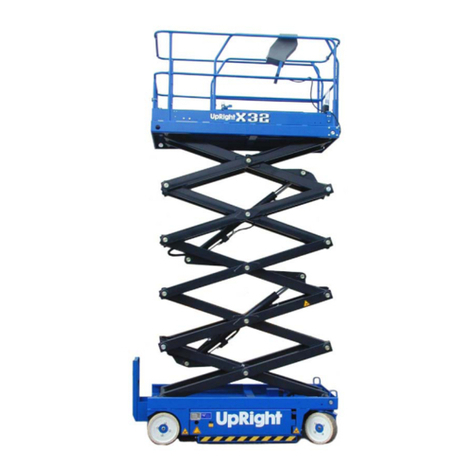
Upright X26 Ultra Narrow Operator's manual

Upright

Upright X26 Ultra Narrow Operator's manual

GMG 3394-RT Service manual

GMG

GMG 3394-RT Service manual

JLG EcoLift50 Service and maintenance manual

JLG

JLG EcoLift50 Service and maintenance manual

JLG 1936RS Service maintenance manual

JLG

JLG 1936RS Service maintenance manual

Oshkosh Corporation JLG 2632R Operation and safety manual

Oshkosh Corporation

Oshkosh Corporation JLG 2632R Operation and safety manual

Mec 69RT Series Service & parts manual

Mec

Mec 69RT Series Service & parts manual

manuals.online logo
manuals.online logoBrands
  • About & Mission
  • Contact us
  • Privacy Policy
  • Terms and Conditions

Copyright 2025 Manuals.Online. All Rights Reserved.

T80123— Rev.:30/01-18
Always keep this document!
Must be read before using your equioment!
3T. Scissor lift
Installation instructions
(TRANSLATED VERSION)
T80123— Rev.:30/01-18 2
© Stenhøj A/S
Barrit Langgade 188-190
DK-7150 Barrit
Tel.: + 45 76 82 13 30
Fax.: + 45 76 82 13 31
E-mail: info@autopstenhoj.com
Internet.: www.autopstenhoj.com
T80123— Rev.:30/01-18 3
These instructions indicate step by step how you ensure a trouble-free installation and a satisfactory operation. It
is there of vital importance that you take the necessary time and care in order to ensure that the installation tole-
rances are not exceeded, otherwise the lift will not function effectively and you will not benefit fully from your
purchase of the lift.
NB: If these installation instructions are not followed strictly, the lift is not covered by warranty.
Information for construction engineer or architect:
Information for fitter:
8 expansion bolts used for the installation of the lift are included in the delivery.
NB: Drawing power when using other expansion bolts must be 25,2 KN per bolt.
NB: Note this arrow The lift will throughout these instructions be shown from the drive-on direction.
Model Quality of concretEN206-1: Depth
3T. Scissor lift C25/30 (Fcyl = 25 N/mm² / Fcube = 30 N/mm²)
(B25 = 25 N/mm²)
150mm. (HILTI HSA)
T80123— Rev.:30/01-18 4
IMPORTANT: Check that installation site is in accordance with the following points:
Indoor and protected against penetrating water.
The dimensions of the installation site are as shown on picture 1.
Note: The requirements of the local authorities concerning installation of lifts must always be respected.
(Rules valid in Scandinavia: distance to walls: min. 0.7 m, distance between lifts and other machines: min.
1.1 m).
As standard the multi-purpose upright can be placed in front and/or left-right. Mark off according to the di-
mensions shown.
Upright is connected to mains via a switch according to local regulations and only by an authorized electri-
cian. The installation must be connected to earth and protected by fuses:
• for 3 x 230 V-50 Hz, fuse 16A, neutral is not to be used (recommended cable section 2.5 mm²).
• for 3 x 400 V-50 Hz, fuse 16A, neutral must be used (recommended cable section 2.5 mm²).
T80123— Rev.:30/01-18 5
T80123— Rev.:30/01-18 6
2. Check that all tools shown, or corresponding ones, are available.
Provide approx. 9 l hydraulic oil according to specifications in the operation and maintenance instructions.
Check that contents of packing are complete, i.e. comprise 2 scissor members, drive-on ramps and locks, a
multi-purpose upright, a set of cable rails, a box with accessories and a CD or bag with miscellaneous tech-
nical documentation.
3. Take out the scissor members and place these exactly according to the marking off on fig. 1, i.e. both mem-
bers are placed where the left scissor member is going to be.
NOTE: Beware that hoses/cables turn forwards according to the drive-in direction.
4. Avoid in the following steps to damage these hoses/cables and place the right scissor member with a di-
stance of 785 mm to the left member (bottom plates).
T80123— Rev.:30/01-18 7
T80123— Rev.:30/01-18 8
5. Place upright as required – NOTE: should the customer wish to place the upright towards the cable rails some
material can be removed from the front cover of the upright.
6. Dismantle front cover and control panel for upright.
7. Fit hydraulic hoses marked with red in pump unit.
Ø8 oil return hoses and the hydraulic hoses marked with yellow and blue are to be fitted later on (see fig. 10).
Place loose ends of hoses in a bucket in order to avoid oil spillage.
T80123— Rev.:30/01-18 9
T80123— Rev.:30/01-18 10
8. Fill in approx. 9 l hydraulic oil.
9. Connection to mains (only to be carried out by authorized electrician)
- Wiring diagram is included in control box.
- Turn main switch on upright into 0-position before starting installation
- Connect according to wiring diagram
- IMPORTANT ! Connect to correct voltage – see fig. 9.
10. Push UP-button and by-passing button (see fig. 14).
Turn main switch on upright into position ”1”. Check that power lamp on control panel is alight.
Check direction of rotation of pump motor by pushing UP-button shortly. If lift does not raise, disconnect power
and interchange 2 phase cables. Try again.
Rsise lift to reuired working height. Fit the hydraulic hoses marked with blue and yellow as shown (fig. 7.) Ar-
range Ø8 oil return hoses together with cables for photocell and top and bottom limit switches forward to requi-
red position of upright.
11. Fit oil return hoses in pump unit as shown.