manuals.online logo
Brands
  1. Home
  2. •
  3. Brands
  4. •
  5. Mood Media
  6. •
  7. MP3 Player
  8. •
  9. Mood Media ProFusion iH User manual

Mood Media ProFusion iH User manual

Other manuals for ProFusion iH

1

Other Mood Media MP3 Player manuals

Mood Media ProFusion iH User manual

Mood Media

Mood Media ProFusion iH User manual

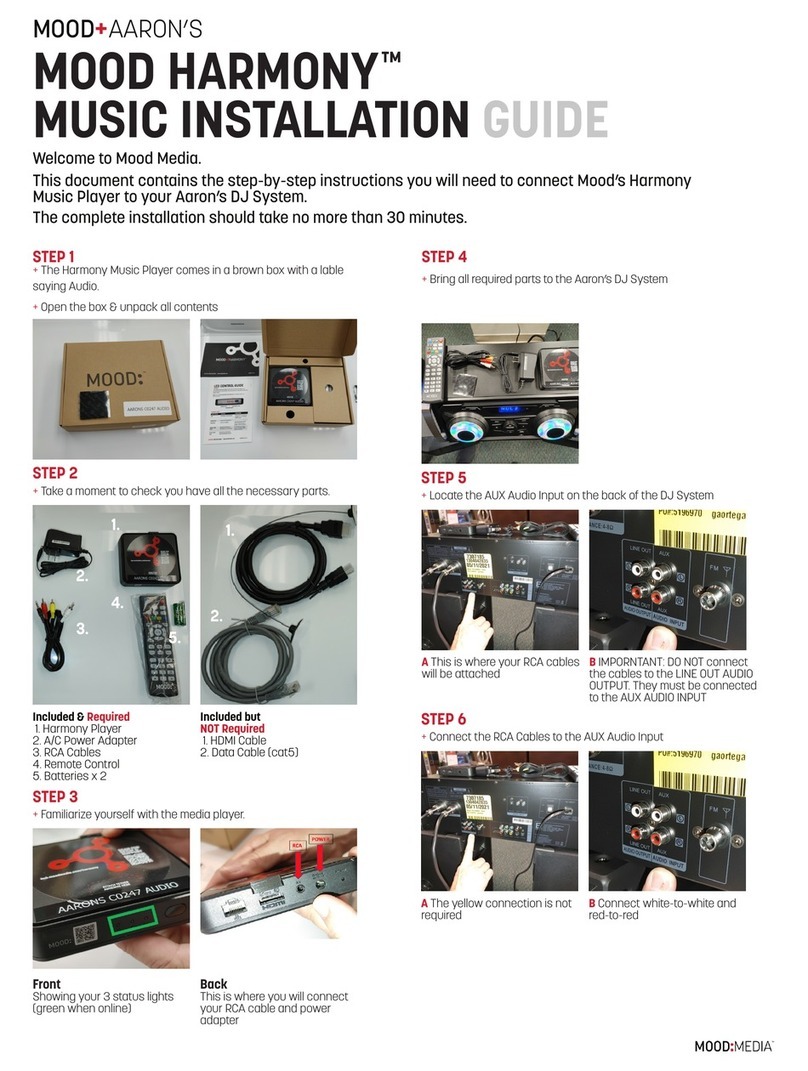
Mood Media Aaron's Harmony User manual

Mood Media

Mood Media Aaron's Harmony User manual

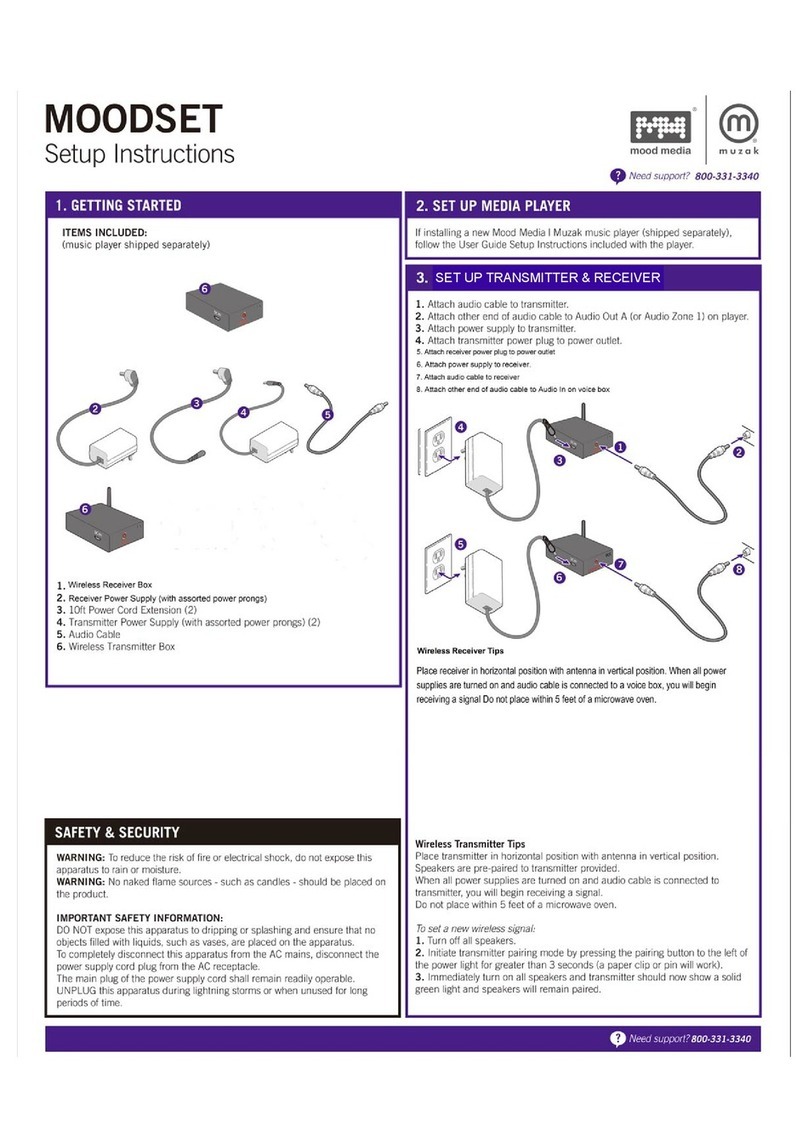
Mood Media Muzak Moodset Manual

Mood Media

Mood Media Muzak Moodset Manual

Popular MP3 Player manuals by other brands

FINIS Neptune instruction manual

FINIS

FINIS Neptune instruction manual

Majestic BT 3280R MP4 instructions

Majestic

Majestic BT 3280R MP4 instructions

Slick MP418C-4 user guide

Slick

Slick MP418C-4 user guide

GPX MW6815DT instruction manual

GPX

GPX MW6815DT instruction manual

Sony NWZ-B135F - Walkman - 2 GB Digital Player Specifications

Sony

Sony NWZ-B135F - Walkman - 2 GB Digital Player Specifications

ID-AL NanoPlayer box user manual

ID-AL

ID-AL NanoPlayer box user manual

Blaupunkt Compact Drive MP3 operating instructions

Blaupunkt

Blaupunkt Compact Drive MP3 operating instructions

Memorex MMP9008 - 8GB USB 2.0 user guide

Memorex

Memorex MMP9008 - 8GB USB 2.0 user guide

Meizu Electronic Technology E5 user manual

Meizu Electronic Technology

Meizu Electronic Technology E5 user manual

Naxa NMV-173NX user manual

Naxa

Naxa NMV-173NX user manual

Philips PSA250 Specifications

Philips

Philips PSA250 Specifications

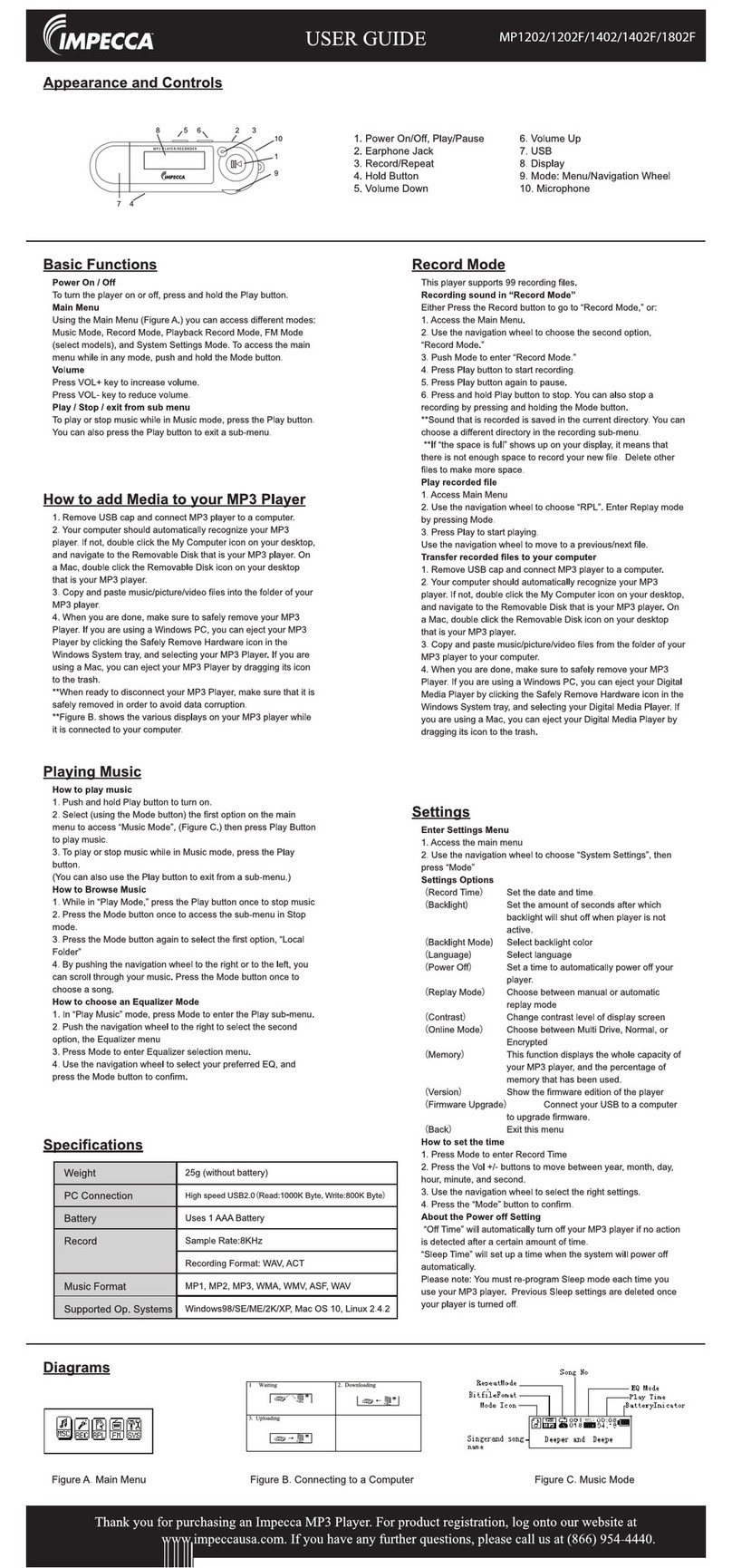
Impecca MP1202 user guide

Impecca

Impecca MP1202 user guide

Sony NW-MS7 - Memory Stick Walkman Service manual

Sony

Sony NW-MS7 - Memory Stick Walkman Service manual

Irradio RF-42UC user manual

Irradio

Irradio RF-42UC user manual

NABAIJI SWIM MUSIC 100 user guide

NABAIJI

NABAIJI SWIM MUSIC 100 user guide

Laser MP3-A9-4GB user manual

Laser

Laser MP3-A9-4GB user manual

Samsung YP-T7F Service manual

Samsung

Samsung YP-T7F Service manual

MobiBlu DAH-1500i user manual

MobiBlu

MobiBlu DAH-1500i user manual

manuals.online logo
manuals.online logoBrands
  • About & Mission
  • Contact us
  • Privacy Policy
  • Terms and Conditions

Copyright 2025 Manuals.Online. All Rights Reserved.

POWER LIGHT PLAYBACK LIGHT
NETWORK LIGHT
POWER LIGHT
LIGHT STATUS MEANING RESOLUTION
Off No Power to the Device Check that the device is
plugged in to a working
power outlet
Solid Green Device is Powered On
Solid Red Device is Asleep Use the remote control
to turn device on
Power cycle the device
Green / Red Device is booting up - If continues for more
Slow can take up to 2 minutes than 2 minutes, power
cycle the device
Green / Red Receiving commands
Fast from the remote control
MOOD:MEDIA
SUPPORT 800 331.3340 |hub.moodmedia.com/profusion-ih

DEVICE GUIDE
Your ProFusion iH Player comes with a 3.5mm AUX to RCA audio cable. If
your player is set up with 2 zones of audio, Zone 1 uses the white RCA plug
and Zone 2 uses the red RCA plug. If you have only 1 zone of audio, you’ll
only need to connect the white plug into your sound system.
Note: Do not use the yellow plug on the RCA audio cable - you don’t need it
for your audio.
NETWORK LIGHT
LIGHT STATUS MEANING RESOLUTION
Off No network connection Check network cable and
WiFi settings
Solid Green Device connected to the
Internet and communicating
with Mood services
Solid Orange Device connected to the Contact your network
Internet but not administrator
communicating with
Mood services
Green / Orange Device is in hotspot mode Setup using the Mood
Slow Controller App on your
mobile device
Green / Orange Device is connected to the Contact your network
Fast network but not connecting administrator
to the Internet
Slow Orange WiFi not connected to Use the Mood Controller
Blink the network Mobile App to connect
the player to the network
PLAYBACK LIGHT
LIGHT STATUS MEANING RESOLUTION
Solid Green Music is playing
Solid Red Playback hasn’t started Power cycle the media
player if playback doesn’t
start after 2 minutes
Green / Orange Device is playing silence Use the remote control to
Fast check the device’s volume
Red / Orange External storage (MicroSD) Check / Reinsert MicroSD
Fast is unplugged or damaged (if applicable)
Red / Green Music schedule has been
Fast overridden
MOOD:MEDIA
SUPPORT 800 331.3340 |hub.moodmedia.com/profusion-ih