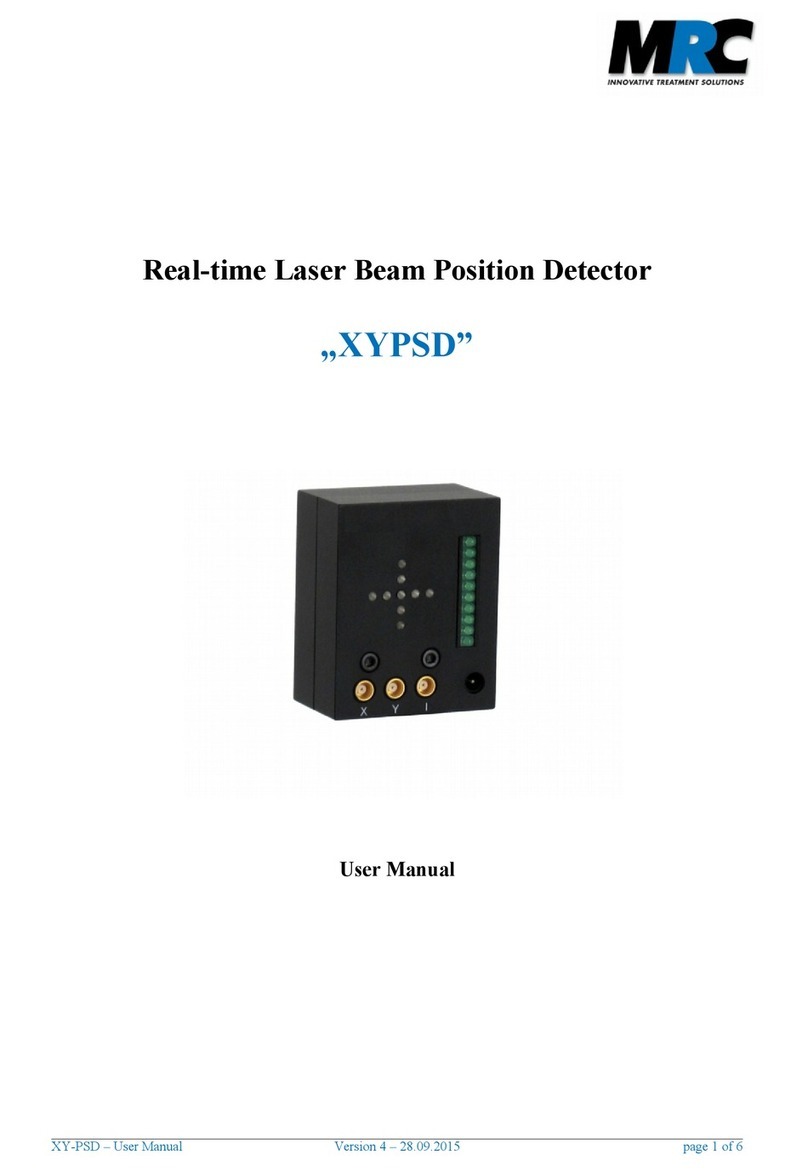
Figure 4: 4 quadrant diode. The arrow points to the
potentiometer for intensity variation (Please use a screwdriver)
Notes:
•In a standard delivery we integrate two optical filters in front of the sensor area. These are filter s
with a high and a low density for coarse and fine adjustment, respectively. Usually the filter
which is the first to be reached is the low density one.
•Please be aware that the sensor area is uite sensitive. If you want to clean it you should do this
carefully with a wet lint-free cotton swab.
If you want to exchange the filters you can detach the plastic screws which fix the filters in the housing.
With a tilt of the detector housing it should be possible to release the filters. Once you put in new filters
please be careful so that you do not damage the detector. Finally you can fix them with the plastic
screws.
3.6 Intensity scaling
The standard XY4QD is e uipped with an intensity scaling. Here, a divider is integrated into the readout
electronics that sets the intensity of each uadrant in relation to the total intensity on all four uadrants.
In that way the measurement is independent of the actual laser power.
The intensity scaling can be omitted on re uest in order to reach even higher bandwidths and get access
to the raw data.
4. Installation and operation
The intensity on the 4-QD should be chosen with values that lead to illumination of at least 2 and not
more than 9 LEDs. This corresponds to voltages of 0.5 to 6 V. You can achieve the correct values by
means of appropriate filters in front of the 4-QD. The XY4QD should be aligned to the laser beam in that
position where it hits the center of the 4-QD. In this case you can detect the widest range of position
changes.
You can get a comparable information regarding the position by using a scope. In order to get this you
can connect the x and y signals to two channels of the scope and choose the scope's x-y-display mode.
XY-4QD – User Manual version 4 – 25.07.2014 page 5 of 7