1
< 1> Contents
Contents
Safety Information...........................................................................................2
Specifications...................................................................................................3
Rear I/O Panel ................................................................................................. 6
LAN Port LED Status Table.................................................................................6
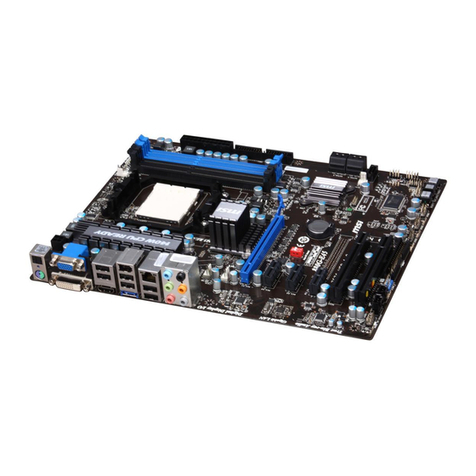
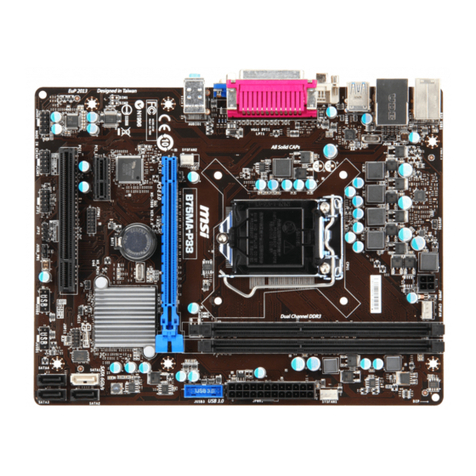
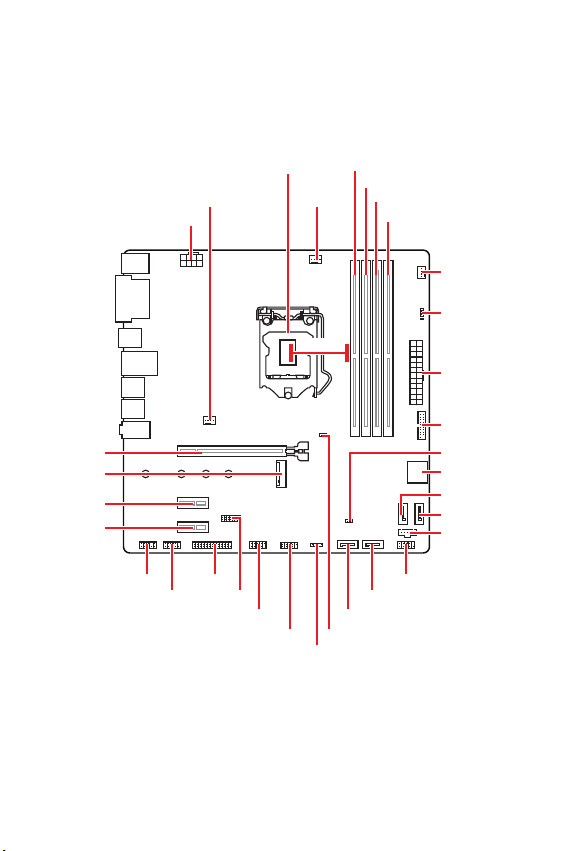
Overview of Components ................................................................................ 7
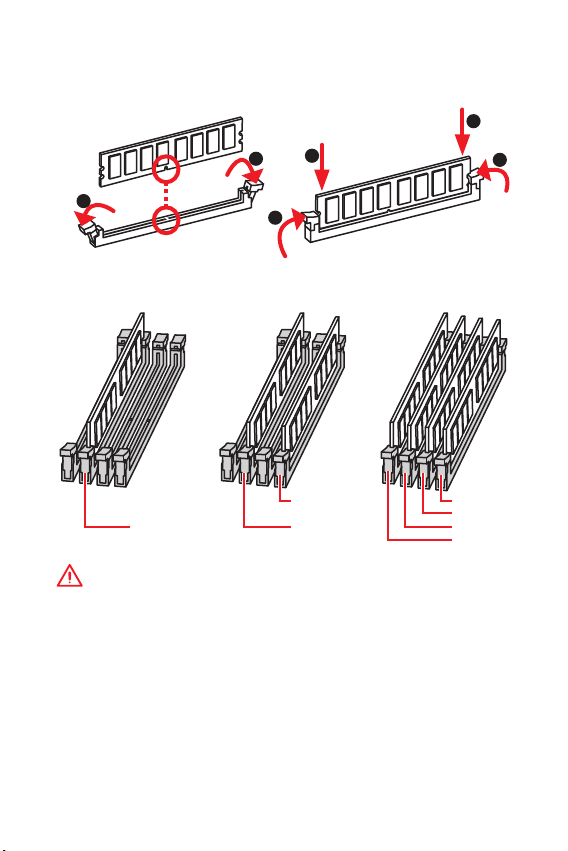
DIMM Slots..........................................................................................................8
CPU Socket .........................................................................................................9
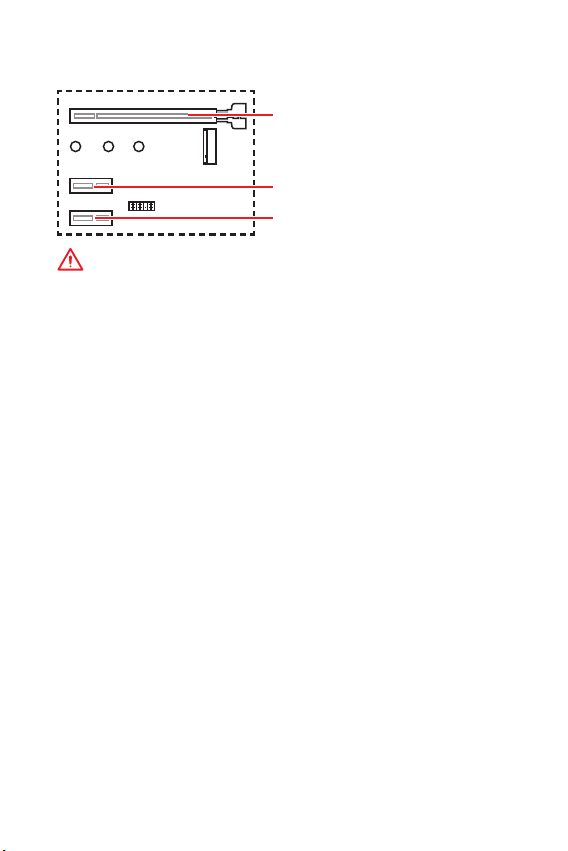
PCI_E1~3: PCIe Expansion Slots......................................................................10
JFP1, JFP2: Front Panel Connectors ...............................................................11
SATA1~6: SATA 6Gb/s Connectors....................................................................11
M2_1: M.2 Slot (Key M) .....................................................................................12
ATX_PWR1, CPU_PWR1: Power Connectors....................................................12
JUSB1, JUSB2: USB 2.0 Connectors................................................................13
JUSB3: USB 3.1 Gen1 Connector .....................................................................13
JAUD1: Front Audio Connector.........................................................................14
JCOM1: Serial Port Connector .........................................................................14
JLPT1: Parallel Port Connector........................................................................14
CPU_FAN1, SYS_FAN1~2: Fan Connectors......................................................15
JTPM1: TPM Module Connector.......................................................................16
JTBT1: Thunderbolt Add-on Card Connector...................................................16
EZ Debug LED...................................................................................................16
JCI1: Chassis Intrusion Connector...................................................................17
JBAT1: Clear CMOS (Reset BIOS) Jumper .......................................................17
BIOS Setup.....................................................................................................18
Entering BIOS Setup.........................................................................................18
Resetting BIOS..................................................................................................19
Updating BIOS...................................................................................................19
Software Description..................................................................................... 20
Installing Windows®10.....................................................................................20
Installing Drivers ..............................................................................................20
Installing Utilities..............................................................................................20
Thank you for purchasing the MSI®B360M PRO-VDH
motherboard. This User Guide gives information about
board layout, component overview, BIOS setup and software
installation.