manuals.online logo
Brands
  1. Home
  2. •
  3. Brands
  4. •
  5. MULTIQUIP
  6. •
  7. Portable Generator
  8. •
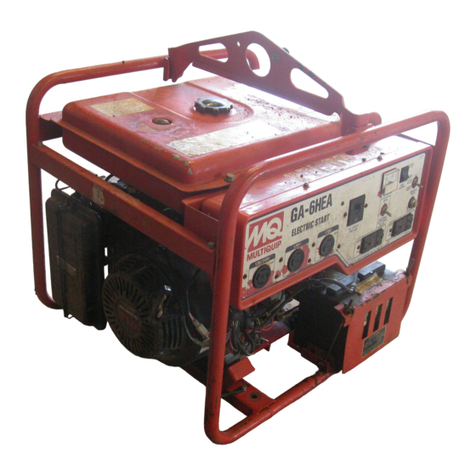
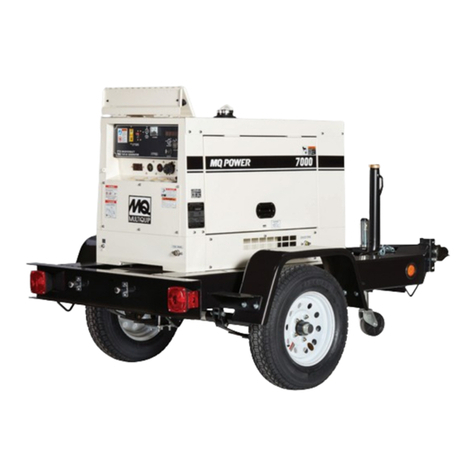
  9. MULTIQUIP GA-6HA How to use

MULTIQUIP GA-6HA How to use

Other manuals for GA-6HA

1

Other MULTIQUIP Portable Generator manuals

MULTIQUIP Whisperwatt TLG-12SPX4 Guide

MULTIQUIP

MULTIQUIP Whisperwatt TLG-12SPX4 Guide

MULTIQUIP Power Ultra-Silent DCA-45USI Guide

MULTIQUIP

MULTIQUIP Power Ultra-Silent DCA-45USI Guide

MULTIQUIP Power WHISPERWATT DCA-400SSK User manual

MULTIQUIP

MULTIQUIP Power WHISPERWATT DCA-400SSK User manual

MULTIQUIP ga2.5Hr Guide

MULTIQUIP

MULTIQUIP ga2.5Hr Guide

MULTIQUIP WhisperWatt DCA150SSI Guide

MULTIQUIP

MULTIQUIP WhisperWatt DCA150SSI Guide

MULTIQUIP Power Ultra-Silent DCA-85USJ Guide

MULTIQUIP

MULTIQUIP Power Ultra-Silent DCA-85USJ Guide

MULTIQUIP GA-2.9R Guide

MULTIQUIP

MULTIQUIP GA-2.9R Guide

MULTIQUIP DCA85USJ2 Guide

MULTIQUIP

MULTIQUIP DCA85USJ2 Guide

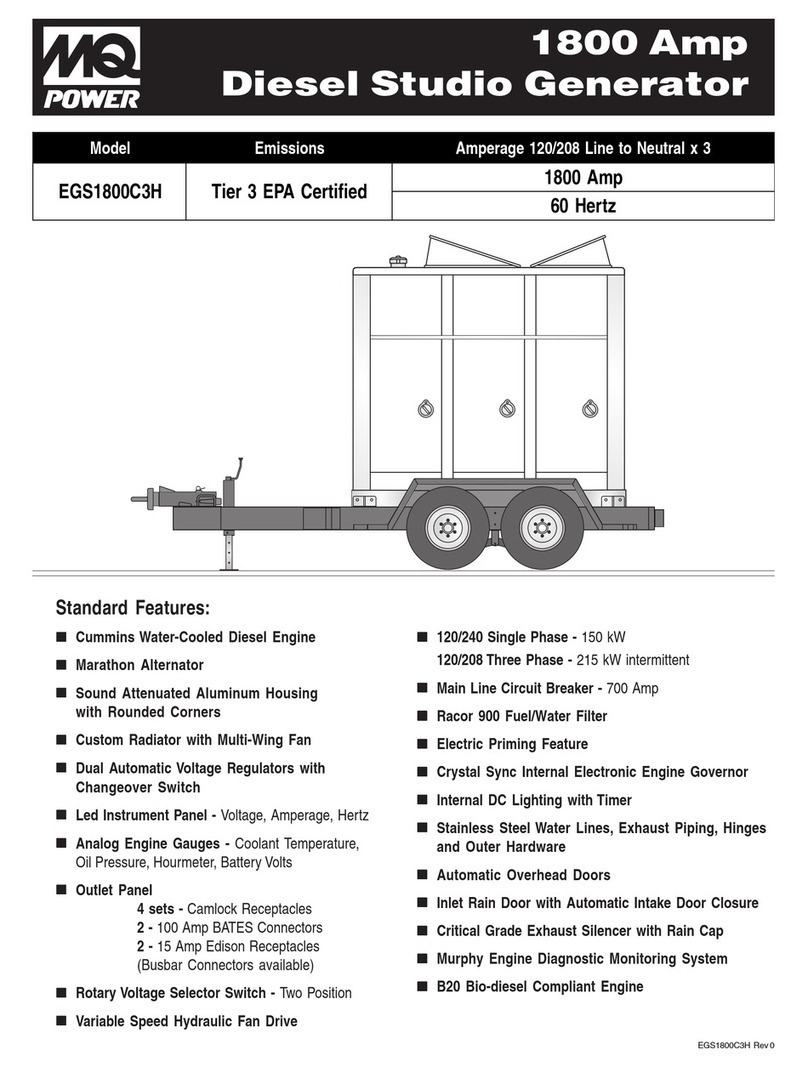
MULTIQUIP EGS1800C3H User manual

MULTIQUIP

MULTIQUIP EGS1800C3H User manual

MULTIQUIP GA-6REA Guide

MULTIQUIP

MULTIQUIP GA-6REA Guide

MULTIQUIP LT6KV User manual

MULTIQUIP

MULTIQUIP LT6KV User manual

MULTIQUIP GAC-6HZR Guide

MULTIQUIP

MULTIQUIP GAC-6HZR Guide

MULTIQUIP GDP-5HA User manual

MULTIQUIP

MULTIQUIP GDP-5HA User manual

MULTIQUIP WHISPERWATT DCA-15SPXU4 User manual

MULTIQUIP

MULTIQUIP WHISPERWATT DCA-15SPXU4 User manual

MULTIQUIP DCA125USI3CAN User manual

MULTIQUIP

MULTIQUIP DCA125USI3CAN User manual

MULTIQUIP DCA125USI3CAN Guide

MULTIQUIP

MULTIQUIP DCA125USI3CAN Guide

MULTIQUIP Power WHISPERWATT DCA-100SSJU User manual

MULTIQUIP

MULTIQUIP Power WHISPERWATT DCA-100SSJU User manual

MULTIQUIP Power WHISPERWATT DCA-40SSI User manual

MULTIQUIP

MULTIQUIP Power WHISPERWATT DCA-40SSI User manual

MULTIQUIP Power WHISPERWATT DCA-220SSK Guide

MULTIQUIP

MULTIQUIP Power WHISPERWATT DCA-220SSK Guide

MULTIQUIP DA7000SSA2GH Guide

MULTIQUIP

MULTIQUIP DA7000SSA2GH Guide

MULTIQUIP DAC7000SS Guide

MULTIQUIP

MULTIQUIP DAC7000SS Guide

MULTIQUIP DA Series User manual

MULTIQUIP

MULTIQUIP DA Series User manual

MULTIQUIP Power WHISPERWATT DCA-100SSVU Guide

MULTIQUIP

MULTIQUIP Power WHISPERWATT DCA-100SSVU Guide

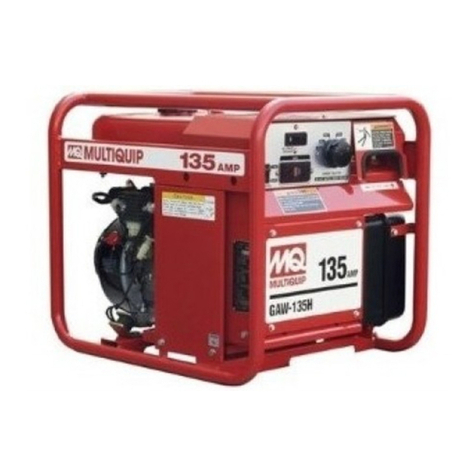
MULTIQUIP GAW-135H Guide

MULTIQUIP

MULTIQUIP GAW-135H Guide

Popular Portable Generator manuals by other brands

Kohler 20EORZ Operation

Kohler

Kohler 20EORZ Operation

Powerhorse 83171 owner's manual

Powerhorse

Powerhorse 83171 owner's manual

HURST ML-630-SI instruction manual

HURST

HURST ML-630-SI instruction manual

ETQ TG4000 owner's manual

ETQ

ETQ TG4000 owner's manual

Briggs & Stratton 40265 Illustrated parts list

Briggs & Stratton

Briggs & Stratton 40265 Illustrated parts list

evertz 7700 Series manual

evertz

evertz 7700 Series manual

Firefly Cygnus CYG2400/460/24 user manual

Firefly

Firefly Cygnus CYG2400/460/24 user manual

Owon Waveform Generator manual

Owon

Owon Waveform Generator manual

Draper PG950S Instructions for

Draper

Draper PG950S Instructions for

SDMO SH 4000 Generating set user and maintenance manual

SDMO

SDMO SH 4000 Generating set user and maintenance manual

EINHELL STE 5500 operating instructions

EINHELL

EINHELL STE 5500 operating instructions

Wanco WI3000P Operator's manual

Wanco

Wanco WI3000P Operator's manual

Full Boar FBT-3300 instruction manual

Full Boar

Full Boar FBT-3300 instruction manual

Dwyer Instruments ASG manual

Dwyer Instruments

Dwyer Instruments ASG manual

Westinghouse WH1000i Series owner's manual

Westinghouse

Westinghouse WH1000i Series owner's manual

Wallenstein GF5000A manual

Wallenstein

Wallenstein GF5000A manual

Leroy-Somer LSA 49.1 Installation and Maintenance

Leroy-Somer

Leroy-Somer LSA 49.1 Installation and Maintenance

Yamakoyo SH2900DX owner's manual

Yamakoyo

Yamakoyo SH2900DX owner's manual

manuals.online logo
manuals.online logoBrands
  • About & Mission
  • Contact us
  • Privacy Policy
  • Terms and Conditions

Copyright 2025 Manuals.Online. All Rights Reserved.

The following instructions are intended to assist the
user in starting the GA-6HA AC Generator. Please read
the entire instructions before starting.
GA-6HA AC Generator
Starting Instructions
Engine Oil Check
1. To check the engine oil level, place the generator on
secure level ground with the engine stopped.
2. Remove the filler cap/dipstick from the engine oil filler
hole and wipe it clean.
3. Insert and remove the dipstick without screwing it into
the filler neck. Check the oil level shown on the
dipstick.
4. If the oil level is low (Figure 1), fill to the edge of the
oil filler hole with the recommended oil type (Table 1).
Maximum oil capacity is 1.16 quarts (1.1 liters).
edarGliOrotoM.1elbaT
erutarepmeTronosaeS liorotomfoedarG
)ssalcSMnahtrehgih(
nmutuAroremmuS,gnirpS
F°51+otF°021+ 03EAS
retniW
F°5
1+otF°04+ 03EAS
F°51+woleB03-W01EAS
Figure 1. Engine Oil Dipstick (Oil Level)
Gasoline is extremely flammable, and its
vapors can cause an explosion if ignited.
DO NOT start the engine near spilled fuel
or combustible fluids.
DO NOT fill the fuel tank while the engine is running or
hot. DO NOT overfill tank, since spilled fuel could ignite if
it comes into contact with hot engine parts or sparks from
the ignition system. Store fuel in approved containers, in
well-ventilated areas and away from sparks and flames.
Explosive Fuel Hazards
WARNINGWARNING
WARNINGWARNING
WARNING
Fuel Check
1. Close the fuel cock before filling the fuel tank.
2. Remove the fuel cap located on top of fuel tank.
3. Read thefuelgauge locatedon topofthe fueltank (Figure
2) to determine if the fuel level is low. If fuel is low,
replenish with
clean unleaded fuel
.
4. When refueling, be sure to use a strainer for filtration.
DO NOT top-off fuel. DO NOT fill the tank beyond
capacity. Wipe up any spilled fuel
immediately!
Figure 2. Fuel Gauge
Before Starting the Engine
1. Be sure to
disconnect all electrical loads
from the
generator prior to starting the engine.
2. NEVER start the engine with the main
circuit breaker
in the ON position. Always place the main circuit
breaker (Figure 3) in the OFF position before starting.
Figure 4. Engine Fuel Valve Lever
Starting the Engine
1. Place the engine
fuel valve lever
(Figure 4) to the ON
position.
Figure 3. Main Circuit Breaker (OFF)

All manuals and user guides at all-guides.com
all-guides.com
© COPYRIGHT 2005, MULTIQUIP INC.
Montreal, Canada • Manchester, UK
Rio De Janeiro, Brazil • Cipsa, Mexico
MULTIQUIP INC.
POST OFFICE BOX 6254 • CARSON, CA 90749
310-537-3700 • 800-421-1244 • FAX:310-537-3927
E-MAIL: [email protected] • WWW: multiquip.com
Figure 5. Choke Lever
5. Grasp the starter grip (Figure 7) and slowly pull it out.
The resistance becomes the hardest at a certain
position, corresponding to the compression point. Pull
the starter grip briskly and smoothly for starting.
Figure 7. Starter Grip
2. Place the
choke lever
(Figure 5) in the
CLOSED
position if starting a
cold
engine.
3. Place the
choke lever
(Figure 5) in the
OPEN
position
if starting a
warm engine
or the
temperature is
warm.
4. Place the
generator ON/OFF
switch
(Figure 6) in the
ON
position.
Figure 6. Generator On/Off Switch
6. If the engine has started, slowly return the choke lever
(Figure 5) to the
OPEN
position. If the engine has not
started, repeat steps 1 through 5.
7. Before the generator is placed into operation, run the
engine for 3-5 minutes. Check for abnormal smells,
fuel leaks, and noises that would associate with loose
components.
Figure 8. Idle Control Switch
Connecting the Load
1. Place the full power switch (Figure 9) in the 120V or
240/120V position depending on application.
Figure 9. Power Switch
2. If small wattage power tools are required, connect
them to the 60 Hz output receptacles at this time.
Stopping the Engine
1. Place the main circuit breaker (Figure 3) in the OFF
position.
2. Place the
idle control switch
(Figure 8) in the OFF
position.
3. Let the engine run at idle with no load for 2-3 minutes.
4. To shut down the engine, place the generator ON/OFF
switch (Figure 6) in the OFF position.
5. Place the engine
fuel valve lever
(Figure 4) to the
"OFF" position.
6. Remove the
load
from the generator.
8.
Place
the
idle control switch
(Figure 8) in the ON
(up) position.
Figure 10. Main Circuit Breaker (ON)
3. Place main circuit breaker (Figure 10) in the ON
position.
All manuals and user guides at all-guides.com