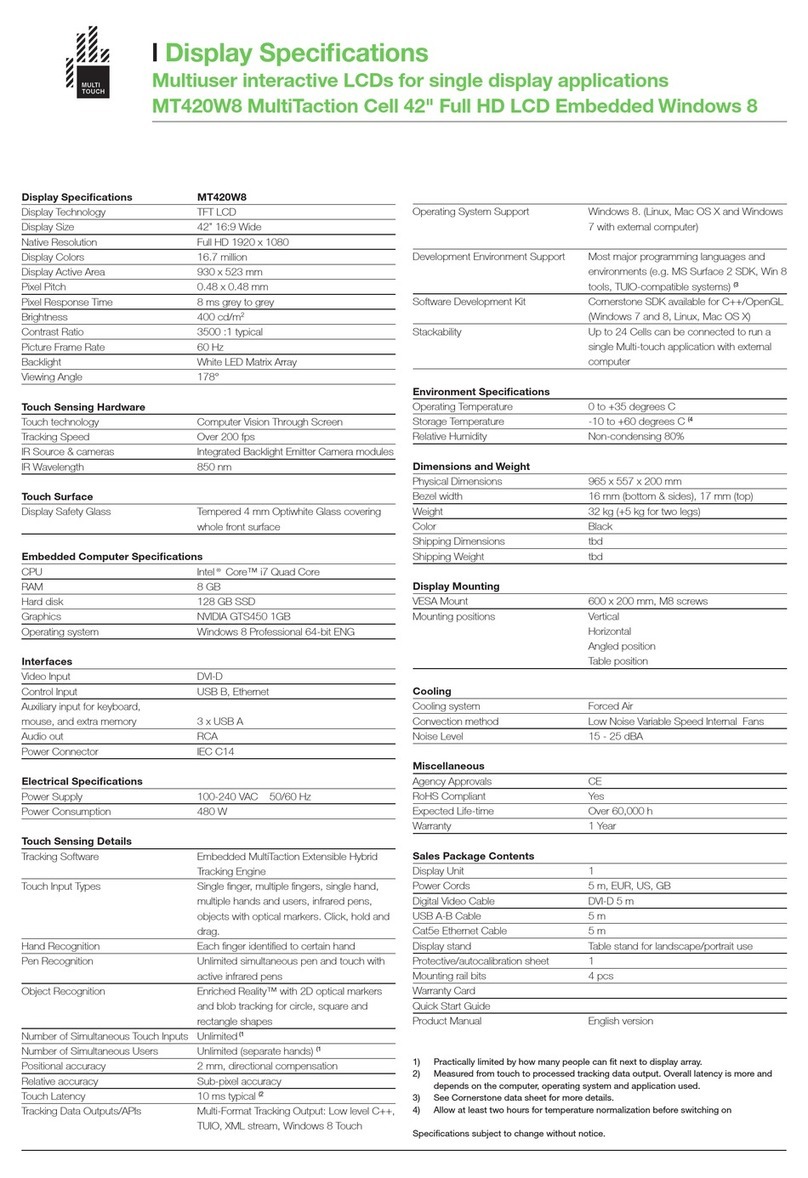
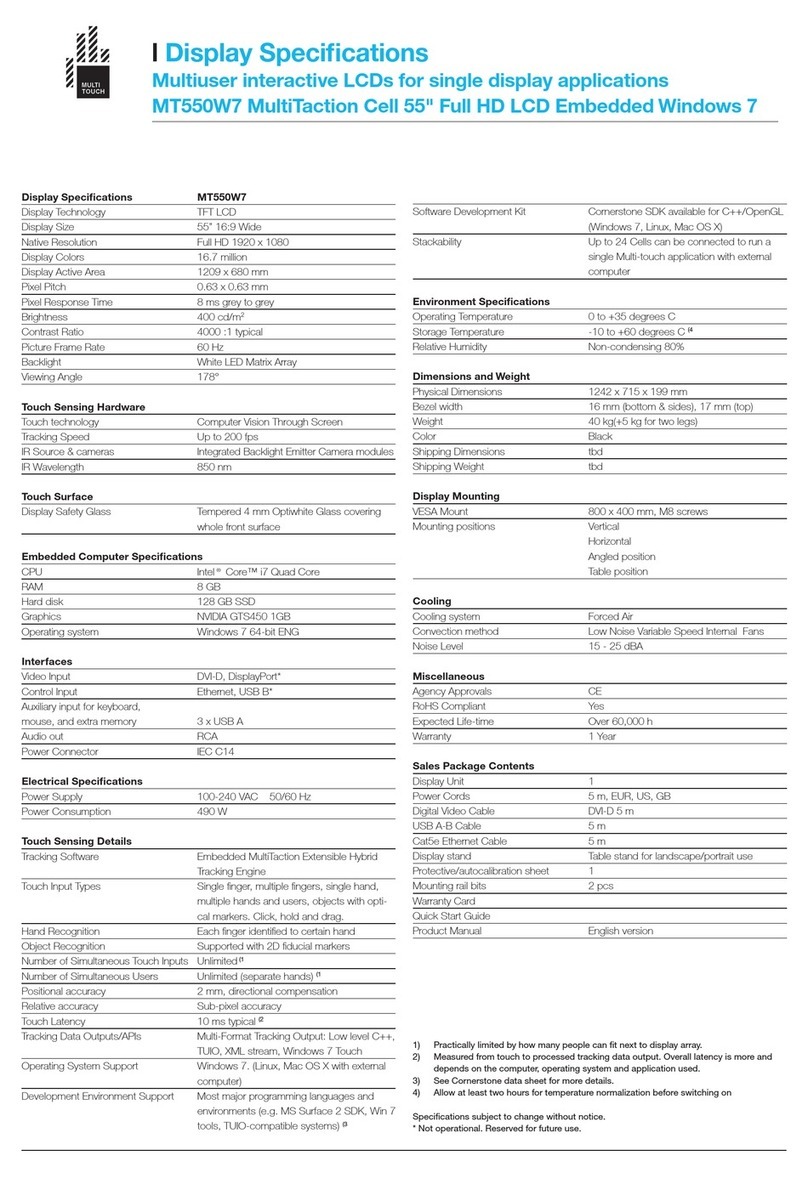
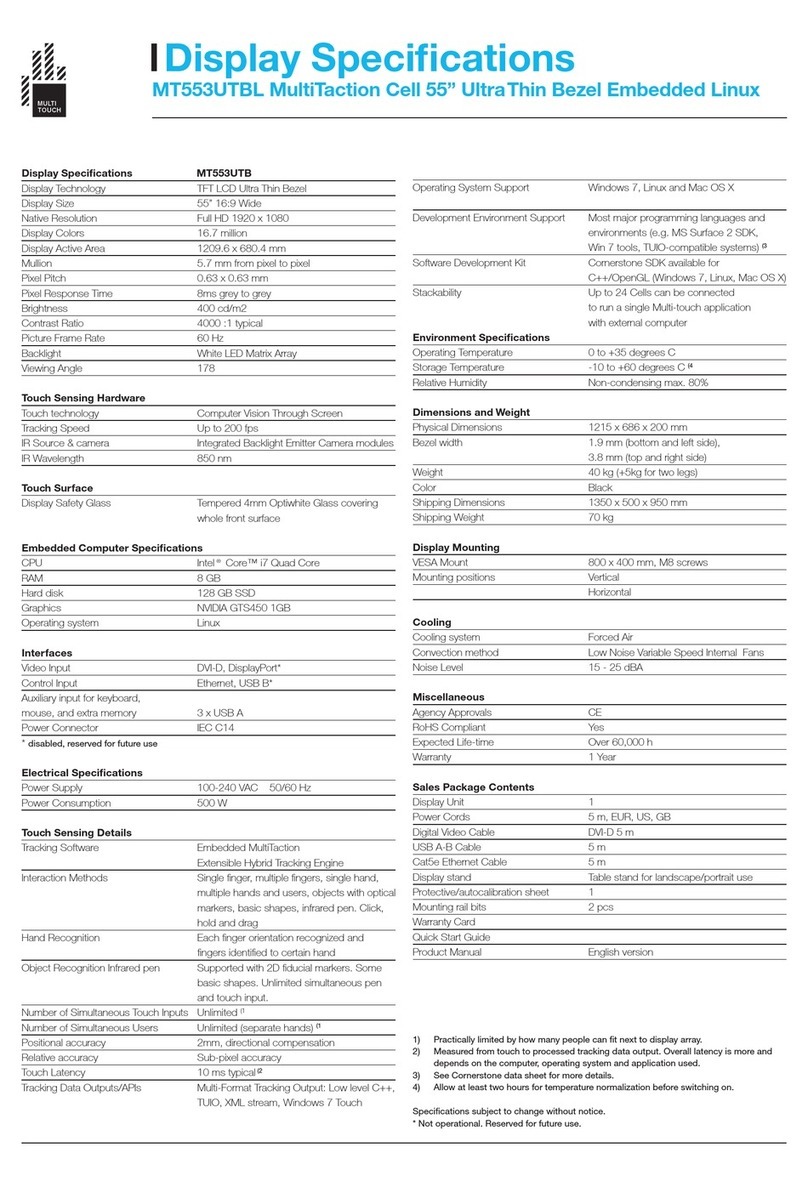
467 User Guide
INTRODUCTION
MultiTouch Cells are multi-touch, modular LCD
displays intended for (but in no way limited to)
retail businesses, advertising, exhibitions,
museums, education, and design installations.
‘Multi-touch’ means that Cells can track and
react to several people interacting with them
simultaneously. Moreover, the system tracks a
person’s hands instead of points of contact only,
further enhancing interactive possibilities. The
LCD displays deliver Full HD picture quality, have
a long life-span, and need hardly any maintenance.
‘Modular’ means that Cells can be easily connected
to each other to create a single large display array
showing interactive content split into the various
screens, while reacting to multiple users’ touch.
The system welcomes customisation. Work on Linux,
Mac, or Windows environments, and create your own
tailored apps through the MultiTouch Cornerstone SDK
or many other supported methods.
OVERVIEW
The most basic configuration required to deploy
a MultiTouch Cell consists of the Cell itself and
a proper connection (through the supplied USB,
Firewire and DVI cables) to a PC or Mac computer
running the MultiTouch Cornerstone software engine.
3