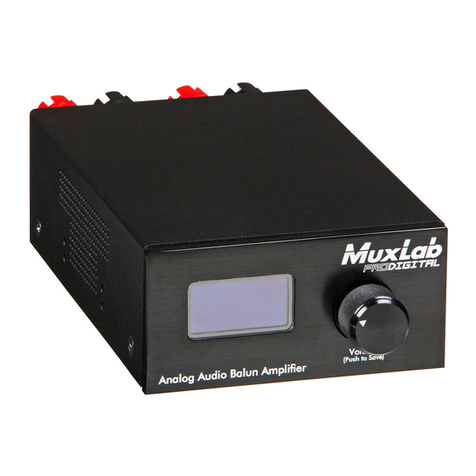
Audio Zone Amplifier Installation Guide
Contents
Introduction ...............................................................................................................41.
1.1. Introduction to the 500216.............................................................................4
1.2. Features.........................................................................................................4
1.3. Package Content ...........................................................................................5
Specification..............................................................................................................62.
System Connection...................................................................................................73.
3.1. Safety Precautions.........................................................................................7
3.2. System Diagram ............................................................................................7
3.3. Audio Output..................................................................................................7
3.3.1. Default output: 2x20 Watt @ 4-ohm.....................................................7
3.3.2. Bridge connection: 1x40 Watt @ 8-ohm ..............................................8
3.3.3. Dual-mono Output ...............................................................................8
3.4. Connection of Microphone.............................................................................9
3.4.1. 48V phantom power input mode..........................................................9
3.4.2. MIC input mode ...................................................................................9
3.4.3. LINE input mode..................................................................................9
Operation of the Control Panel and the IR Remote.................................................104.
4.1. Operation of the Control Panel ....................................................................10
4.1.1. Audio switching..................................................................................10
4.1.2. Volume and Equalization control........................................................10
4.2. Using of the IR Remote................................................................................11
4.2.1. IR Remote buttons.............................................................................11
4.2.2. IR Remote codes...............................................................................11
Operations of RS232 Control..................................................................................125.
5.1. RS232 Communication Commands.............................................................12
Panel Drawing.........................................................................................................136.
Troubleshooting & Maintenance..............................................................................147.
Regulatory Compliance ................................................................................................15
© MuxLab Inc. 2015 3