8
PLAY MODE AZIMUTH AND SPEED ADJUSTMENTS
NOTE: Accurate azimuth and speed adjustments require special test tapes (see below) and a multi-meter with a
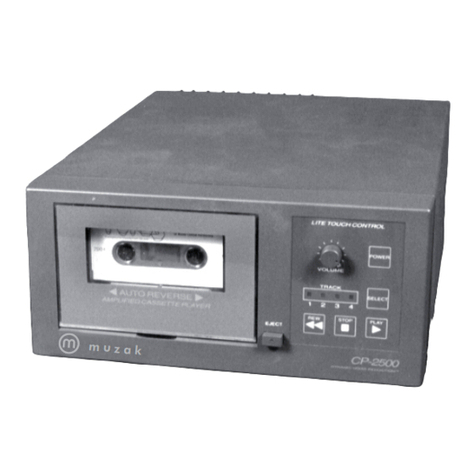
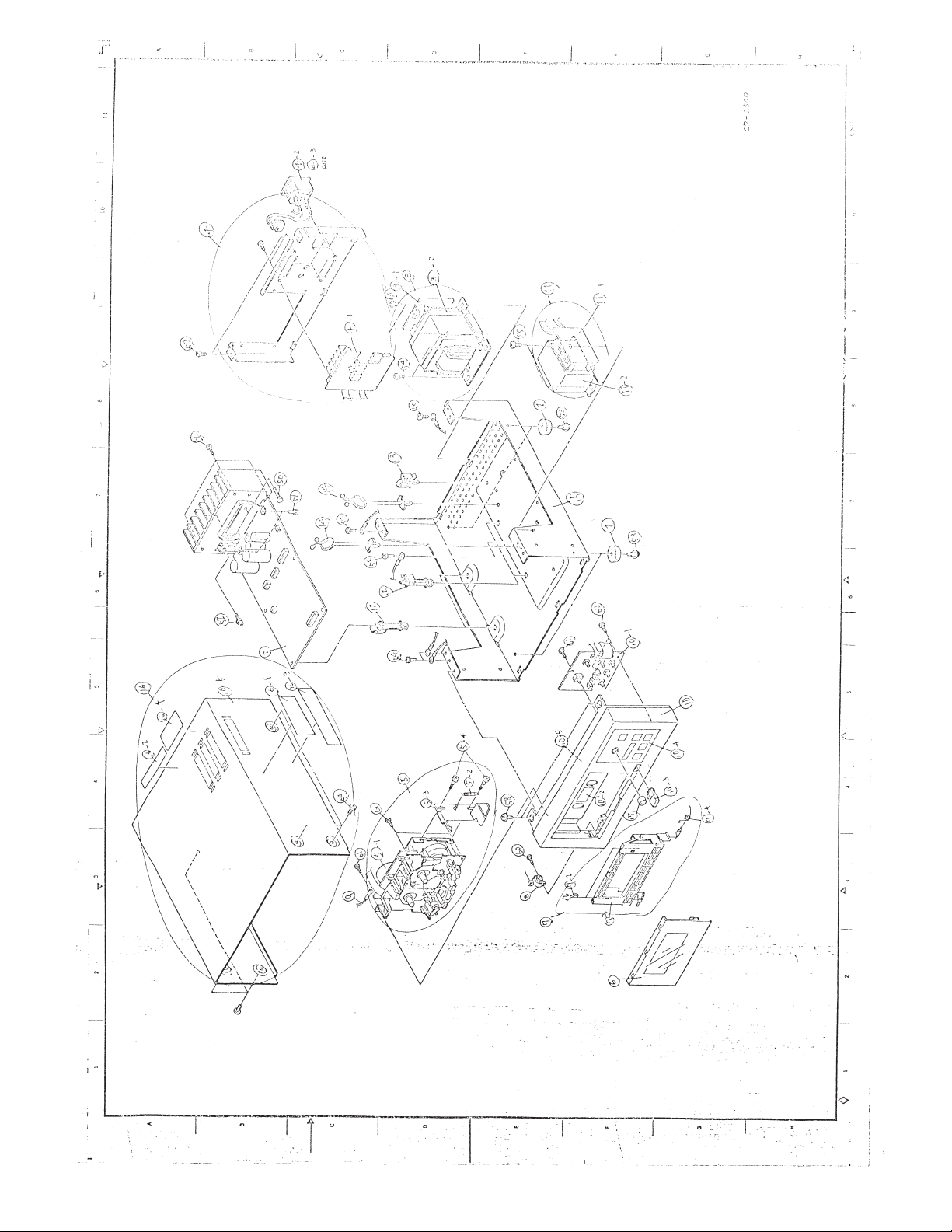
frequency counter function. Coarse adjustments may be made by ear with a music tape if no test tapes and
counter are available. The CP-2500 plays at 3/4 of the standard 1 7/8 ips cassette speed, so frequencies on the
test tapes must be multiplied by 0.75.
1. Connect deck line output or speaker output to multi-meter. Set multi-meter voltage to the appropriate range.
2. Insert azimuth test tape or music tape and press play.
3. Adjust the left azimuth screw under the head for the forward direction and the right azimuth screw for the
reverse direction.
4. Set the azimuth screws for a voltage peak or maximum high frequency music output.
5. Apply a drop of glue to each screw after adjusting.
6. Insert the speed test tape or music tape and press play.
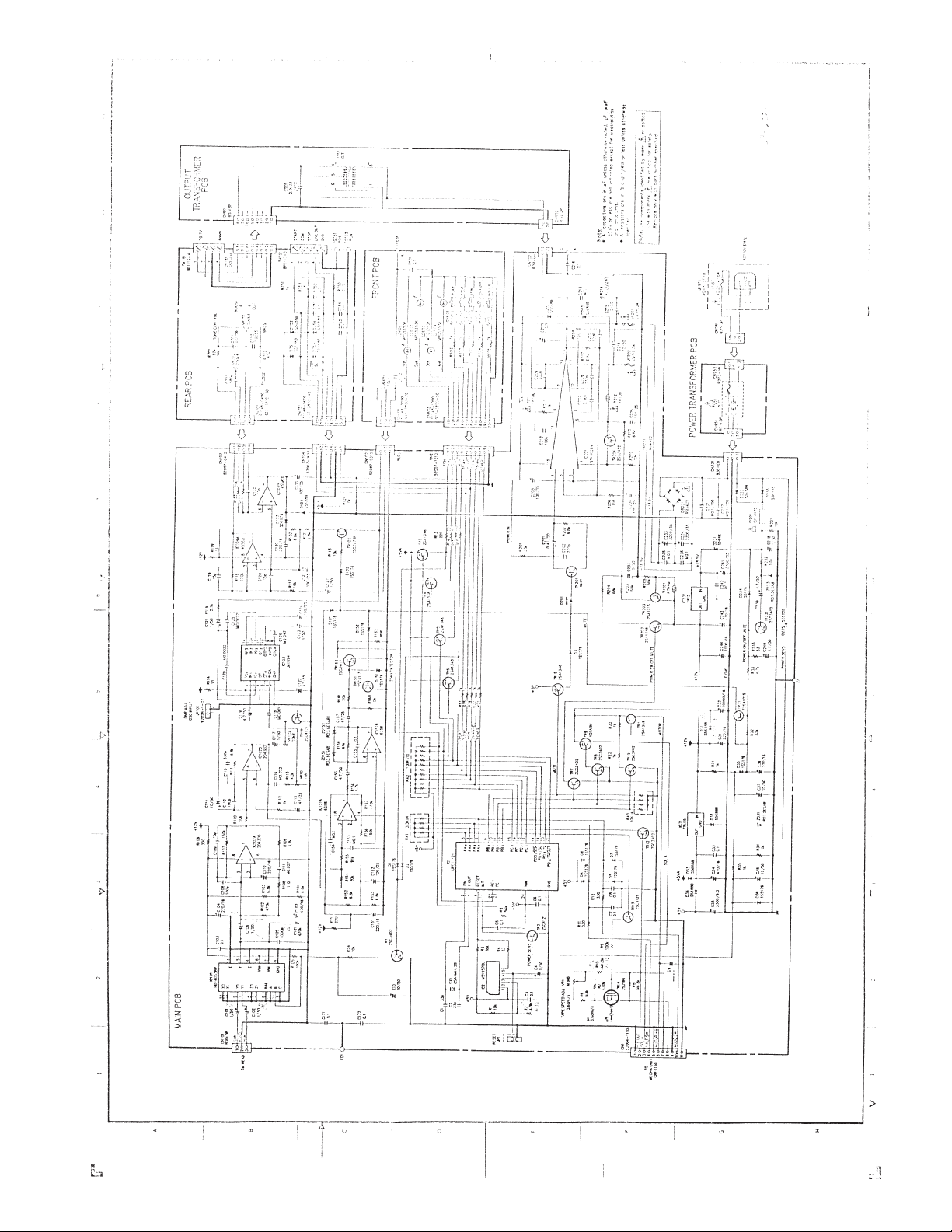
7. Set VR1 on the main PCB to 2250 Hz, +/- 10 Hz (.75 x 3 kHz). Set to 2363 Hz if using a 3150 Hz test tape.
8. Play deck for several minutes and check speed again.
* NOTE: Reasonably priced test tapes are available from your local factory authorized Sony service and parts
center or from the Sony Central Parts Department in Kansas City, MO. Tel: 800 282.2848 Call the Muzak
Technical Service Department at 800 331.3340 if you have difficulty ordering these tapes.
Sony # 7-819-016-11 (P-4-A100, 10 kHz tone for azimuth and EQ)
Sony #7-819-033-11 (WS48-B, 3 kHz tone for W/F and speed)