CONTENT
Directions.................................................................................. 2
Safety Precautions.................................................................5
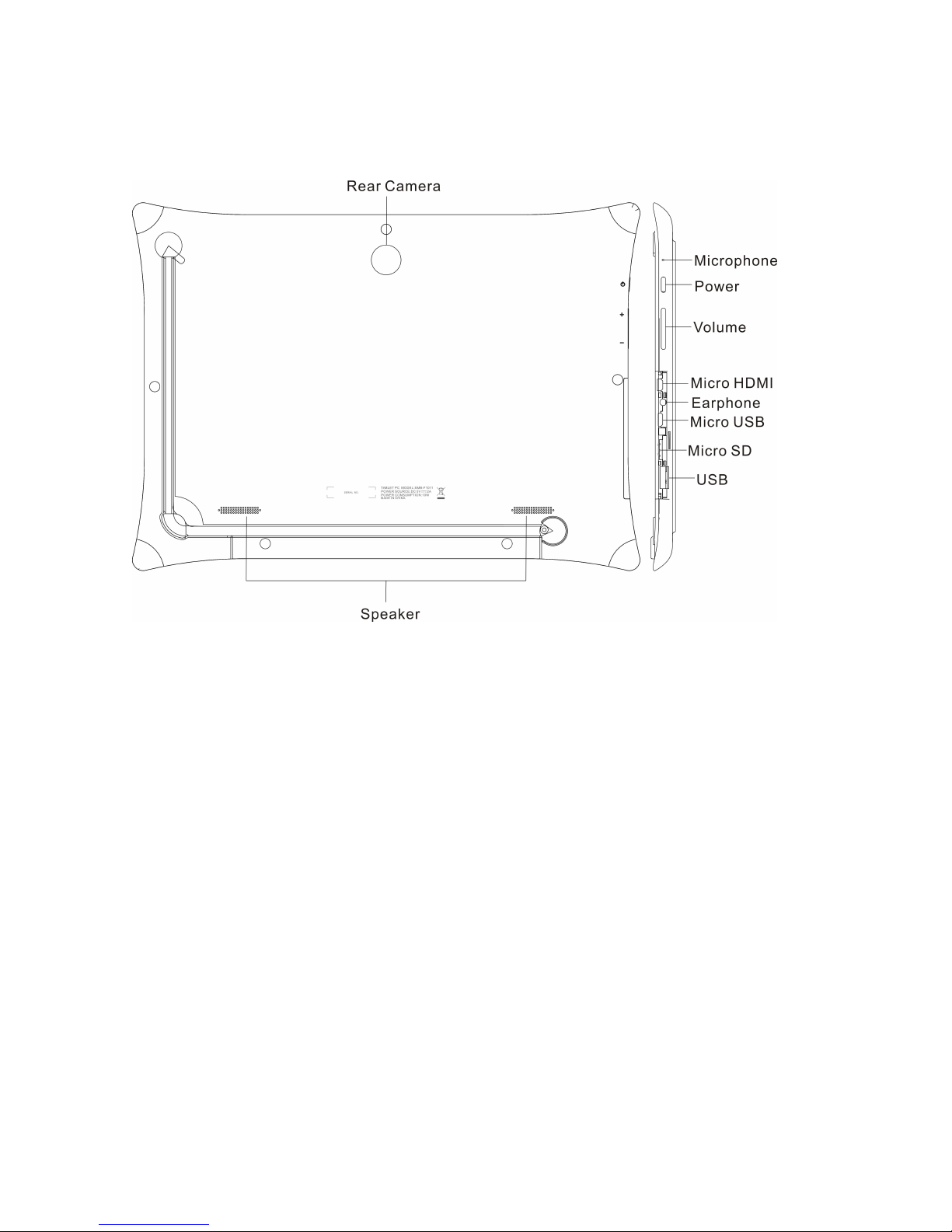
1 Know Your Tablet PC.........................................................8
2 Connect the Power Adapter..........................................10
3 Turn on the tablet PC...................................................... 11
4 Get to know your system...............................................12
4-1 Add screen shortcuts......................... 13
4-2 Delete screen shortcuts/widgets....... 14
4-3 On-screen Keyboard.......................... 14
5 System Settings................................................................ 15
5-1 WIRELESS &NETWORKING............15
5-2 DEVICE............................................... 18
5-3 PERSONAL.........................................19
5-4 SYSTEM..............................................20
6 Communication................................................................. 21