manuals.online logo
Brands
  1. Home
  2. •
  3. Brands
  4. •
  5. Nauticam
  6. •
  7. IP Camera
  8. •
  9. Nauticam NA-NEX5 User manual

Nauticam NA-NEX5 User manual

Popular IP Camera manuals by other brands

Challenger Smart Force ASFCAM2 quick start guide

Challenger

Challenger Smart Force ASFCAM2 quick start guide

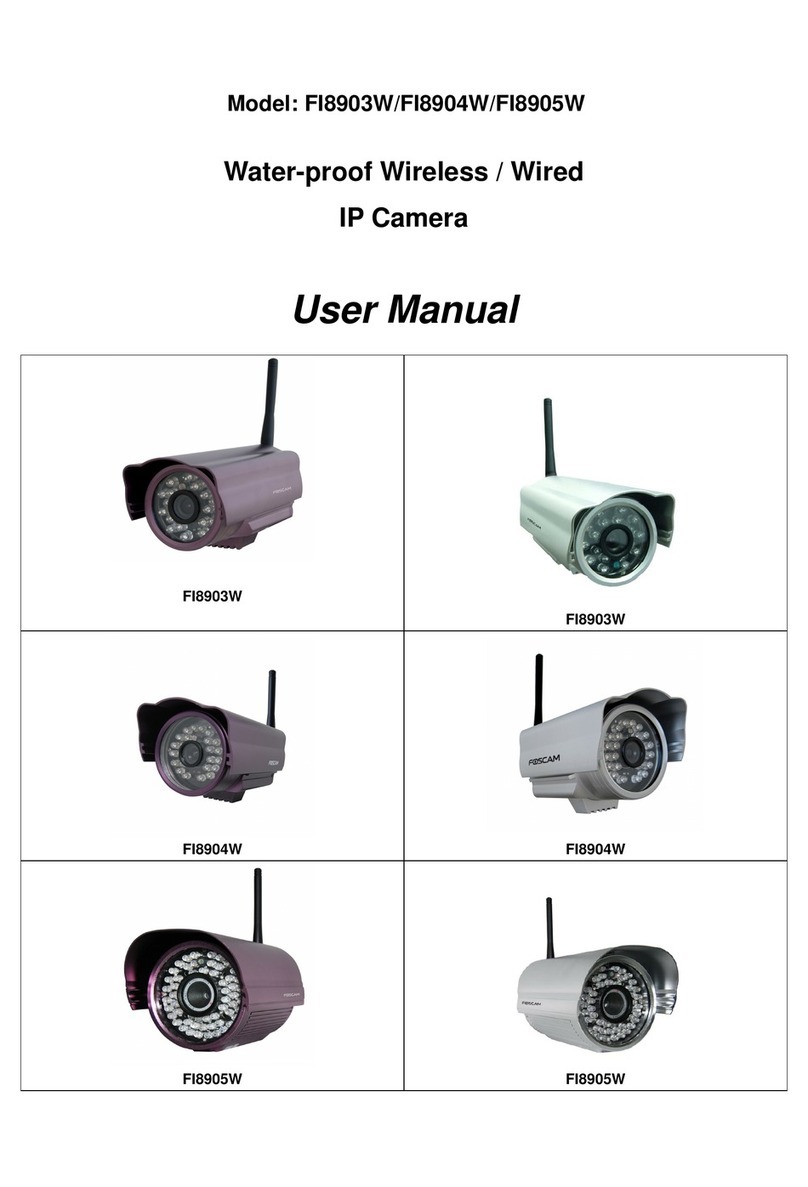
Foscam FI8903W user manual

Foscam

Foscam FI8903W user manual

BenQ DVY22 user manual

BenQ

BenQ DVY22 user manual

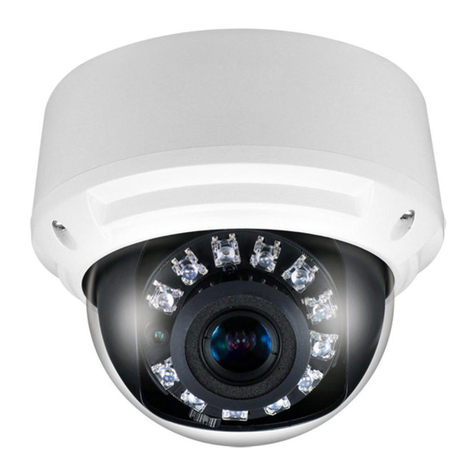
Avigilon H4A-BO1-IR installation guide

Avigilon

Avigilon H4A-BO1-IR installation guide

Digital Watchdog DWCA-C128-64 manual

Digital Watchdog

Digital Watchdog DWCA-C128-64 manual

Ganz ZN8 Series user manual

Ganz

Ganz ZN8 Series user manual

ShareTech AV1 user manual

ShareTech

ShareTech AV1 user manual

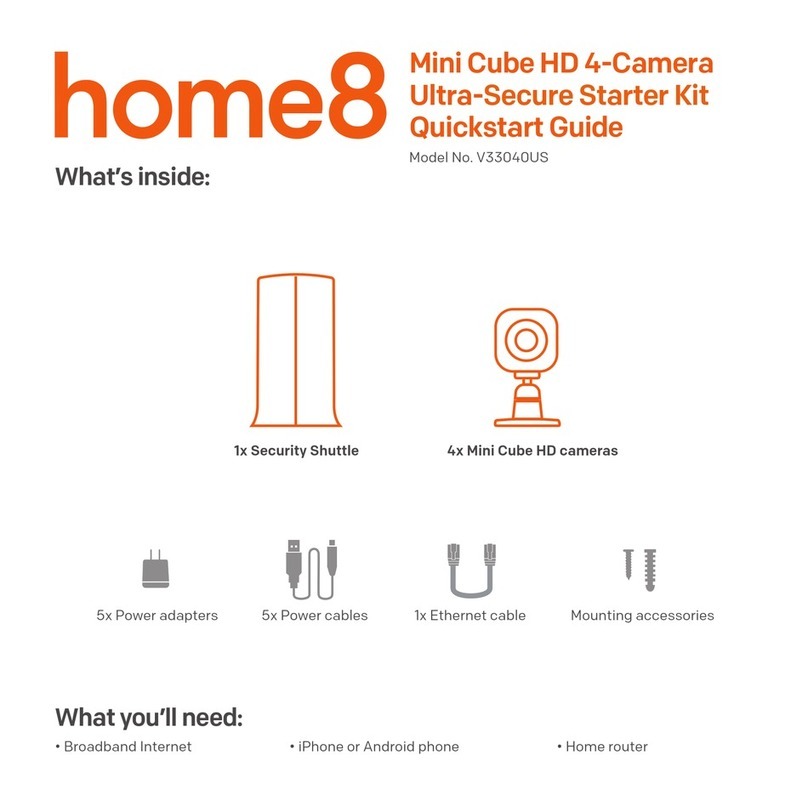
HOME8 V33040US quick start guide

HOME8

HOME8 V33040US quick start guide

Ezviz C6C quick start guide

Ezviz

Ezviz C6C quick start guide

Melchioni UCAM 2015 manual

Melchioni

Melchioni UCAM 2015 manual

Zxtech Tropox user manual

Zxtech

Zxtech Tropox user manual

Arecont Vision MegaBall AV3146DN-3310-D-LG installation manual

Arecont Vision

Arecont Vision MegaBall AV3146DN-3310-D-LG installation manual

Mitel 6800i Series Administrator's guide

Mitel

Mitel 6800i Series Administrator's guide

Vitek VTC-IR403-212NP quick start guide

Vitek

Vitek VTC-IR403-212NP quick start guide

THOMSON DSC - 323W user guide

THOMSON

THOMSON DSC - 323W user guide

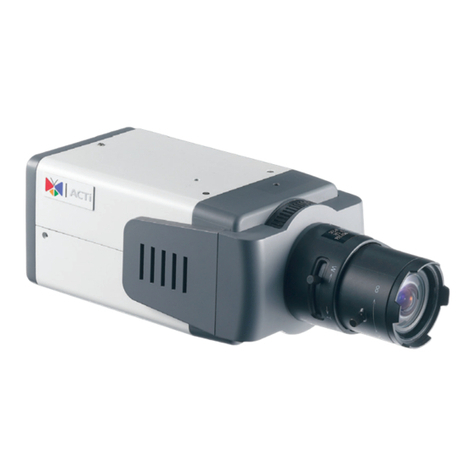
ACTi TCM-5311 Hardware user manual

ACTi

ACTi TCM-5311 Hardware user manual

Eneo MCB-64A0003M0A Quick installation guide

Eneo

Eneo MCB-64A0003M0A Quick installation guide

deView electronics CBDNI36F instruction manual

deView electronics

deView electronics CBDNI36F instruction manual

manuals.online logo
manuals.online logoBrands
  • About & Mission
  • Contact us
  • Privacy Policy
  • Terms and Conditions

Copyright 2025 Manuals.Online. All Rights Reserved.

0
1
Thank you for your purchase of a NAUTICAM camera housing.
At NAUTICAM, we pride ourselves on the ability to recognise the
requirements of professional as well as amateur underwater
photographers and fulfill them through the innovative designs of our
products. We strive to achieve a high level of user-friendliness by
allowing stress-free installation and easy operation of all important
functions of the camera.
Each housing is individually inspected and water pressure tested to
more than 75 metres (or 150 metres for housings with depth rating of
100 meters) to ensure optimum quality.
Please read this manual carefully before using the housing, this will
maximise its performance as well as its lifetime.
2
1. All NAUTICAM Products are warranted against any material and
manufacturing defects for one year from the date of purchase for
consumer use.
2. NAUTICAM accepts no liability for any damage to and defects in the
housing caused by improper use and/or poor maintenance; it is the
responsibility of the owner to carefully follow the instructions in
this manual.
3. NAUTICAM does not hold responsibility for damage, of any nature,
to any equipment used with and/or placed within the housing.
4. NAUTICAM accepts no liability for any loss of captured images or
the inability to capture images even if it is due to the
malfunctioning or leakage of the housing.
5. This warranty only applies to products purchased from authorised
NAUTICAM dealers and does not extend beyond the original retail
purchaser.
6. Unauthorised modifications and/or repairs of the housing will
automatically invalidate this warranty.
7. To return products for service, please contact our regional
distributor, normally you would need to notify them by email first
and ship them the product by registered mail, along with your
contact details and a brief description of the defect.
3
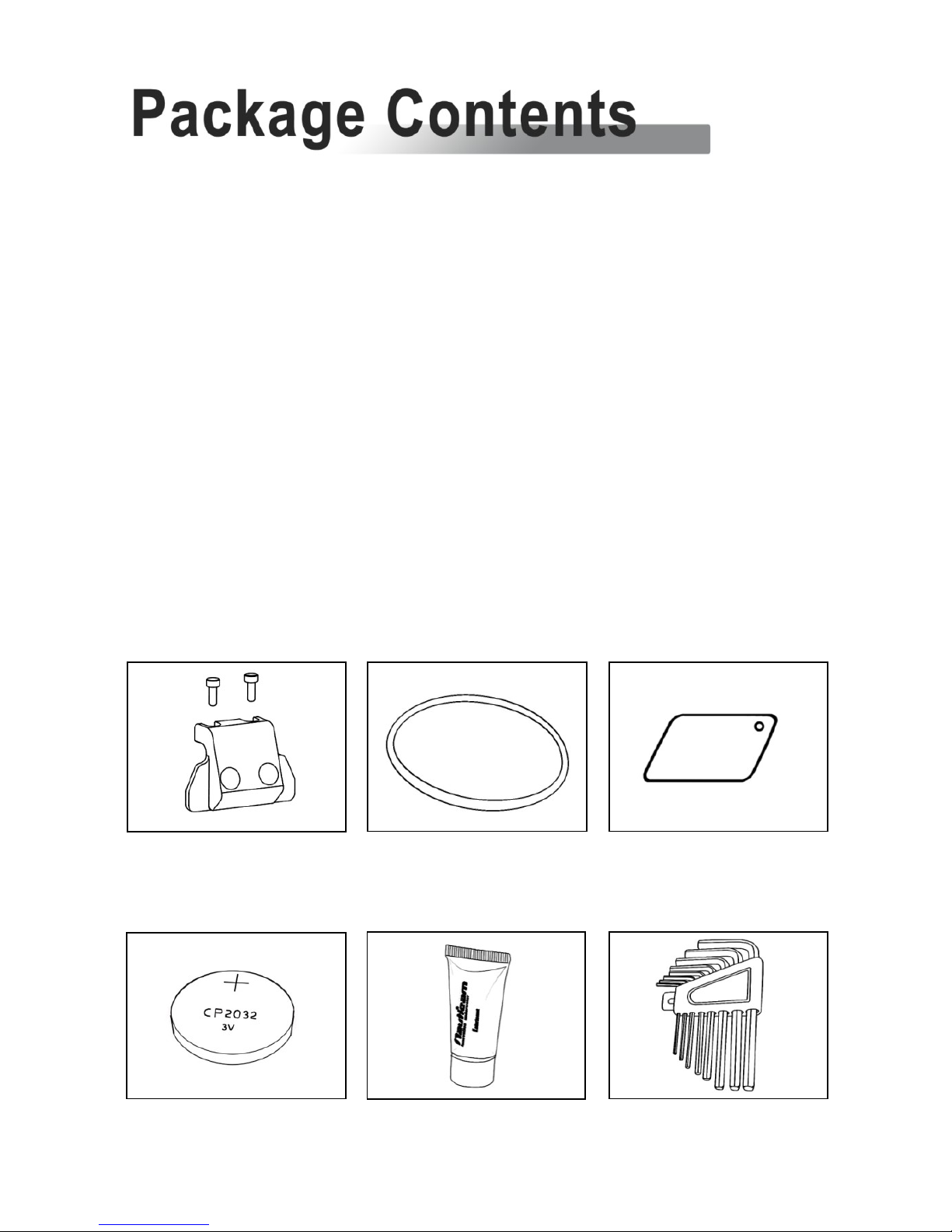
1. NA-NEX-5 housing
2. Optical fibre mount with screws
3. Instruction manual
4. Spare silicone rubber housing main o-ring
5. O-ring remover
6. CR2032 battery (for moisture alarm)
7. Lubricant
8. Set of Allen keys
Spare silicone rubber o-ring
Lubricant
Set of Allen keys
CR2032 battery
O-ring remover
Optical fibre mount
with screws
4
1. A water-tight test without the camera inside the housing is highly
recommended when using the system for the first time and after
the changing of port and O-ring(s).
2. Do not use lubricants from other brands with the silicone rubber O-
ring on this housing, only use the lubricant provided by NAUTICAM.
3. Discontinue use immediately should you notice any leakage.
4. Store the housing in a robust, shock-proof container during
transportation; avoid transporting with any equipment, such as a
camera, inside the housing.
5. When travelling by air, do not close the housing if the port is
installed, as this may lead to a pressure difference between the
atmosphere and inside the housing.
6. Care must be taken when opening the housing, as pressure may
build up inside the housing which increases the opening force.
7. Do not open the product in a wet or sandy environment. Protect
the interior from moisture and debris in order to prevent
malfunction or leakage.
8. Do not store the product in an environment of high humidity.
9. Do not leave the housing and the camera in direct sunlight for
prolonged periods.
10. Keep out of reach of children, failure to do so could result in injury.
11. Defective products should be shipped to our distributors for service,
unauthorized disassembling and/or modifications could result in
malfunction or leakage.

5
Specifications
6
Identification of Parts
7
Preparation of the Housing
10
Opening and Locking the Housing
12
Installing the Camera
13
Mounting the Port
15
Care and Maintenance
17
6
Construction
Housing body:
Aluminium alloy
Surface treatment:
Hard anodised
Display window:
Abrasion resistant polycarbonate
Dimensions
Width:
140 mm
Height:
118 mm
Depth:
68 mm
Weight
Approx. 0.78 kg (without camera)
Buoyancy
Slightly negative
Depth rating
100 metres
Features
Moisture alarm:
Blinking LED and audible alarm
TTL capability:
Optical fibre mount included for
external strobes connection,
utilising the camera’s pop-up flash
as trigger.
Port mount:
Patented easy port installation
system.
Rocker switch:
Enable easy access Playback and
Movie functions.
Flash up/off lever:
Allows the camera’s built-in flash
to be disabled underwater.
7
1
M10 strobe mounting base
6
Port alignment index
2
On/Off switch
7
Housing lock safety button
3
Shutter release key
8
Housing lock
4
Lens release button
9
Focus light mount
5
Zoom/focus knob
10
Internal flash window
1
2
3
4
5
6
7
8
9
10
8
11
Port lock/release safety
button
18
Up selection button
12
Port lock/release latch
19
Left selection button
13
Flash up/off lever
20
Soft key C button
14
LCD monitor window
21
Right selection button
15
Playback rocker switch
22
Down selection button
16
Movie rocker switch
23
Soft key B button
17
Soft key A button
24
Control wheel
11
12
13
14
15
16
17
18
19
20
21
22
23
24
9
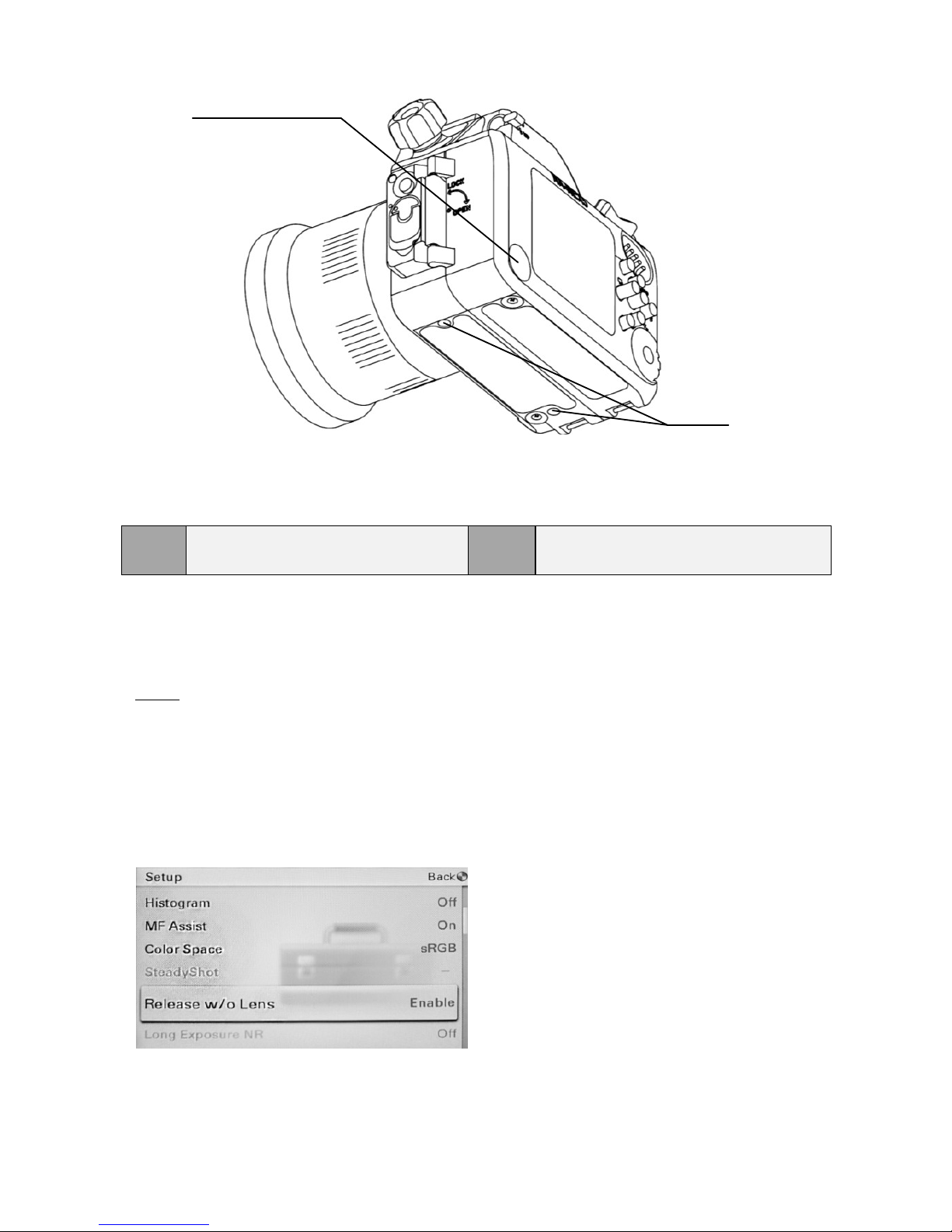
Tips :
When using Nikonos lenses, the Release w/o Lens function of the
NEX-5 camera must be enabled:
Go to Menu, Select Setup, scroll to Release w/o Lens, then select Enable.
25
Moisture alarm window
26
1/4”–20UNC tripod socket x 2
25
26