manuals.online logo
Brands
  1. Home
  2. •
  3. Brands
  4. •
  5. NEC
  6. •
  7. Speakers
  8. •
  9. NEC NLT-40WT User manual

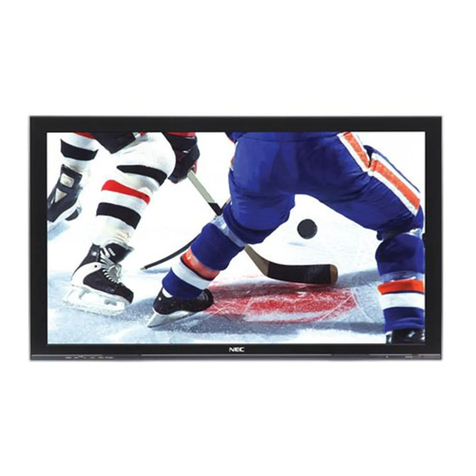
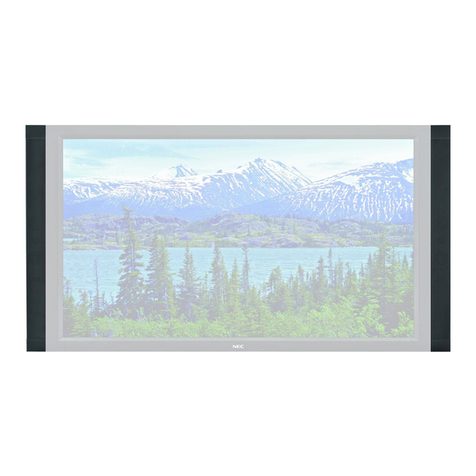
NEC NLT-40WT User manual

Other NEC Speakers manuals

NEC DTS - 42 User manual

NEC

NEC DTS - 42 User manual

NEC LCD5710-2-AV - MultiSync - 57" LCD Flat Panel... User manual

NEC

NEC LCD5710-2-AV - MultiSync - 57" LCD Flat Panel... User manual

NEC LCD3215 - MultiSync - 32" LCD Flat Panel... User manual

NEC

NEC LCD3215 - MultiSync - 32" LCD Flat Panel... User manual

NEC P42XC10 - PlasmaSync - 42" Plasma Panel User manual

NEC

NEC P42XC10 - PlasmaSync - 42" Plasma Panel User manual

NEC LCD6520L-BK-AV - MultiSync - 65" LCD Flat Panel... User manual

NEC

NEC LCD6520L-BK-AV - MultiSync - 65" LCD Flat Panel... User manual

NEC P60XC10 User manual

NEC

NEC P60XC10 User manual

NEC PX SP2U - Left / Right CH Speakers User manual

NEC

NEC PX SP2U - Left / Right CH Speakers User manual

NEC P50XC10 User manual

NEC

NEC P50XC10 User manual

NEC P461-AVT - MultiSync - 46" LCD TV User manual

NEC

NEC P461-AVT - MultiSync - 46" LCD TV User manual

NEC LCD4020-2-IT - MultiSync - 40" LCD Flat Panel... User manual

NEC

NEC LCD4020-2-IT - MultiSync - 40" LCD Flat Panel... User manual

NEC SP-RM3 User manual

NEC

NEC SP-RM3 User manual

NEC PlasmaSync P42XP10-BK User manual

NEC

NEC PlasmaSync P42XP10-BK User manual
NEC V321-2 User manual

NEC

NEC V321-2 User manual

NEC PX-42XM4A User manual

NEC

NEC PX-42XM4A User manual

NEC SP-RM2 User manual

NEC

NEC SP-RM2 User manual

NEC SP-3040 User manual

NEC

NEC SP-3040 User manual

NEC SP-RM3 User manual

NEC

NEC SP-RM3 User manual

NEC SP-4046PV User manual

NEC

NEC SP-4046PV User manual

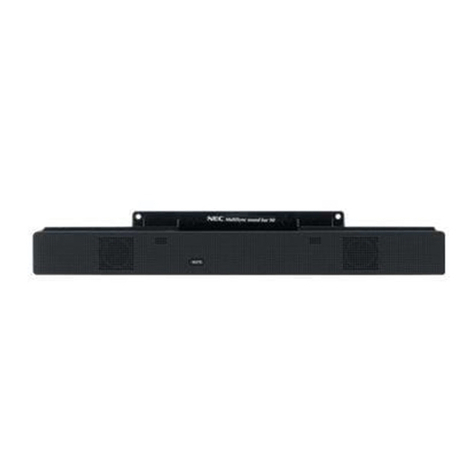
NEC MultiSync Soundbar 90 User manual

NEC

NEC MultiSync Soundbar 90 User manual
NEC S401 User manual

NEC

NEC S401 User manual

NEC PX-SP4UB User manual

NEC

NEC PX-SP4UB User manual

NEC SP-V65SM User manual

NEC

NEC SP-V65SM User manual

NEC MultiSync P521 User manual

NEC

NEC MultiSync P521 User manual
Popular Speakers manuals by other brands

Electro-Voice LR4S engineering data

Electro-Voice

Electro-Voice LR4S engineering data

Definitive Technology Sound Cylinder user guide

Definitive Technology

Definitive Technology Sound Cylinder user guide

AudioSource LS545 user manual

AudioSource

AudioSource LS545 user manual

Paso C402-T Instructions for use

Paso

Paso C402-T Instructions for use

Altec Lansing 416-8C LF SPEAKER manual

Altec Lansing

Altec Lansing 416-8C LF SPEAKER manual

Kenwood KFC-1072 Servise manual

Kenwood

Kenwood KFC-1072 Servise manual

Peavey ProSys 112 user guide

Peavey

Peavey ProSys 112 user guide

JBL Control Contractor 60 Series installation instructions

JBL

JBL Control Contractor 60 Series installation instructions

Aura STORM-8 owner's manual

Aura

Aura STORM-8 owner's manual

Oontz ANGLE 3 PLUS quick start guide

Oontz

Oontz ANGLE 3 PLUS quick start guide

Electro-Voice LR4A engineering data

Electro-Voice

Electro-Voice LR4A engineering data

Rave RK-650-ICA-B owner's manual

Rave

Rave RK-650-ICA-B owner's manual

Flux Reference Series installation manual

Flux

Flux Reference Series installation manual

Lanzar AQAWBS64BK installation manual

Lanzar

Lanzar AQAWBS64BK installation manual

DAPAudio DCS-6230 manual

DAPAudio

DAPAudio DCS-6230 manual

Aluratek ABS03F quick start guide

Aluratek

Aluratek ABS03F quick start guide

Kenwood KES-5A instruction manual

Kenwood

Kenwood KES-5A instruction manual

Sonance ORIGINAL SERIES instruction manual

Sonance

Sonance ORIGINAL SERIES instruction manual

manuals.online logo
manuals.online logoBrands
  • About & Mission
  • Contact us
  • Privacy Policy
  • Terms and Conditions

Copyright 2025 Manuals.Online. All Rights Reserved.

11
1
INSTRUCTION MANUAL
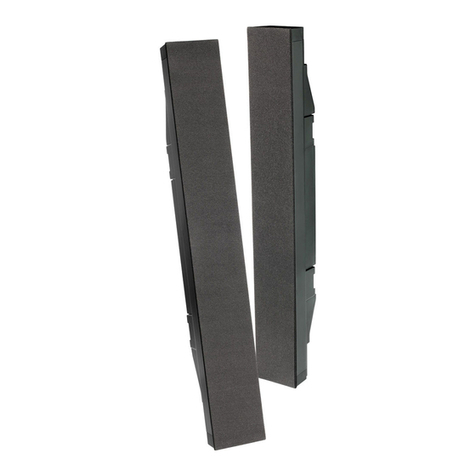
LCD TV DISPLAY SPEAKERS
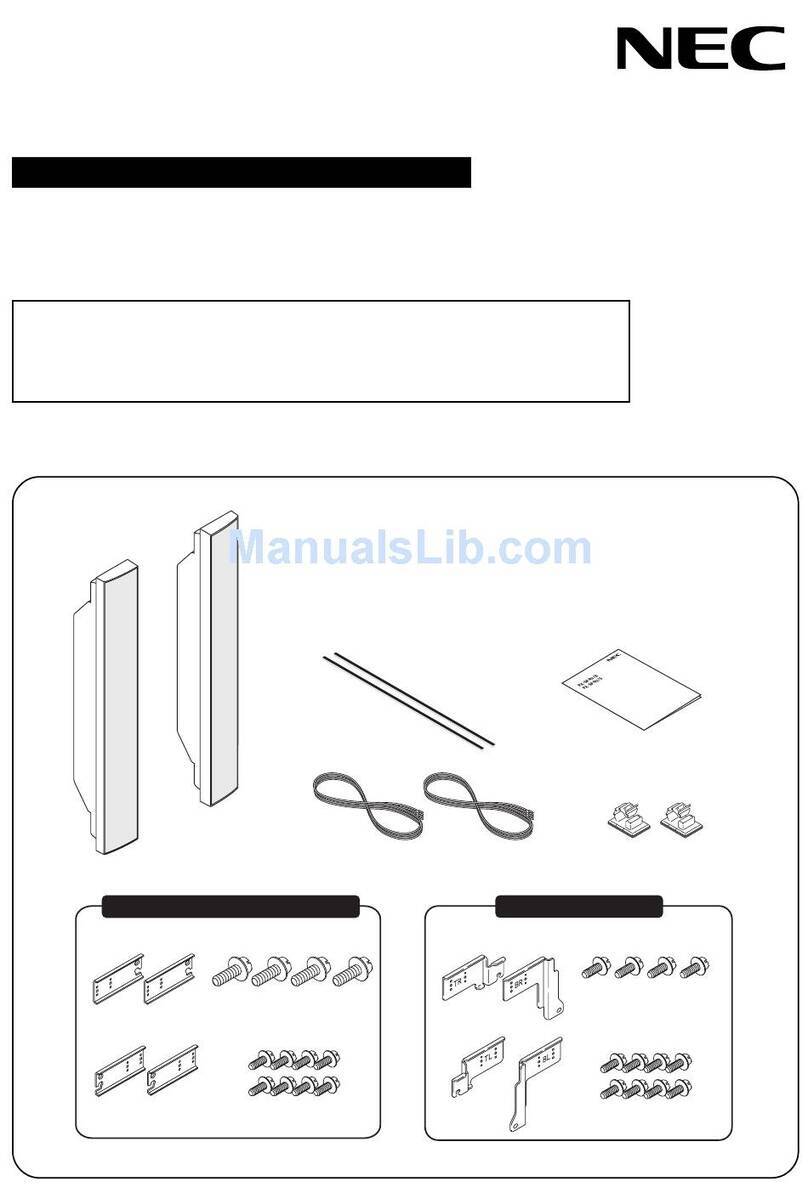
NLT-40WT SPEAKERS
Thank you for purchasing NEC LCD TV display speakers. This speakers are specifically
designed for use with NEC LCD TV (NLT-40WT). To ensure the safe operation of the
unit, please read these instructions before installing.
22
2
IMPORTANT SAFETY INSTRUCTIONS
PLEASE FOLLOW THESE INSTRUCTIONS FOR YOUR SAFETY
PLEASE KEEP THESE INSTRUCTIONS FOR YOUR SAFETY AND TO PREVENT ANY DAMAGE TO THIS UNIT
WARNING
Disregarding these instructions can result in serious injury
CAUTION
Disregarding these instructions will result in the mistreatment of the unit and
can result in in
j
ur
y
or dama
g
e to the unit
Do not use any parts other than those
enclosed.
Do not leave out any part when assembling
Please install all parts as indicated.
(Falling to do so may cause the unit to vibrate and to fall)
(Falling to do so may cause the unit to fall and break) (Falling to do so can damage the speaker circuits
resultin
g
in fire
)
Do not alter or modify any parts Do not use the speakers with other products.
These speakers are specifically manufacture
to be used with the LCD display to enhance
your listening pleasure.
Do not allow a child to cling from or climb
unto the speakers Do not place the speakers on sloped or
unstable surfaces.
(It can cause electric shock or injury to the child) (Doing so may cause the speakers to fall off or tip
over causing injury and damage.)
(Doing so may cause the unit to fall and break)
WARNING
CAUTION
33
3
*PLEASE FOLLOW THESE SAFETY PRECAUTIONS WHEN INSTALLING OR HANDLING
Please be careful not to stain the speakers with
any gas or oil. When assembling, be sure to use the enclosed
parts and make sure all parts are tightly
screwed as instructed.
Please be careful not to stain the speakers with
any gas or oil.
Do not place the speakers in a humid or dusty
place Do not place the speakers near heating units.
(Falling to do so will cause the speakers to
vibrate and unable to produce clear sound.
)
(Falling to do so will damage the speakers) (Falling to do so may alter the units)
(Falling to do so may cause discoloration or
dama
g
e to s
p
eakers
)
(If not connected correctly, it may result in distorted
sound
)
Do not place speaker near a humidifier, or
cooking pots where speakers will be exposed
to steam or smoke.
Please be sure to connect(+) inputs and (-)
inputs correctly when connecting speakers to
LCD display.
(Doing so will change the outer appearance)
44
4
ASSEMBLY INSTRUCTIONS
■Connecting TV and Speaker
1. Fix the bracket onto the guide pole located on the rear of TV and Speaker.
2. Clamp the speaker and the TV together fasten the screws.
3. Connecting the speaker audio cable to the external speaker output jack on the TV.
4. Fix the speaker audio cable on the quick clamp* located on the rear of TV
※Quick clamp* : Attach the offered quick clamp on each position
speaker joint bracket
External speaker
output jack
Speaker
input jack
Quick clamp