10
5. Install the wall plate
Use a 2 mm drill bit to drill pilot holes for
the screws.
If the wall is made of a hard material, such as
brick or polished plaster, you may need to use
the wall anchors included to hold the screws.
Use a 6 mm bit for the anchors.
Spread caulk around the edge of the wall plate
before installing to seal it. Leave a small open
space at the bottom for water to drain out.
• If you’re installing the camera directly over
the cable hole (see illustration), mount the
wall plate over the hole and route the cable
through the centre hole.
• If you’re running the cable along the wall
before it goes inside, mount the wall plate
wherever you want it and route the cable
through the notch in the wall plate.
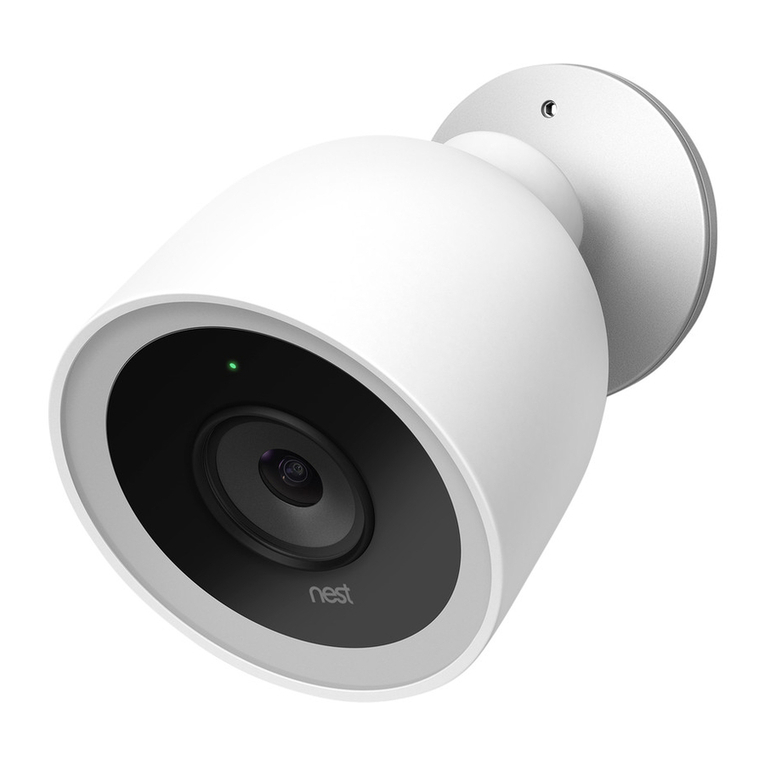
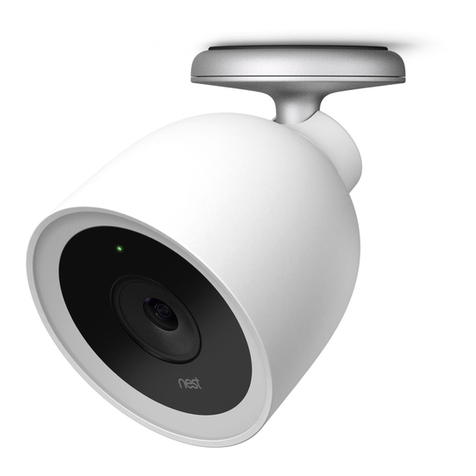
6. Attach the camera
• Plug the end of the power cable that has the
grey rubber ring into the base of your camera.
It will click into place.
• Then push the camera base into the wall
plate until it clicks into place.
• Your Nest Cam will turn on and reconnect
to Wi-Fi.
• Check your camera’s video feed with the
Nest app and adjust the camera angle
if required.
Mount your camera.