2019 | Condential and Proprietary | Do not distribute
6.
Any pairing issues should be
addressed by following the
instructions on the Nest app and
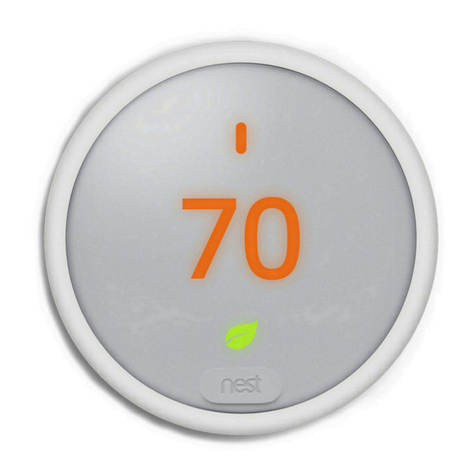
Nest Thermostat E display. If there
is an existing setup on the
Thermostat E, the Nest app will
guide to do a factory reset. On the
display double press it, and
aerwards long press until the
spinning circle shows up - only do
this when the app tells you to.
Factory reset the Heat Link E when
needed by pressing the buon once
to turn on the status light, and
aerwards long press the buon
until the solid yellow/amber light
shows up.
Installation step-by-step
7.
If there is an assisting device that
the Nest Thermostat E is trying to
connect to during pairing, make
sure that the assisting device is
awake and within range (example:
if Nest Protect, press its buon, if
Heat Link E, press it's buon, if Nest
Cam IQ, bring it closer etc). If
pairing fails, resta the assisting
device, and the new device that you
are trying to add.
8.
Heat Link E location is crucial. The
thermostat will test the connection.
Here are some of the things that
can hu (metal stu near it, big
metal or large amounts of
concrete/brick or distance between
the thermostat and Heat Link E)
Position the Heat Link E at least 30
cm away from boiler.
9.
Avoid any other sources of
inteerence in the vicinity of the
Nest devices: wireless inteerence:
microwave, wireless keyboard /
mouse, wireless speakers, baby
monitors, game console controller,
sma watch etc.
10.
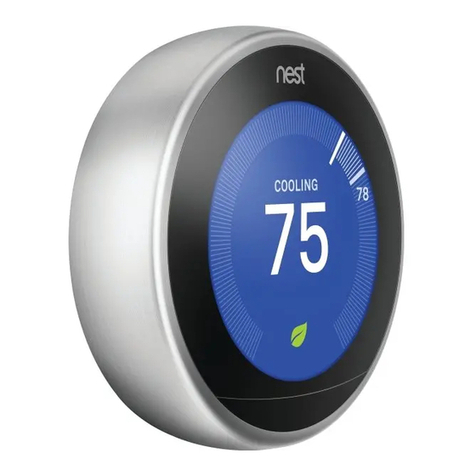
Nest Thermostat E and the Heat Link E can only communicate wirelessly, so you
need to consider the distance between the two devices and possible sources of
inteerence, as described above.