manuals.online logo
Brands
  1. Home
  2. •
  3. Brands
  4. •
  5. Novation
  6. •
  7. Electronic Keyboard
  8. •
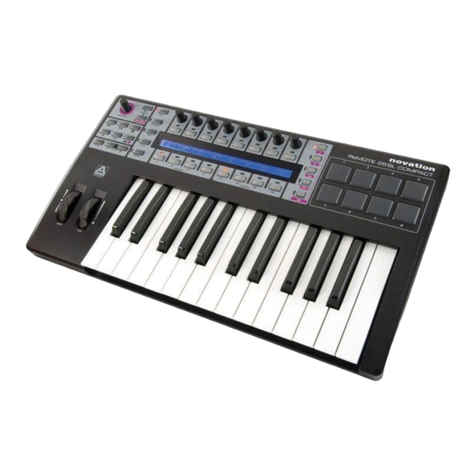
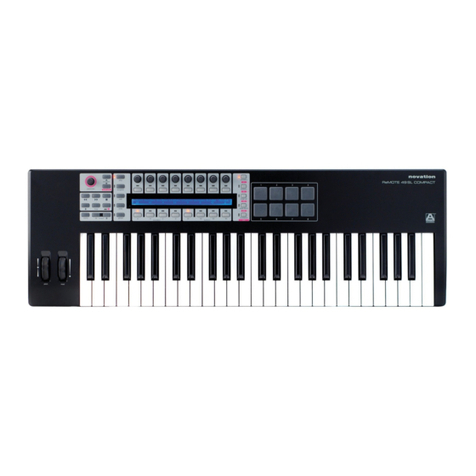
  9. Novation ReMOTE SL User manual

Novation ReMOTE SL User manual

Other manuals for ReMOTE SL

1

This manual suits for next models

4

Other Novation Electronic Keyboard manuals

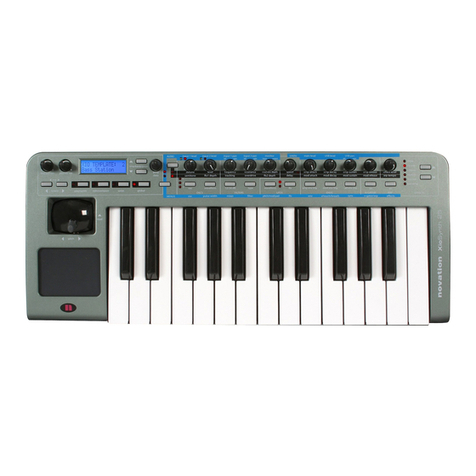
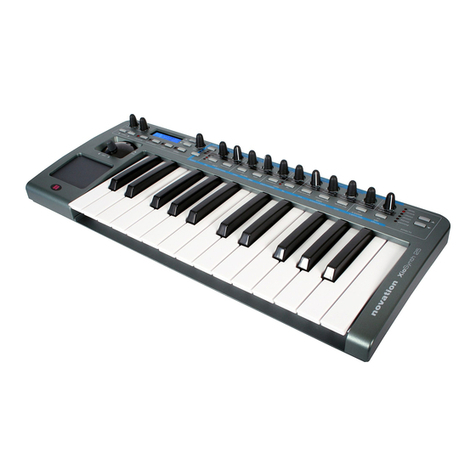
Novation Xio User manual

Novation

Novation Xio User manual

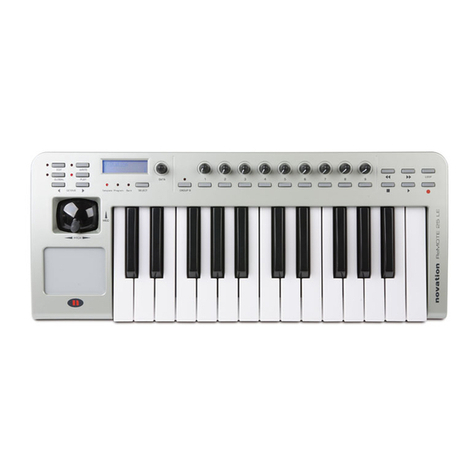
Novation ReMOTE LE Manual

Novation

Novation ReMOTE LE Manual

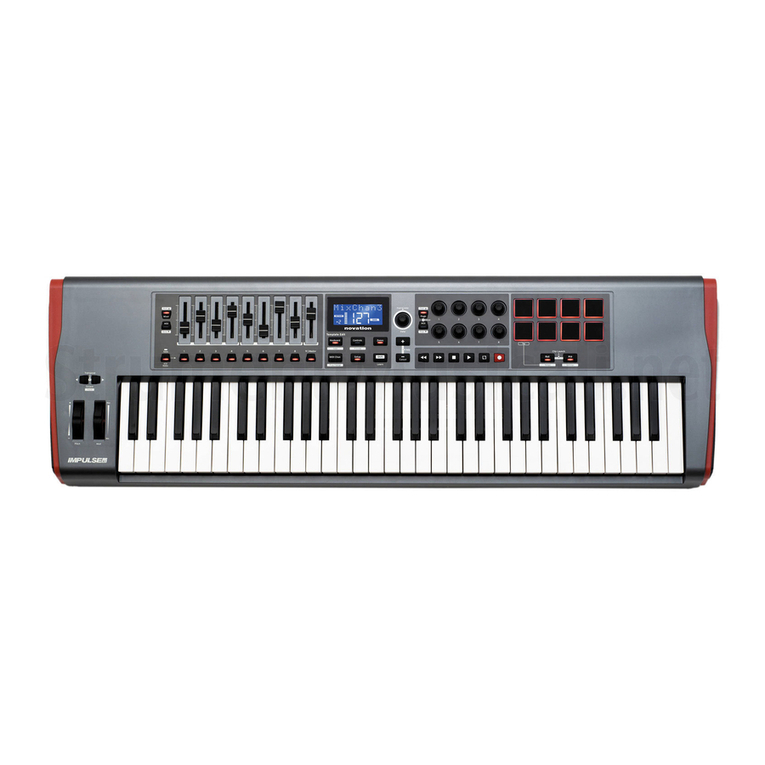
Novation Impulse 49 User manual

Novation

Novation Impulse 49 User manual

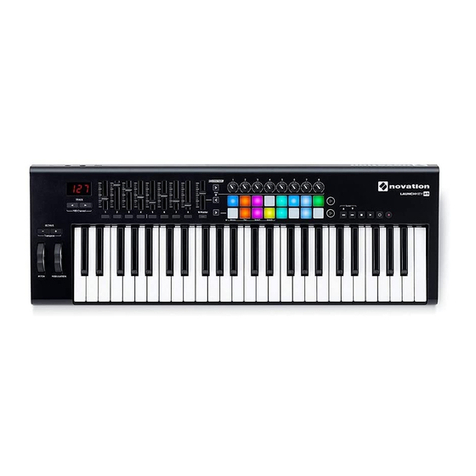
Novation Launchkey Series User manual

Novation

Novation Launchkey Series User manual

Novation ReMOTE LE User manual

Novation

Novation ReMOTE LE User manual

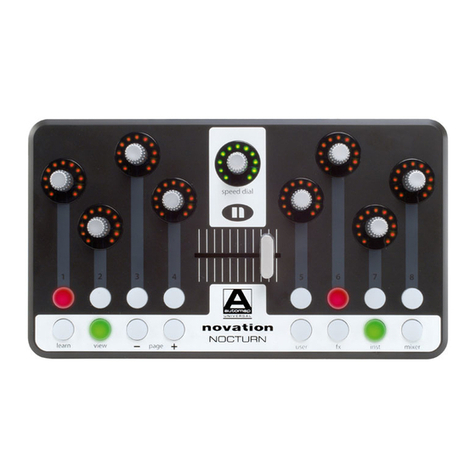
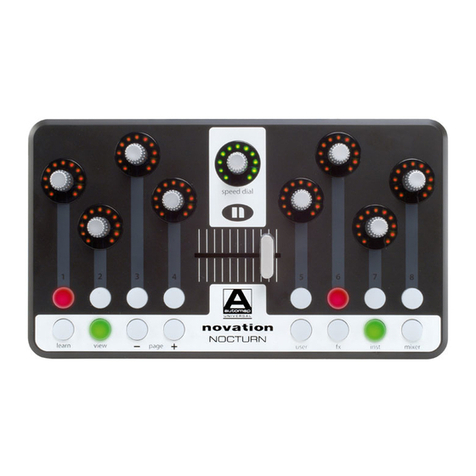
Novation Nocturn User manual

Novation

Novation Nocturn User manual

Novation Launchkey 49 User manual

Novation

Novation Launchkey 49 User manual

Novation Launchkey 49 User manual

Novation

Novation Launchkey 49 User manual

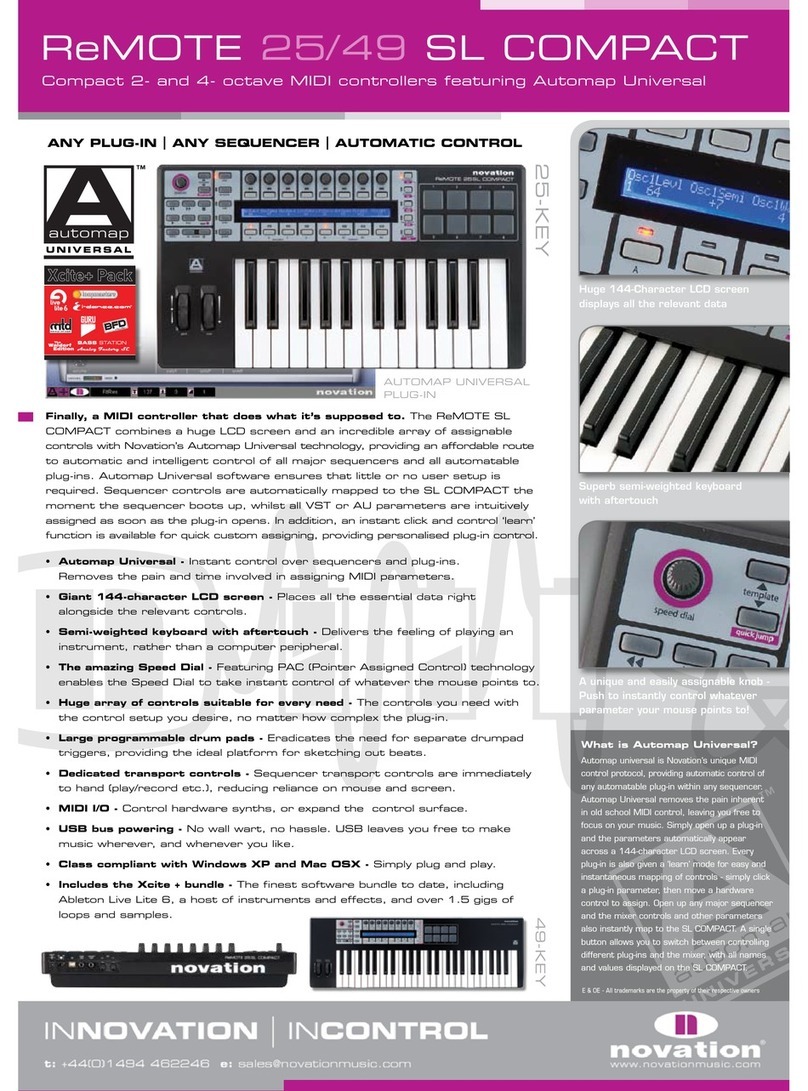
Novation ReMOTE SL COMPACT User manual

Novation

Novation ReMOTE SL COMPACT User manual

Novation SL MkIII User manual

Novation

Novation SL MkIII User manual

Novation Launchkey User manual

Novation

Novation Launchkey User manual

Novation Nocturn User manual

Novation

Novation Nocturn User manual

Novation ReMOTE SL COMPACT User manual

Novation

Novation ReMOTE SL COMPACT User manual

Novation X-Station User manual

Novation

Novation X-Station User manual

Novation ReMOTE SL User manual

Novation

Novation ReMOTE SL User manual

Novation X-Station Manual

Novation

Novation X-Station Manual

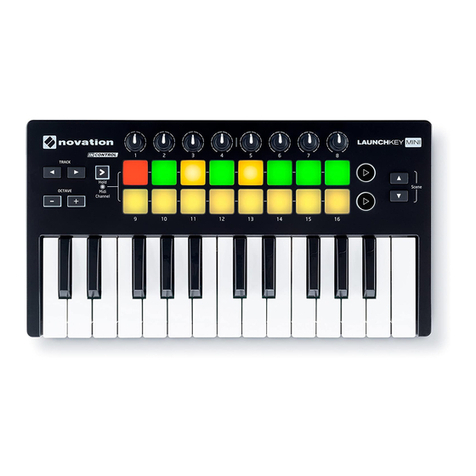
Novation Launchkey Mini User manual

Novation

Novation Launchkey Mini User manual

Novation SL MkII User manual

Novation

Novation SL MkII User manual

Novation Launchkey Mini User manual

Novation

Novation Launchkey Mini User manual

Novation Impulse User manual

Novation

Novation Impulse User manual

Novation ReMOTE SL COMPACT User manual

Novation

Novation ReMOTE SL COMPACT User manual

Novation FLkey Mini User manual

Novation

Novation FLkey Mini User manual

Novation Xio User manual

Novation

Novation Xio User manual

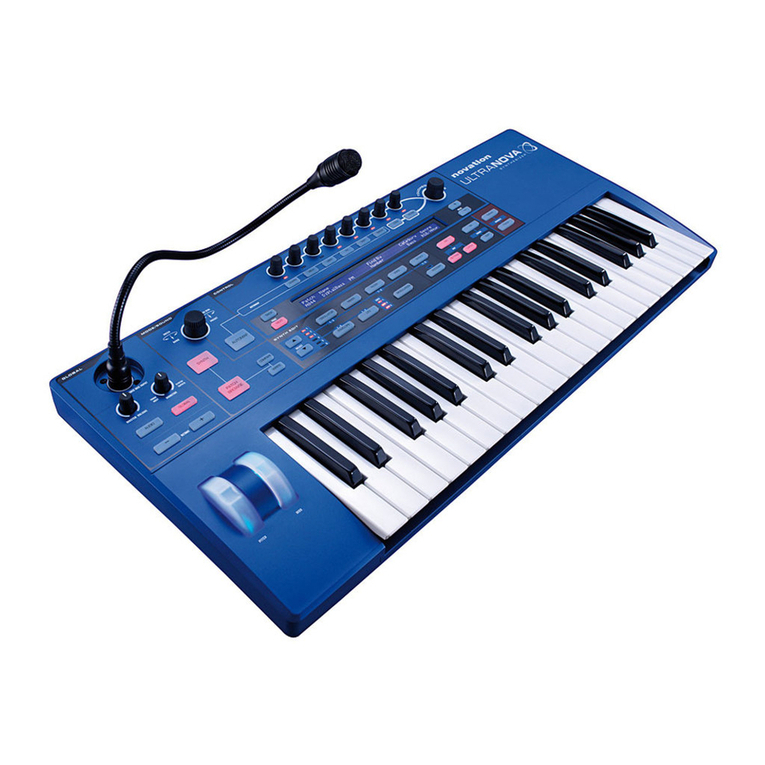
Novation XioSynth User manual

Novation

Novation XioSynth User manual

Popular Electronic Keyboard manuals by other brands

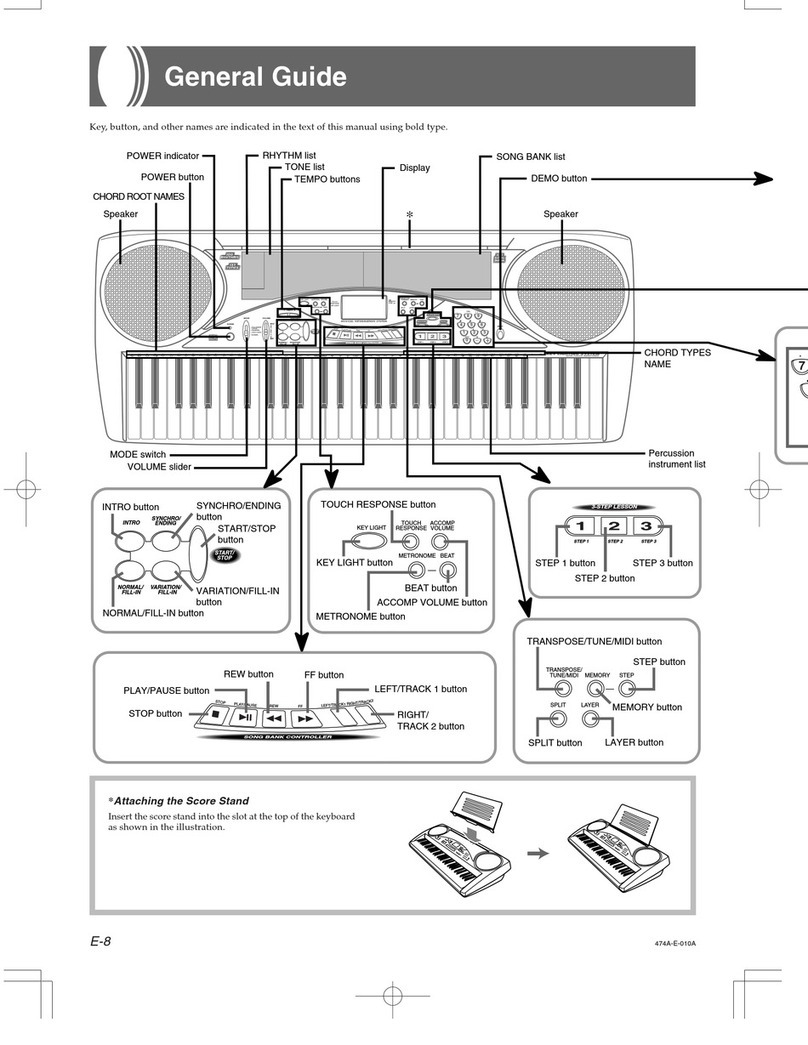
Casio LK-50 General guide

Casio

Casio LK-50 General guide

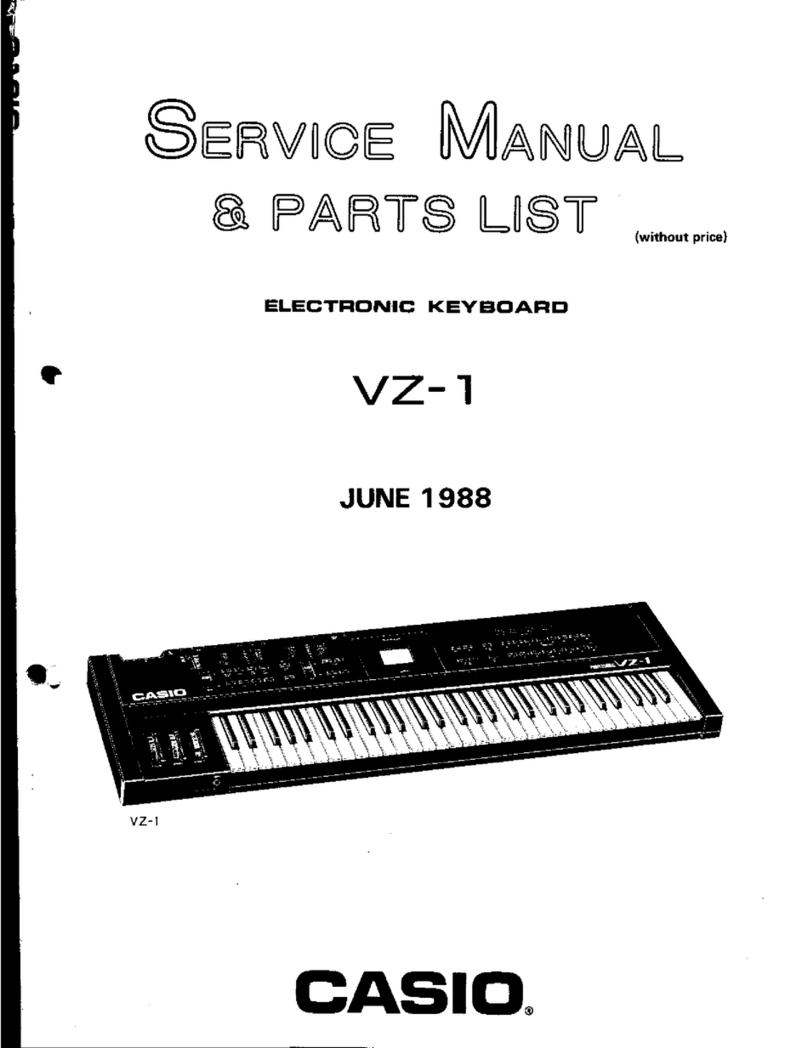
Casio VZ-1 Service manual and parts list

Casio

Casio VZ-1 Service manual and parts list

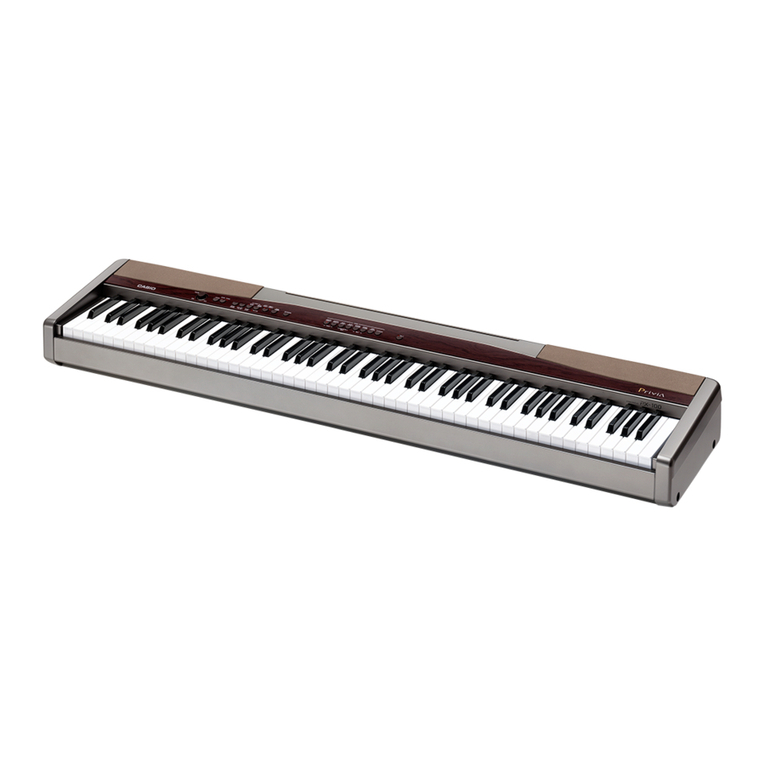
Casio Privia PX-100 user guide

Casio

Casio Privia PX-100 user guide

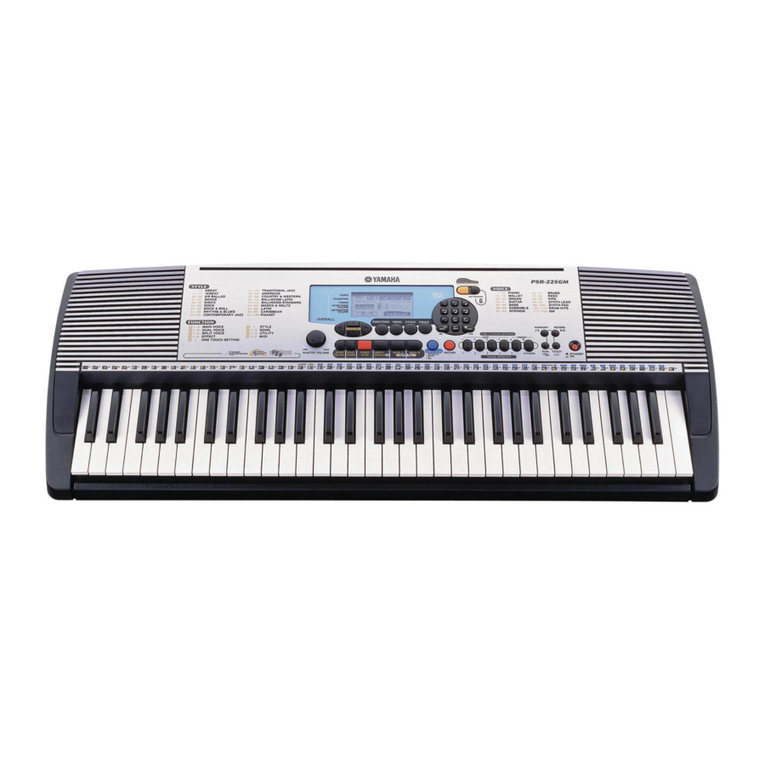
Yamaha PortaTone PSR-225GM owner's guide

Yamaha

Yamaha PortaTone PSR-225GM owner's guide

Yamaha Portatone X2500 owner's guide

Yamaha

Yamaha Portatone X2500 owner's guide

Yamaha Portatone PSR-100 owner's guide

Yamaha

Yamaha Portatone PSR-100 owner's guide

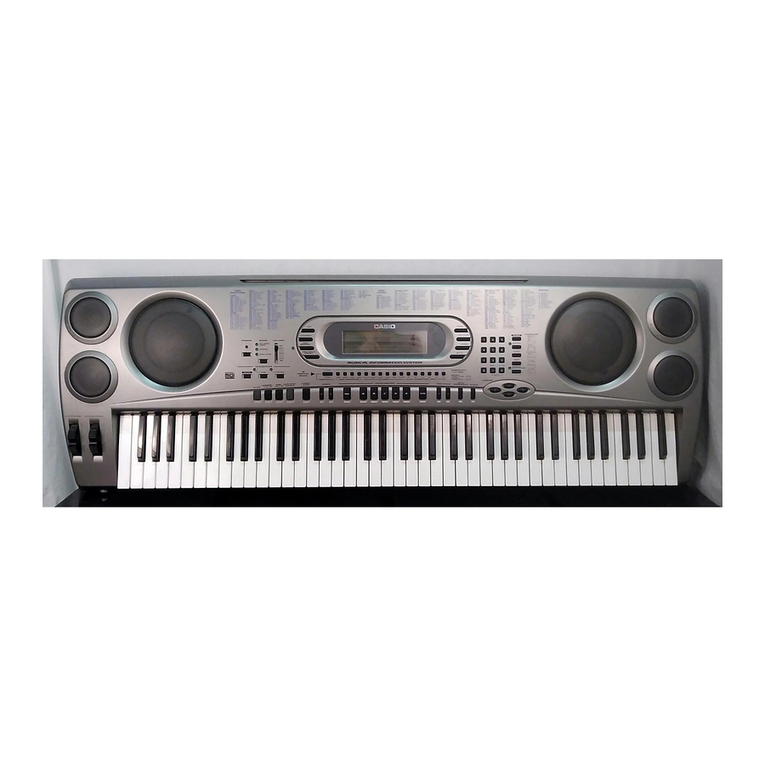
Casio WK-1600 user guide

Casio

Casio WK-1600 user guide

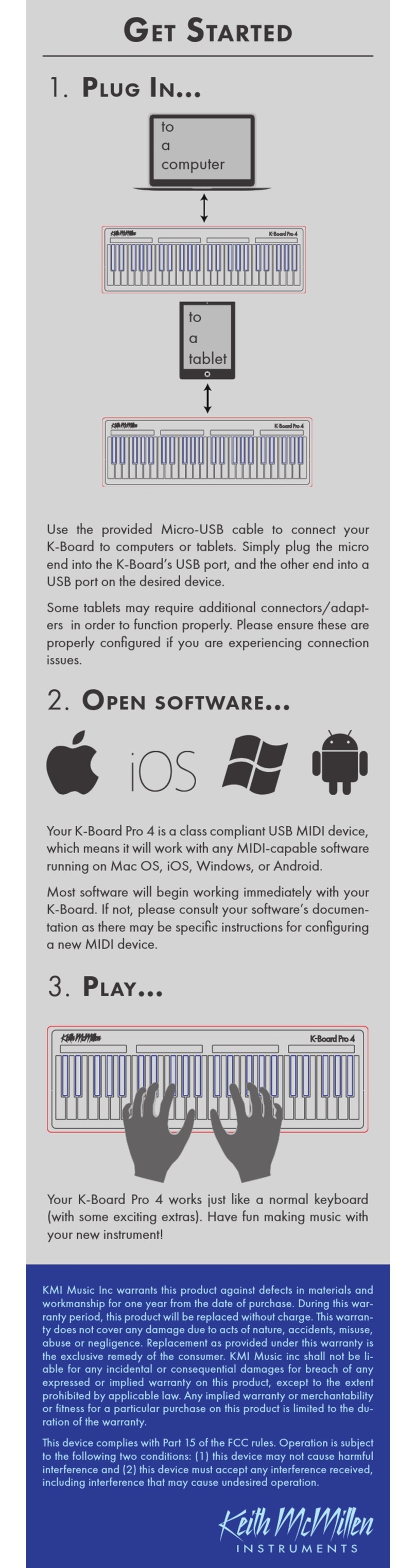
Keith McMillen Instruments K-Board Pro 4 Get started

Keith McMillen Instruments

Keith McMillen Instruments K-Board Pro 4 Get started

Yamaha PortaSound PCS-30 owner's guide

Yamaha

Yamaha PortaSound PCS-30 owner's guide

Roland Juno-6 Operation manual

Roland

Roland Juno-6 Operation manual

McGrey 6170 user manual

McGrey

McGrey 6170 user manual

Akai MPK88 quick start guide

Akai

Akai MPK88 quick start guide

Waldorf IRIDIUM quick start

Waldorf

Waldorf IRIDIUM quick start

Yamaha PortaTone PSR-40 owner's guide

Yamaha

Yamaha PortaTone PSR-40 owner's guide

Casio CDP-200R Appendix

Casio

Casio CDP-200R Appendix

Behringer MOTÖR 61 user manual

Behringer

Behringer MOTÖR 61 user manual

Yamaha PortaTone PSR-62 owner's guide

Yamaha

Yamaha PortaTone PSR-62 owner's guide

Yamaha PS-20 owner's manual

Yamaha

Yamaha PS-20 owner's manual

manuals.online logo
manuals.online logoBrands
  • About & Mission
  • Contact us
  • Privacy Policy
  • Terms and Conditions

Copyright 2025 Manuals.Online. All Rights Reserved.

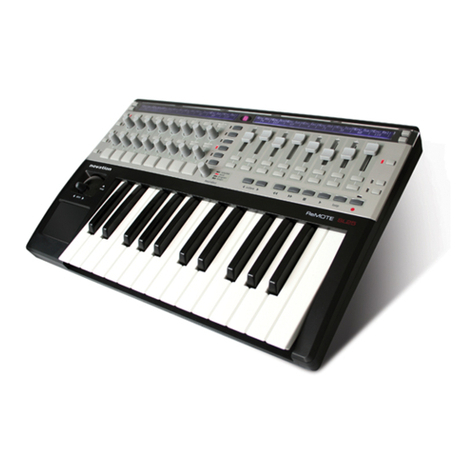
ReMOTE 25/37/61& ZeRO SL
Premium 2/3/5-octave Soft Label USB MIDI Controller Keyboard
ZeRO version also available without keys
Huge LCD screens can
display any set of control
values on the SL
Assignable controls include
velocity-sensitive trigger pads
for sketching out beats
Revolutionary Automap Universal™
provides automatic intelligent
control of any plug-in* and any
sequencer, leaving you to focus on
what matter most - your music.
37/61-KEY & ZeRO
E & OE - All trademarks are the property of their respective owners
25-KEY
ANY PLUG-IN |ANY SEQUENCER |AUTOMATIC CONTROL
Finally, producing in the dark is a thing of the past. The SL shines a light
on the murky world of MIDI control by providing two huge, brightly lit LCD
screens that display up to 16 control names and values simultaneously.
Alongside this is the intelligent Automap Universal™technology, which detects
the sequencer and plug-ins in use and intelligently maps parameters to the
SL’s pots, switches and sliders. With these award-winning features and a
massive array of assignable controls, the SL takes the headache out of MIDI
controlling, making music creation as spontaneous and exciting as it should be.
• Huge Displays - Two large, brightly backlit 144-character LCD screens provide
instant views of control names/values, and easy menu navigation
• Automap Universal™* -Revolutionary technology allows automatic mapping of
software parameters to the SL’s controls
• Array of Assignable Controls - A total of 64 assignable knobs, buttons
and sliders, including 8 velocity- sensitive trigger pads, plus dedicated
Transport controls
• High Quality Keyboard - Superb semi-weighted, high-quality keyboard with
velocity- and aftertouch- sensitivity
• 2-D Controls - Fantastic ‘Xpression’ pad and adjustably sprung pitch/mod
joystick, both freely assignable in MIDI Controlling mode
• Class Compliant - Plug and Play USB connection with no drivers required for
Windows XP or Mac OS X
• Includes the Xcite + bundle - A host of exciting software solutions, including
Ableton Live Lite 6 and over 1.5 gigs of loops and samples
Template Editor (PC/Mac):
Free application allowing even
easier construction & modification
of MIDI Templates
* Automap Universal allows plug-ins to automatically map straight to the SL,
no matter what sequencer is in use. Every plug-in even has a Learn mode
for instant re-arranging of parameter layout. Furthermore, open up certain
applications (Reason, Cubase, Logic, Live, Pro Tools etc.) and the mixer and
various other session parameters will be detected and mapped to logical
areas of the SL, with their controls displayed clearly on the screens.
(Only applies to Automatable plug-ins. Initially VST for PC and AU for Mac,
with more to follow.) Visit www.novationmusic.com for more information.