CHAPTER
ONE
ABOUT THIS GUIDE
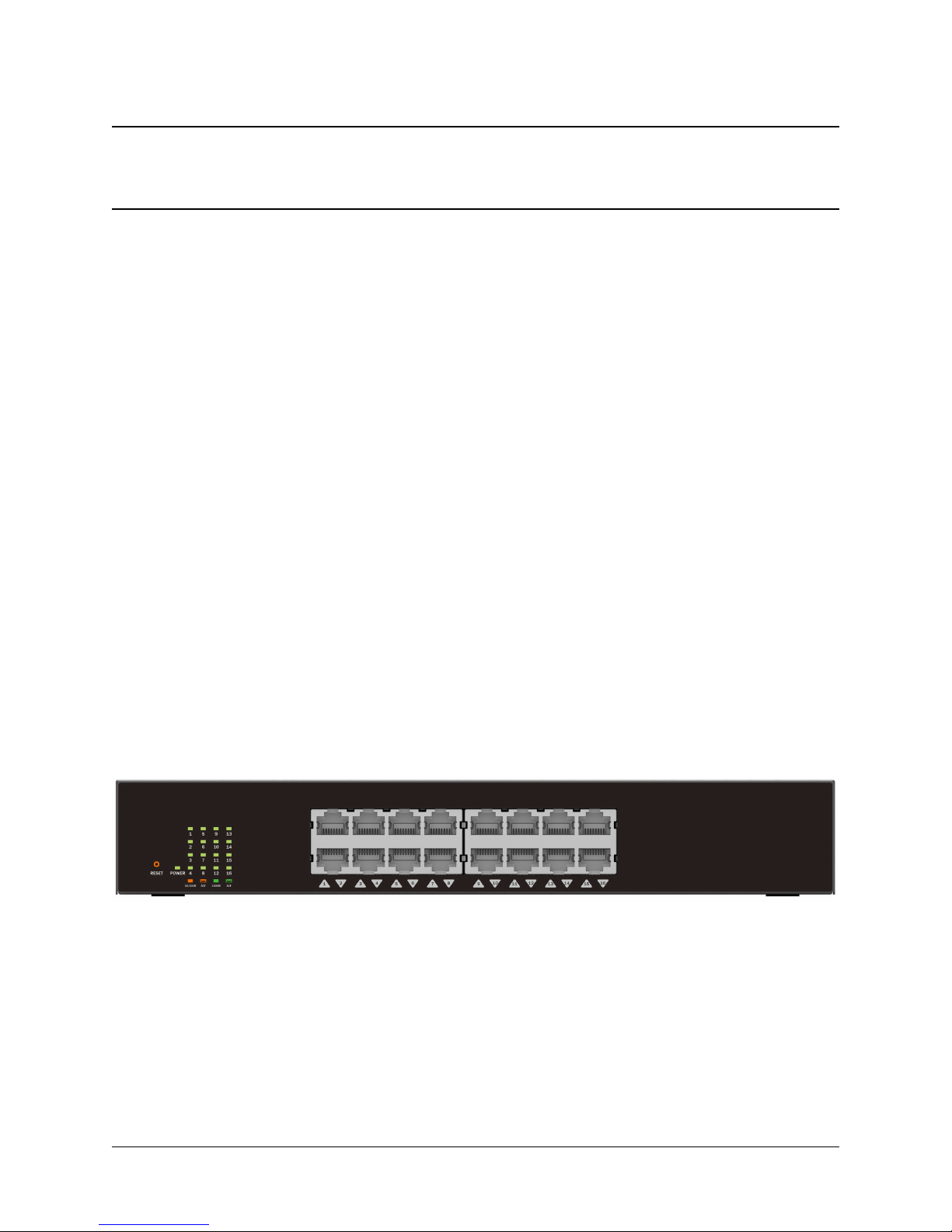
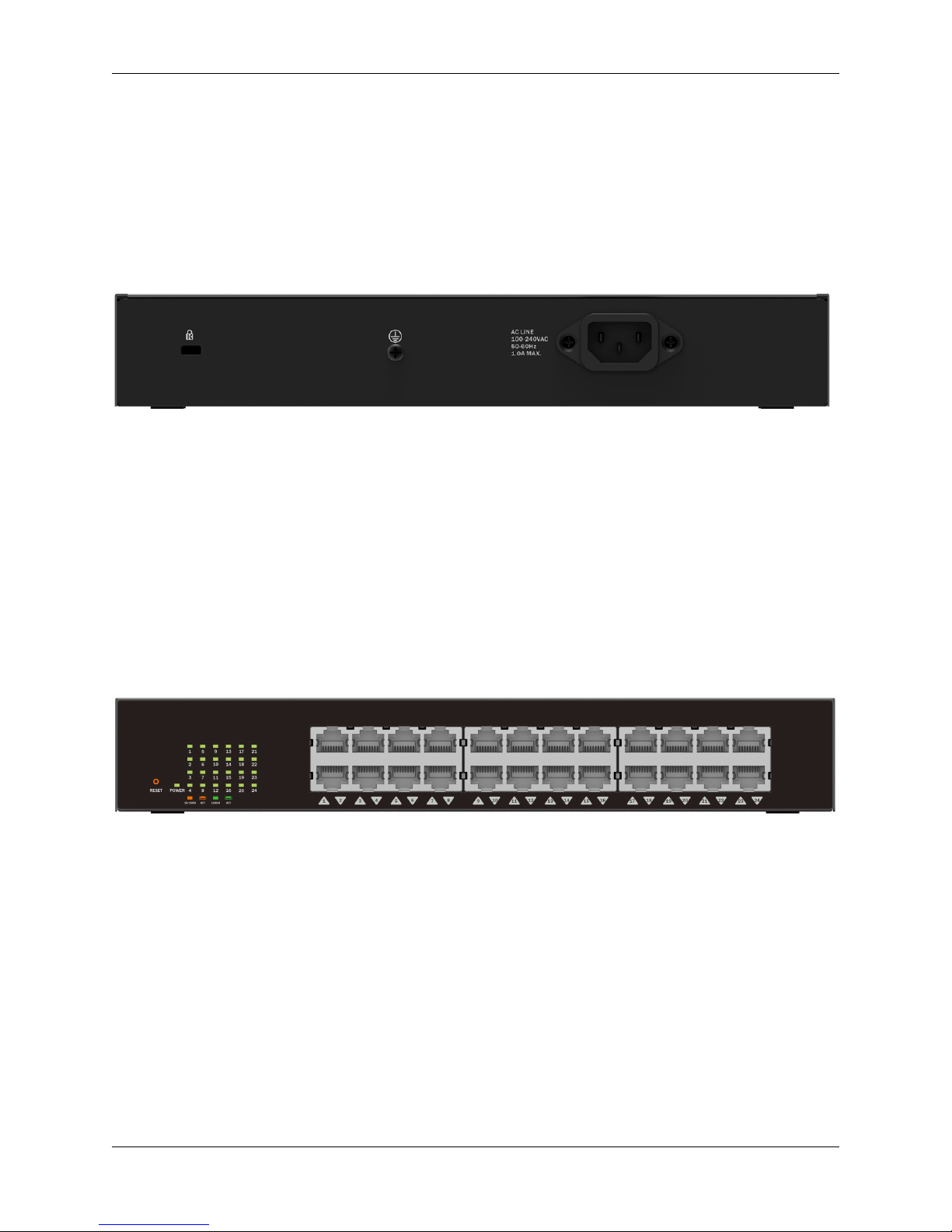
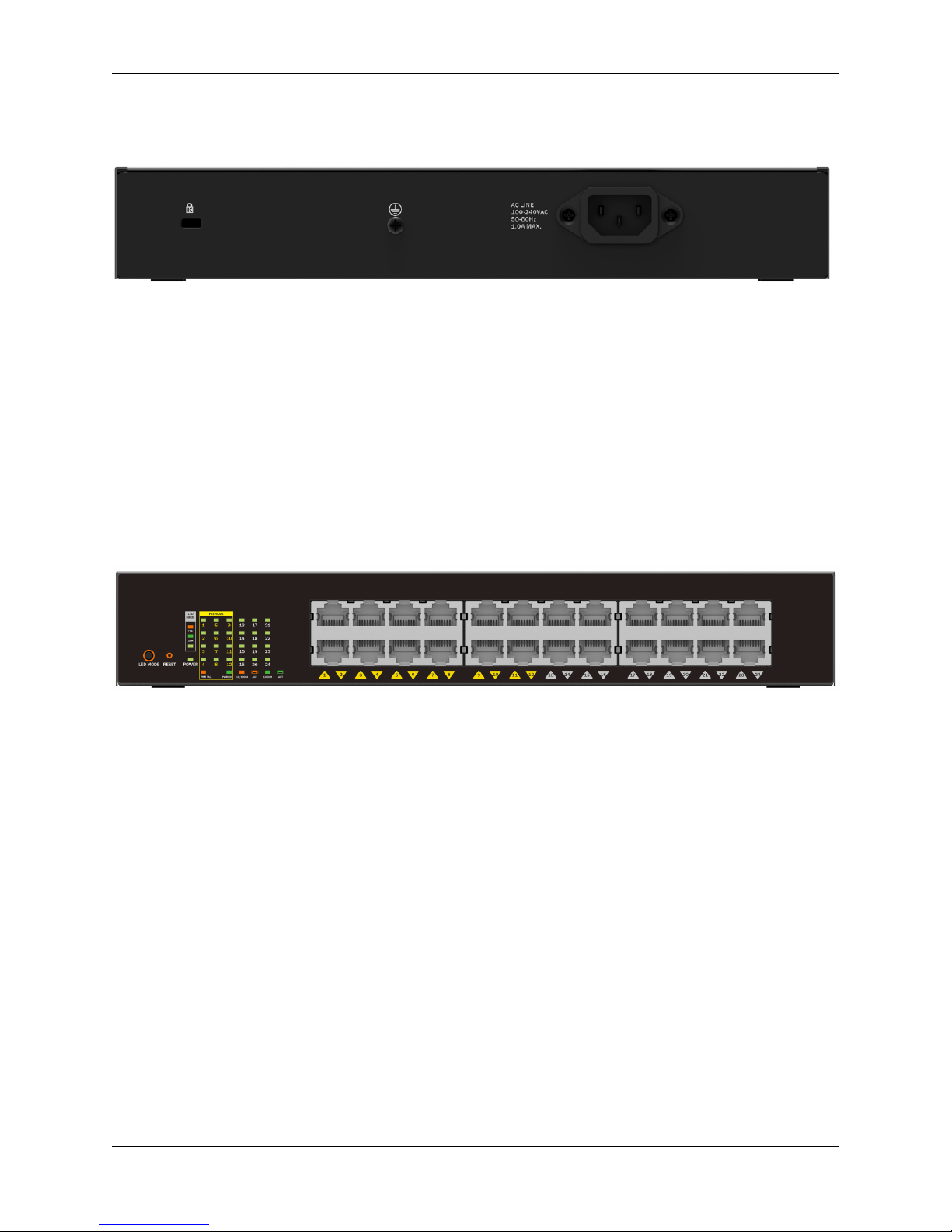
This guide provides instructions to install the NPort Gigabit Ethernet WebSmart Switch N1-8016/N1-
8024/N1-8074, how to use the Web Utility, and to congure Web-based Management step-by-step.
Note: The model you have purchased may appear slightly dierent from the illustrations shown in the
document. Refer to the Product Instruction and Technical Specication sections for detailed information
about your switch, its components, network connections, and technical specications.*
This guide is mainly divided into three parts:
• Hardware Installation: Step-by-step hardware installation procedures.
• Getting Started: A startup guide for basic switch installation and settings.
• Conguration: Information about the function descriptions and conguration settings.
1.1 Terms/Usage
In this guide, the term “Switch”(rst letter capitalized) refers to the WebSmart Switch, and “switch”(rst
letter lower case) refers to other Ethernet switches. Some technologies refer to terms “switch”,“bridge”and
“switching hubs”interchangeably, and both are commonly accepted for Ethernet switches.
ANOTE indicates important information that helps a better use of the device.
AWARNING indicates potential property damage or personal injury.
1.2 Copyright and Trademarks
Information in this document is subjected to change without notice.
© 2015 NPORT Networks, INC. All rights reserved. Reproduction of this material in any manner without
the express written permission of NPORT Networks, INC. is prohibited. For more information, contact
NPort.
Trademarks used in this text: NPort and its logo are trademarks of NPORT Networks, INC.
Microsoft and Windows are registered trademarks of Microsoft Corporation.
Other trademarks and trade names may be used in this document to refer to either the entities claiming
the marks and names or their products. NPORT Networks, INC. disclaims any proprietary interest in
trademarks and trade names other than its own.
1