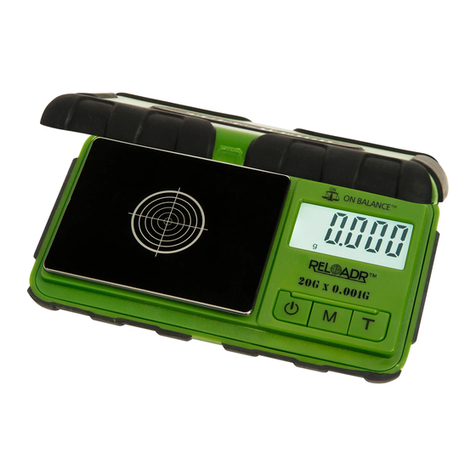
Calibration
Calibration adjustment is permanent and should
only be performed using accurate calibration
weights that match the requirements for your scale
(see the chart on back). Do not use coins or other
household items to calibrate.
KB-2000 (2000g x 0.1g)
1. Prepare a 2kg calibration weight.
2. Find a at and level surface to perform calibration and
let the scale adjust to room temperature.
3. Press POWER to turn the scale on and wait for the
scale to stabilise.
4. Press and hold the MODE key until ‘CAL’ is displayed.
5. Make sure nothing is on the platform then press
MODE to conrm the zero point.
6. The display will then ash ‘2000.0g’.
7. Place a 2kg calibration weight on the centre of the
platform.
8. The display will show ‘PASS’. Calibration is complete!
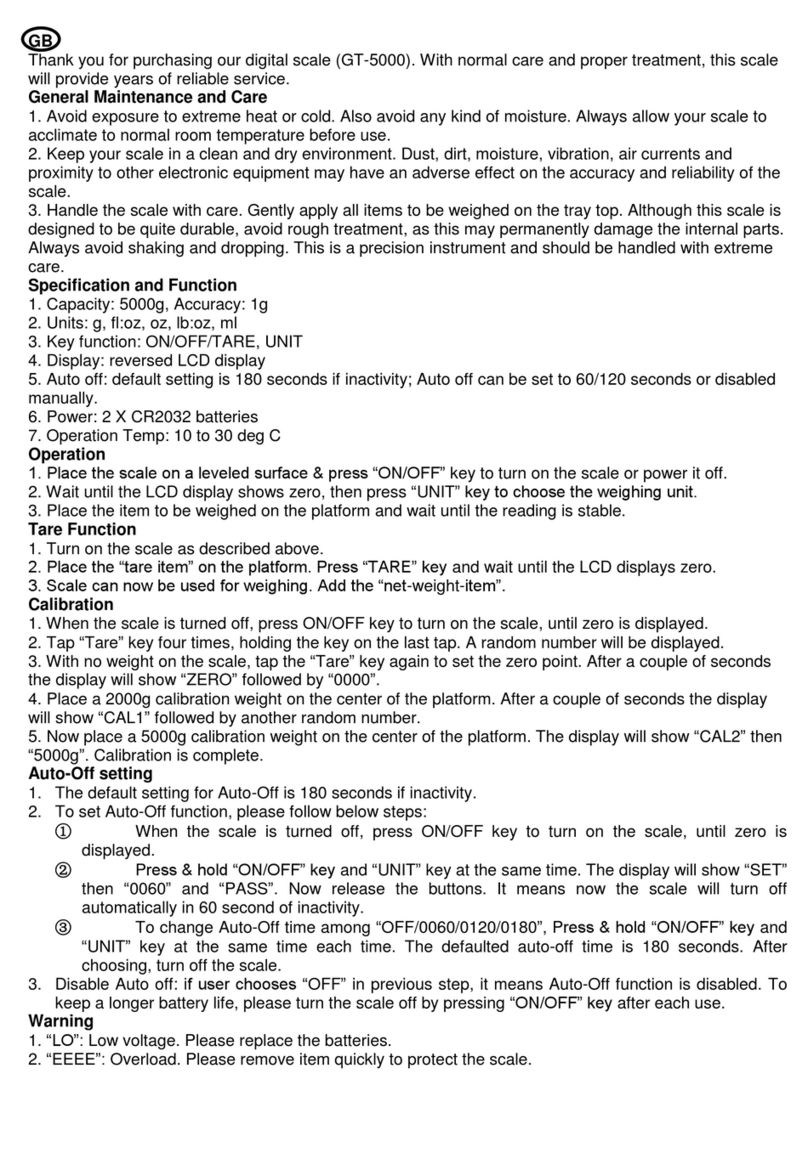
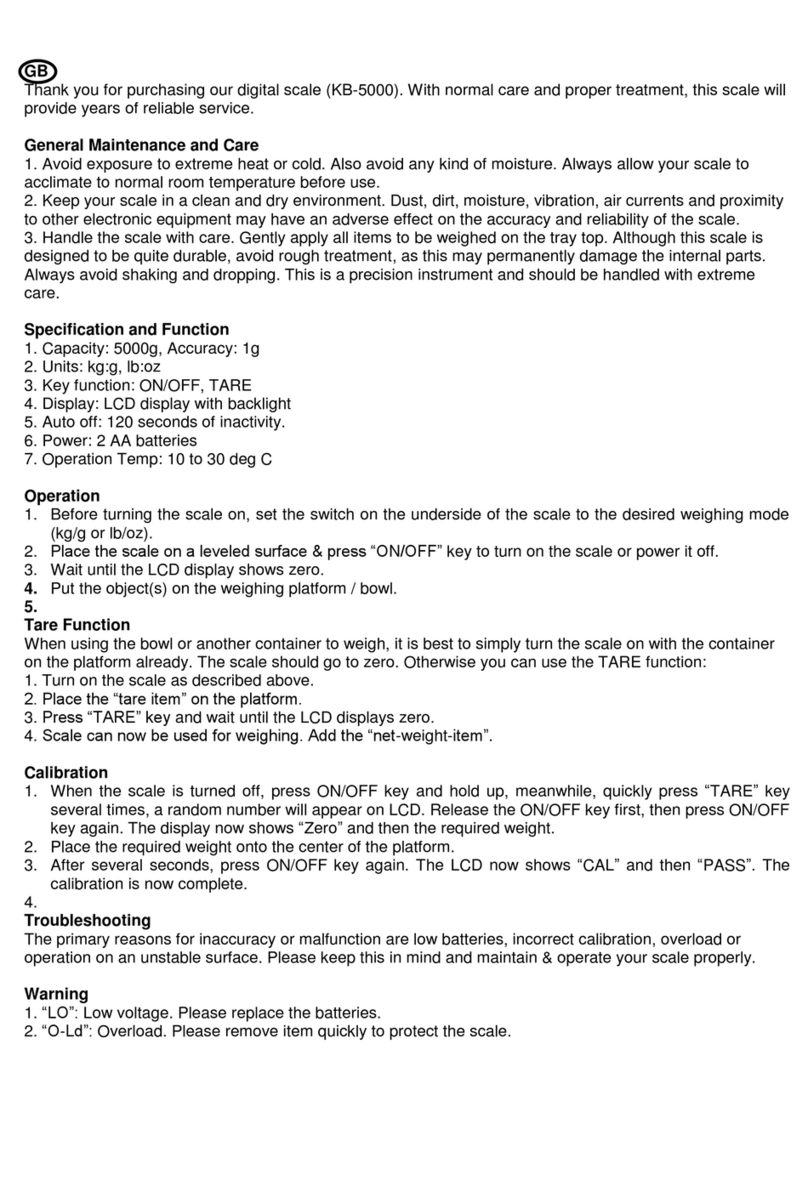
KB-5000 (5000g x 1g)
1. Prepare a 5kg calibration weight.
2. Find a at and level surface to perform calibration and
let the scale adjust to room temperature.
3. With the scale OFF, press and hold the ON/OFF key
and TARE key at the same time, then the display shows
CAL followed by a random number.
4. Make sure nothing is on the platform then press TARE
to conrm the zero point.
5. The display will then ash ‘5000g’.
6. Place a 5kg calibration weight on the centre of the
platform.
7. The display will show ‘PASS’. Calibration is complete!
Radio Frequency
Interference
Unlevel Surfaces High Humidity
Air Currents Vibration Extreme Temps
oz
g
ON/OFF
TARE
MODE
POWER
TARE