7
Accumulation
●The Accumulation function is used to add multiple weights and total them together
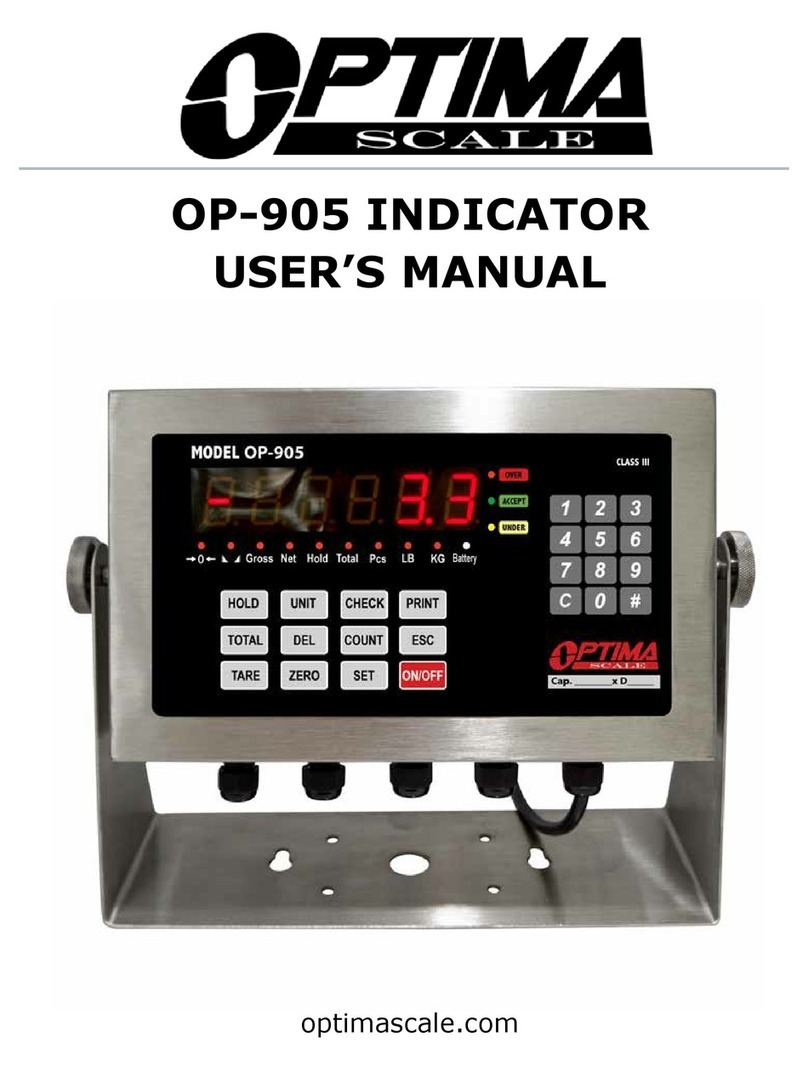
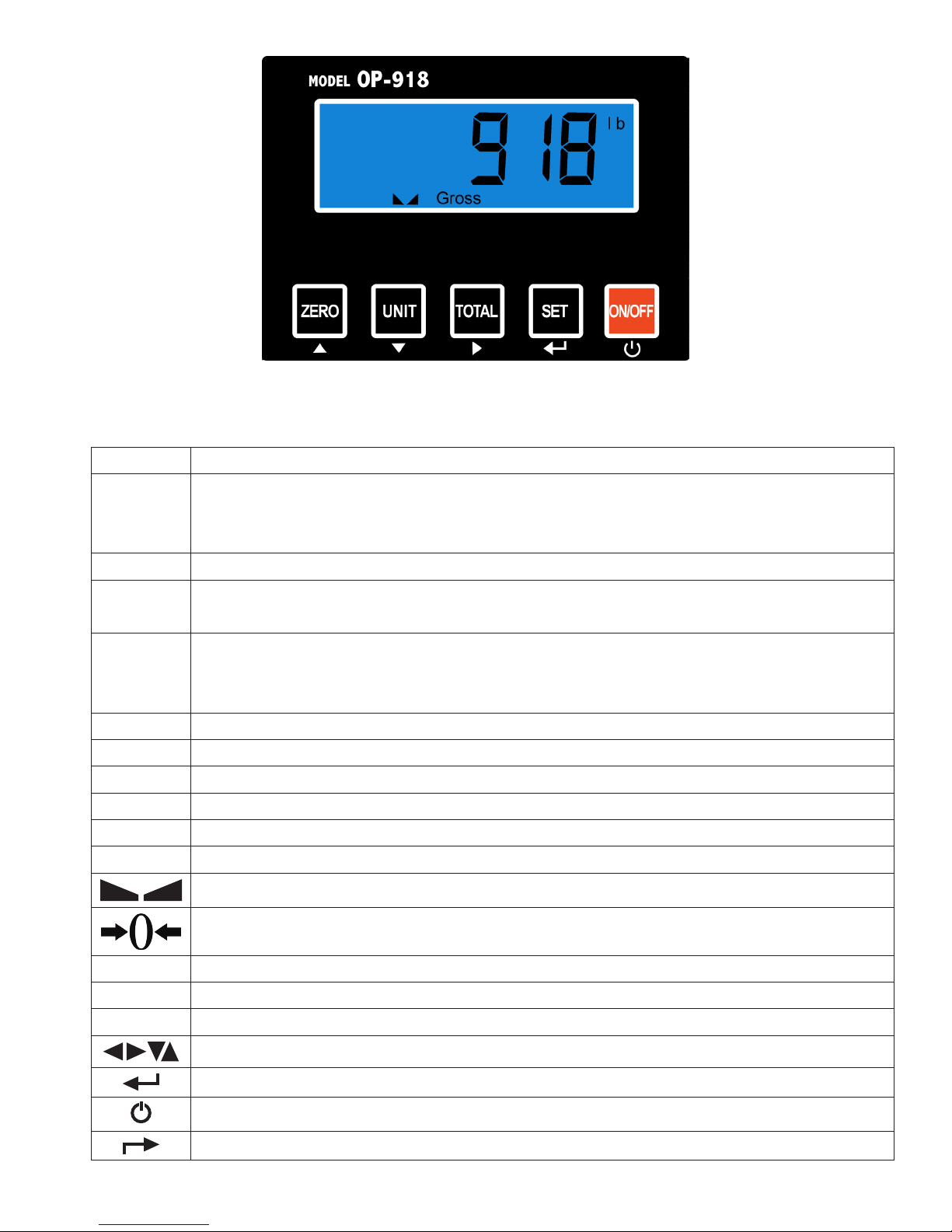
● In weighing mode load the rst weight, once stable press the TOTAL key to enter
the Accumulation mode. The screen will show “n001” followed by the weight.
● Remove the weight so scale reads 0 before adding the second weight to the scale
●Once the second weight is stable press TOTAL key to add the weight to the Accumulat-
ed total, the screen will show “n002” followed by the weight.
●Repeat previous steps until all desired weights have been added to the total (max 999
times)
●When you are done and want to display the Accumulated total, press the TOTAL and
SET key together. The Accumulated number “n###” (the number of weights you
are adding together) will ash on the display followed by the total
● The total will display by ashing between 2 sets of numbers
● There are 8 digits in total, the display will ash 4 at a time, the rst 4 on the left and
the last 4 on the right. For example if the rst 4 digits are “0012” and the last 4 digits
are “3456” the actual weight is 001234.56 or 1234.56 lbs/kg
● If you want to print the Accumulated total, hold the SET key for one second while
the last 4 digits of the total are shown
●To exit Accumulation mode, wait for the last 4 digits to the right of the screen to
appear, and then press and hold the TOTAL key for one second
●“CLr n” will be displayed, asking you if you want to keep the data?
●If NO you do not want to clear the Accumulated total, then keep “CLr n”.
● If YES you do want to clear the Accumulated total, then use the arrow key to
change to “CLr y”.
● Finally, press the SET key to select exit Accumulation mode