VF 100 Operations Manual, Rev A
www.paceworldwide.com Page 3 of 8
4. Features
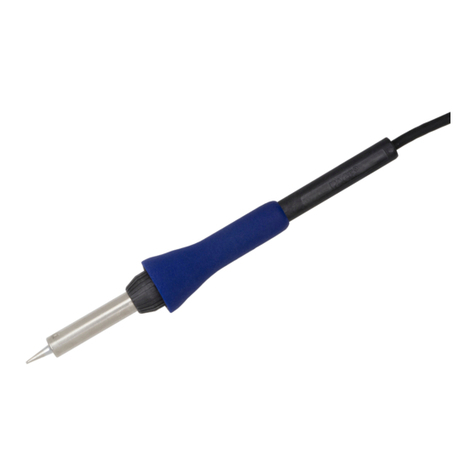
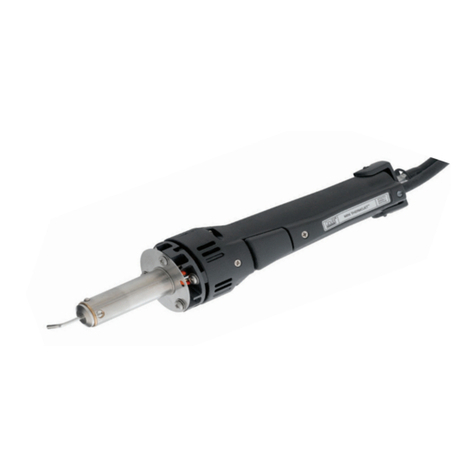
As shown in the left illustration,
the hot air blowing from the
circumference of the tip enables
effective pre-heating of the
work.
5. Set-Up
a. Connect Power cord, Plug & Tube of Iron to
Main body. Fit a black tube marked B to the
inlet port marked with an arrow pointing out
and the black tube marked S to the inlet
port marked with an arrow pointing out.
b. Do not touch the tubes with the heater or
tip.
c. Push the Power switch on. LED of temperature indication of
Controller will be on.
d. Adjust the installed temperature of the tip end with the up-down key
of the Controller. The adjusting method is stated in Section 6:
Temperature Installation.
6. Operation
a. Allow the unit to warm up for 2 or 3 minutes after turning the unit
on.
b. Gently depress the two-position switch on the hand-piece and hot
air will begin to come out of the hand-piece.
c. With the tip 1-2mm from the PCB, preheat the area to be
desoldered using the hot air.
d. After pre-heating, gently place the tip on the solder to be removed.
e. When the solder has become molten, depress the two-position
switch all the way and the vacuum will activate, removing the
molten solder.