Section 350-231-172 Revision 01
6HLU-231 List 7B
Provisioning
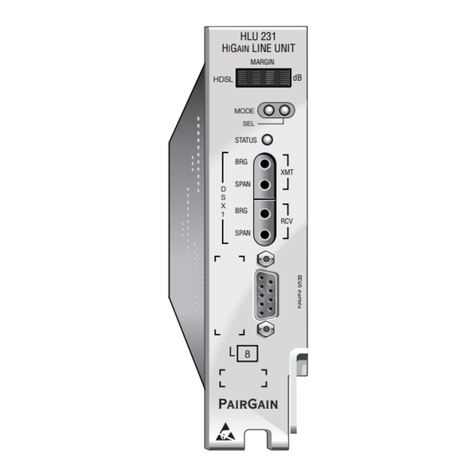
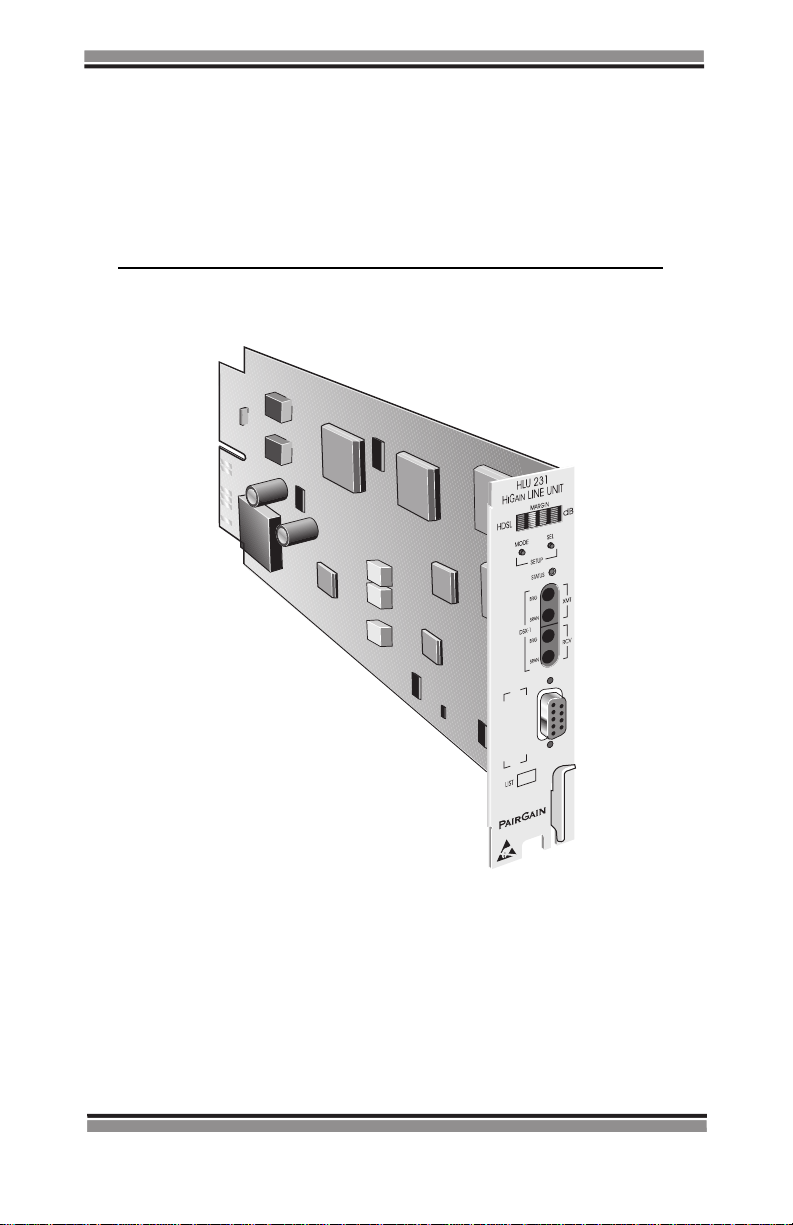
The HLU-231 List 7B contains a non-volatile RAM (NVRAM) that stores the
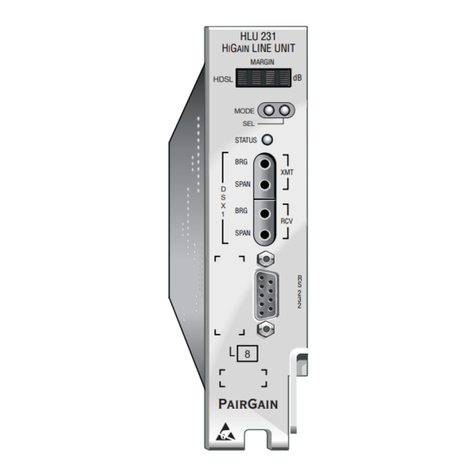
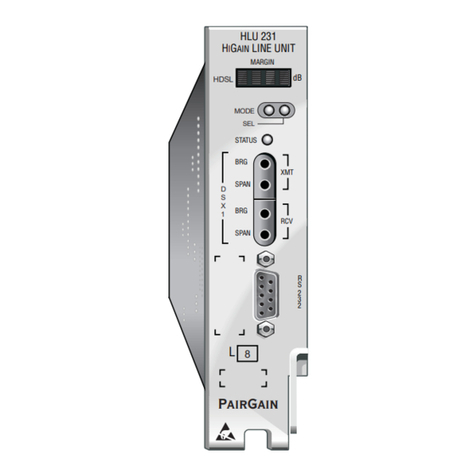
system option settings. The options are set through the SEL (Select) and
MODE buttons on the front panel, or through a terminal connected to the
Craft port. System option settings are retained if shelf power is lost or if the
HLU-231 List 7B is unplugged.
Using the SEL and MODE Front Panel Buttons
To provision the HLU-231 List 7B through the SEL and MODE front-panel
buttons:
1Press the MODE button for approximately one second. The message
displayed on thefront panelalternatesbetween the firstsystemparameter
and its current setting.
2Pressthe SEL button to step the display through all possible settings (one
at a time) of the parameter being displayed.
3Press the MODE button to select the desired parameter and move to the
next parameter. After you have configured the last parameter, the dis-
play prompts you to confirm the settings.
4Do one of the following:
•PresstheSEL button to install the settings.
•PresstheMODE button to bypass the settings.
If neither button is pressed in 30 seconds, the settings are bypassed.
Default Settings
To return the system options back to the original factory default settings:
1Press the SEL button until the DFLT NO message appears.
2Press the SEL button again and DFLT YES displays indicating the fac-
tory default values are now in effect.
To terminate the DFLT mode without setting the factory default values,
press the MODE button or do nothing for 30 seconds.