manuals.online logo
Brands
  1. Home
  2. •
  3. Brands
  4. •
  5. Panasonic
  6. •
  7. Speakers
  8. •
  9. Panasonic SC-HTB770S User manual

Panasonic SC-HTB770S User manual

This manual suits for next models

1

Other Panasonic Speakers manuals

Panasonic SB-MAX770PU User manual

Panasonic

Panasonic SB-MAX770PU User manual

Panasonic TY-SP65P10WK User manual

Panasonic

Panasonic TY-SP65P10WK User manual

Panasonic WX-LAK12 User manual

Panasonic

Panasonic WX-LAK12 User manual

Panasonic SC-NA07 User manual

Panasonic

Panasonic SC-NA07 User manual

Panasonic Ramsa WS-AT75E-K User manual

Panasonic

Panasonic Ramsa WS-AT75E-K User manual

Panasonic SC-NE5 User manual

Panasonic

Panasonic SC-NE5 User manual

Panasonic SC-NP10 User manual

Panasonic

Panasonic SC-NP10 User manual

Panasonic SB-HS650P User manual

Panasonic

Panasonic SB-HS650P User manual

Panasonic SOUNDSLAYER SC-GNW10 User manual

Panasonic

Panasonic SOUNDSLAYER SC-GNW10 User manual

Panasonic SC-NJ03 User manual

Panasonic

Panasonic SC-NJ03 User manual

Panasonic SB-MAX700PH User manual

Panasonic

Panasonic SB-MAX700PH User manual

Panasonic TY-SP42P5K User manual

Panasonic

Panasonic TY-SP42P5K User manual

Panasonic TY-SP37P4-K User manual

Panasonic

Panasonic TY-SP37P4-K User manual

Panasonic SH-FX65 - Wireless Audio Delivery System User manual

Panasonic

Panasonic SH-FX65 - Wireless Audio Delivery System User manual

Panasonic TY-SP65PV500 User manual

Panasonic

Panasonic TY-SP65PV500 User manual

Panasonic TY-SP65P11WK User manual

Panasonic

Panasonic TY-SP65P11WK User manual

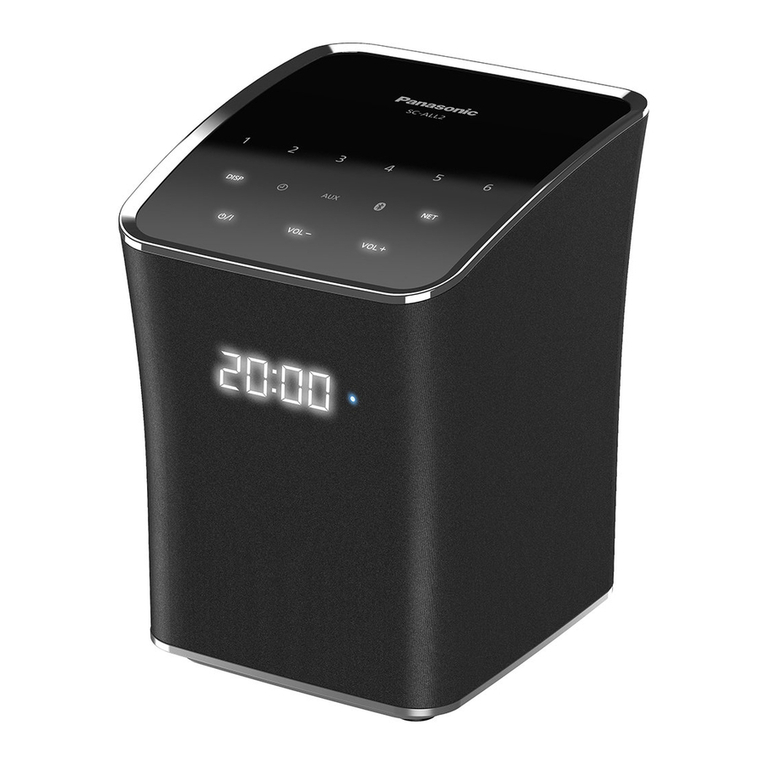
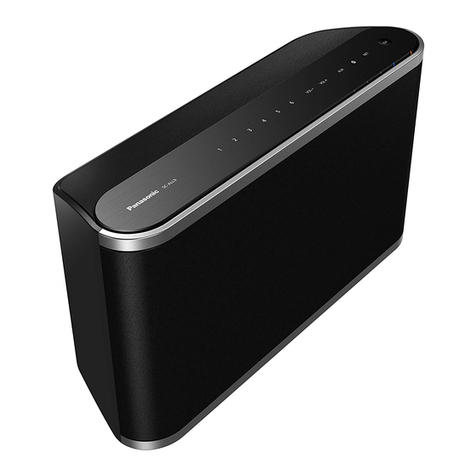
Panasonic SC-ALL2 User manual

Panasonic

Panasonic SC-ALL2 User manual
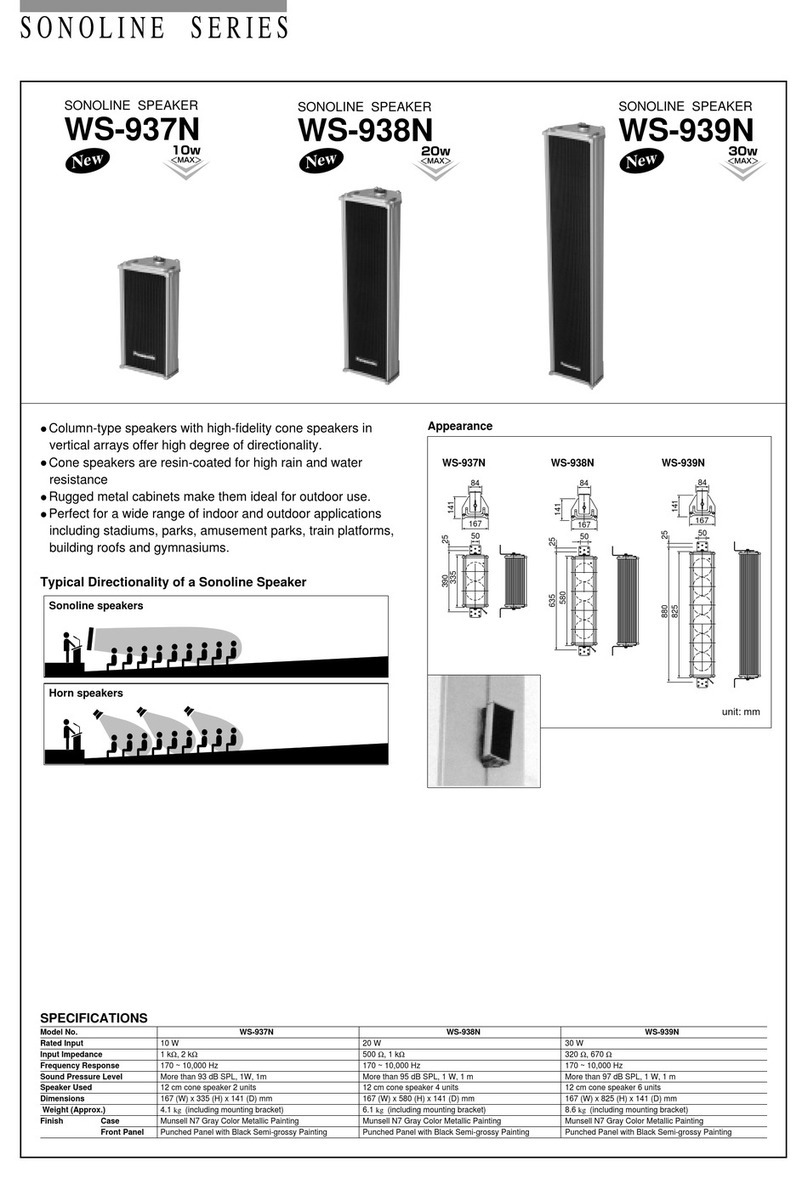
Panasonic RAMSA WS-A35 User manual

Panasonic

Panasonic RAMSA WS-A35 User manual

Panasonic TY-SP58P10WK User manual

Panasonic

Panasonic TY-SP58P10WK User manual

Panasonic Sound Slayer SC-HTB01 Installation and service instructions

Panasonic

Panasonic Sound Slayer SC-HTB01 Installation and service instructions

Panasonic WT-7006N User manual

Panasonic

Panasonic WT-7006N User manual

Panasonic WX-CS460 User manual

Panasonic

Panasonic WX-CS460 User manual

Panasonic SB-PS40P User manual

Panasonic

Panasonic SB-PS40P User manual

Panasonic TYSP50P8WK - Speakers For 50IN Plasma... User manual

Panasonic

Panasonic TYSP50P8WK - Speakers For 50IN Plasma... User manual

Popular Speakers manuals by other brands

Electro-Voice LR4S engineering data

Electro-Voice

Electro-Voice LR4S engineering data

Definitive Technology Sound Cylinder user guide

Definitive Technology

Definitive Technology Sound Cylinder user guide

AudioSource LS545 user manual

AudioSource

AudioSource LS545 user manual

Paso C402-T Instructions for use

Paso

Paso C402-T Instructions for use

Altec Lansing 416-8C LF SPEAKER manual

Altec Lansing

Altec Lansing 416-8C LF SPEAKER manual

Kenwood KFC-1072 Servise manual

Kenwood

Kenwood KFC-1072 Servise manual

Peavey ProSys 112 user guide

Peavey

Peavey ProSys 112 user guide

JBL Control Contractor 60 Series installation instructions

JBL

JBL Control Contractor 60 Series installation instructions

Aura STORM-8 owner's manual

Aura

Aura STORM-8 owner's manual

Oontz ANGLE 3 PLUS quick start guide

Oontz

Oontz ANGLE 3 PLUS quick start guide

Electro-Voice LR4A engineering data

Electro-Voice

Electro-Voice LR4A engineering data

Rave RK-650-ICA-B owner's manual

Rave

Rave RK-650-ICA-B owner's manual

Flux Reference Series installation manual

Flux

Flux Reference Series installation manual

Lanzar AQAWBS64BK installation manual

Lanzar

Lanzar AQAWBS64BK installation manual

DAPAudio DCS-6230 manual

DAPAudio

DAPAudio DCS-6230 manual

Aluratek ABS03F quick start guide

Aluratek

Aluratek ABS03F quick start guide

Kenwood KES-5A instruction manual

Kenwood

Kenwood KES-5A instruction manual

Sonance ORIGINAL SERIES instruction manual

Sonance

Sonance ORIGINAL SERIES instruction manual

manuals.online logo
manuals.online logoBrands
  • About & Mission
  • Contact us
  • Privacy Policy
  • Terms and Conditions

Copyright 2025 Manuals.Online. All Rights Reserved.

RQCA2105-1
Quick Start Guide
Home Theater Audio System SC-HTB770
Step 1: Choose the configuration that is right for you
Place the speakers horizontally Place the front speakers vertically
Fully insert the wire.
r: White
s: Blue line
Red
White
To prevent damage or scratches, lay down a soft cloth and perform the assembly on it.
Push
Green
Press into the
groove.
≥Tighten screws securely.


1Fully insert the
wire.
r: White
s: Blue line
Push
Speaker placement
Speaker with,
Red connector:
To the right
White connector:
To the left
Green connector:
In the center
To prevent damage or scratches, lay down a soft cloth and perform the assembly on it.
Push
Green
≥Tighten screws securely.
Press the cable
into the groove.
Press the cable into the groove.
Red or White
If you have any questions, contact:
U.S.A. and Puerto Rico: 1-800-211-PANA (7262)
Mon-Fri: 9 ams9 pm (EST) Lunes-Viernes
Sat-Sun: 10 ams7 pm (EST) Sabado-Domingo
www.Panasonic.com/help
Canada:
Telephone: 1-800-561-5505
SC-HTB770PPC_RQCA2105_mst.fm Page 5 Friday, January 25, 2013 8:43 PM
HDMI (ARC)
Audio Return Channel:
Allows a home theater system to receive and play audio from the TV through a HDMI cable without
additional wiring.
HDMI cable is required for VIERA Link “HDAVI Control”.
Turn on the active subwoofer.
On the TV, select this home theater system as the TV’s speakers from the VIERA
Link menu.
Press [iVOL j] on the TV’s remote control to adjust the volume.
§Operation with other manufacturers’ equipment that supports HDMI CEC cannot be guaranteed.
Turn on the main unit, active subwoofer and the TV.
Press [INPUT SELECTOR] to select the TV sound.
Press [iVOL j] to adjust the volume.
Step 2: Connect the cables
Do not connect the AC power supply cord to the main unit and the active
subwoofer until all other connections are completed.
When the TV is HDMI (ARC) compatible
When the TV is non HDMI (ARC) compatible
AC IN
DIGITAL
AUDIO
IN
SPEAKERS/HAUT-PARLEURS
66 6
R
L
CENTER
TV
(ARC)
AV OUT
TV
(ARC)
AV OUT
HDMI IN
(ARC)
TV
Main unit
HDMI cable
Be sure to connect to the
TV’s ARC compatible
terminal. (Refer to the TV’s
operating instructions.)
Red
White
Green
AC IN
DIGITAL
AUDIO
IN
TV
(OPT1)
SPEAKERS/HAUT-PARLEURS
66 6
R
L
CENTER
TV
(ARC)
AV OUT
TV
(ARC)
AV OUT
DIGITAL
AUDIO
IN
TV
(OPT1)
HDMI IN
OPTICAL
OUT
TV
Main unit
HDMI cable
Optical digital
audio cable
Red
White
Green
Using this system
When the TV is VIERA LinkTM “HDAVI ControlTM” or
HDMI CEC compatible
≥If the TV is not a Panasonic TV, set the “Receiver” or “External speakers” to “On”.
When the TV is not VIERA LinkTM “HDAVI ControlTM”
or HDMI CEC compatible
≥If there is sound from the TV’s speakers too, then use the TV’s remote control to lower the volume to
minimum.
For wall mounting and other details, be sure to refer to the Owner’s Manual.
e.g. TV remote control
INPUT
SELECTOR
e.g. TV remote control
SC-HTB770PPC_RQCA2105_mst.fm Page 6 Friday, January 25, 2013 8:43 PM