About this manual
This manual is intended for system administrators who are familiar with setting up a new system and install-
ing programs.
The manual consists of the following sections:
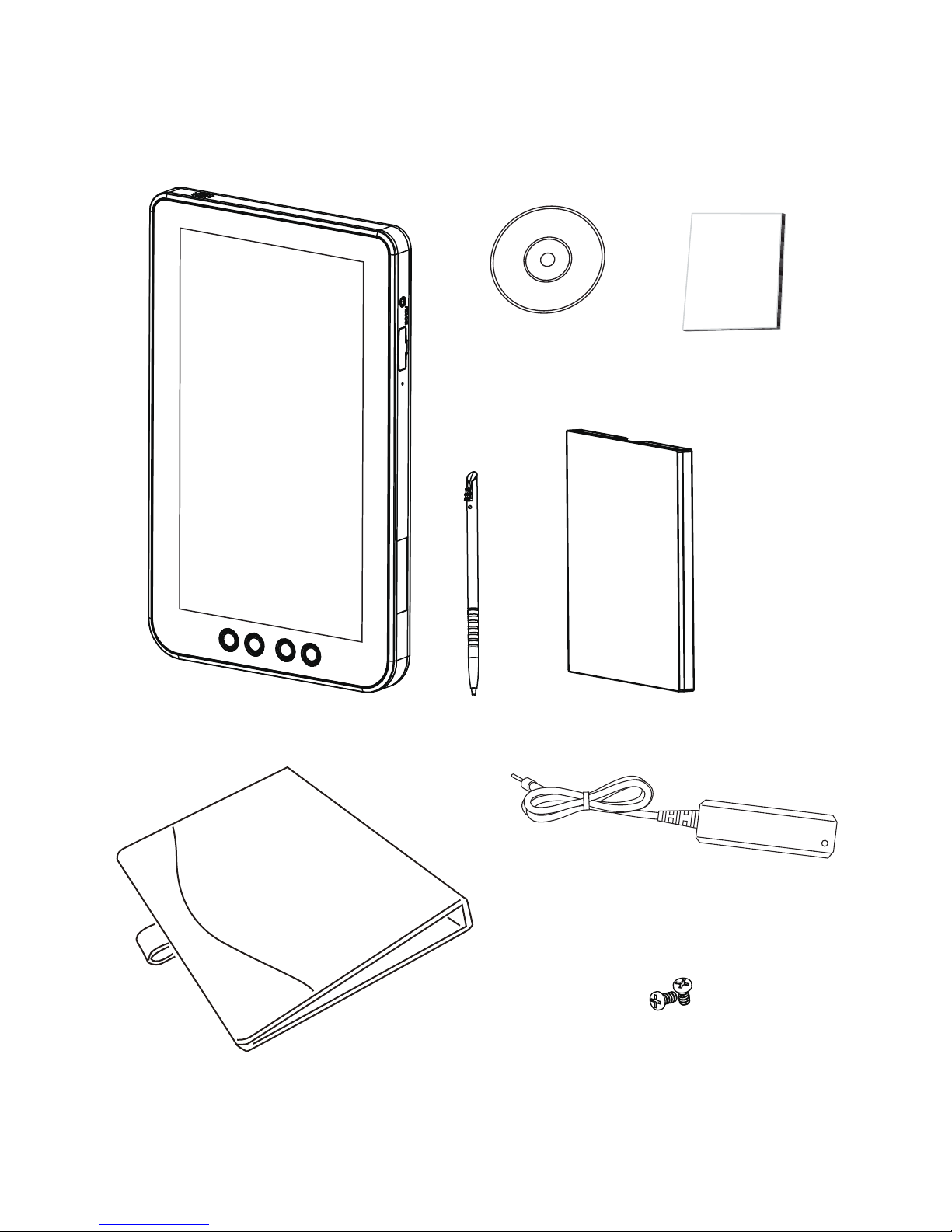
Chapter 1 Getting Started: This section covers unpacking and checking the
package contents, identifying components, charge the
battery, install the SD card and power it on..
Chapter 2 Learning The Basics: The chapter provides information how to use the basic
features.
Chapter 3 Using The Accessories: This section provides information how to use the
accessories.
Appendix: The appendix covers troubleshooting, information
on having the EM-100 serviced, and technical
specications.
Safety information
Before installing and using the EM-100, take note of the following precautions:
Request service for damaged products:»Turn off the product, unplug it from the electrical outlet, and
request service from a service partner under the following conditions:
The power cord or plug is damaged.•
Liquid has been spilled into the product.•
An object has fallen into the product.•
The product has been exposed to rain or water.•
The product has been dropped or damaged.•
The product does not operate normally when you follow the operating instructions.•
Avoid hot areas:»The product should be placed away from heat sources such as radiators, heat registers,
stoves, and other products (such as ampliers) that produce heat.
Allow the product to cool:»Allow the product to cool before removing covers and touching internal
components.
Avoid wet areas:» Never use the product in a wet location (more than 90% humidity).
Avoid inserting objects into product:»Never insert objects of any kind into slots or other openings in the
product.
Clean the product properly:»Unplug the product from the wall outlet before cleaning it. Do not use liquid
cleaners or aerosol cleaners. Use a soft cloth dampened with water for cleaning exterior components, but
NEVER apply water directly to the product or to an LCD screen.
Use recommended mounting accessories:»Do not use the product on an unstable table, cart, stand, tripod,
or bracket. Mount the product according to the manufacturer’s instructions, and use a mounting accessory
recommended by the manufacturer.
Use the product with approved equipment:»Use your product only with the computers and accessories
identied as suitable for use with your product.
Adjust the volume:»Turn down the volume before using headphones or other audio devices.
Use only an approved adapter.»