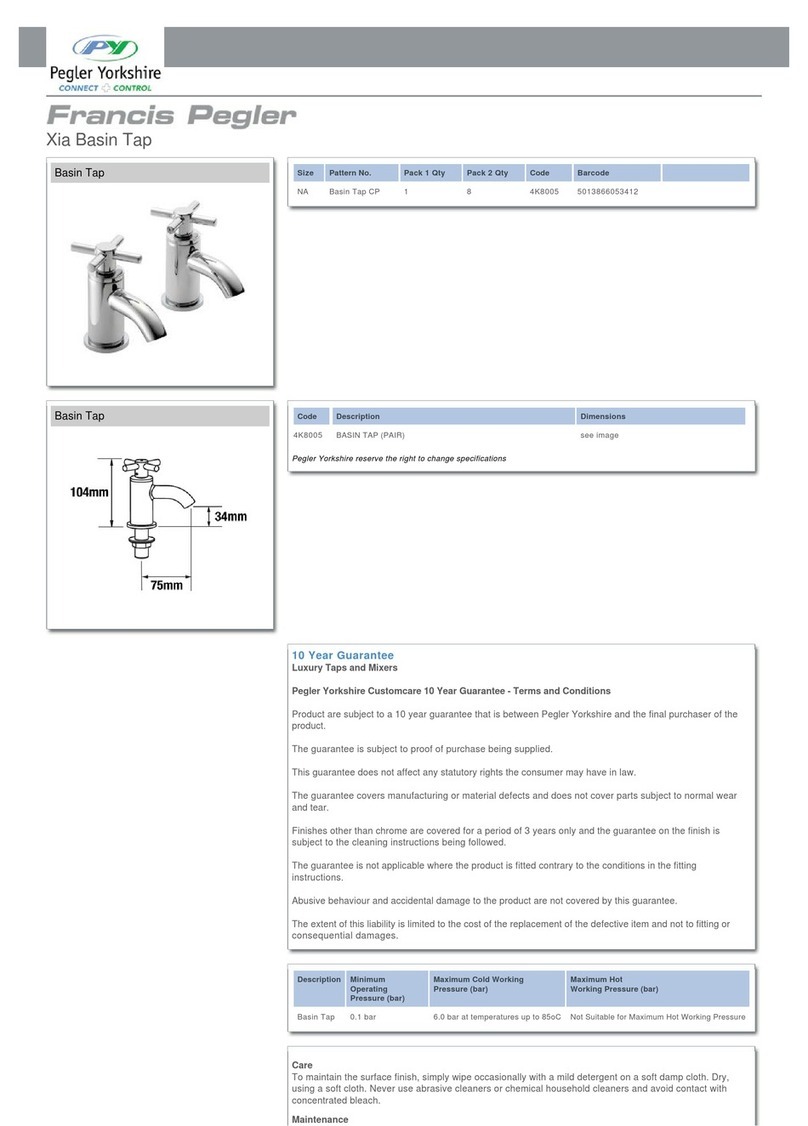
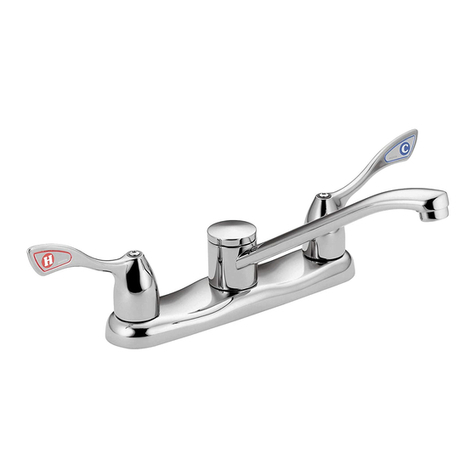
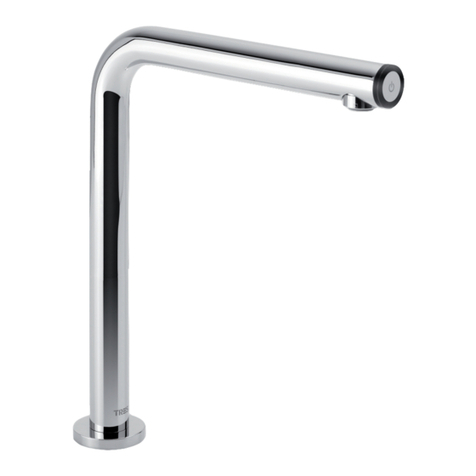
Installation of Basin Pillar Tap 886V
Please Note: The 886V is a single tap for use on hot / cold or mixed water. (For mixed
water please ensure appropriate TMV is fitted to support a safe delivery of water)
1. Determine the position of the basin tap allowing sufficient space around the tap for
it to be used without hindrance or harm to the user.
2. Fit tap through hole in wall ensuring ‘O’ ring sealing washer is between base of tap
and surface. Tighten backnut behind.
Please Note: A suitable hole size for this product wil l be to accommodate the hexagonal
nut holding the wall flange in place.
3. Route supply pipework to point where flow controller is to be fitted, then flush
pipework thoroughly.
Please Note: For solid walls a channel should be cut to route pipework and sensor
cable.
4. Fit solenoid valve to supply line ensuring that in-line filter is fitted in the correct
orientation on the inlet to the solenoid valve. Use correct seals and coupling nuts
supplied. Ensure that the position of the solenoid valve is within distance of the
plastic inlet tube and connecting piece.
Please Note: DO NOT solder near the solenoid valve as excessive heat will damage
seals and internals of valve. Any necessary soldering should be done prior to installation of
solenoid valve. Failure to do so will void warranty.
5. The solenoid valve is marked with arrows, please ensure direction of flow is adhered
to or valve will not operate.
6. Screw inlet tube and connecting piece onto solenoid valve.
7. Decide on control module position. See template on back page.
8. See Electrical Connection
Features
The PERFORMA self closing electronic products have three distinct features each operational
by the dip switched mounted within the control module. (See diagram for location)
Dip Switch #1 activates the ‘autoflush’ feature.
By switching this on activates a countdown timer within the unit to flush every 8 hours. This
feature ensures during long periods of the product not being used that the unit will switch
itself on flushing through any stagnant water within the product out of the system. Set at a
fixed 30 seconds flushing time the product counts down from last time of use. If used within
the 8 hour countdown period it simply resets itself. By default this item is off at the point of
purchase.
Dip Switch #2 activates the ‘test’ feature.
By default this item is off and should only be switched on at the point of troubleshooting or
fault finding. Switching to the on position tests the sensor and sensitivity of the unit. See
troubleshooting section for detail.