Section 4:
Troubleshooting
•The majority of undesired behaviors are resolved by simply unplugging the
OS-440 from its’ power source, waiting 15sec, and then plugging it back in.
•If you cannot control the volume, the volume is too quiet, or the volume is too
loud. First try disconnecting/forgetting the OS-440 amplifier under your
mobile device Bluetooth settings, then reconnect to the OS-440 amplifier.
•If the previous step was unsuccessful and still have volume issues, press and
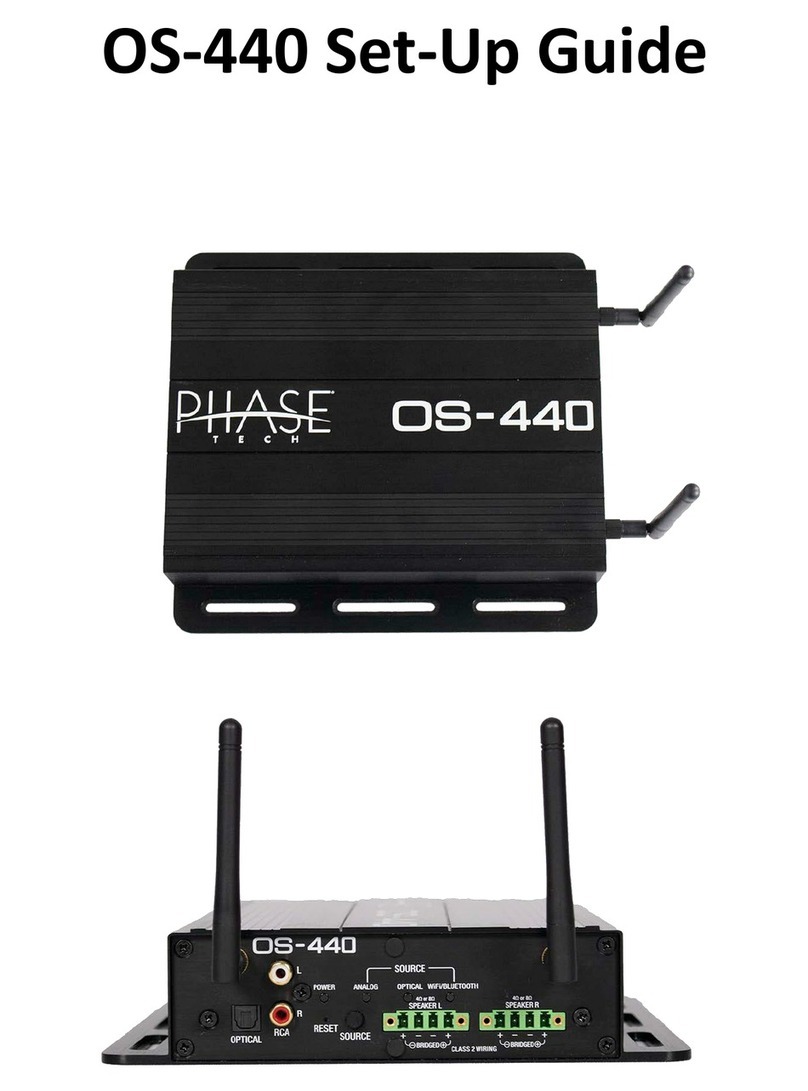
hold the ‘Reset’ button until the OS-440 amplifier clicks. The OS-440 will then
reboot and the source will need to be changed back to Bluetooth.
•If the Bluetooth connection appears to cut in and out, or drops out completely;
•First make sure that the mobile device is not also connected to the OS-440 in
WiFi Direct mode, WiFi may need to be turned off.
•If the previous step was unsuccessful and still have issues staying connected on
Bluetooth, try disconnecting/forgetting the OS-440 amplifier under your mobile
device Bluetooth settings, then reconnect to the OS-440 amplifier.
When using an iPhone/iPad connected to the OS-440 amplifier using Bluetooth,
and then change to an Android device;
•Volume must be raised prior to using the Android mobile device. To avoid
exposure to uncomfortably loud volume, disconnect all speakers or try pausing
the song/track prior to raising the volume. Recommend raising volume to 50%
or more using an iPhone/iPad prior to connecting an Android device.
•If the previous step was unsuccessful or forgotten, press and hold the ‘Reset’
button until the OS-440 amplifier clicks. The OS-440 will then reboot and the
source will need to be changed back to Bluetooth.