manuals.online logo
Brands
  1. Home
  2. •
  3. Brands
  4. •
  5. Philips
  6. •
  7. Docking Speakers
  8. •
  9. Philips Fidelio DS3500 User manual

Philips Fidelio DS3500 User manual

Other Philips Docking Speakers manuals

Philips AD530/05 User manual

Philips

Philips AD530/05 User manual

Philips AS351/12 User manual

Philips

Philips AS351/12 User manual

Philips AS111/37 User manual

Philips

Philips AS111/37 User manual

Philips DS8550 User manual

Philips

Philips DS8550 User manual

Philips Fidelio DS8800W User manual

Philips

Philips Fidelio DS8800W User manual

Philips ORD2105 User manual

Philips

Philips ORD2105 User manual

Philips DS1110 User manual

Philips

Philips DS1110 User manual

Philips SBD6020 User manual

Philips

Philips SBD6020 User manual

Philips DS8300/37 User manual

Philips

Philips DS8300/37 User manual

Philips DCB3270 User manual

Philips

Philips DCB3270 User manual

Philips DS7700/77 User manual

Philips

Philips DS7700/77 User manual

Philips DS700/05 User manual

Philips

Philips DS700/05 User manual

Philips DS3120/12 User manual

Philips

Philips DS3120/12 User manual

Philips AS141/98 User manual

Philips

Philips AS141/98 User manual

Philips DC350/12 User manual

Philips

Philips DC350/12 User manual

Philips AS141/98 User manual

Philips

Philips AS141/98 User manual

Philips AJ5300D/12 User manual

Philips

Philips AJ5300D/12 User manual

Philips DS1150/12 User manual

Philips

Philips DS1150/12 User manual

Philips DS7510/12 User manual

Philips

Philips DS7510/12 User manual

Philips DS7510/98 User manual

Philips

Philips DS7510/98 User manual

Philips DS3205/98 User manual

Philips

Philips DS3205/98 User manual

Philips DS8500/37 User manual

Philips

Philips DS8500/37 User manual

Philips DS8550/10 User manual

Philips

Philips DS8550/10 User manual

Philips AS141/05 User manual

Philips

Philips AS141/05 User manual

Popular Docking Speakers manuals by other brands

LG PA36 owner's manual

LG

LG PA36 owner's manual

PURE Contour owner's manual

PURE

PURE Contour owner's manual

LG ND8520 owner's manual

LG

LG ND8520 owner's manual

Maxell BT3100 user manual

Maxell

Maxell BT3100 user manual

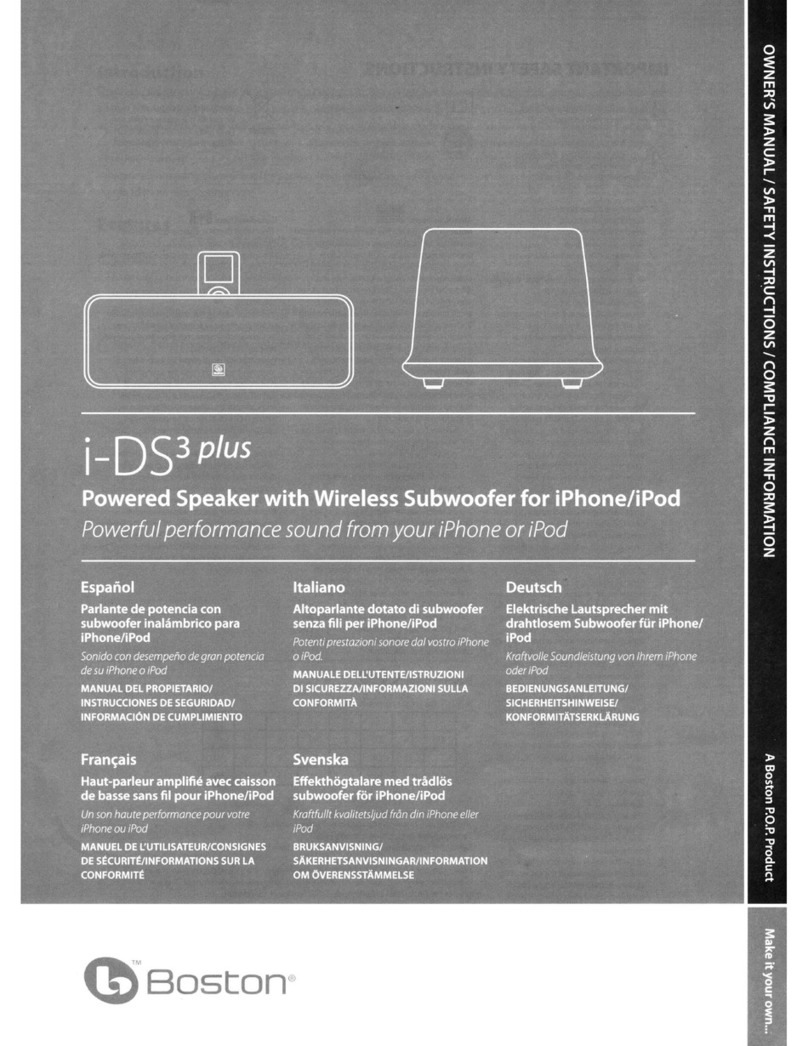
Boston i-DS3 plus user manual

Boston

Boston i-DS3 plus user manual

aqprox! APPSP06X user guide

aqprox!

aqprox! APPSP06X user guide

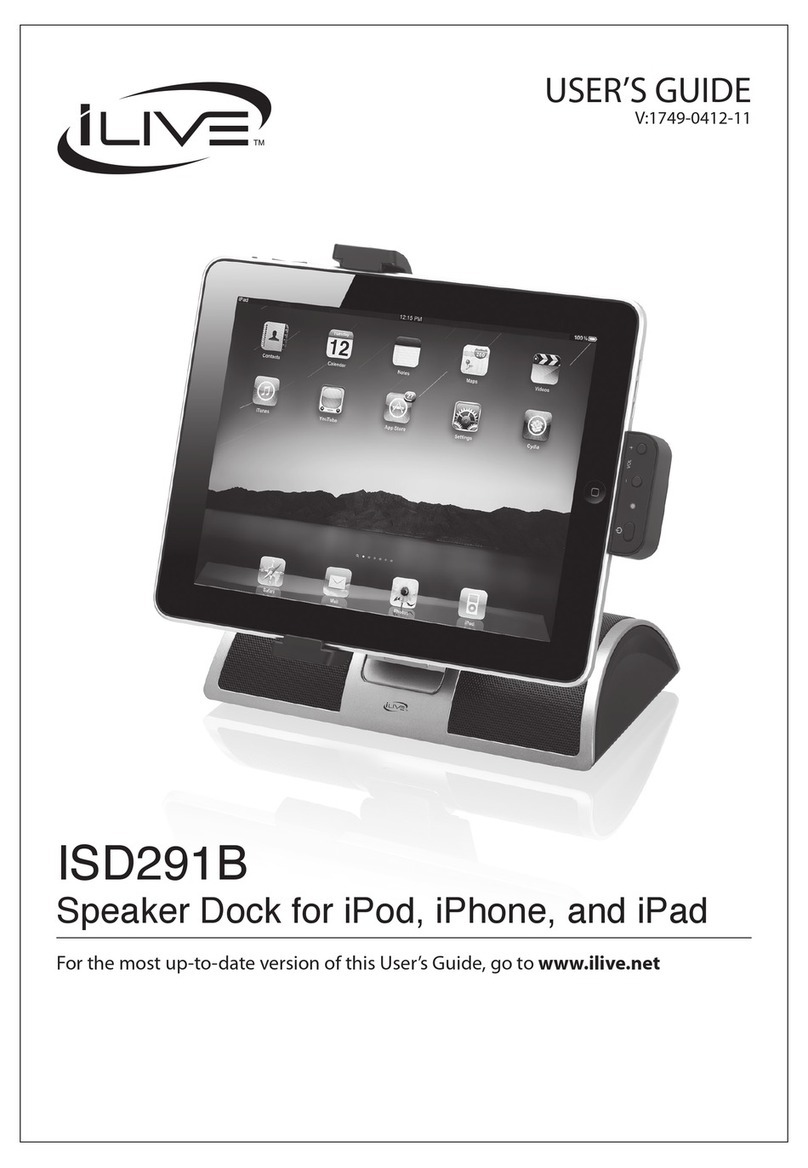
iLive ISD291B user guide

iLive

iLive ISD291B user guide

JBL on stager III WM owner's manual

JBL

JBL on stager III WM owner's manual

JAMO i200 FM manual

JAMO

JAMO i200 FM manual

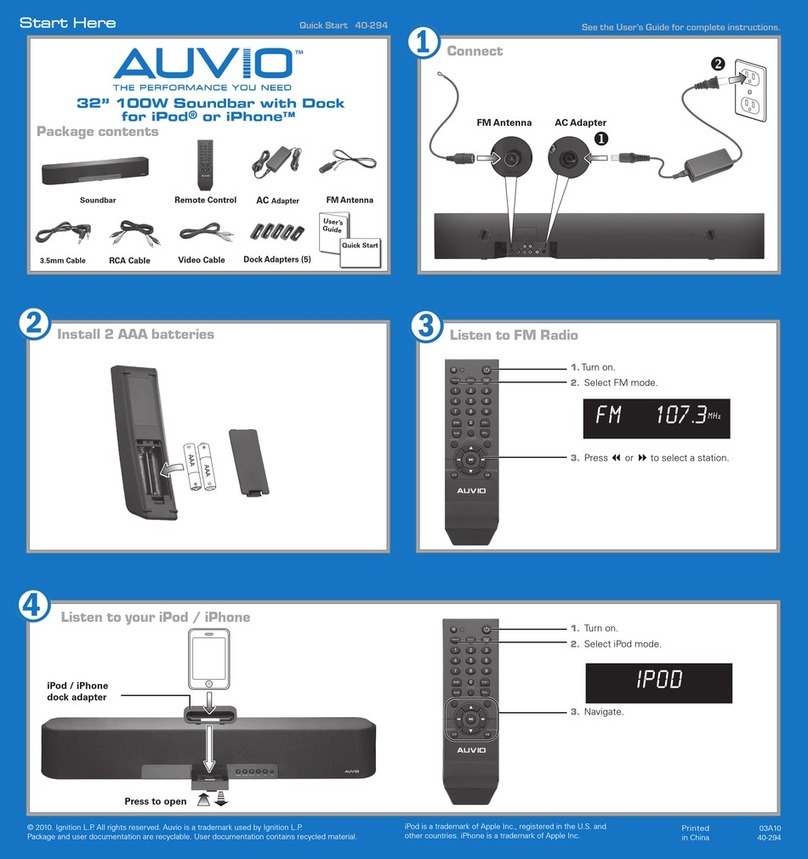
AUVIO Auvio 40-294 quick start guide

AUVIO

AUVIO Auvio 40-294 quick start guide

Insignia NS-IPSD1 Guide de l'utilisateur

Insignia

Insignia NS-IPSD1 Guide de l'utilisateur

Pioneer XW-NAS3 brochure

Pioneer

Pioneer XW-NAS3 brochure

Amethyst A9 iExecutive user guide

Amethyst

Amethyst A9 iExecutive user guide

Memorex Mi2032 - Portable Speakers With Digital Player... user guide

Memorex

Memorex Mi2032 - Portable Speakers With Digital Player... user guide

Dok CR11 user guide

Dok

Dok CR11 user guide

LENCO IPD-4100/2 Series user guide

LENCO

LENCO IPD-4100/2 Series user guide

LG ND5520 owner's manual

LG

LG ND5520 owner's manual

Boston i-DS3 plus owner's manual

Boston

Boston i-DS3 plus owner's manual

manuals.online logo
manuals.online logoBrands
  • About & Mission
  • Contact us
  • Privacy Policy
  • Terms and Conditions

Copyright 2025 Manuals.Online. All Rights Reserved.

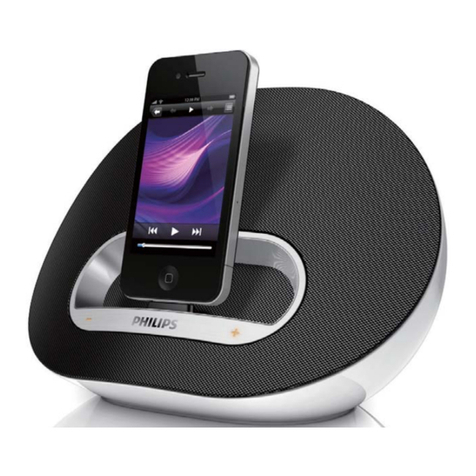
Philips Fidelio
Docking speaker
DS3500
Sound that fits your home
Obsessed with sound
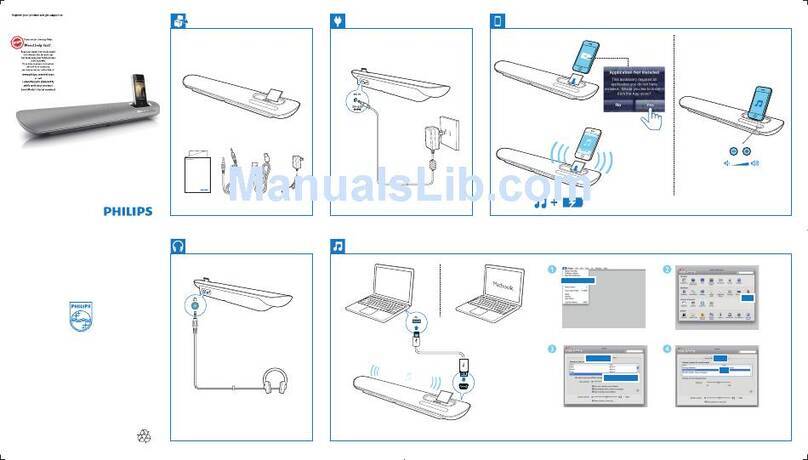
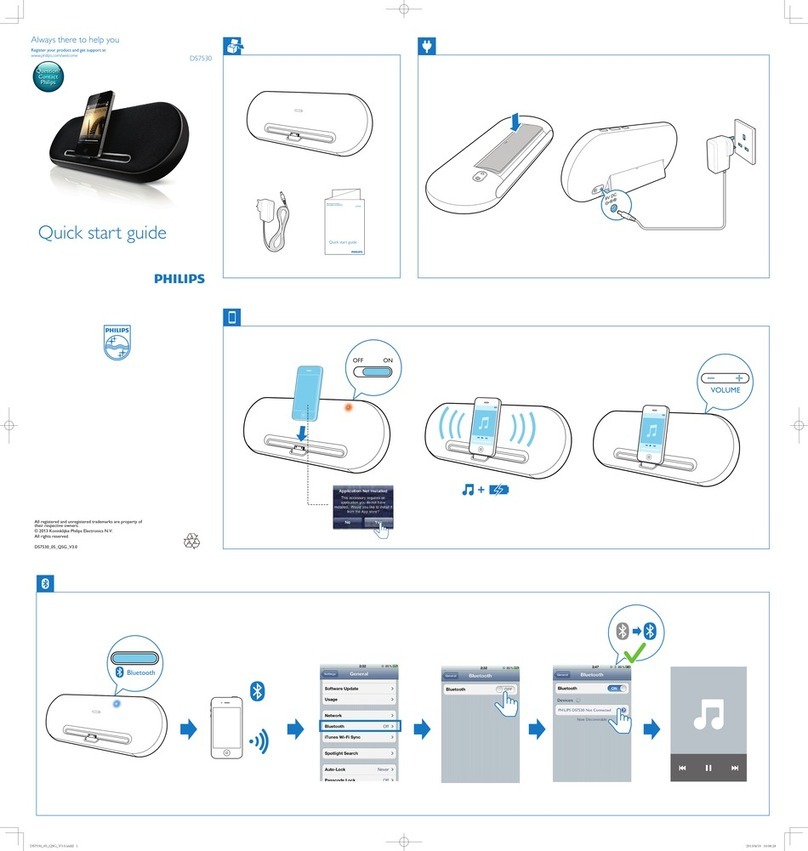
Go wireless with Bluetooth streaming and get more out of your music, gaming and video
experience now. Connect and sync your iPod/iPhone/iPad with your computer via USB.
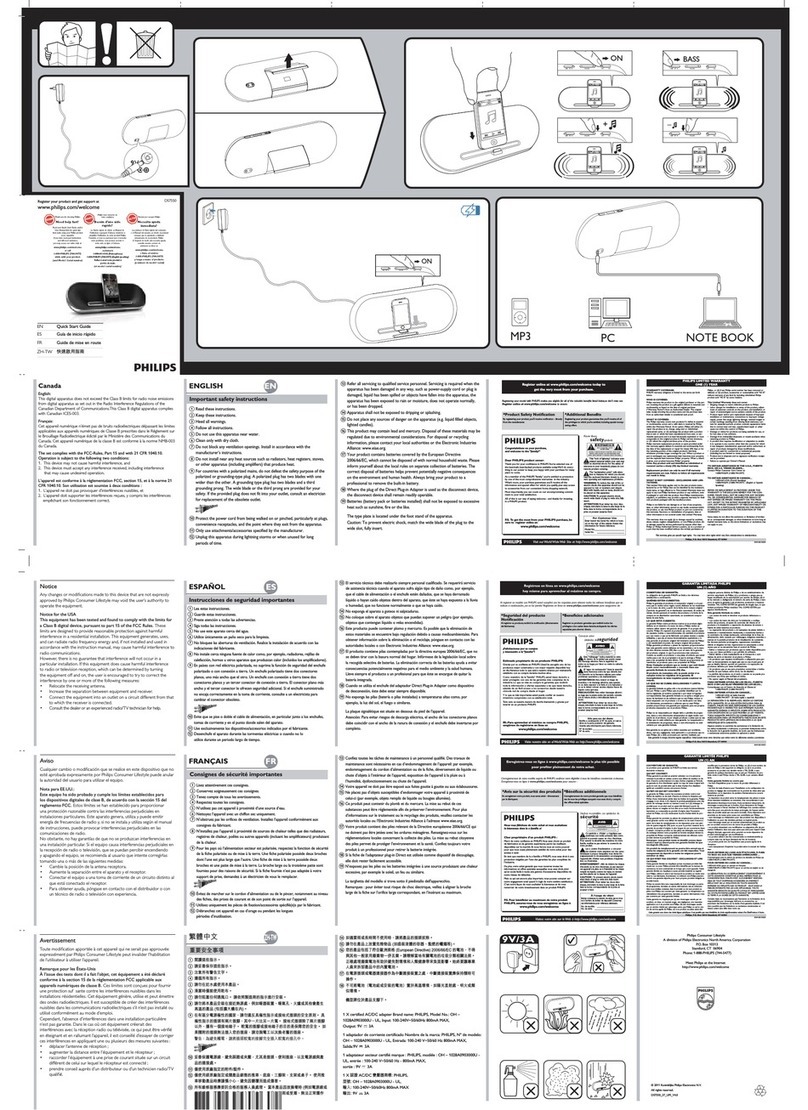
Plug in for power, or use batteries.
Crystal clear sound
• DBB to preserve low tones for deep bass at any volume level
• Precisely tuned bass pipes for deep, tight bass reproduction
• Neodymium speakers for pure balanced sound
• Superb gaming sound effects via Bluetooth
• Shielding technology to block mobile phone interference
Elegant and compact
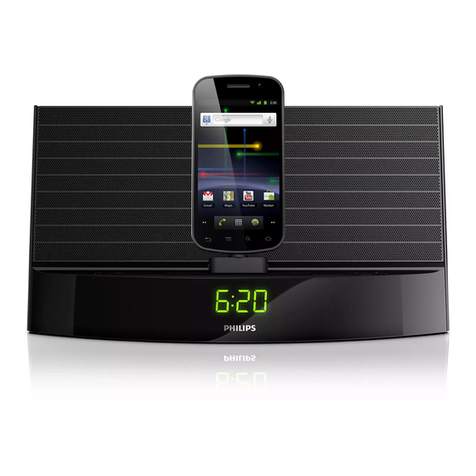
• Compact design for any space, any lifestyle
• Design fit for iPod/iPhone/iPad
Advanced versatility
• PC synchronisation with your iPod/ iPhone/iPad via USB
• Battery or AC power option for music enjoyment anywhere
• Dock any iPod/iPhone/iPad, even in its case
• AUX-in for easy connection to almost any electronic device
• Dedicated app available on the App Store for more functions
Issue date 2011-03-11
Version: 3.1.9
12 NC: 8670 000 71536
EAN: 87 12581 57987 6
© 2011 Koninklijke Philips Electronics N.V.
All Rights reserved.
Specifications are subject to change without notice.
Trademarks are the property of Koninklijke Philips
Electronics N.V. or their respective owners.
www.philips.com
Specifications
DS3500/12
Docking speaker
Highlights
AUX-in for easy connection
AUX-in for easy connection to almost any electronic
device
Compact design for any space
Compact design for any space, any lifestyle
Dock in its case
Smartly designed spring-loaded docking port
effortlessly accommodates any iPod, iPhone or iPad,
without special adaptors. What's more, it works
even when most protective cases are on - just dock
your iPod, iPhone or iPad as it is. Now you can truly
have fuss-free enjoyment of your music.
Dedicated app on the App Store
One simple application with a whole range of cool,
new features that allows you to browse easily and
play your music collection, control your speaker's
acoustic properties and check your docking station's
battery health from your iPad/iPhone/iPod Touch. It
also has a clock feature with multiple music and
sound of nature alarms. You can set your docking
station to wake you up playing your favourite music,
while your docked iPad/iPhone/iPod Touch displays
your favourite photo. This is a free application
created exclusively for use with the Fidelio docking
station and the iPad/iPhone/iPod Touch.
PC synchronisation via USB
Dock it, play it, sync it and charge it! Dig in to your
favourite music on your iPod, iPhone or iPad while it
charges and synchronises with your PC via USB –
and enjoy superb sound quality together with
thoroughly unbeatable convenience. Let the great
tunes go on and on – without ever running out of
power.
Superb gaming sound effects
The gaming experience is never complete without
great sound effects. Now your iPad, iPhone or iPod
Touch games can be made even more thrilling thanks
to this Fidelio docking speaker that puts the boom
into the sound. Hear all the sounds loud and clear,
and boost your experience to new levels. What's
more, you can do this with outstanding convenience,
via Bluetooth. Simply make the wireless Bluetooth
connection between your portable device and the
docking speaker, and play away.
iPhone compatibility
• Compatible with: iPhone, iPhone 3G, iPhone 3GS,
iPhone 4
iPod compatibility
• Compatible with: iPod, iPod mini, iPod nano, iPod
nano 1st Generation, iPod nano 2nd Generation,
iPod nano 3rd Generation, iPod nano 6th
generation, iPod touch, iPod touch 2nd
Generation, iPod touch 2nd Gen 8/16/32 GB, iPod
with colour display, iPod 5th Generation
iPad compatibility
• Compatible with: iPad
iPhone/iPod APP
• Free download from App store
• App name: Fidelio+
• Compatibility: Fidelio docking speaker, iPhone OS
3.0
• Playback: Album/track navigation, Playback
controls
• Sound settings: DBB, DSC-Flat, Pop, Rock, Jazz,
Classic
• Clock: Analogue display, Digital display
• Alarm: Multiple alarms, Sleep timer, Wake up to
music, Wake up to nature sounds, Wake up to
photos
Audio Playback
• Cradle playback mode: Charging iPhone
Sound
• Output power (RMS): 10 W
• Sound System: Stereo
• Volume Control: Volume Control up/down
• Sound Enhancement: Dynamic Bass Boost
Connectivity
• PC Link: USB 2.0
•Auxin
Loudspeakers
• Neodymium magnet system
Power
• Power supply: 100-240 VAC, 50/60 Hz, Battery
• Battery type: AA/LR6 Alkaline
• Number of batteries: 4
• Operating time on battery: 8 hr
Dimensions
• Product dimensions (WxDxH): 272 x 131 x 85 mm
• Master carton dimensions: (W x H x D): 300 x 173
x 135 mm
Accessories
• Cables: 3.5 mm AUX-in
•USBcable:White
•