REVERSE (MIRROR)IMAGING:
The SV-5345.IR Camerahasbuilt-incircuitryto“mirror” the imagesoobjectsonthe rightofvehicle
appearon the rightand objectsontheleft appearon theleft whenlooking atastandardmonitor.If
yourexistingmonitororin-dashmonitorhasareversecamerainputwherethemonitoritself performs
the mirrorimage,thenyourpicturewill notbe correct. Thisisduetothefactthe image isbeing
mirrored bytheplatecam and mirrored byyourmonitor.Checktosee ifyoucancontrolthesettings
inyourmonitortoturnoff the mirrorimagefeature.
WIRING:
1.Carefullychooseahiddenout-of-sightlocation(possibly behindtheplate)fordrillingthecable
hole.Somevehiclesmayhaveanexisting hidden rubbergrommetorplugavailabletoavoid
havingtodrill intothebody.Besuretodouble-checkforanywiring orobstructionsbehind the
surfacewhereyouaregoingtodrill the cablehole.Usetherubbergrommettomakeawatertight
sealforthecablewhereit passesintothevehicle.
2.Chooseaconvenientplacetorunthecameracableuptheleft,rightorcenterofthe vehicle.As
aruleofthumb,trytoavoidmainfactoryharness loomsthatmaycontainhigh levelsorRFnoise
orinterference.
3.You canconnectthecamerapowerattherearofthevehiclebehindthereverselights.You may
alsoconnectpowerinside thevehicleunderthedashorinthetrunk.TheREDpowerwiregoes
toReverseLight+12V,andtheBLACKwiretoGround.
4.Run theYELLOWRCAvideocabletoyourmonitor’svideoinputorreversecamerainput.
5.Therearetwosmall setsof GREEN andWHITEwiresthatcomeoutofthe maincameraharness.
ConnecttheGREENwirestogethertodeactivatethedistancegrid.Connectthe WHITEwires
togethertoactivateMirrorImaging.
NOTE:WheneveryouconnectordisconnecttheGREENorWHITEwires,youmustremove
powerfromthecameraandthenpoweritbackupforthe changestotakeeffect.
Connectto+12V
ReverseLight
MONITOR
Ground
REDWIRE
BLACKWIRE
BLACKPower Plug
YELLOW:RCAVideo Plug
ConnecttoMonitor
YELLOW
GREENWIRE
WHITEWIRE
ReverseImage Option
DistanceGridOption
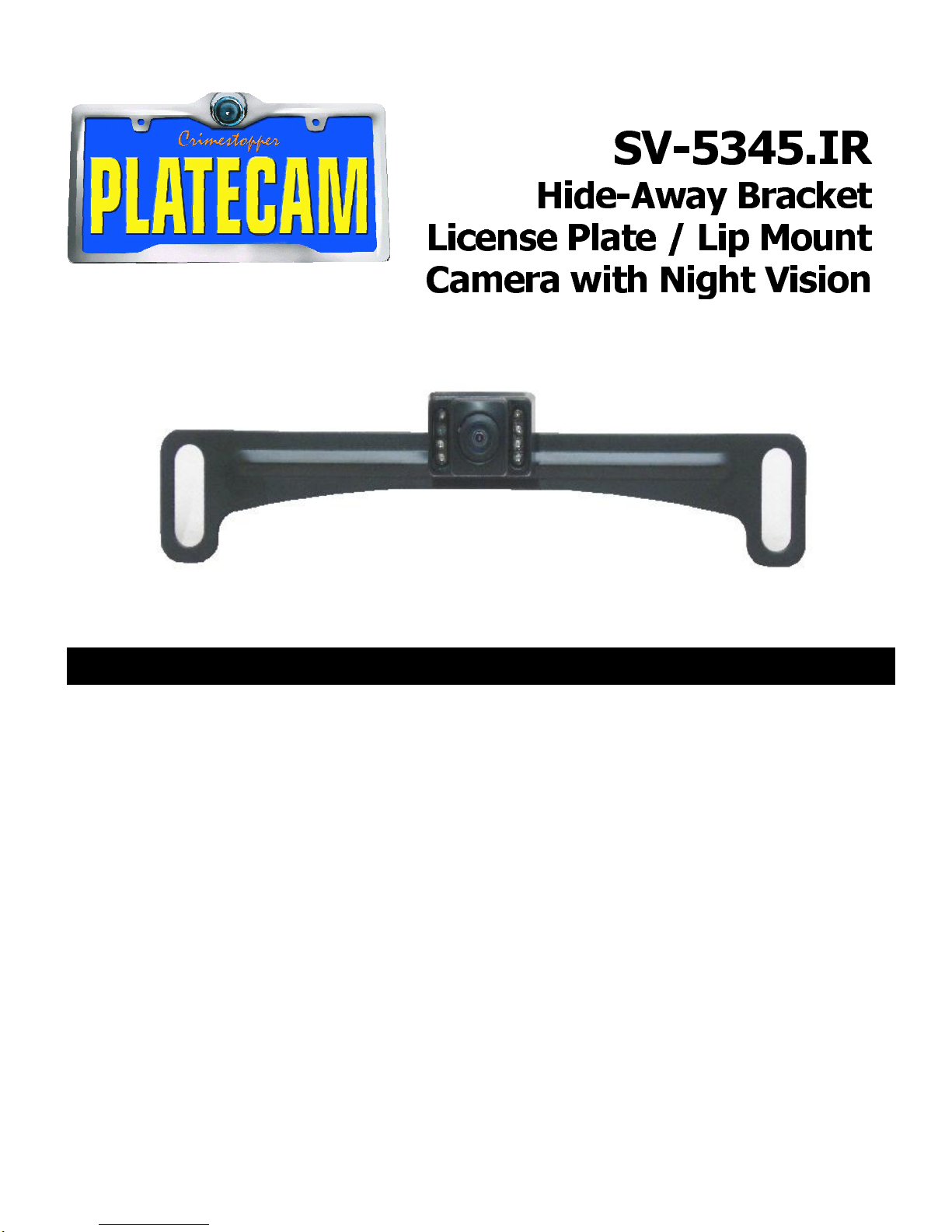
SV-5345.IR