manuals.online logo
Brands
  1. Home
  2. •
  3. Brands
  4. •
  5. PROAIM
  6. •
  7. Rack & Stand
  8. •
  9. PROAIM GP-FTGP-01 User manual

PROAIM GP-FTGP-01 User manual

Other PROAIM Rack & Stand manuals

PROAIM SBP-02 User manual

PROAIM

PROAIM SBP-02 User manual

PROAIM VCTR-CM User manual

PROAIM

PROAIM VCTR-CM User manual

PROAIM P-GMBC-01 User manual

PROAIM

PROAIM P-GMBC-01 User manual

PROAIM CINEMA Series User manual

PROAIM

PROAIM CINEMA Series User manual

PROAIM P-BMMT-01 User manual

PROAIM

PROAIM P-BMMT-01 User manual

PROAIM CM-ISGP-01 User manual

PROAIM

PROAIM CM-ISGP-01 User manual

PROAIM AP-PTP-SCSR User manual

PROAIM

PROAIM AP-PTP-SCSR User manual

PROAIM SS-CT User manual

PROAIM

PROAIM SS-CT User manual

PROAIM SnapRig GP205 User manual

PROAIM

PROAIM SnapRig GP205 User manual

PROAIM SR-SBP-01 User manual

PROAIM

PROAIM SR-SBP-01 User manual

PROAIM Alpha User manual

PROAIM

PROAIM Alpha User manual

PROAIM CINEMA Series User manual

PROAIM

PROAIM CINEMA Series User manual

PROAIM TP-FWBS-01 User manual

PROAIM

PROAIM TP-FWBS-01 User manual

PROAIM CINEMA P-GH-30 User manual

PROAIM

PROAIM CINEMA P-GH-30 User manual

PROAIM VESA User manual

PROAIM

PROAIM VESA User manual

Popular Rack & Stand manuals by other brands

Dynex DX-MP3MT Quick setup guide

Dynex

Dynex DX-MP3MT Quick setup guide

Konig & Meyer 24185 manual

Konig & Meyer

Konig & Meyer 24185 manual

ECG LD 326501 instruction manual

ECG

ECG LD 326501 instruction manual

Philips SB7S19S/00 quick start guide

Philips

Philips SB7S19S/00 quick start guide

Woodline KIT-250 lb instructions

Woodline

Woodline KIT-250 lb instructions

ricoo S1222 installation instructions

ricoo

ricoo S1222 installation instructions

Kanto P301 user manual

Kanto

Kanto P301 user manual

VidaBox VB MNT FFS2 installation guide

VidaBox

VidaBox VB MNT FFS2 installation guide

PROEL PLWIN60C user manual

PROEL

PROEL PLWIN60C user manual

AllMounts PLB-43S instruction manual

AllMounts

AllMounts PLB-43S instruction manual

VMP VH-001 instruction sheet

VMP

VMP VH-001 instruction sheet

Nederman SYSTEM 920/400 instruction manual

Nederman

Nederman SYSTEM 920/400 instruction manual

Glasdon ORBIS POST MOUNTING KIT installation guide

Glasdon

Glasdon ORBIS POST MOUNTING KIT installation guide

Songmics LGR105 manual

Songmics

Songmics LGR105 manual

Grape GM401 user manual

Grape

Grape GM401 user manual

FourStarGroup 11225296 manual

FourStarGroup

FourStarGroup 11225296 manual

CHIEF FLR100 installation instructions

CHIEF

CHIEF FLR100 installation instructions

FEC XDCAM EX PMW-EX30 manual

FEC

FEC XDCAM EX PMW-EX30 manual

manuals.online logo
manuals.online logoBrands
  • About & Mission
  • Contact us
  • Privacy Policy
  • Terms and Conditions

Copyright 2025 Manuals.Online. All Rights Reserved.

1
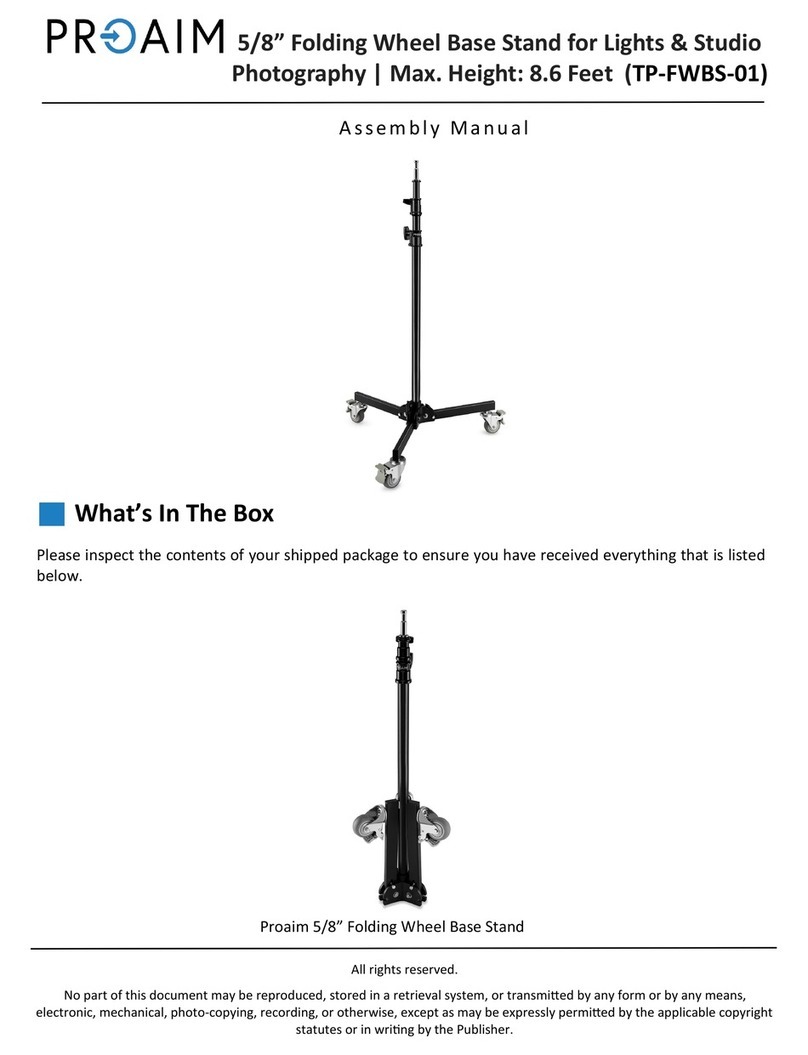
Please inspect the contents of your shipped package to ensure you have received everything that is listed
below.
All rights reserved.
No part of this document may be reproduced, stored in a retrieval system, or transmied by any form or by any means,
electronic, mechanical, photo-copying, recording, or otherwise, except as may be expressly permied by the applicable copyright
statutes or in wring by the Publisher.
2 x Small Sucon Cup
with Dust Cover (Black)
What’s In The Box
Fistgrip Car Mount with Shock Absorbing System
(GP-FTGP-01)
Assembly Manual
1 x Spanner (Size:13)
1 x L-Type Allen key (4mm)
4 x Dovetail Plates
8 x Counterweight
1 x Large Sucon Cup with
Dust Cover (Yellow)
4 x Shock-Absorbing
Adapter
Shock-Absorbing Arm Shock-Absorbing Head with
2 x V-Mount Baery Plate
2
Fistgrip Car Mount Setup
• Remove the blue dust cover of the Sucon
Car Mount.
NOTE: All sucon cups come with dust covers to
protect grippers from dust & provide maximum
surface adhesion.
• Mount a dovetail plate on the sucon cup
and properly aach it.
• Press down the sucon cup and keep pushing
the pump to rmly x it onto the car surface.
Repeat this process for all the sucon cups.
Cauon: Recheck the Pump every 90 minutes. If
the red line is visible, re-pump the cup without
losing the remaining vacuum ll the red line
disappears.
• Loosen the castle ring of a sucon cup and
remove it, as shown in the image.
• Similarly, follow the same process for the
other sucon cups.
2 x Safety Belt (Pair)
Flight Case
P-QRG
1 x DJI - QR Plate
3
• Tighten the assembly with the castle ring and
also, tighten and attach the other rings.
• Properly tighten the castle ring with the help
of the Allen key, as shown in the image.
• Loosen the center castle ring of the dovetail
plate, and then remove it.
• Loosen the knob of the adapter on the plate.
• Change the posion of the adapter
accordingly, and then re-ghten the knob.
• Mount the dovetail plate properly by aligning
it with the adapter.
NOTE: Multiple free holes have been provided
in the dovetail plate. The dovetail plates come
with mulple built-in expansion screws to
exibly link the plates together to achieve any
desired shoong angle possible.
4
• Secure it with the castle ring, and then
tighten it using the Allen key.
• Loosen the knob on the dovetail plate and
then push the push-pin button of the other
plate.
• Attach the dovetail plate by sliding it onto the
other plate.
• After attaching the plate, secure & tighten
the assembly via the knob on the plate.
• Loosen the knob present on the other end
and then slide the other plate to join both the
plates.
• Retighten the knob of the dovetail plate, as
shown in the image.
5
• Remove the yellow dust cover of Sucon Car
Mount.
• Loosen and remove the castle ring on the
sucon cup.
• Insert the suction cup into the end hole of the
dovetail plate, and then mount it on your
vehicle’s bonnet.
• Press down the sucon cup and keep pushing
the pump to rmly x it on the surface.
• Now secure the assembly using the castle
ring.
• Tighten the castle ring using the Allen key, as
shown in the image.
Larger Secon Cup Assembly
6
• Loosen and remove the castle ring of the
shock absorbing arm.
• Match the shock absorbing arm to the free
holes of the dovetail plate, and then insert it.
Secure it from the back end of the dovetail
plate using the castle ring.
• Loosen the spring tension knob of the shock
absorbing arm.
• Align & insert the shock absorbing head into
the arm.
• Tighten and secure the assembly using the
castle ring.
• Aach DJI-QR plate to the boom plate of the
shock absorbing head.
7
• Secure and lock the assembly with the help of
provided locking lever.
• Match the threads of the shock absorbing
head with DJI-QR plate to insert the bolts and
then tighten them using the Allen key.
• Insert the gimbal (Not Included) by sliding it
along the DJI-QR plate.
• Attach the battery (Not Included) by sliding it
onto the battery plate of the shock absorbing
head.
• One of the safety belts has a hook, while the
other has both a hook and a ratchet.
Lock lever
• Then aach the (P-QRG) plate with Ronin
Gimbal (Not Included) and ghten it properly
with the help of a screw driver.
8
• It lets you set up your camera in a multude
of posions onto the car through a smartly
featured modular dovetail mounng frame
and enhanced sucon system.
NOTE: Test all xtures before driving.
• Insert the safety belt into one of the holes of
the dovetail plate and then e it into a strong
knot.
• Insert the other end of the belt into the
ratchet, as shown in the image.
• Fasten the hook onto your vehicle.
• Tighten the belt using the ratchet, as shown
in the image.
NOTE: The System has a safety belt that secures
the components from slipping o.
• Follow the same procedure to aach second
safety belt (pair).
NOTE: Although the sucon cup holding force is
adequate for regular driving shots, you must
use safety belts/tension straps for addional
security. When mounted on cars, properly
secure the Fistgrip Car Mount aached to the
sucon cup (e.g. camera, gimbal, etc.) Tighten
safety straps carefully to prevent damages.

9
YOUR PROAIM FISTGRIP CAR MOUNT WITH SHOCK ABSORBING SYSTEM
ALL DRESSED UP AND READY TO GO!
(SHOWN WITH OPTIONAL ACCESSORIES)
Warranty: We oer one year warranty for our products from date of purchase. Within this period of me,
we will repair it without charge for labor or parts. Warranty doesn’t cover transportaon costs nor does it
cover a product subjected to misuse or accidental damage. Warranty repairs are subjected to inspecon and
evaluaon by us.
Liability: We are not liable for damage caused by products that we do not supply or from mishandling in
transit, accident, misuse, neglect, lack of care of the product, or service by anyone other than our company.
Contact Us: In case of any kind of dissasfacon, please Contact us immediately and we promise our utmost
support and care unl you use our product.
NOTE: It has two cable blocks to support the
gimbal and absorb ineral moon. And any of
them can be used in range of load capacity of
heavy & light ranged.